
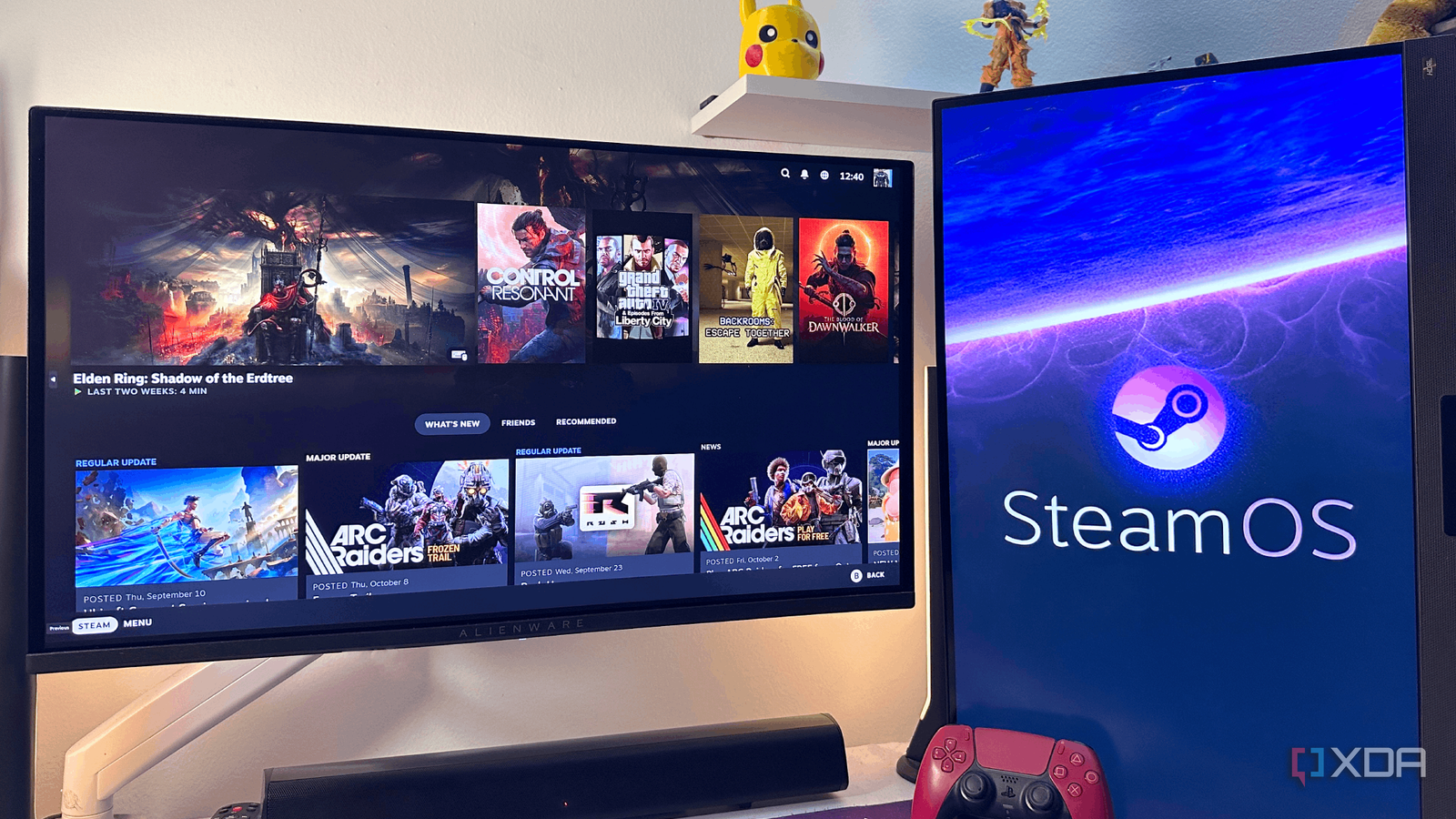
Published Oct 9, 2026, 1:30 PM EDT Gaming has been Samarveer’s greatest passion, and the Literature graduate in him takes immense joy in dissecting games for their themes, messages, and impact. Samarveer holds a deep appreciation of gaming, and considers the platform to be the most immersive and impactful across all media. He can be found engaging with gaming communities online, always ready to debate the finer points of ray tracing or itching to write an 8-page collegiate thesis on any game that impacts him emotionally. We'd all been waiting avidly to hear Valve reveal the price for the Steam Machine, much like millions of gamers around the world. So when I first saw the $1,049 price tag attached to the "PC console," my immediate reaction was that I could build something better for less. I've built enough PCs to know that a four-digit price tag can go pretty far, especially when I get to pick every component myself. As such, Valve's little box looked like exactly the sort of prebuilt that I'd confidently tell someone to avoid. And yet, things got a lot more interesting when I started pricing out an equivalent machine. The closer I got to replicating what Valve is actually selling, the less convincing my original argument became. I still think $1,049 sounds expensive, but now, I'm no longer sure it's the bad deal I initially thought it was. I tried to build the Steam Machine myself The component list looks deceptively simple The Steam Machine boasts a semi-custom CPU from AMD, so there's no retail chip exactly like it. What comes closest to its Zen 4 6-core 12-thread processor, however, is the Ryzen 5 7600, with the Radeon RX 7600 being the closest GPU equivalent to the Steam Machine's RDNA 3 28CU, 8GB VRAM graphics processor. It isn't a perfect one-to-one match, but it does put us in the right architecture and performance territory. Pairing it with a B650 motherboard is the obvious next step, and matching the Steam Machine's 16GB of RAM with a 16GB DDR5-6000 kit of my own was a no-brainer. Since the $1,049 model of the Steam Machine ships with 512GB of NVMe storage, I decided to stick with the same amount instead of reaching for a 1TB SSD — SSD prices in 2026 are no joke, after all. Now, none of these components are particularly exotic, but that's precisely the point. Component Steam Machine Retail PC equivalent Current Price CPU Semi-custom AMD Zen 4 (6c/12T) @ 4.8GHz | 30 W TDP AMD Ryzen 5 7600 (Zen 4) (6C/12T) $215 GPU Semi-custom AMD RDNA 3, 8GB GDDR6, 28 CUs AMD Radeon RX 7600 (RDNA 3) (8GB GDDR6) $340 RAM 16GB DDR5 16GB DDR5-6000 $250 Motherboard Custom Valve mainboard ASRock B650M-HM.2 $90 Connectivity Bluetooth 5.3 and Wi-Fi 6 UGREEN 2-in-1 USB Bluetooth Wi-Fi Adapter $18 Storage 512GB NVMe SSD 512GB NVMe (WD Blue SN5100) $130 PSU Internal 300-watt PSU 450–550W (Thermaltake Smart 500W) $40 Size ~6-inch cube mATX cabinet (Cooler Master) $30 Cooling Stock cooling system Basic air cooler $20 Total $1,049 Total $1,133 The power supply was the annoying part, and getting a compact case is as easy as finding the first decent $60 cabinet at the local store. This part of the build did, however, introduce dimensional constraints instead of financial ones, and it was all before I even started charging myself for assembling it. Clearly, even the basic parts to build a PC as close as possible to the Steam Machine were ballooning my budget past the GabeCube's $1,049 price tag. The biggest culprits, of course, were the RAM and the SSD, which used to be available earlier at $60 each (better times), but now demand a RAMflation premium. I couldn't be too mad, though, since it's the exact environment that forced Valve to release the Steam Machine with a four-figure price tag. Not only was my "closest equivalent" almost a full hundred dollars over the Steam Machine's retail price, but it also wasn't quite the slam dunk I'd expected it to be. Not a single component on this PC could wildly outperform its Steam Machine equivalent, after all. The Steam Machine sells peace of mind, too One box, one brand, and considerably less troubleshooting There's a reason consoles continue to sell millions of units despite gaming PCs offering better performance per dollar. A PS5 or Xbox is one complete product, with one manufacturer responsible for making the entire experience work. I've talked about how the Steam Machine promises that same convenience, and I think that's considerably more valuable than its spec sheet lets on. Assembling a PC always comes with separate component warranties to juggle with, motherboard quirks, and driver issues you can't ever see coming. When something goes wrong, figuring out whether the culprit is your GPU, power supply, or some obscure software conflict becomes your unpaid second job. On the other hand, with Valve's machine, there's one company to buy from, one brand to contact when trouble strikes, and a single piece of hardware designed to work as a cohesive product. Plus, there's Steam itself — Valve has spent decades building goodwill with PC gamers through its storefront, ecosystem, and features that make buying and playing games remarkably painless. Sure, that doesn't somehow automatically justify the $1,049 price tag, but it does count for something. With the Steam Machine, you're buying a fully established ecosystem instead of picking components off a shelf and hoping they all work as seamlessly as Valve's hardware. I still wouldn't tell every PC gamer to buy the Steam Machine The best value depends on what you're actually paying for The Steam Machine becomes an incredibly hard sell if you already own a gaming PC. For anyone like myself who has already paid for the pricey components that make a desktop tick, spending another $1,049 for a compact system running SteamOS makes little sense, unless you specifically want a dedicated living-room machine. There's no reason to spend a thousand dollars when you can simply spend chump change on getting Ethernet into your TV and self-host your own PC's entire gaming library through Moonlight and Apollo. There's also the fact that building your own PC gives you control that Valve simply can't hand over. The ability to upgrade individual components, reuse hardware you already own, and spend more of your budget on performance is something the Steam Machine doesn't provide at all. If squeezing every last frame out of your money is the objective, a DIY build remains the more sensible route. But for someone who wants PC gaming without the assembly, troubleshooting, and endless component comparisons, the equation changes. The Steam Machine offers a console-like experience without abandoning the Steam library, and that convenience has genuine value. I wouldn't, in good conscience, call the Steam Machine an outright bargain, but I wouldn't dismiss it as overpriced, either. Steam Machine CPU AMD 6-core Zen 4 x86, up to 4.8 GHz, 30W TDP Graphics Semi-custom AMD RDNA3 28CU (8GB GDDR6, 2.45GHz max sustained clock, 110W TDP) Memory 16GB DDR5 SODIMMs Storage 512GB or 2TB models, microSD card slot Ports DisplayPort 1.4, HDMI 2.0, Ethernet (1Gbps), USB Type-C 3.2 Gen 2, 2x USB Type-A Gen 3 (front), 2x USB Type-A Gen 2 (rear) Operating System SteamOS Sometimes, convenience is worth paying for I've always believed that building a PC should be about getting exactly what you want out of your hardware, not blindly chasing the cheapest way to play games. And yet, having spent several weekends tinkering and troubleshooting when something inevitably went wrong, I can also see why someone might want to skip it all. There's nothing wrong with wanting to buy a machine and simply getting on with your life, after all. The Steam Machine challenges the assumption that every gaming device needs to justify itself through raw performance per dollar. I still prefer having control over my hardware, and I suspect plenty of PC enthusiasts will agree. But that doesn't change the fact that the Steam Machine delivers a dependable, genuinely console-like experience at its price, which means that not every dollar needs to go toward another frame per second.
The $1,049 Steam Machine isn't a bad deal — I just priced one out and proved it to myself
Full Article
Original Source
Read the full article at Xda-developers →KhanList aggregates and links to publicly available news content. We do not host full articles from third-party sources. Always verify important information with original sources.