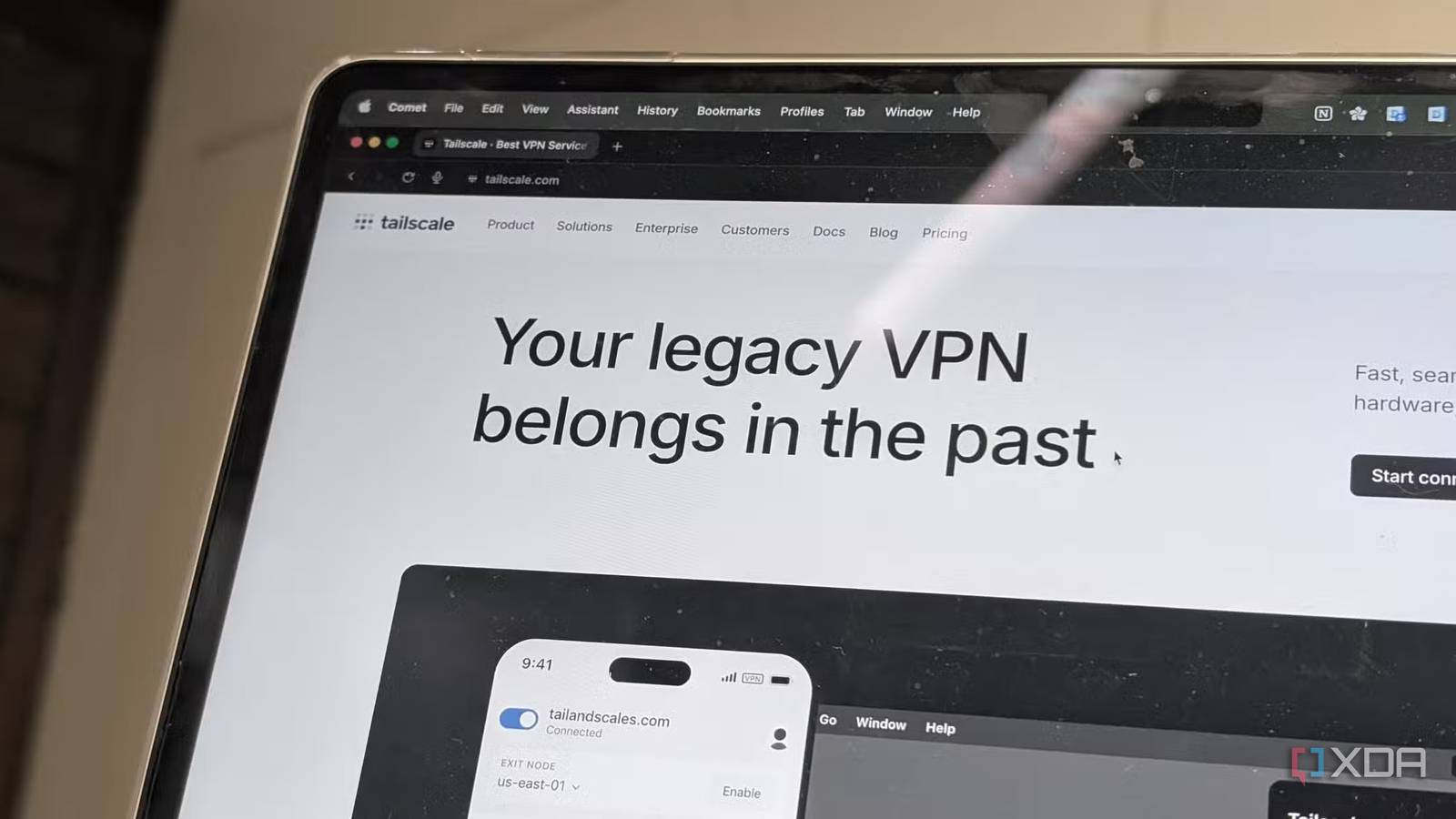
Published Jul 19, 2026, 10:00 AM EDT Korbin is a Linux system administrator who spends most of his time in a terminal figuring out how things actually work. Over the last decade he's written hundreds of articles about Linux configuration, troubleshooting weird problems, and using open-source tools in the real world. He also works a lot with Windows systems and networking, especially in mixed environments where things don't always behave the way the documentation says they should. Writing things down is how he makes sense of it all and hopefully saves someone else a few hours. It used to be that reaching your network from the public internet required you to either pay for a VPN or spend a lot of time configuring your router and fielding security concerns. I went with that first option for years, because I wasn't interested in dealing with dynamic DNS and port forwarding. The cost was worth it to access my NAS and home server from wherever I happened to be. Tailscale's free Personal plan got good enough this year that a paid VPN subscription no longer made sense for me. The free tier was already decent, considering it didn't cost a penny, but now it's even more generous. When I checked everything Tailscale now offers and compared it to the features I use, it was a no-brainer to cancel my VPN subscription and switch to Tailscale's free service. Six users give you a lot of headroom for free I can't even use everything Tailscale is offering When Tailscale updated its pricing earlier this year, the free Personal plan increased the user limit from 3 to 6, while device limits remained unlimited on every plan. My tailnet includes my laptop, desktop, phone, my partner's phone, a NAS, and a few cloud VMs, and there's still room for more since Tailscale has no limit on devices. As for users, my household and a couple of other friends (who connect to my Jellyfin service) can all access the tailnet for free. Tailscale's feature list is surprisingly long for the free tier. MagicDNS lets me access all my devices by name, so I don't need to worry about memorizing IP addresses. I can just SSH into "nas," which makes things a lot easier. Subnet routers expose my home's entire LAN, which includes network devices that aren't capable of running the Tailscale client, like my printer. And exit nodes allow me to route my laptop's traffic back through my home connection in case I'm on sketchy Wi-Fi or need to make it seem like I'm connecting from home (helps with websites like online banking). All of that can sound like a lot of configuration, but the setup is actually really easy. Compared to handling everything yourself, like the NAT settings and firewall rules, configuring Tailscale is trivial. Once you install the client and log in, every device finds the others on its own. My original motivation for switching to Tailscale was the free price tag, and the ease of the setup ended up being an equally compelling reason for ditching the paid VPN I was using, which required a lot of extra manual tweaking. Why I was paying for this in the first place I lost the bill and the extra hassle when I switched The VPN I canceled was technically solving the same problem that Tailscale does. Having the VPN meant that I didn't need to forward a port or run my own dynamic DNS just to reach my home network. It works the same way as WireGuard-based tools like Tailscale does: devices go through NAT directly with encrypted connections, and neither device has to expose a listener to the public internet for random bots to stumble onto. What was different about the paid VPN is that it didn't handle the brunt of setup and configuration the way that Tailscale does. There was a cap on how many devices could stay connected at once, and the bundled client software required me to open the app, establish a connection, and remember to disconnect when I was done. Tailscale simplifies that process: once a device joins my tailnet, it stays reachable at all times, and I don't need to reestablish a connection. There's still one reason you may need a paid VPN Free Tailscale won't trick streaming services One of the main reasons people purchase a VPN subscription is to circumvent streaming services' location-based blocking policies. Services like Netflix determine which portion of their catalog you're allowed to have access to based on the country your connection originates from. None of Tailscale's free features will help with that, since it's not that kind of VPN. Tailscale is for accessing your LAN securely from the internet. It does have exit nodes, but that only helps you route outside connections through your home IP. If you need to rely on a VPN to unblock a foreign show you're watching, you'll need to choose a different VPN provider. Tailscale (free or paid) was never built to compete with dedicated privacy/streaming VPN services in the first place, so it's in a different product category entirely. Likewise, if you want to use a VPN to mask your IP for any reason, Tailscale is also not the right service. I'm only using it for remote access to my LAN, and it handles that specific job very well. The best upgrade didn't require me to pay anything A free product this good doesn't come around often, and I keep half-expecting to find a catch somewhere. But it's been a few months in, and there still isn't one. If you're still paying for a VPN to remotely access your own devices, it's worth taking a few minutes to see whether Tailscale offers the same (or better) features as your provider for free. Tailscale Tailscale is a tool that allows you to create specific network connections so you can remotely access resources within a private network.
Tailscale's free plan replaced my $100-a-year VPN subscription
Full Article
📰 Original Source
Read full article at Xda-developers →KhanList aggregates and links to publicly available news content. We do not host full articles from third-party sources. Always verify important information with original sources.