
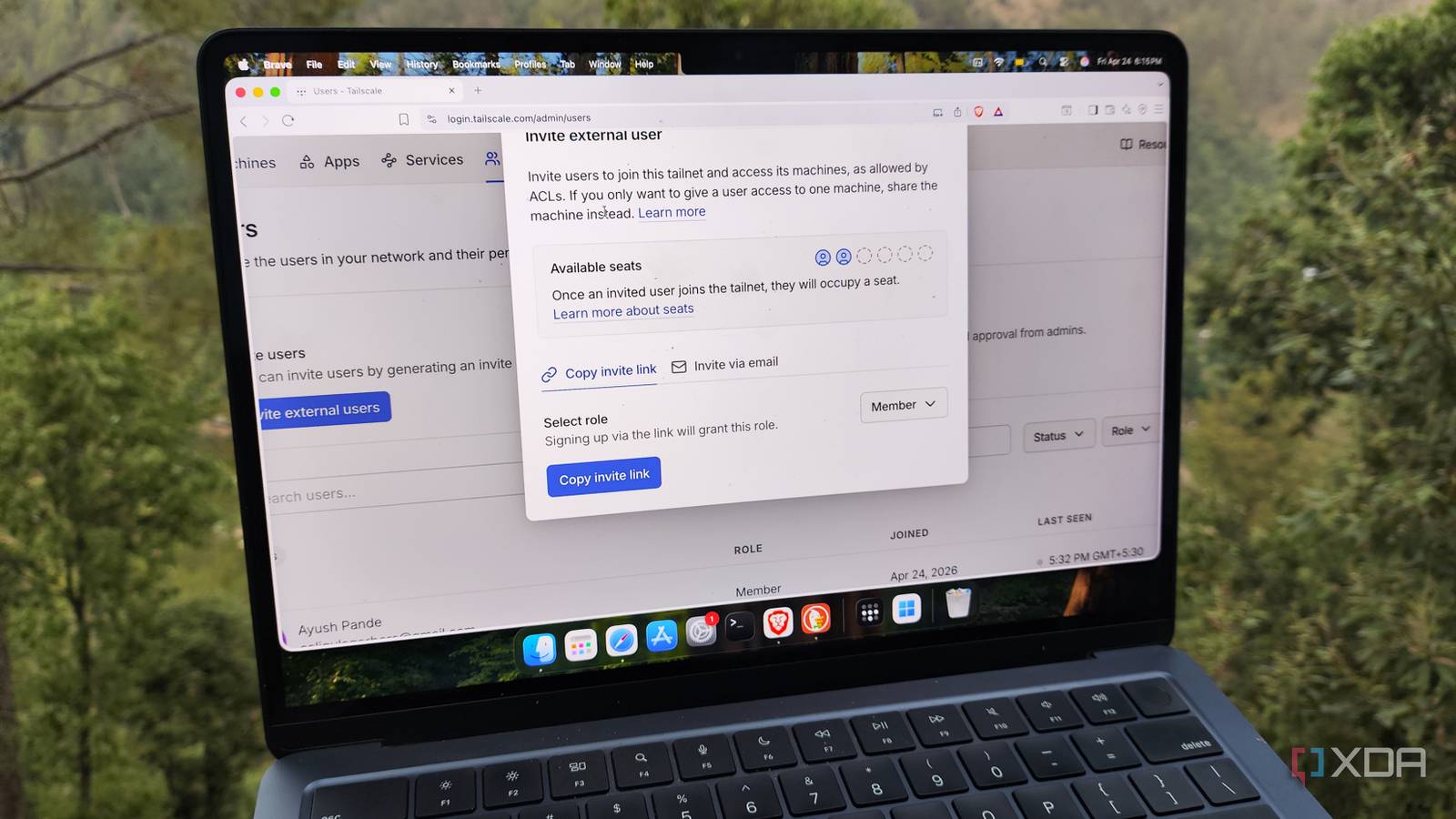
Published Nov 24, 2026, 10:30 AM EST Ayush Pande is a PC hardware and gaming writer. When he's not working on a new article, you can find him with his head stuck inside a PC or tinkering with a server operating system. Besides computing, his interests include spending hours in long RPGs, yelling at his friends in co-op games, and practicing guitar. I’ve been using containerized services in my home lab ever since I turned an old PC into a Docker workstation, and my self-hosting antics snowballed after I encountered Proxmox. Today, I’ve got so many productivity, quality-of-life, and data archival tools up and running on my repurposed devices that I need a second stack of admin apps to ensure they work as intended. This includes everything from neat dashboards and monitoring agents to reverse proxies, backup services, and authentication tools. But unlike the rest of my administration stack, a third-party app remains at the center of my home lab, and it’s none other than Tailscale. After all, Tailscale’s solid remote management features served as a solid alternative to three other services I’d spent a long time trying to configure. My CGNAT-afflicted network has issues with self-hosted VPN, DDNS, and port-forwarding pipelines And the workarounds have their own caveats One of the biggest issues I ran into early on in my home labbing journey was ensuring my services remain accessible even when I leave my tinkering cave. On paper, I could technically use port forwarding to expose individual services to the Internet. But between all the botnets and malware floating around on the Internet, port-forwarding every tool in my arsenal poses a huge security risk. That’s where a self-hosted VPN like WireGuard/OpenVPN comes into the equation by creating an encrypted tunnel into my network – one that I can use on my laptop, phone, and other portable devices to log directly into my FOSS stack without exposing all the services individually. I could open the ports needed for this VPN on my router, and then use dynamic DNS to ensure my devices can still find the ever-changing public IP address for my VPN server. The problem? I’ve had to work with a Carrier-Grade NAT on my current ISP, which makes it a lot harder to put this pipeline together. For the uninitiated, CGNAT puts multiple clients behind the same IPv4 address, meaning my router doesn’t have a unique public IP address. And since my home network doesn’t have its own dedicated public IP, port-forwarding wouldn’t work. Likewise, DDNS alone can't provide a path through my ISP's NAT, while a self-hosted VPN won't be able to accept inbound connections. Using a virtual private server as a relay can help, but most platforms require me to rent their servers, and I’d rather not burden my wallet with yet another recurring subscription. Of course, there are a couple of free VPS providers that provide low-resource systems at $0 a month, but everything I’ve tried so far has required me to sign up, often with my permanent address, phone number, and a credit card number – and that’s information I’d rather not give away to some random company, especially when something like Tailscale already exists. Tailscale replaces all three services without forcing me to spend a dime It’s a godsend for exposing FOSS tools safely outside my LAN Rather than requiring multiple workarounds to expose my FOSS stack, Tailscale provides a peer-to-peer mesh network – one that uses encrypted WireGuard tunnels. As for my CGNAT-affected network, Tailscale uses P2P UDP connections and encrypted DERP relays to bypass its restrictions and ensure that my home lab nodes and self-hosted services are accessible on external networks. The best part? Tailscale doesn’t cost a penny to use, as its free plan includes everything most tinkerers can ask for. Heck, Tailscale made its free plan even more generous by increasing the max number of users per tailnet to 6. Plus, it removed the cap on the number of devices you can connect to a tailnet, but truth be told, that was never a problem for my overengineered setup thanks to a certain Tailscale setting … Tailscale packs a bunch of other QoL features, too In a barebones Tailscale setup, you’d have to install the app on every client machine and use the online web UI to hook it up to your tailnet. When you’ve already got dozens of devices in your arsenal and are in the habit of spinning up new services like I am, manually configuring Tailscale on every machine – virtual or otherwise – can get rather tedious. Fortunately, Tailscale supports the subnet router functionality, which provides a neat fix to this problem. Setting a node as a subnet router allows it to act as a gateway to advertise IP subnets to practically every other device in my arsenal, including printers and other gizmos that don’t support Tailscale. I’ve played with different subnet router configurations, and currently, a mere Raspberry Pi Zero (first gen, no less) board provides this functionality for my home lab. Then there's Tailscale Funnel, which lets me expose local services to the Internet, not just my P2P tailnet. I typically use it for self-hosted services that I wish to share with friends and family without adding them to my tailnet. That said, I typically use Authentik-powered authentication to add an extra layer of security to this setup, and shut the funnel down when it's no longer needed. Tailscale also offers the exit node facility to route all the public Internet traffic from a specific device through a local node in my tinkering cave. I often enable this feature when I need to browse the Internet on a public Wi-Fi, as it lets me route my laptop's outbound traffic through an encrypted WireGuard tunnel. Plus, it’s really handy for accessing local banking apps and other IP-restricted services that refuse to work when I’m in a different country. Make remote access a breeze with Tailscale I’ve been relying on Tailscale for well over a year now, and it has held up incredibly well for my remote access needs. Sure, I still have to rely on Tailscale’s coordination servers to ensure that my devices remain accessible on the tailnet. But the actual encrypted traffic travels over a P2P connection, making Tailscale secure enough that I can use it to remotely manage and (more often than not) troubleshoot my nodes. Tailscale OS Windows, macOS, Linux, Android, iOS
Tailscale replaced the VPN, the port forwards, and the dynamic DNS I'd been searching for years
Full Article
Original Source
Read the full article at Xda-developers →KhanList aggregates and links to publicly available news content. We do not host full articles from third-party sources. Always verify important information with original sources.