
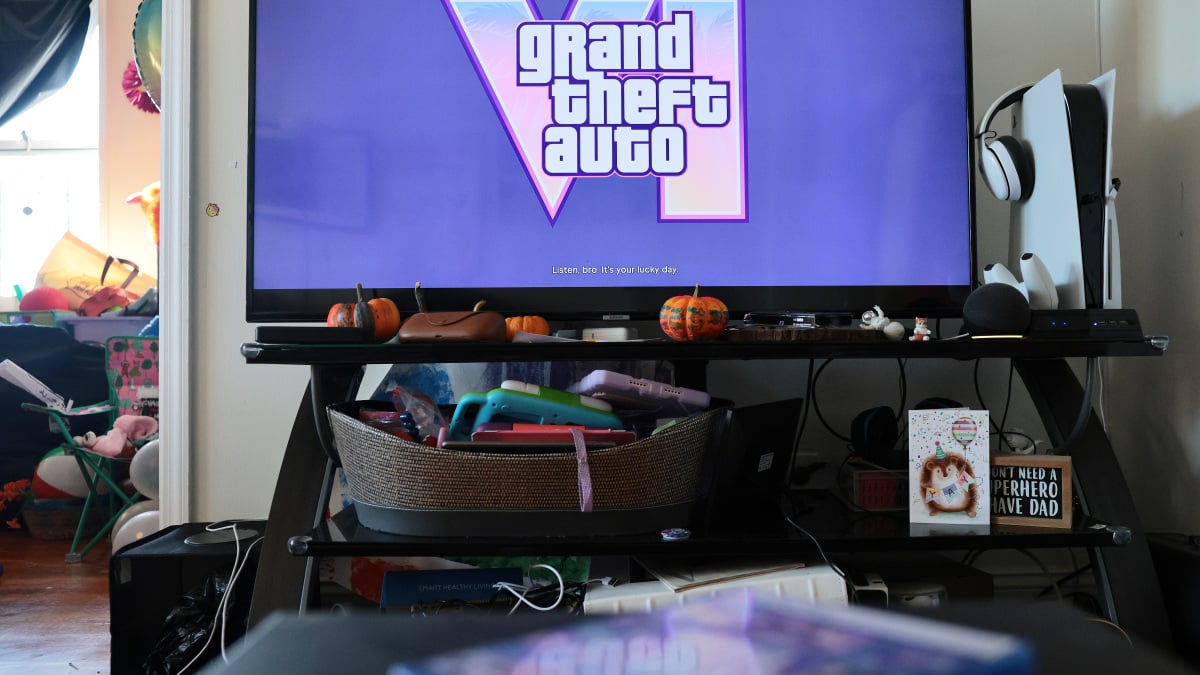
Grand Theft Auto VI has quite a stacked soundtrack.Cardi B, Travis Scott, Dua Lipa, Justice, Lana Del Rey — these are just some of the artists whose music can be heard on dozens of in-game radio stations.GTA 6's plethora of licensed music has led to some viral moments, like the clip of streamer caseoh rocking out to Ariana Grande in real life while chilling out in a car in the game. This Tweet is currently unavailable. It might be loading or has been removed. However, as fun as those moments can be, there is a danger to being a livestreamer while playing licensed, copyrighted music during a stream. While Rockstar Games gives permission to online creators to stream and create videos with their own music created for the game, that doesn't extend to licensed music from record labels and artists. The best tech deal this week The Apple iPhone 18 Pro is free right now with T-Mobile Products available for purchase through affiliate links. If you buy something through links on our site, Mashable may earn an affiliate commission. Mashable Light Speed An in-game licensed song playing on your YouTube or Twitch channel can get your content taken down. Creators can also receive copyright strikes, which can result in demonetization or in some cases complete removal of their account.Thankfully, Rockstar Games has kept streamers and content creators in mind and gave them an easy way to shut off licensed music. Here's how to do it.How to mute licensed music in GTA 6 Credit: Rockstar Games / Grand Theft Auto VI / Mashable screenshot Simply pause the game by pressing the option or menu button on your controller.Next, scroll down to the Settings option.In the Settings menu, head to the very last tab labeled Audio.Finally, scroll down to Mute Licensed Music and toggle this option on.This option will mute all the licensed music in the game and ensure your streams and videos don't get taken down. There are some things to note. Rockstar Games does not provide any royalty-free replacement music. If a licensed song is playing on the radio in-game, users won't hear anything until a radio show host or original song comes on. With that said, original music created for the game will continue to play. In addition, captions for licensed music will still appear on screen even though the music won't be audible.You can always roll the dice and hope a song played on the radio in GTA 6 doesn't take down your stream or clip. But, this Mute Licensed Music option will help you avoid any potential issues.
Streaming GTA 6? Turn this setting on so you dont get copyright strikes.
Full Article
Original Source
Read the full article at Mashable →KhanList aggregates and links to publicly available news content. We do not host full articles from third-party sources. Always verify important information with original sources.