
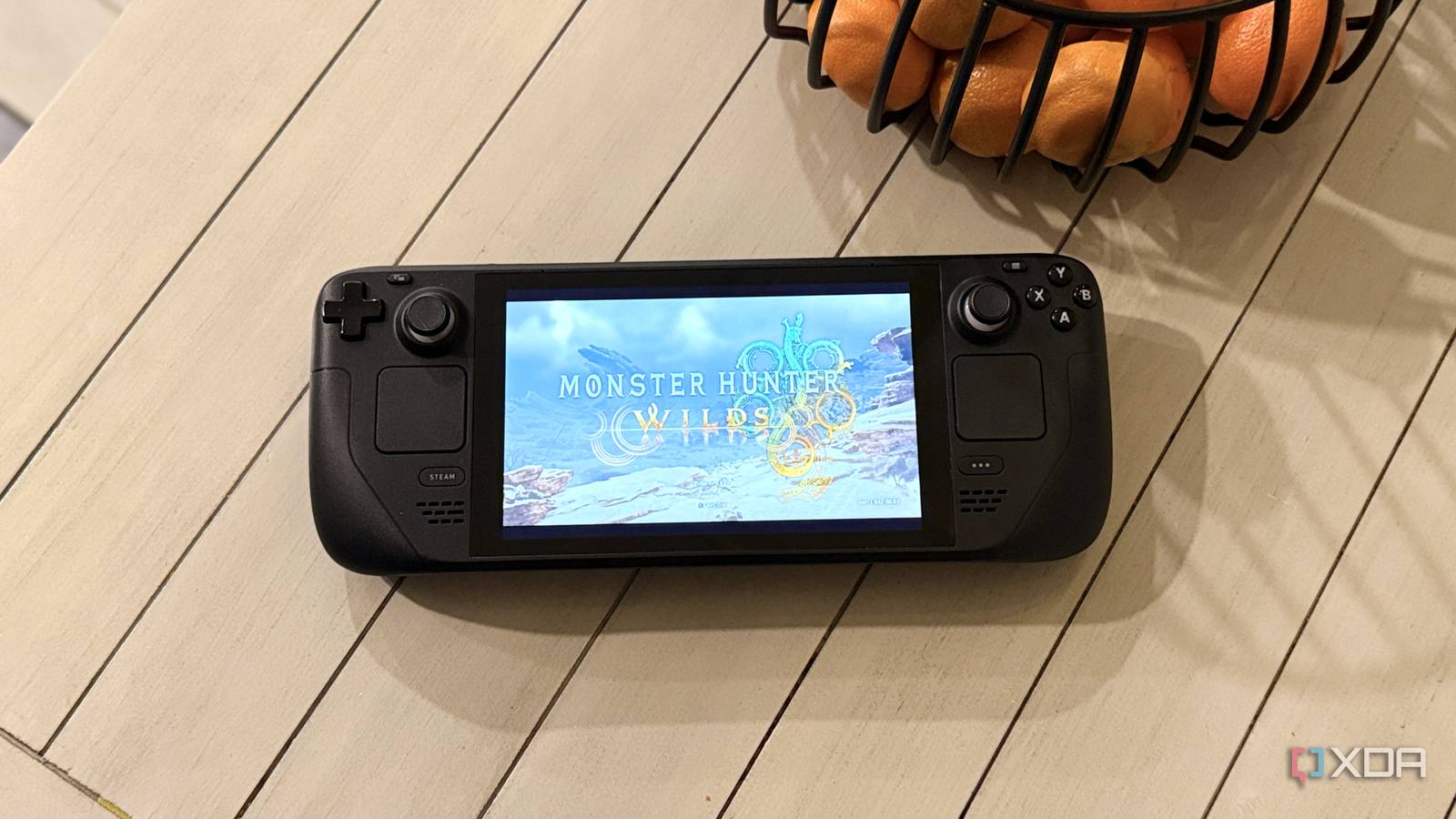
Published Nov 4, 2026, 9:00 AM EST Maker, meme-r, and unabashed geek, Joe has been writing about technology since starting his career in 2018 at KnowTechie. He's covered everything from Apple to apps and crowdfunding and loves getting to the bottom of complicated topics. In that time, he's also written for SlashGear and numerous corporate clients before finding his home at XDA in the spring of 2023. He was the kid who took apart every toy to see how it worked, even if it didn't exactly go back together afterward. That's given him a solid background for explaining how complex systems work together, and he promises he's gotten better at the putting things back together stage since then. It's no secret that I love my gaming handhelds, but I love the Steam Deck above all. I use it as a desktop most of the time, but I also use it for gaming and like to use upscaling when I do. AMD's FSR is good, although it's not as crisp as Nvidia's DLSS, and it's still about half a generation back in overall image quality. But what if you could use DLSS on a Steam Deck's APU? Even if you don't get any difference in frame rates, you might end up with a better experience thanks to less ghosting or blurring (or any of the myriad of other issues with FSR). Thanks to one mod, HelixSR, you can do that, swapping in DLSS 3.7 in place of FSR with some DLL shenanigans, so, of course, I pulled out my Steam Deck to put it through some abuse. Getting Nvidia's DLSS onto an AMD handheld The Deck has to pretend it's a desktop RTX 4090 first Getting HelixSR (and therefore DLSS) onto the Steam Deck was simple. Download a zipfile from GitHub, run the script inside once it unpacks. This downloads all the necessary things, including DLSS shaders for the games you're installing it into. It's a fast-moving project (version 1.0 was October 5, and we're on 3.2.0 as of Oct 30), so I can't say with any guarantee that my experience will be what yours is. But it was fast enough, and I didn't encounter any issues. One thing to point out is that the latest version doesn't require you to put anything in the launch arguments on Steam. Earlier versions did, but I found it worked without after installing the HelixSR shaders. The Deck has to pretend it's a desktop RTX 4090 first Just like Optiscaler (which this appears to be built on top of, based on the UI), HelixSR installs as dxgi.dll, and fakes being an Nvidia GeForce RTX 4090. At least, that's what Shadow of the Tomb Raider told me while it was loading up, while complaining about an outdated GPU driver. Horizon Zero Dawn either doesn't do that check or doesn't care, because it loaded up without any complaints. You also have to remove any old mods first. Seems self-evident, but I forgot I had multiple versions of Optiscaler installed and those had to get grepped out of the installation folders before using HelixSR. DLSS on the Steam Deck costs nothing and gains nothing Both games I tried ran out of CPU before they ran out of GPU I'm not sure what I expected going into this, other than thinking how cool it was that Nvidia's graphics tech runs on hardware with no Tensor cores. Just getting it running is neat, and testing didn't really show much variance between the stock upscalers and HelixSR. Game (preset) Upscaler Avg FPS GPU FPS Min FPS GPU-Bound Horizon Zero Dawn Remastered (Very Low) FSR 3.1.0 (Stock) 34 41 11 n/a Horizon Zero Dawn Remastered (Very Low) HelixSR DLSS 34 40 2 n/a Shadow of the Tomb Raider (High) XeSS (Stock) 43 46 21 41% Shadow of the Tomb Raider (High) HelixSR DLSS 45 48 23 40% That's not exactly much of a difference, really within experimental variance. HelixSR's passes cost about 3.1 to 3.9ms per frame, based on reading the Scaler's on-screen stats. I should mention that the lowest FPS for Horizon Zero Dawn Remastered could have been from shader compilation on first launch, or a million other glitches that plague benchmarks. The stock row is probably more representative of actual performance overall. Both games ran out of CPU power way before they ran out of GPU, which shows the limits of upscaling technology on something as power-starved as the Steam Deck. I'll likely get to testing this on the stack of handhelds I have behind me, but I don't expect it to change things much. None of the handhelds have a particularly powerful CPU. I couldn't see DLSS on a 7-inch, 800p screen Maybe it's just me, but it looks the same as FSR on the Deck's display Let's face it, playing some games on a 800p screen is going to make them look blurry, pixelated, and not the premium experience you'd want. Upscaling can only go so far, and I couldn't see much of a difference in the few hours I was playing. I'm not saying there wasn't a difference. HelixSR's DLSS looked a little rougher around sharp edges in places that FSR or XeSS looked a little cleaner, but not enough of a change that I noticed while playing. The screenshots I got aren't in exactly the same places, so it could even be explained by that, and there wasn't really a change in graphical fidelity. It's a brilliant trick that the Deck doesn't need yet I'm not saying this wasn't cool, because it clearly is. And some games might get more benefits, if they're already GPU-bound, or if you're using it docked at above 800p. Faster handhelds with the Z2 Extreme could also see improvements, but these are also getting native FSR 4 soon and that might be enough to close the gap. Oh, and if you were wondering why I didn't test frame generation, that's stuck in the 2.0.0 release of HelixSR currently, and I wanted to use the most up-to-date version. It's worth a test for curiosity's sake alone, but remember to not install it for anything with anti-cheat because you'll get flagged. HelixSR HelixSR lets you use DLSS Model E or AMD's FSR 4 on GPUs that don't support them natively.
Steam Deck DLSS sounded impossible, so I tested HelixSR and here's what happened
Full Article
Original Source
Read the full article at Xda-developers →KhanList aggregates and links to publicly available news content. We do not host full articles from third-party sources. Always verify important information with original sources.