
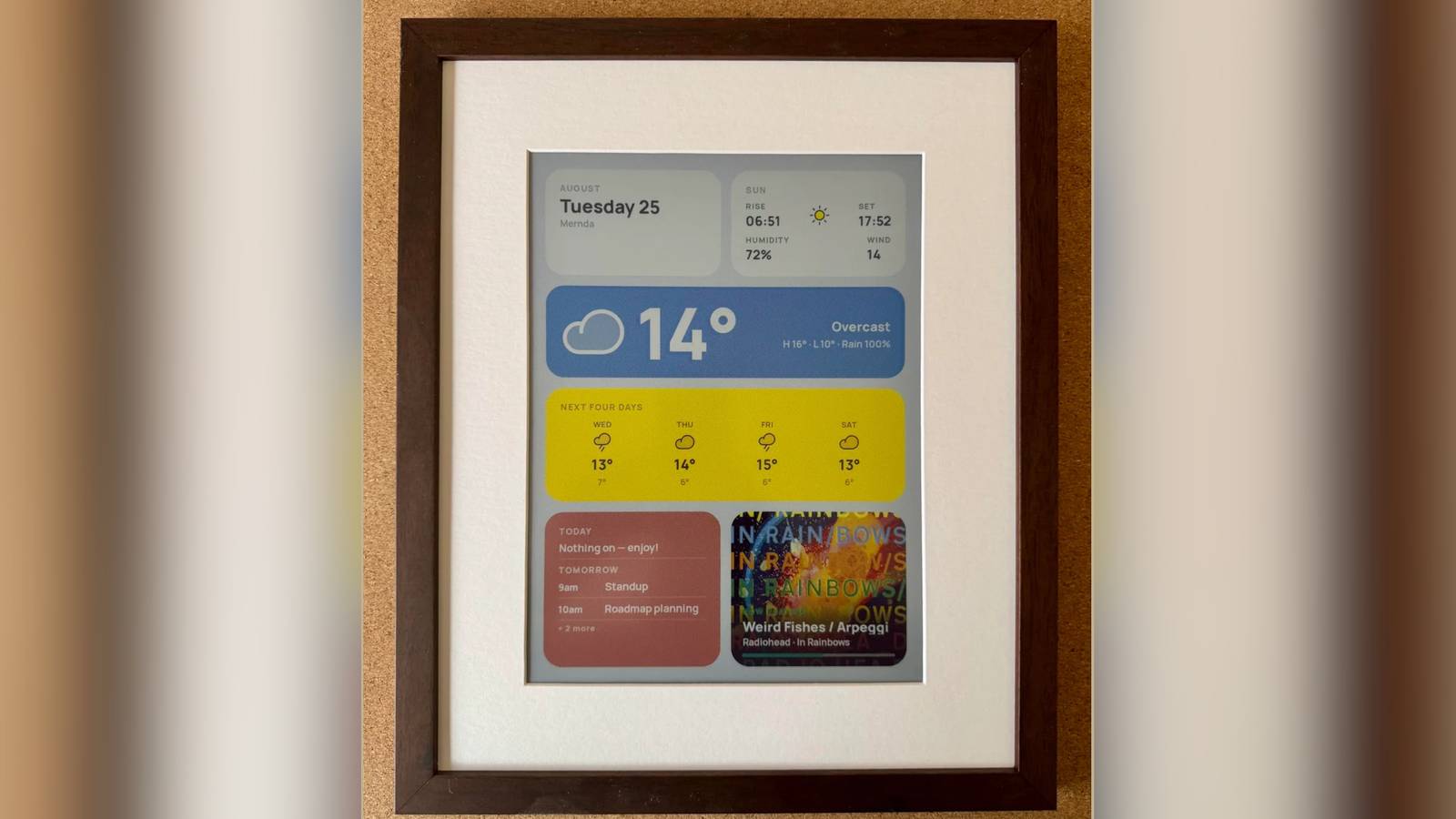
Credit: xDaftTurtle Published Aug 26, 2026, 4:32 AM EDT Simon is a Computer Science BSc graduate who has been writing about technology since 2014, and using Windows machines since 3.1. After working for an indie game studio and acting as the family's go-to technician for all computer issues, he found his passion for writing and decided to use his skill set to write about all things tech. Since beginning his writing career, he has written for many different publications such as WorldStart, Listverse, and MakeTechEasier. However, after finding his home at MakeUseOf in February 2019, he would eventually move on to its sister site, XDA, to bring the latest and greatest in Windows, Linux, and DIY electronics. Sign in to your XDA account Summary Someone ported the Inky Impression 13.3-inch driver to C on a Pico Plus 2 W, letting the e-ink run on battery. The el133-pico-driver works with PSRAM, can perform on-device JPEG decoding, and uses Floyd-Steinberg dither to six colors. It lets you run an Inky Impression 13.3 as a cable-free, battery-powered wall display, with the source code on GitHub. On paper, e-ink displays are amazing for hanging up on a wall. They have a paper-like texture to them that lets them sit alongside posters and photos on your wall without looking too tacky. But doing so creates a problem: how do you keep it powered without having cables dangling everywhere? Well, one tinkerer got to work squeezing the Pimoroni Inky Impression driver into a Pi Pico Plus 2 W so they could run it off battery, and the source code is available for all to grab. This Inky Impression running off a Pico keeps things tidy for a wall-mounted project You can download the driver for yourself, too This cool feat was performed by xDaftTurtle over on the Raspberry Pi subreddit. xDaftTurtle has been very prolific with their hobbyist hardware over the past few months; the last time we checked in with them, they had released a self-hosted e-ink dashboard designer in mid-August. This time, xDaftTurtle had a problem. They own an Inky Impression 13.3" that they wanted to use as part of a picture frame to hang on their wall, but nothing ruins the aesthetic more than seeing cables dangling down from behind the frame. What they wanted was something that could run off battery power, but the current hardware wasn't cutting it. That's when they had an ingenious idea: The Inky Impression 13.3" (EL133UF1 / Spectra 6, 1600x1200, six colours) ships with a Python driver that assumes a Raspberry Pi. I wanted the panel hanging on a wall without a cable running to a power outlet, which means a microcontroller that spends almost all its time asleep, not an SBC. So I ported the panel sequences from pimoroni/inky to C against the Pico SDK, running on a Pico Plus 2 W, which I needed specifically for the PSRAM. Panel bring-up, test patterns, and on-device JPEG decode with Floyd-Steinberg dither to the six-colour palette. The end result was the creation of el133-pico-driver, which lets you run a Pimoroni Inky Impression 13.3" driver off a Pimoroni Pico Plus 2 W. Now they don't need to run any cables; the device can run happily off battery power without a constant charge. If you'd like to do the same with your own Inky Impression, head over to the el133-pico-driver GitHub repo for all the details and to download it for yourself.
Someone got the Inky Impression running off a Pi Pico Plus 2 W on battery power, and so can you
Full Article
Original Source
Read the full article at Xda-developers →KhanList aggregates and links to publicly available news content. We do not host full articles from third-party sources. Always verify important information with original sources.