
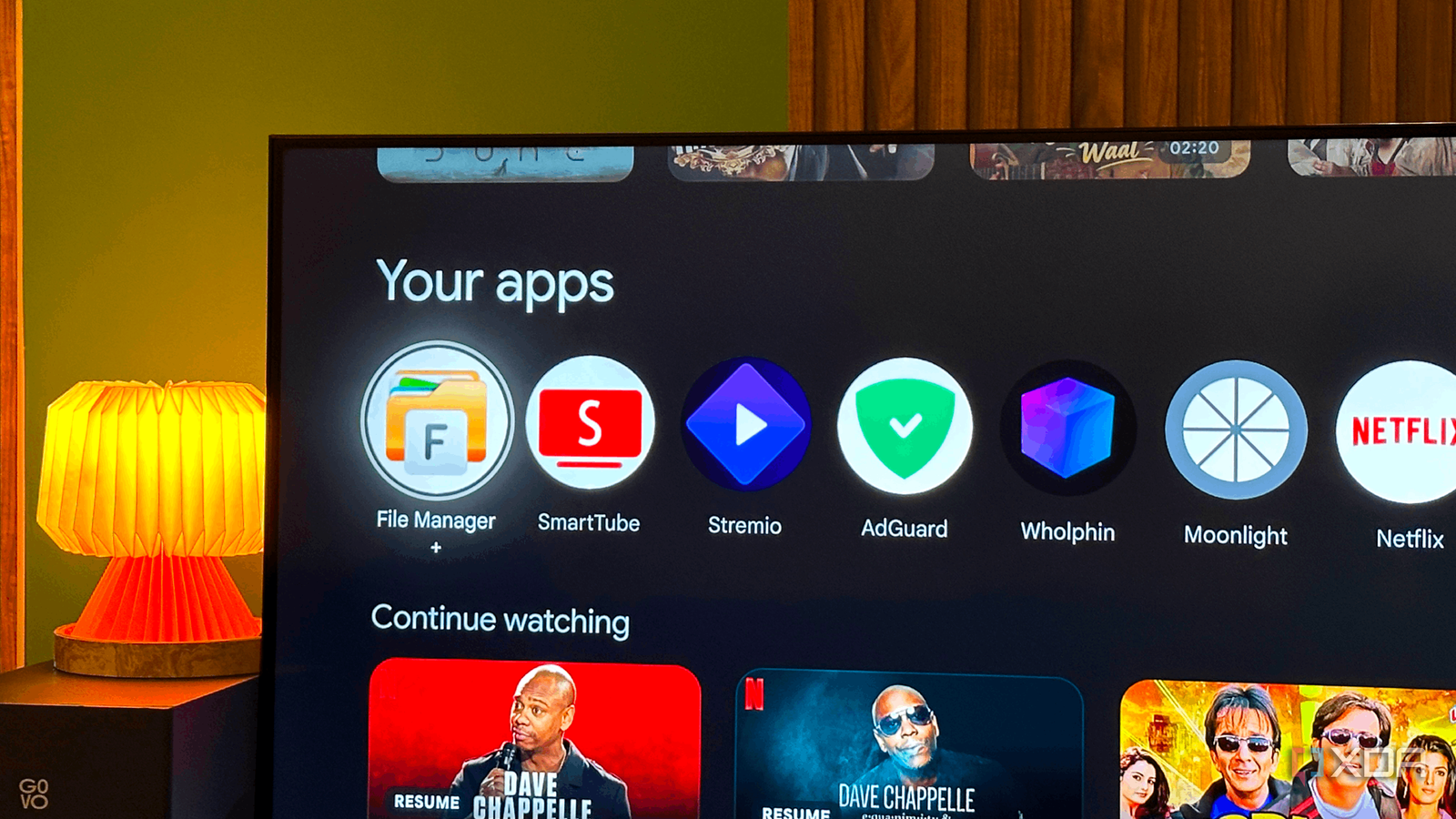
Published Oct 11, 2026, 3:00 PM EDT Gaming has been Samarveer’s greatest passion, and the Literature graduate in him takes immense joy in dissecting games for their themes, messages, and impact. Samarveer holds a deep appreciation of gaming, and considers the platform to be the most immersive and impactful across all media. He can be found engaging with gaming communities online, always ready to debate the finer points of ray tracing or itching to write an 8-page collegiate thesis on any game that impacts him emotionally. Ever since I got my TCL Mini-LED TV earlier this year, I've used it for very little beyond its 4K 120Hz screen for playing my PC and PS5. But it was only a matter of time before I properly started using my Google TV's own apps to watch my self-hosted media. Now, Google TV is a pretty good platform — the app selection is extensive, the interface is slick, and it's got practically every streaming service in one place. I've spent enough time with it that I've started noticing how much control Google takes away from the people who own the hardware. Sadly, some of the most useful improvements aren't hiding in Google's settings menus. They're apps I've had to go out of my way to install, and a few address frustrations that really shouldn't exist in the first place. SmartTube fixes everything wrong with YouTube on Google TV There's a reason it's the most popular sideloaded app SmartTube is probably the most popular app people sideload onto Google TV, and for good reason. Google's official YouTube app works perfectly well, right up until you realize how much of the experience is designed around getting you to watch more ads, subscribe to Premium, and spend more time browsing than actually watching anything. I addressed that frustration without requiring a subscription. The open-source YouTube client blocks video advertisements, and it even goes one step further than the YouTube Premium experience — it supports SponsorBlock integration that automatically skip sponsored segments within videos, too. With SmartTube I still have access to my subscriptions, viewing history, and familiar YouTube content, but without the advertising interruptions that make watching longer videos increasingly tedious. Plus, it has a television-first interface, which means I've finally stopped holding my phone the entire time YouTube is running on my TV. SmartTube isn't available on the official Google TV Play Store. That's why I sideloaded it and kept it updated through its official distribution channels. The ten minutes it took me to sideload it have more than paid for myself. If you're going to install just one unofficial app on your Google TV, this is where I'd start. SmartTube My DNS settings are often overlooked by some apps I already have DNS-level ad blocking configured on my network, so installing AdGuard on my Google TV felt a little redundant at first. Sadly, not every app respects my network's DNS configuration. Some use their own DNS-over-HTTPS resolvers, while others deliver ads through domains that are difficult to block without breaking the service itself. Apparently, even my TV needs supervision. AdGuard for Android TV gives me another layer of control, letting me filter traffic and block ads and trackers without relying entirely on my router to do the heavy lifting. Depending on the filtering method and app, it won't catch everything, but it can plug some frustrating gaps in a network-wide setup. It still hasn't proved to be a magic switch that removes every ad from every streaming service on my TV. Its effectiveness depends on how an app delivers its ads, the filtering configuration, and whether encrypted DNS or other protections interfere with filtering. Installing it also means granting a filtering app the permissions it needs to do its job, so it's best to stick to official distribution channels while sideloading AdGuard on your TV. For me, the appeal is straightforward — if an app insists on sneaking past my existing defenses, I'd rather have another line of defense than simply accept the ads. AdGuard A non-root ad blocker to get rid of nasty ads in apps and browsers TVQuickActions Pro gave my remote the buttons Google forgot I shouldn't need a workaround to control my own television Google TV remotes are deliberately simple, which is great until you realize that simplicity often comes at the expense of flexibility. I'd much rather rebind a dedicated streaming-service button to an app I actually use than keep a glorified shortcut to something I never open. TVQuickActions Pro lets me do precisely that, with options to remap buttons, add custom actions, and make better use of the remote I already own. The app goes beyond basic button reassignment, offering customizable shortcuts and actions that can make navigating Google TV considerably less tedious. Depending on your remote and available permissions, some functions may require additional setup, and not every button can be remapped. Truth be told, TVQuickActions Pro is a paid app, so sideloading it isn't a legitimate way to bypass its licensing. You'll still need to obtain it through an authorized channel and pay for the features you want. But if you're tired of Google's limited remote options, then the extra flexibility is certainly worth paying for. tvQuickActions Pro Not every streaming app needs to play by Google's rules Stremio is one of those apps that makes me question why Google TV's app catalog has gaps in the first place. It brings together content from different sources in one interface, making it easier to discover what's available without hopping between half a dozen streaming apps. Now, to be fair, it's unlisted on the Play Store because the piracy angle is difficult to ignore, especially since some community add-ons facilitate access to unauthorized streams. But Stremio itself isn't inherently a piracy app. You can use it with legitimate sources, and its flexible approach to media discovery is valuable even if you have absolutely no interest in sailing those particular seas. Stremio's absence from the Google TV Play Store doesn't make it illicit, and installing it doesn't automatically grant access to paid content. You'll need compatible add-ons and legitimate sources for the content you want to watch. If you're as tired of Google's fragmented streaming experience as I am, Stremio is a pretty compelling alternative that deserves a place on the home screen. Stremio There's no need to treat Google TV's limitations as permanent It's amusing how sometimes you can improve a full-fledged operating system by installing software Google ensures isn't particularly easy to find. I don't expect every platform to cater to every niche use case, but there's a difference between keeping an interface approachable and limiting what people can do with hardware they already own.
Sideloading these 4 apps on my Google TV fixed everything Google got wrong
Full Article
Original Source
Read the full article at Xda-developers →KhanList aggregates and links to publicly available news content. We do not host full articles from third-party sources. Always verify important information with original sources.