
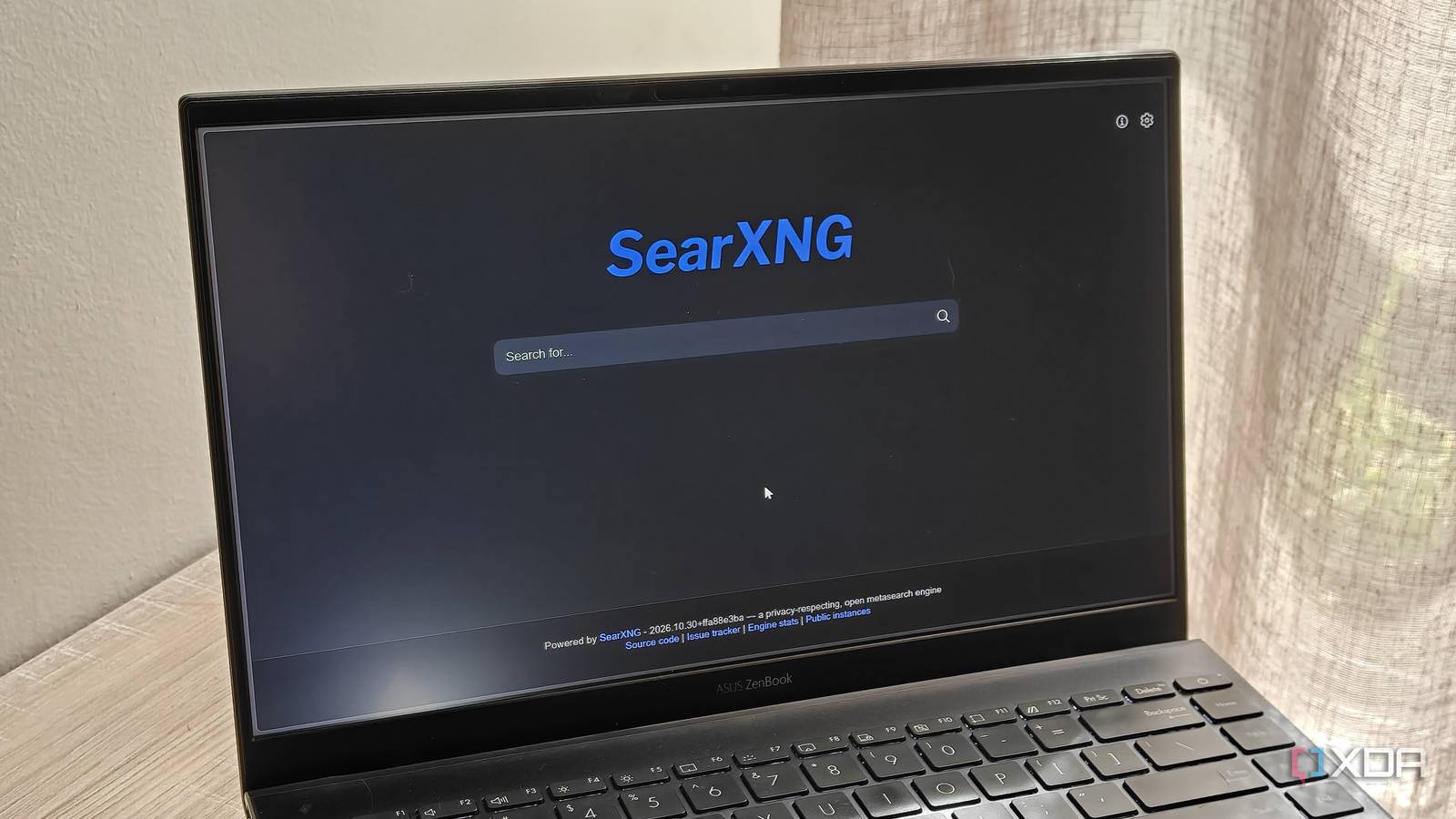
Published Nov 5, 2026, 6:01 AM EST Megan is a Software Writer at XDA Developers who has been writing about consumer technology since 2016. With a postgraduate degree in New Media journalism, she has always been passionate about diving deep into topics and writing about them in a way that makes them easier to understand for everyday consumers. She runs her own blog called Tech Valkyrie and has contributed to Tom's Guide and Android Authority. She also worked at MakeUseOf as a Lead Editor. In her spare time she plays video games and geeks out about the latest tech. When it comes to self-hosted apps, a search engine might not be the first thing that comes to mind. But in many ways, it actually makes sense. After all, people often choose self-hosted solutions for privacy reasons and to avoid the drawbacks of proprietary solutions. While Google Search is still the most-used search engine, the experience has vastly changed over the years. So it makes sense that more people are turning to self-hosted options to avoid Google's own ad-heavy solution. After trying out these solutions for myself, I see why people are moving away from Google's search experience for good. Google results are flooded with ads But Google's indexing is often useful Google Search has changed a lot from its early origins. What was once the best way to find exactly what you were looking for has become a platform that is filled with sponsored search results, irrelevant shopping links, and AI overviews. While many search engines now offer AI summaries, Google doesn't let you opt out. This means that an already bloated experience has become even worse, with irrelevant overviews taking up the most prominent part of the results page. The bloat doesn't even stop at search results — it starts when you click the search bar. The search bar populates recent trending topics before you type anything in. Then, there's the prominent AI Mode button that tries to push you to use Google's AI assistant Gemini. You could switch to another search engine, but Google gets one thing right: its indexing. Between the bloat, Google still performs really well when surfacing local websites. While I prefer Brave Search's results, for local websites, especially local shopping websites, Google still wins. But there's a way you can get the best of both worlds: less bloat and tracking, but also leveraging Google's search indexing. And that's by hosting your own search engine. There are different ways to host a search engine Many involve aggregation Self-hosting a search engine doesn't necessarily mean indexing the web yourself. Even self-hosted solutions that create their own indexes are mostly aimed at specific internal sites or knowledge bases, not the public web. When it comes to self-hosting your own search engine, many solutions like SearXNG and Degoog focus on metasearch aggregation. This involves using another search engine's index to produce results. With privacy-focused solutions, these results strip ads, tracking, and other unwanted data. You can even get results from multiple search engines at once. These solutions are also incredibly easy to deploy, requiring just a lightweight Docker container. With both SearXNG and Degoog, I had my containers up and running in just a few minutes. This gives you the benefit of a search engine's results, without all the unwanted bloat. It definitely takes some getting used to, but it comes with increased privacy and more control. Certain widgets are also available, depending on the solution that you're using. I particularly like the control that Degoog gives you. For example, you can select your search engines, but also plugins like Speed Test and At a Glance. In fact, if you like AI summaries, you can even install them as a plugin from the Degoog store. However, it did take a bit of time to get the self-hosted app's Google results working. Brave Search's results worked immediately, though. Your browser makes it easy to switch search engines You can make searching seamless If you decide to set up a self-hosted search engine, you can make it as easy to use as any other search engine by incorporating it into your browser's address bar. In Chromium browsers, you can set up a custom search engine using the site search tool. Simply go to the hamburger icon in the browser, select Settings, and then Search engine. On this page, select Manage search engines and site search. This will allow you to add a new search engine under the Site search section. Simply select Add, then type in a search query on your self-hosted instance with %s in place of the search term. An easy way to get the right URL is to search for "test" on your server, then replace "test" with "%s". Once you've added your site search shortcut, select the three dots next to the item and select Make default. The search engine will then appear with your other included search engines like Google and DuckDuckGo. Now you can search in your self-hosted alternative right from your address bar. You can also link the search engine to a shortcut if you simply want to use it periodically. For example, I have Google linked to the shortcut "gg". You can just enter this shortcut in the search bar, and it will switch over to the search engine as you type in your search term. You can also set up your own search engine in Firefox, with the process requiring fewer steps. Simply select the hamburger icon -> Settings -> Search. Then use the Add search engine button. Self-hosting a search engine is not for everyone, but I see why people do it There was a time when self-hosting a search engine seemed like too much of a hassle for me. But after Google's search experience became too cumbersome for me, and alternatives lacked the same regional indexing, it started making more sense. If you're looking for a new service to self-host, maybe try out a search engine. The customization options might win you over.
Self-hosting a search engine sounds pointless until you look at what Google's results have become
Full Article
Original Source
Read the full article at Xda-developers →KhanList aggregates and links to publicly available news content. We do not host full articles from third-party sources. Always verify important information with original sources.