
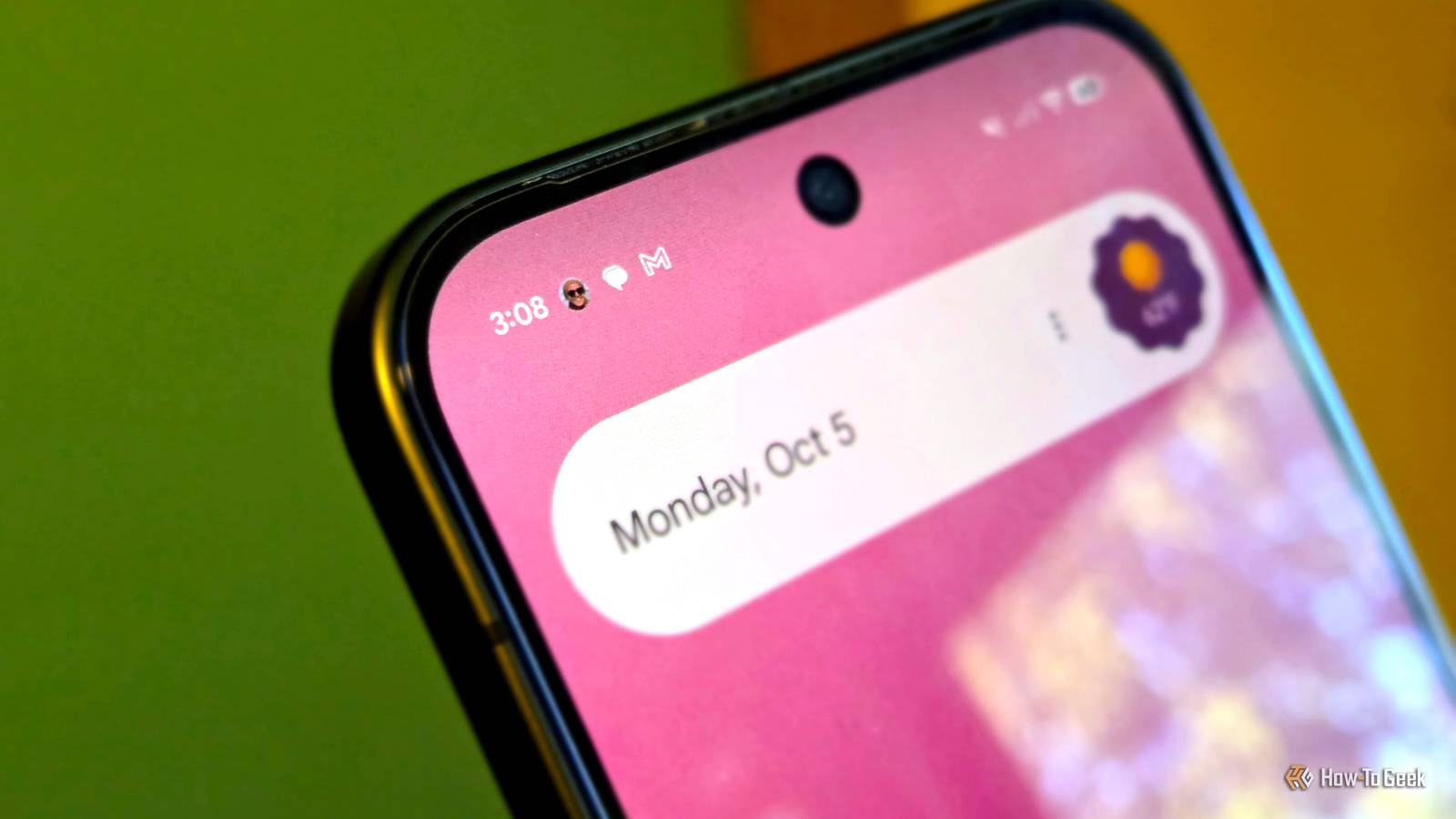
Published Oct 6, 2026, 6:30 AM EDT Joe Fedewa has been writing about technology for over a decade. Android and the rest of the Google ecosystem have been a focus for years, as well as reviewing devices, hosting podcasts, filming videos, and writing tutorials. Joe loves all things technology and is also an avid DIYer and food blogger. He has written thousands of articles, hundreds of tutorials, and dozens of reviews. Before joining How-To Geek, Joe worked at XDA-Developers as Managing Editor and covered news from the Google ecosystem. He got his start in the industry covering Windows Phone on a small blog, and later moved to Phandroid where he covered Android news, reviewed devices, wrote tutorials, created YouTube videos, and hosted a podcast. From smartphones to Bluetooth earbuds to Z-Wave switches, Joe is interested in all kinds of technology. After several years of jailbreaking and heavily modifying an iPod Touch, he moved on to his first smartphone, the HTC DROID Eris. He's been hooked ever since. As much as I want to like Galaxy phones, Samsung makes some software decisions that I just don't get. This is particularly true when it comes to notifications. One of my favorite conversation features on Pixel phones is technically present on Galaxy phones, but Samsung broke it. I'm talking about "Conversations," an under-the-radar feature that was introduced in Android 11. It allows you to give visual priority to important conversation threads. I use the feature all the time on Pixel phones, but every time I switch over to a Galaxy phone, I miss it. For a while, it was possible to sorta force it to work, but on my recent device, it's totally busted. Add flair to your most important conversations How Conversations are supposed to work Android notifications are generally great, but they're certainly not perfect. One area where they tend to struggle a bit is in determining priority. Google has attempted to solve this numerous times over the years with manual tools and, most recently, AI integration. Samsung also uses AI to determine which notifications should be a "priority." The problem is, prioritizing notifications from an app isn't always specific enough, especially when it comes to messaging. Seeing one icon from my messaging app in the status bar — even if it's at the front of the list — doesn't tell me much. I could have multiple messages waiting there, and I can't quickly tell if it's from my favorite contacts or just spam. This is where the "Conversations" feature shines. It allows you to give special priority to individual conversations from a variety of apps. When you do, those notifications do three things: They appear in a special "Conversation" section when you pull down the notification shade. The icon in the status bar shows the sender's profile photo and is always at the front of the list. If you have Bubbles enabled, these conversations automatically pop up in floating bubbles. I truly love this feature. It's one of the first things I make sure to enable on new phones. The only conversation I mark as a priority is the text messaging thread with my wife, but I find this valuable. Sometimes, I have texts from multiple people waiting on my phone. This allows me to instantly see her icon in my status bar and know I have a message from my most important person. Samsung half-heartedly removed Conversations There to be found, but not functional On Google Pixel phones and other non-Samsung Android devices, you can go to Settings > Notifications > Conversations. You'll find a list of recent threads from messaging apps such as Google Messages, WhatsApp, and even Discord. This includes one-on-one conversations and group chats. All you have to do is select one and tap "Priority." Now, on a Samsung Galaxy phone, it's located at Settings > Notifications > Advanced settings > Conversations. Here's the problem: I've been using my Galaxy Z Fold 8 for close to a month, and this page is still completely blank. The text on the page reads, "Conversations where you change the notification settings will appear here." That is simply not true. In the past, I was able to use this feature on Samsung phones. Recent conversations didn't automatically appear, like on my Pixel. I did indeed have to manually change notification settings to get a conversation to appear, but at least it worked. Now, it appears that Samsung has completely ditched it in favor of AI priority notifications. Samsung's "Priority" notifications need work You have control, but not in a good way See, earlier this year, a One UI update included a new Galaxy AI feature that attempts to intelligently identify which notifications should be a priority. They get put into a special section at the top of the notification shade, similar to Conversations. It can be toggled on or off, and you can decide if an app shouldn't be prioritized, but that's where your involvement ends. Personally, this system doesn't make much sense to me. Why use AI to intelligently figure out which notifications are important, then also ask users to manually decide which apps should be prioritized? That's not the decision I want to make. Most notifications aren't a priority — it should be opt-in, not opt-out. Pixel phones have tons of AI features, but this is one area where they wisely let people do the thinking. I know best which conversations on my phone are the most important. Surfacing recent conversations for me to choose from is helpful — keeping a broken feature in the Settings is a cruel reminder of what I'm missing.
Samsung is wasting "Conversations," the Android feature I love on my Pixel
Full Article
Original Source
Read the full article at Howtogeek →KhanList aggregates and links to publicly available news content. We do not host full articles from third-party sources. Always verify important information with original sources.