
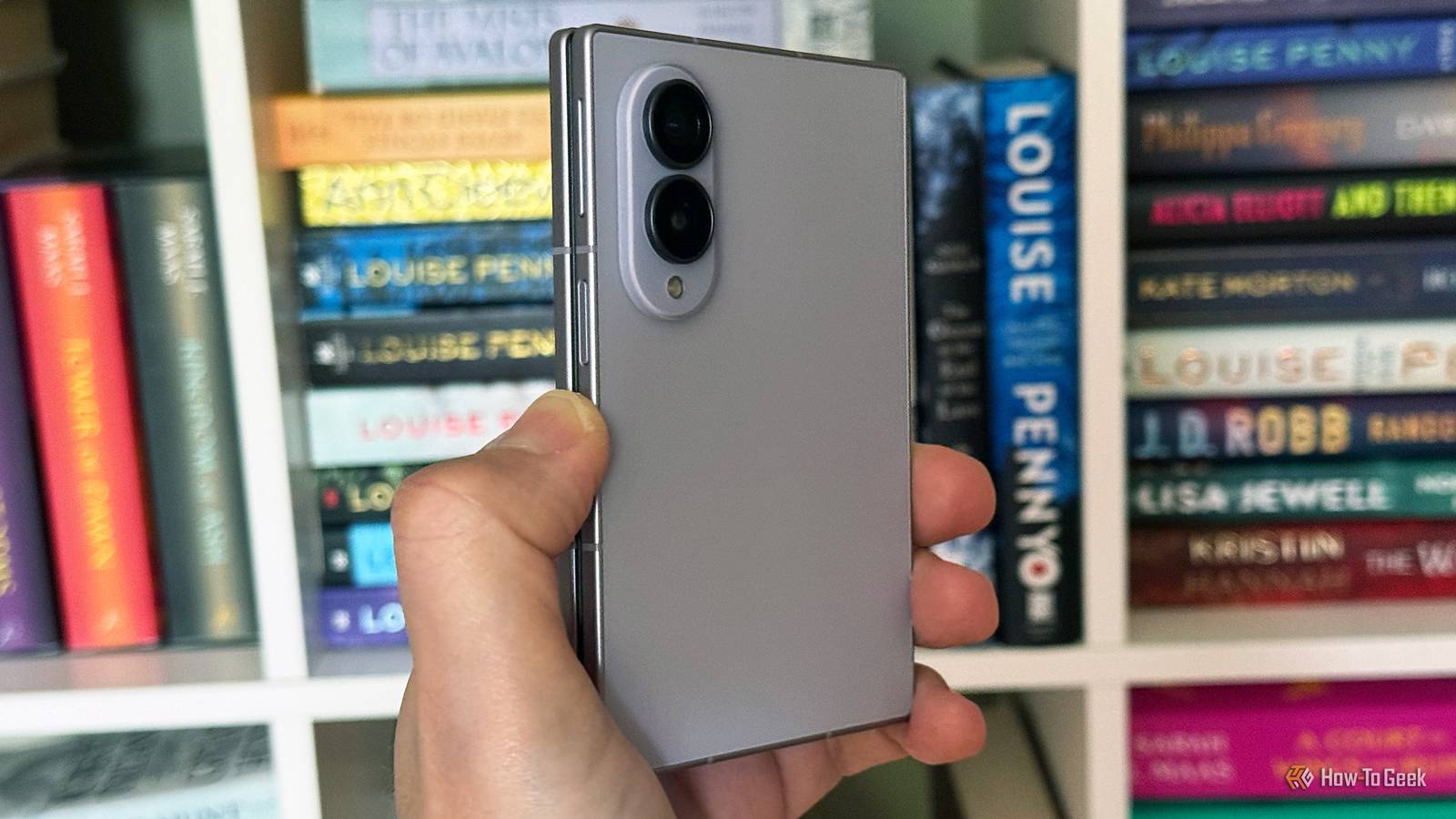
Samsung Galaxy Z Fold 8.Credit: Jon Fingas / How-To Geek Published Sep 18, 2026, 10:49 AM EDT Jon is a seasoned journalist who has written definitive coverage of consumer tech at publications like Engadget, Android Authority, and BetaKit. He's an expert on making tech accessible ranging from mobile and PCs to emerging platforms like wearables. When he's not writing, he's going on adventures with ihis family and is an avid photographer. Sign in to your How-To Geek account Your Galaxy phone now shares photos with the cloud service you're most likely to use. Samsung has confirmed that Gallery is starting to sync with Google Photos instead of Microsoft's OneDrive, Well-known leaker Ice Universe and others have received the feature through an update to the Samsung Gallery app (version 15.9.01.7). If you have it, you need to enable syncing through Menu -> Settings -> Sync -> Sync photos and videos. As 9to5Google observes, Google has multiple requirements before Photos sync can take effect. You need a Galaxy device running Android 13 or later as well as a personal Google account unsupervised by parents. You also have to give Google permission to share account info with Samsung. There are also limitations with the photos and videos that do sync. They won't be part of Google Photos' highlights, Live albums, Memories, or search. Gallery, in turn, won't show imagery uploaded directly to Google Photos. If you were already bypassing Samsung's app, there's no rush to switch. When does Samsung Gallery stop syncing with OneDrive? You have just days to change over Samsung has already pulled the option to sync Gallery with OneDrive if you aren't already using it. If you are, the OneDrive functionality will shut down on September 30. This doesn't stop you from syncing directly with OneDrive. If you prefer that route, you can open your account profile in the OneDrive app, choose Camera backup, and turn the feature on. Photos and videos should upload automatically, and existing uploads won't be affected after the shutdown. Samsung has had a long-running partnership with Microsoft that included preloading key apps and close integration with Windows. However, Samsung has also been strengthening its ties with Google and most recently discontinued its own Messages app in favor of Android's stock texting software. There's also pressure on Samsung to follow the rest of the industry. Pixel phones use the Google Photos app, of course, but some third-party vendors' apps also send photography Google's way. Samsung was a major outlier. Now, you can expect a more consistent experience across Android devices
Samsung Gallery finally syncs with Google Photos—here's what you need
Full Article
Original Source
Read the full article at Howtogeek →KhanList aggregates and links to publicly available news content. We do not host full articles from third-party sources. Always verify important information with original sources.