
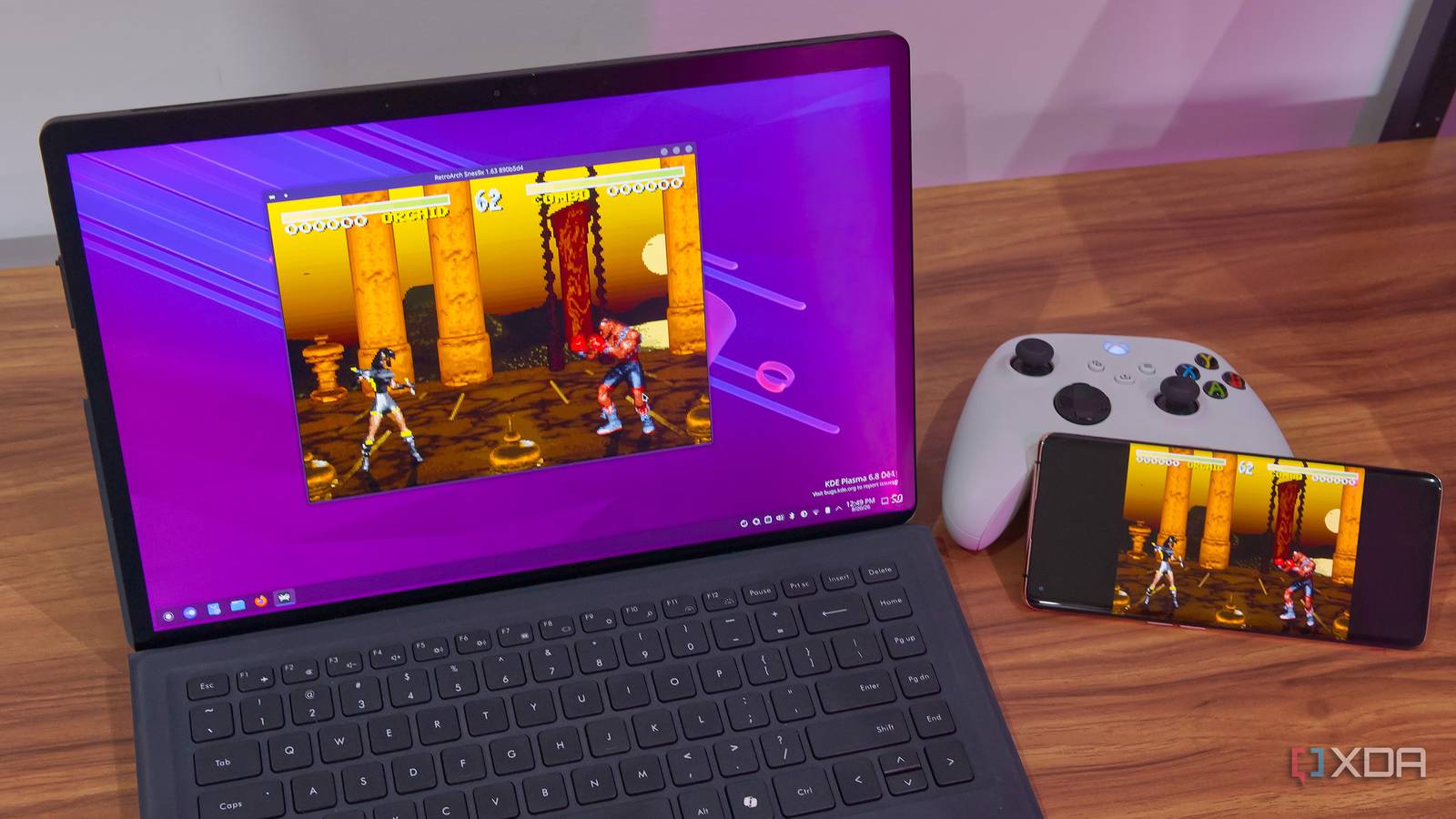
Published Aug 24, 2026, 6:00 PM EDT João has been covering the tech world for over 7 years, with a heavy focus on laptops and the Windows ecosystem. I also love all things tech and videogames, especially Nintendo, which he's always happy to talk about. Prior to joining XDA in 2021, he worked at Neowin: https://www.neowin.net/news/poster/jo%C3%A3o-carrasqueira/ Emulation is the easiest and most convenient way to experience a lot of classic titles these days, but for many games, there's something missing. Many classic titles relied on multiplayer support for their value, but they were designed to be played on the same console, not over the internet. But RetroArch, one of the most popular emulator frontends, has a solution. It's called Netplay, and it makes it possible to enjoy these classic multiplayer titles with people all over the world. Old-school multiplayer, modernized Play games with anyone Netplay is a feature built into RetroArch that works across multiple platforms, and the name kind of gives away its functionality. Essentially, this lets you play multiplayer games over the internet by assigning new players to additional controllers on a console. When a new player connects, they can see the host's game and, if the game supports multiplayer, join in. This turns any old-school console game into something you can play with friends remotely, or even on different devices in the same house. And what's especially great is how easy it is to set this up. To get started with Netplay as a host, you first need to launch the game you want to play, then press F1 to open the quick menu, navigate to the main menu, and then choose Netplay, and start hosting a room. Then, another player can open the Netplay menu and look for rooms, either on the internet or your local network. You can change all kinds of advanced settings to improve connectivity, but, importantly, you can also set codes so that only people with the code can join. But it's the simplicity and ease of getting started that make this so special. Aside from forwarding the required ports — which I didn't need to do for LAN play — I was able to get started and play games across devices with minimal effort. What works and what doesn't It's only for consoles with multiple controllers The current implementation of Netplay is designed exclusively for consoles that support multiple controller inputs, because RetroArch assigns additional players to those controller slots. That means it should work with a ton of platforms that support multiple controllers, whether it's something as old as the NES or as recent as a Wii. I've tested this feature with a couple of NES and SNES games, and things worked flawlessly over my local network. I was able to play Bubble Bobble on the NES, or Street Fighter on the SNES. However, RetroArch and Netplay do not implement multi-system features. Games that originally used online play can't be played this way, and on consoles like the Game Boy, the link cable isn't simulated by Netplay either. However, some emulator cores may have this capability built in, which can be used alongside Netplay to enable easier communication. I haven't tested this, but according to the official FAQ, the Sameboy and TGB-Dual cores are two options that enable link cable support for Game Boy games, while gbSP and MelonDS can enable some form of wireless communication for Game Boy Advance and Nintendo DS games, most notably Pokémon, which allows users to trade creatures with each other. It's cross-platform, too It's not a new idea, but the execution is great The idea of enabling online multiplayer for these classic games obviously isn't new; even Nintendo's official emulators on the Switch have this capability (and it even works for Game Boy and Game Boy Advance). However, RetroArch's unified implementation and ease of use make it truly great. Before, you may have had to use specialized versions of emulators to enable online multiplayer, and each platform would work differently, which meant learning each emulator's quirks. RetroAch makes all of this accessible through a simple UI that works the same way across all platforms it supports. All you need is to have the same game and the same emulation core running, and you can pair up easily. It is possible that some emulation cores won't work with Netplay, but those should be the exception. I noticed it with the bsnes core for SNES games, but that was it. Even better, this feature works across devices, and that's where the biggest deal is. With previous per-emulator approaches, you may have been stuck with an emulator that only worked on Windows, or the multiplayer features may not have worked across all platforms. RetroArch is truly cross-platform, and I was able to use Netplay for a multiplayer session between my Mac and a Linux laptop, and even with an Android phone. Breathing new life into old games There are a lot of retro games that are still genuinely worth experiencing with friends today, but physical distance makes it difficult to do so properly. RetroArch's Netplay feature fills a huge gap and gives many of these titles a whole new life with multiplayer support, making them much more appealing today. RetroArch OS Windows, macOS, Linux, Android, iOS, Others RetroArch is a cross-platform emulator frontend that supports many diufferent emulators as "cores" and adds useful features such as Netplay, enabling online multiplayer for classic titles.
RetroArch's Netplay feature is why it's still the best emulation frontend
Full Article
Original Source
Read the full article at Xda-developers →KhanList aggregates and links to publicly available news content. We do not host full articles from third-party sources. Always verify important information with original sources.