
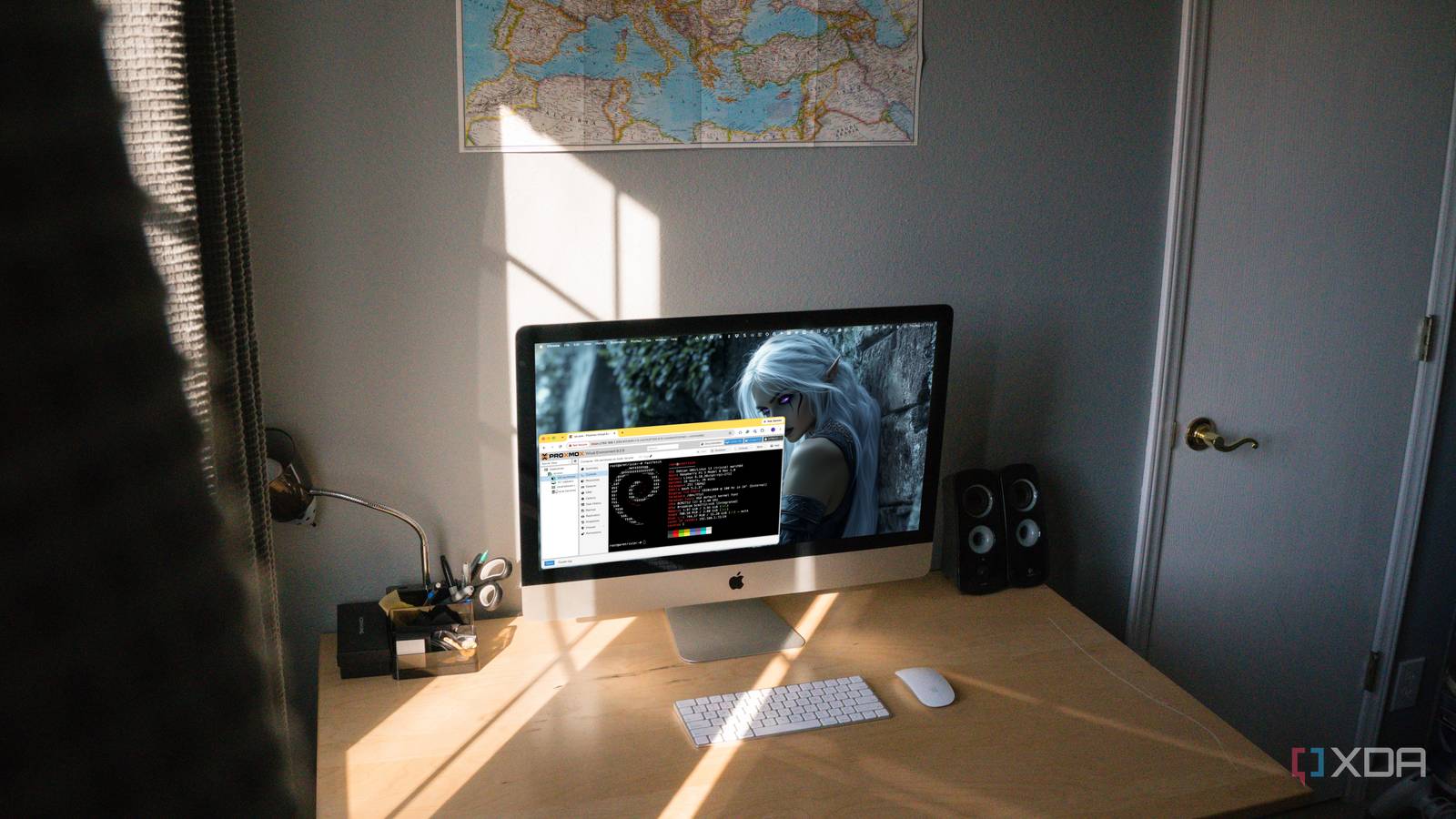
When Proxmox announced official Arm64 support in Proxmox VE 9.2, the list of supported hardware made the intended audience clear. The first fully supported systems are the Nvidia Grace Hopper and Vera platforms, not the Raspberry Pi boards many of us already have sitting around the house. Proxmox explicitly states that device-tree-only single-board computers, such as the Raspberry Pi, aren’t supported, which would normally be enough to make me move on. Instead, it made me want to see how far I could get, because an official Arm build means the software finally exists, even if my hardware definitely wasn’t invited. Proxmox finally treats Arm as a first-class architecture Running Proxmox on Arm used to come with an immediate caveat. You could find community projects, unofficial repositories, and plenty of people willing to make it work, but none of that meant Proxmox itself supported what you were doing. Proxmox VE 9.2 changes that by making Arm64 an official second architecture alongside x86-64. It shares the same codebase, repositories, and release lifecycle, so Arm is now part of the product rather than something happening off to the side. The rest of the stack is familiar, which matters more than I expected once I actually got into it. The Arm release is based on Debian 13.5 Trixie and ships the same versions of QEMU, LXC, and ZFS as the x86-64 release. Proxmox says the configuration, tooling, and documentation are essentially the same, aside from a few architecture-specific differences. I didn’t have to relearn Proxmox just because I’d moved to a different CPU architecture, and that makes experimenting with Arm much less annoying. The official target is still much larger hardware than anything I had on my bench. Proxmox says the release was developed and hardened in collaboration with Nvidia and is already in production on supported Grace-based systems. It’s also working with other server vendors to expand the list of supported hardware. That’s enterprise territory, but for me, the important part is that Proxmox is now building and maintaining Arm packages itself instead of leaving that entire job to the community. Getting it running on a Pi takes the manual route There is no convenient Raspberry Pi installer waiting here This isn’t one of those projects where you flash an image, boot it, and spend the next five minutes clicking through a familiar installer. Proxmox’s Arm requirements call for a host that boots via UEFI and exposes its hardware via ACPI, while the Raspberry Pi doesn’t fit that model. The route I followed starts with a fresh 64-bit Raspberry Pi OS Lite installation based on Trixie and adds Proxmox on top. That distinction matters because I wasn’t really installing a Raspberry Pi edition of Proxmox so much as making a Raspberry Pi OS installation acceptable enough for the Proxmox packages. Most of the fiddling happens before those packages ever go on the system. The network configuration has to be changed to the setup Proxmox expects, including a Linux bridge, while removing NetworkManager and cloud-init. The hosts file also needs the machine’s actual network address associated with its hostname, rather than leaving everything pointing to the usual loopback setup. None of those steps is especially dramatic on its own, but there are enough of them that this definitely isn’t a copy-and-paste project I’d hand to somebody new to Linux. Proxmox VE’s Arm64 release requires supported Arm hardware with UEFI and ACPI, and Raspberry Pi doesn’t meet that official support model. Installing Proxmox packages on top of Raspberry Pi OS can get the platform running, but that doesn’t guarantee every device, kernel feature, storage configuration, or clustering feature will behave normally. Treat this as an experimental home lab setup, not something to rely on for critical workloads. Once I got through that setup work, things started feeling much more normal. The Proxmox repository and signing key are added, the system is updated, and the regular Proxmox VE packages are installed through APT. After another reboot and a check for any failed services, the web interface comes up on the same port I’d use on any other Proxmox host. That was the part that stuck with me, because after all the unsupported hardware caveats and manual configuration, I was suddenly looking at an interface I already knew. The Raspberry Pi reveals what this Arm release enables Small systems suddenly have a serious virtualization option too Getting the dashboard to load doesn’t magically turn a Raspberry Pi into the Proxmox server I’d choose for everything. Still, once the interface was up, the experiment stopped feeling like a stunt and looked more useful. The basic Proxmox model is there: virtual machines, LXC containers, storage, networking, and the same management tools I’m used to on x86 hosts. The installation guide I followed reports working LXC containers, VMs, and USB pass-through on a Raspberry Pi 5, which is enough to move this beyond simply proving that the login page renders. That opens up genuinely useful home lab possibilities, even though I wouldn’t pretend the Raspberry Pi is suddenly the best answer for them. Small Arm systems are easy to dedicate to one or two jobs, and many already use them to host individual services directly. Putting Proxmox on one means those workloads can live inside the same virtualization model I use on larger machines instead of making the Pi its own little management exception. I’m not replacing a capable x86 node with one, but I’d have a much easier time finding a purpose for an Arm Proxmox node now. The Raspberry Pi also isn’t the only interesting hardware sitting below Nvidia’s big servers. Proxmox offers best-effort support for other UEFI-based Arm systems that meet its boot and hardware-description requirements, so there’s plenty of room between an unsupported Pi and a Grace server. Users are already testing the release on Ampere systems, Orange Pi hardware with UEFI firmware, and other Arm machines. That middle ground is probably where this gets interesting fastest, because it includes hardware that’s much more realistic for a serious home server without jumping anywhere near Nvidia enterprise pricing. A working dashboard does not equal supported hardware status I had to keep reminding myself of one thing while doing this: Proxmox says the Raspberry Pi isn’t supported, and it isn’t coy about why. Its official Arm platform supports UEFI and ACPI, while the standard Raspberry Pi setup is built around a different boot and hardware description model. Installing the packages on top of Raspberry Pi OS gets around enough of that mismatch to make the system usable, but it doesn’t erase it. I wouldn’t assume that every kernel feature, device, storage setup, or advanced Proxmox function will behave exactly as it does on supported hardware. The architectural difference also becomes impossible to ignore once you start thinking about guests rather than the host. Arm guests belong on Arm nodes, x86 guests belong on x86 nodes, and live migration doesn’t cross that boundary. Proxmox also says mixed-architecture clusters aren’t officially supported, even though the software doesn’t stop you from creating one. That means an Arm machine can join the conversation in a home lab, but it isn’t automatically interchangeable with every x86 mini PC already sitting in the cluster. Then there are the Raspberry Pi’s ordinary limits, which Proxmox can’t do anything about. CPU performance, memory, storage, and networking still determine how much useful work you can pile onto the board before the whole exercise gets silly. The guide I followed used an 8GB Raspberry Pi 5 and raised the question of how much memory that leaves for anything beyond lighter workloads and experimentation. I got Proxmox running on a 4GB Raspberry Pi 5, but I wouldn’t mistake that for proving that a Raspberry Pi is the machine I should use as my primary virtualization host. Unsupported does not make the experiment pointless after all The Pi is useful because it stresses the boundaries That doesn’t make the installation a waste of time. For me, the useful part was seeing how much of normal Proxmox survived after I pushed the new Arm build onto hardware the company explicitly doesn’t support. The repository is there, the packages install, the management interface works, and familiar Proxmox functionality can run on a Raspberry Pi with some preparation. That tells me much more about the state of the Arm release than simply reading that Nvidia servers are now supported. It’s also a practical way to encounter the places where Arm actually changes how you use Proxmox. Guest images need to match the architecture, migration assumptions have to change, and hardware compatibility deserves more attention than it usually gets when every machine in the rack is x86. Those things aren’t difficult concepts, but they’re much harder to ignore once you’re staring at an Arm node in the same web interface you normally use for everything else. I found myself thinking less about whether Proxmox could run on Arm and more about where an Arm node would fit into my existing setup. The useful part was seeing how much of normal Proxmox survived once I pushed the new Arm build onto hardware the company explicitly doesn’t support. More than anything, the experiment makes the future of this support easier to picture. Proxmox is already discussing working with more server vendors and considering internal Arm builds of other products, such as Proxmox Backup Server. Raspberry Pi support may never become an official priority, and after working through this setup, I can understand why. What matters is that Arm is now part of Proxmox’s normal development and release process, so future hardware doesn’t have to wait for an unofficial project before anyone can try it. Proxmox on Arm is bigger than this Raspberry Pi I wouldn’t build a critical server on this setup, and Proxmox gives me plenty of reasons not to. The Raspberry Pi is unsupported; the installation requires manually reshaping Raspberry Pi OS to run on Proxmox; and an Arm node won’t act as a drop-in replacement for the x86 machines already in most Proxmox clusters. None of that bothered me once it was running, because that wasn’t really what I was trying to prove. Seeing the normal Proxmox interface come up on a Raspberry Pi made the new Arm support feel much more tangible than an announcement centered on Nvidia servers ever could. The Pi is really just a convenient place to poke at the edges of a much larger change. Proxmox VE now officially supports Arm64, follows the same release life cycle as x86-64, and has a path toward supporting a much broader range of Arm server hardware. My Raspberry Pi installation is unsupported, awkward in places, and not something I’d recommend as the default way to build a virtualization server. But it also shows that the interesting question has shifted from whether Proxmox can run on Arm at all to which Arm systems are worth running it on. Proxmox Proxmox now officially supports Arm hosts, making it possible (though perhaps not practical) to run the virtualization environment on a Raspberry Pi.
Proxmox's official Arm release doesn't support Raspberry Pi, so I installed it anyway
Full Article
Original Source
Read the full article at Xda-developers →KhanList aggregates and links to publicly available news content. We do not host full articles from third-party sources. Always verify important information with original sources.