
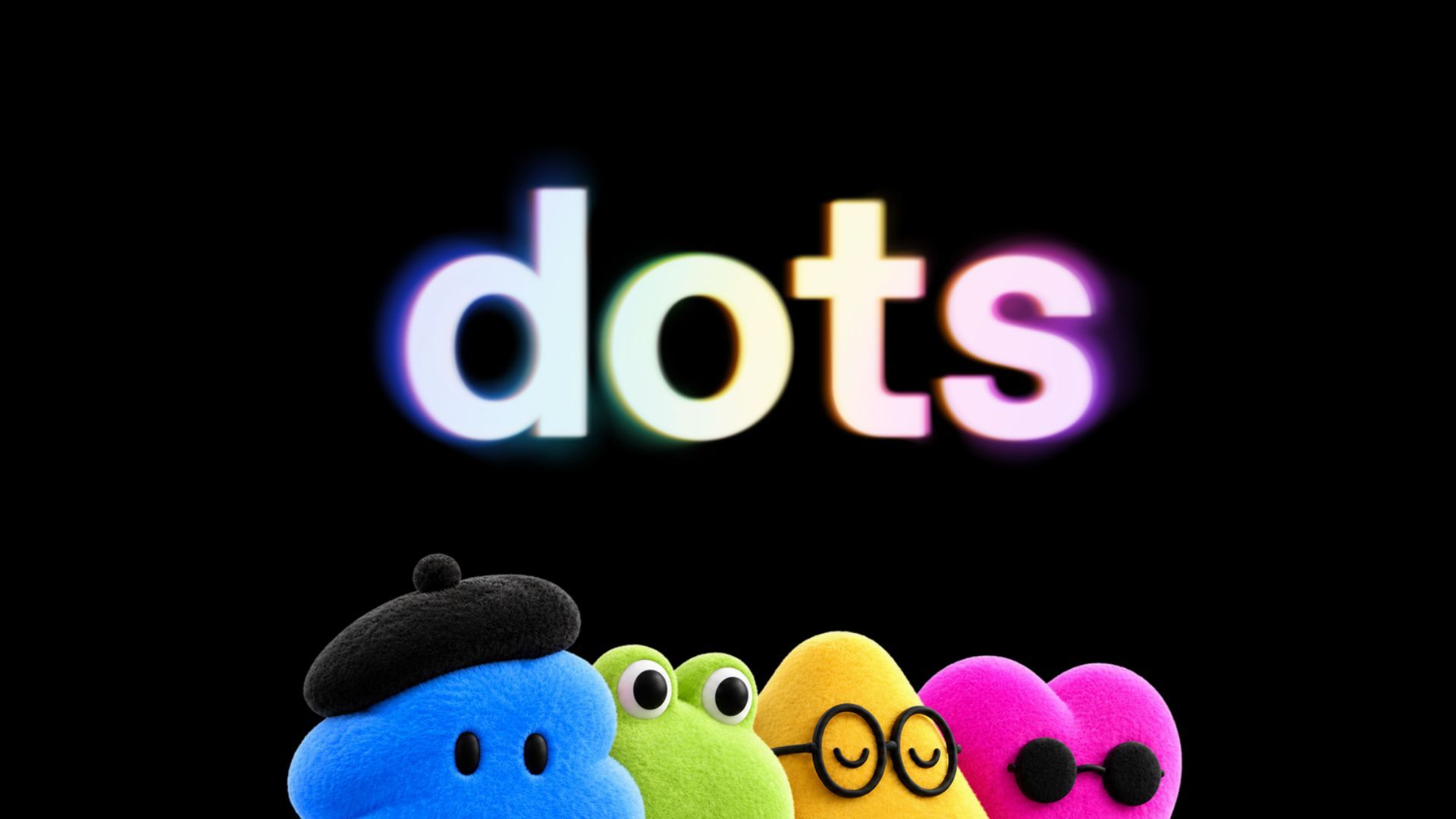
(Image credit: OpenAI) For many ChatGPT users, the AI is mostly a tool to answer questions in a chat window. You type a prompt, wait for an answer and then take that answer somewhere else yourself. OpenAI is trying to change that with Dots.Announced today, Dots are persistent AI agents that get their own virtual computer in the cloud, allowing them to browse the web, use connected apps and continue working even when you're no longer sitting in front of ChatGPT.Instead of asking ChatGPT to help you accomplish something and then doing the rest yourself, the idea is that you can hand a Dot the job.That could mean comparing how much dinner would cost from several restaurants, keeping tabs on something you're researching or catching an administrative task you've forgotten about. And because the Dot keeps running in the background, you don't necessarily need to keep ChatGPT open while it works.It's a significant change in how OpenAI wants us to use ChatGPT. Rather than simply making the chatbot smarter, Dots are designed to give it something it has largely been missing: a place to actually do things for you.ChatGPT gets its own computer (Image credit: OpenAI)The easiest way to understand a Dot is to imagine giving ChatGPT its own computer.Each Dot operates inside an isolated virtual machine running in the cloud rather than taking over your laptop or filling your browser with tabs. From there, it can browse websites, open applications and carry out tasks using the services you've connected to it.Sign up to the Tom's AI Guide weekly newsletter summing up all the biggest AI news you need to know. Plus, analysis from our AI editors and tips on how to use the latest AI tools!To be clear, our Dot's computer isn't your computer, and giving it a job doesn't automatically give OpenAI's agent access to everything sitting on your laptop.You can explicitly give a Dot permission to assist with something on your local machine, but otherwise the two remain separate.Dots can also connect to more than 4,000 apps through plugins, giving the agent a way to work with services you already use rather than keeping everything contained inside ChatGPT.And you don't have to constantly return to the ChatGPT website to communicate with it.OpenAI says you'll be able to reach a Dot through voice calls and services including Slack and Microsoft Teams. SMS support is also planned, meaning you could eventually text your AI assistant much like you'd text another person.That starts to make the "persistent" part of Dots considerably more interesting. ChatGPT doesn't just exist in the tab where you started the conversation anymore.What would you actually use a Dot for? (Image credit: OpenAI)The best examples aren't complicated autonomous coding jobs or elaborate demonstrations of AI agents. They're the annoying everyday tasks that currently require you to bounce between several websites or apps.Take ordering dinner. You could ask a Dot to look at several options for dinner, and instead of simply recommending restaurants, it could browse delivery services and build itemized cart estimates for them. It can factor in things such as estimated local taxes and a tip allowance and then send you the comparisons so you can decide which one you actually want to order.That's a fundamentally different interaction from asking ChatGPT, "Where should I order dinner tonight?"The same applies to work. Give a Dot an interview recording or video transcript and it could help produce social captions and show notes, identify potential clips and work with assets across connected platforms.Or it might notice an administrative job you've forgotten about, such as an invoice you still need to send, prepare it and put it in front of you for approval. Once you start, you'll discover the difference is how much of the process happens after you've made the initial request.Until now, even when ChatGPT gave me exactly what I wanted, I was usually the one copying the answer, opening another app and doing something with it. Dots are an attempt to remove more of those steps.You can talk to your Dot almost anywhereOne of the more interesting parts of the launch is that OpenAI doesn't expect you to spend all day watching your Dot work. You'll initially need to create one using ChatGPT on the desktop web or desktop app, where you can choose its purpose and connect the services it needs.After that, the relationship becomes less tied to the ChatGPT interface. You can message your Dot from mobile and, depending on the service, communicate with it through other platforms. Voice calls provide another way to check in or give it something new to do, while upcoming SMS support could make interacting with one feel even less like using a conventional chatbot.We've already seen AI companies add intelligent agents to chatbots, but most still expect you to go to the AI. Dots begin flipping that relationship around by allowing the AI to exist in more of the places where you're already communicating.How much do Dots cost?Dots are rolling out today to ChatGPT Pro and Business Premium subscribers in eligible markets. OpenAI is also making them available through Enterprise betas where administrators choose to enable the feature.For Pro subscribers, the first Dot is included with the subscription at no additional charge, and OpenAI says users will receive extended usage limits during the first month.You'll need to create and initially configure a Dot through ChatGPT on desktop, including connecting any apps you want it to use. Once that's done, you'll be able to communicate with it from mobile as well.That makes Dots one of the more substantial additions OpenAI has made to its paid ChatGPT experience, particularly for Pro users who already have access to its most capable models and agent features.ChatGPT is starting to leave the chat window (Image credit: Shutterstock)I'll need more time actually using Dots before deciding whether having an always-on AI assistant is enough to justify the cost of ChatGPT Pro on its own. But I'm more interested in what Dots say about where ChatGPT is going.For the past few years, the basic relationship hasn't changed all that much even as the models behind ChatGPT have become dramatically more capable. I open ChatGPT, ask it for something and wait for it to respond.Dots start breaking that pattern. If they work as OpenAI intends, I could give ChatGPT something to do in the morning, close the tab and spend the next few hours doing something completely unrelated while its virtual computer keeps working.Then I could text or call it, see what it found and decide whether I want it to take the next step.The takeaway: exciting or scaryIf you're like me and think giving ChatGPT its own computer sounds a little terrifying, there are certainly pretty obvious questions about what happens when the AI gets something wrong. OpenAI has built several restrictions into Dots that are particularly important when the agent is operating in the background.For starters, your Dot's cloud computer is isolated from your personal computer by default. Your local files aren't suddenly sitting inside the virtual machine just because you've created a Dot.There's also a separation between the AI model and your credentials. Dots can sign into supported services using saved credentials without exposing the password itself to the underlying model.More importantly, OpenAI isn't giving Dots unlimited permission to quietly act on your behalf. For example, during proactive background research, Dots operate in read-only mode. That means an agent can gather information while you're away, but it can't independently send a message, delete a file or spend your money.Actions like those require you to come back into the loop and approve them. That's important, because an AI capable of researching dinner prices overnight is very different from one capable of ordering $200 worth of sushi because it misunderstood what you wanted.It doesn't eliminate the privacy and security questions surrounding persistent agents, particularly as people connect more accounts to them, but it puts some boundaries around what "always on" actually means.Will you try Dots? Let me know your initial reactions in the comments.Follow Tom's Guide on Google News and add us as a preferred source to get our up-to-date news, analysis, and reviews in your feeds. Subscribe to Tom's Guide on YouTube and follow us on TikTok. More from Tom's GuideClaude Sonnet 5.5 just launched — here's why it's about to become your daily driverI asked ChatGPT, Gemini, Claude and Muse to give me new podcasts based on my favorites — these 7 picks got added to my queue for International Podcast Day'Surveillance Tamagotchi': Tom's Guide readers weigh in on Meta's new Muse Charm Amanda Caswell is the AI Editor at Tom's Guide and one of today’s leading voices in AI and technology. A celebrated contributor to various news outlets, her sharp insights and relatable storytelling have earned her a loyal readership. Amanda’s work has been recognized with prestigious honors, including outstanding contribution to media.Known for her ability to bring clarity to even the most complex topics, Amanda seamlessly blends innovation and creativity, inspiring readers to embrace the power of AI and emerging technologies. As a certified prompt engineer, she continues to push the boundaries of how humans and AI can work together.Beyond her journalism career, Amanda is a long-distance runner and mom of three. She lives in New Jersey.
OpenAI just launched Dots to do things for you — and take on Meta’s Muse
Full Article
Original Source
Read the full article at Tomsguide →KhanList aggregates and links to publicly available news content. We do not host full articles from third-party sources. Always verify important information with original sources.