
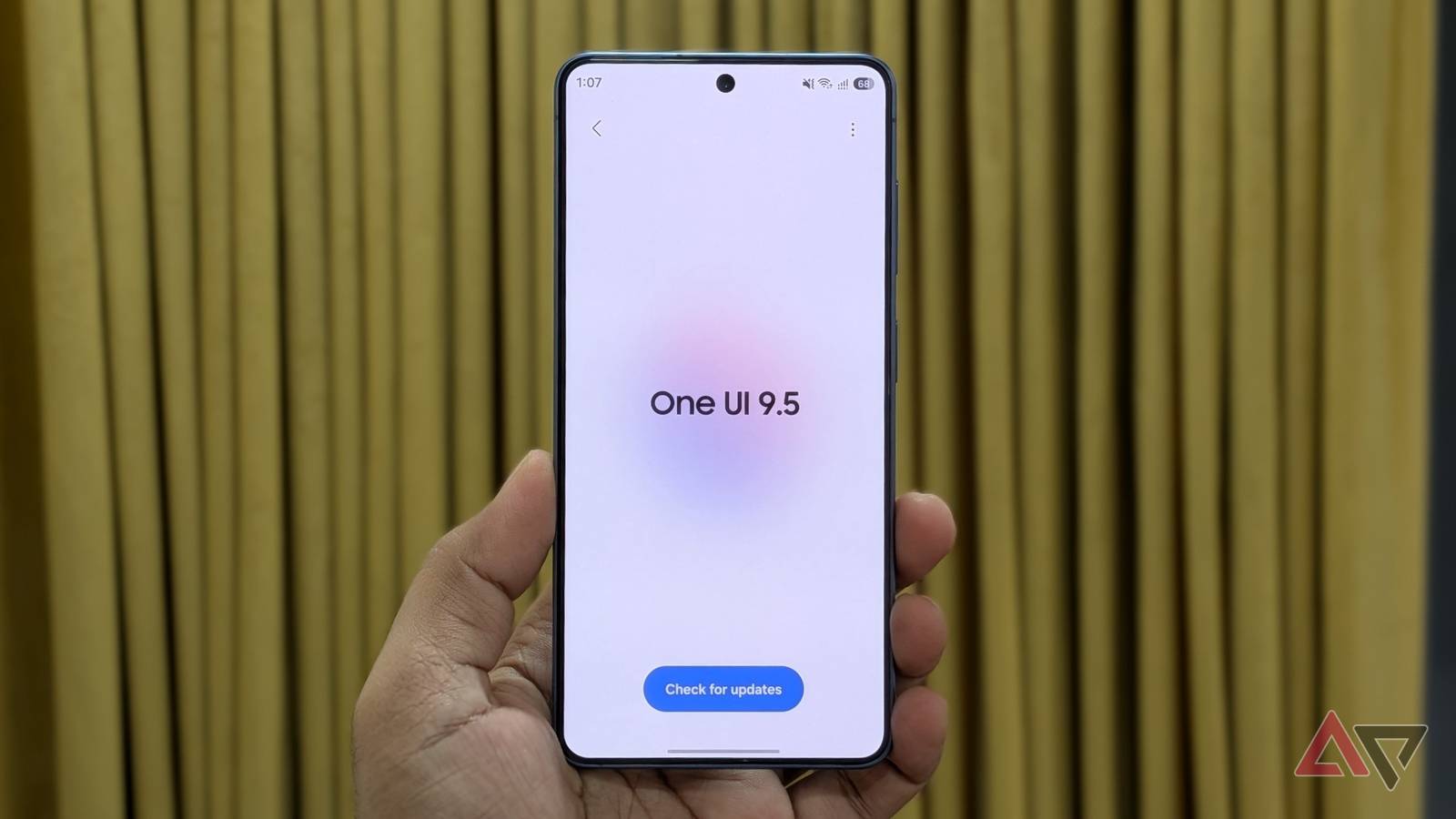
Samsung has rolled out the first One UI 9.5 beta for the Samsung Galaxy S26 in select regions. I spent a few hours going through everything new, and there's already a lot to like. Native app lock, tap-to-share for Quick Share, a live depth effect for lock screen wallpapers, and more are all here. Here's everything I'm already loving about One UI 9.5. Native app locking Finally, it's here Let's start with my favorite change. One UI 9.5 brings native app locking, so you no longer need Secure Folder or other workaroundsto lock apps. Just long-press the app icon, tap the padlock option, and that's it. Doing this also removes any home screen widgets tied to that app and hides its notification content. If you need to lock multiple apps, go to Settings > Security and privacy > More privacy settings > App lock and select them all at once. After you lock an app, you can unlock it with your fingerprint, face, or lock screen PIN. One UI 9.5 also allows fingerprint and face recognition to work at the same time. If you're looking at the screen, the app may unlock before you even touch the sensor. Privacy Display now works more intelligently No need to toggle it manually all the time Privacy Display is one of the biggest highlights of the Galaxy S26 Ultra, and with One UI 9.5, it's smarter than ever. You can set it to turn on automatically when using locked apps, checking Secure Folder, browsing private albums in Gallery, or viewing locked notes in Samsung Notes. And it just makes so much sense. Privacy Display usually has no reason to kick in when you're scrolling through your main Gallery or a regular note. But the moment you open a private album or a locked note, that's a different story. Privacy Display is now smart enough, so there's less need to enable and disable it manually. It actually feels quick now Quick Share has been one of my most-used Android features in recent years, especially now that it works with Windows and Apple devices. One UI 9.5 brings Tap to Share to Quick Share, which means you can share contacts, links, photos, videos, and location by tapping the backs of two compatible devices together. To enable it, go to Settings > Connected devices > Quick Share > Tap to share. Both phones need to be unlocked and have NFC turned on for it to work. Tapping the backs of the phones shares contact profiles. To share an image, video, or file, select it, tap the Share menu, then tap the back of the devices. Yes, it's that easy. Live-depth effect on lock screen wallpapers It doesn't look boring anymore I've always envied the iPhone's Spatial Scene effect on the lock screen, which separates a photo's foreground and background and adds a 3D wallpaper effect. As you tilt your phone, the image moves slightly. One UI 9.5 brings that same effect to Galaxy phones. On the lock screen edit menu, choose Live effect, and your phone automatically applies the 3D tilt effect to your wallpaper. And yes, it looks way cooler than regular wallpaper. Storage cleanup suggestions in My Files Clearing storage is easier than ever My Galaxy S26 has 256GB of internal storage with no microSD card slot, so managing storage is a constant struggle. One UI 9.5 makes that bit easier. Samsung's My Files app now shows useful storage cleanup suggestions, so you can delete unwanted junk quickly. Inside My Files, go to Manage storage, and you'll see a Free up space option. Tap it, and it'll show you how much space you can free up by deleting pre-edit backups, temporary trash data, emptying the recycle bin, and clearing app caches. From there, use the checkboxes and tap Delete. This is somewhat similar to what Files by Google has offered for a while, so it's nice to see Samsung catching up. Add a pause before opening distracting apps A 10-second speed bump for doomscrolling I work from home and get distracted easily, so I’m always looking for ways to cut down screen time. One UI 9.5 adds a simple feature called Pause before app launch to help with that. You can enable it in Settings > Digital wellbeing > App timers. Tap the plus icon at the top, pick an app or app category, and switch on the Pause before app launch toggle. This adds a 10-second wait timer when you launch that app, and that small interruption is usually enough to make you pause and reconsider whether you actually need to open it right now. One UI 9.5 looks promising Having used all these features, I can't imagine going back to the stable build. My Galaxy S26 feels so much more fun with all these upgrades, and I can't wait to see what Samsung adds before this rolls out widely. Speaking of which, Samsung hasn't announced an exact release date for the stable version, though it will likely debut alongside the Galaxy S27 series next year.
One UI 9.5 is here and I'm already loving these features
Full Article
Original Source
Read the full article at Androidpolice →KhanList aggregates and links to publicly available news content. We do not host full articles from third-party sources. Always verify important information with original sources.