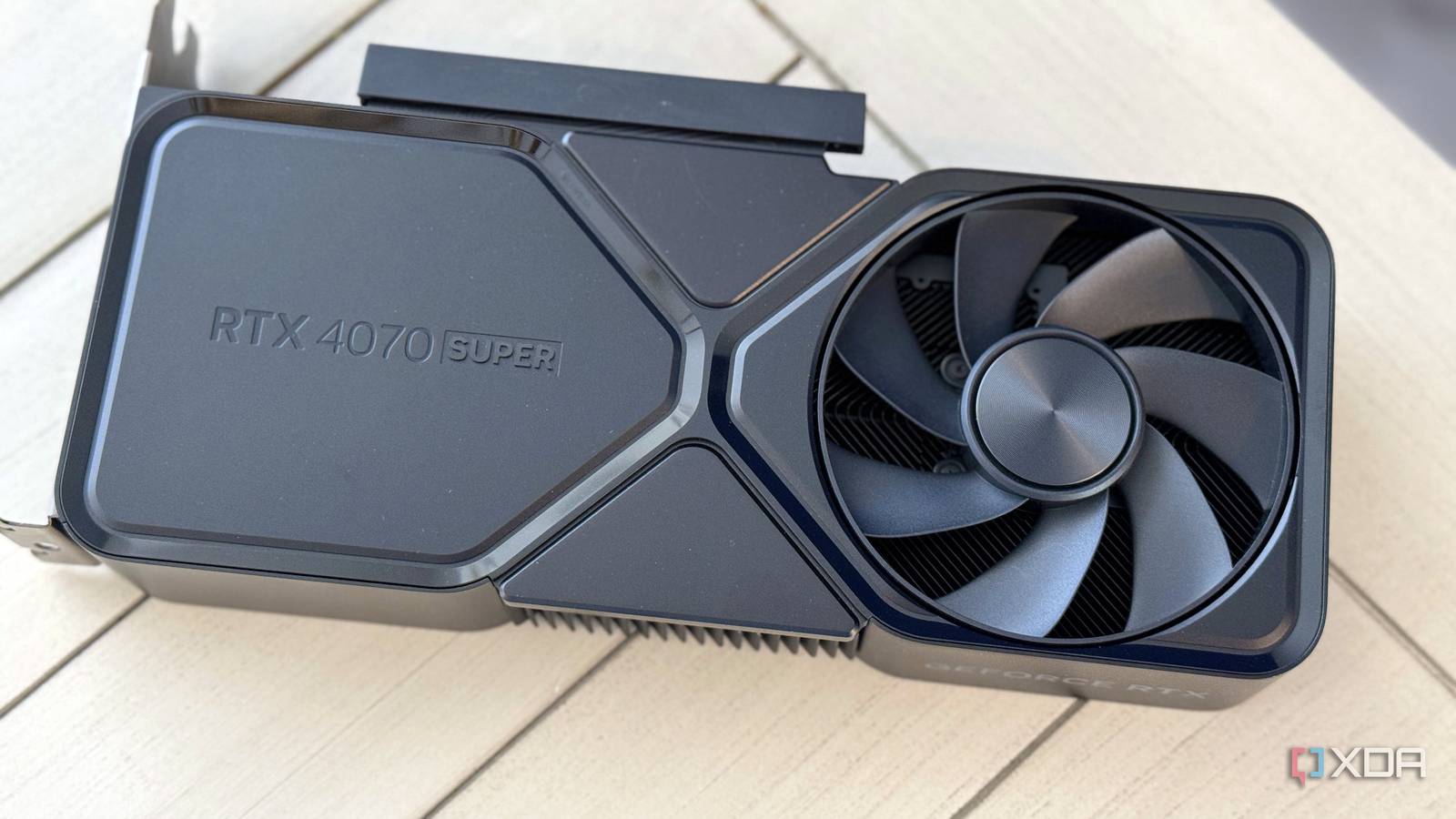
Published Aug 15, 2026, 2:30 PM EDT Abhinav pivoted from a career in banking to pursue his first love in writing. Even while working full-time, he continued contributing as an editor-at-large, a role he has held for more than 7 years. A lifelong tech enthusiast who has built three gaming and productivity powerhouse PCs since 2018, his passion for technology keeps him closely following the semiconductor industry, from NVIDIA and AMD to ARM. His MSc dissertation explored how artificial intelligence will reshape the future of work, reflecting his curiosity about the wider social impact of emerging technologies. It wasn't surprising to see Nvidia gatekeep 6x Multi Frame Generation behind its already scarce Blackwell cards, but it still was a little disappointing. Team Green had my hopes up when DLSS 4.5 Super Resolution arrived on every RTX card, so locking the frame generation capabilities felt like nothing more than the age-old segmentation. That disappointment stung a little more because Ada Lovelace is anything but underpowered. It's 4th-gen Tensor Cores include native FP8 support, and my RTX 4070 Ti Super with its 16GB of VRAM is more than worthy of the feature, arguably even more so than some newer Blackwell cards. After all, it does support 2x frame generation officially, right now. Luckily, the open-source community sorted the MFG problem before I could get too disenchanted. If you're similarly disappointed about not being invited to the frame generation party, fret not, because apparently, you can tag along anyway. Here's everything you need to know. DLSS Enabler brings Multi-Frame Generation to every RTX GPU Nvidia made 6x Multi-Frame Generation an exclusive feature for the RTX 50-series, but the open-source community begged to differ. The DLSS Enabler 4.5.0.0, which is a free and open-source utility developed by Artur Graniszewski, unlocks MFG in compatible DirectX 12 games through DLL swapping and Streamline integration. It works by simulating DLSS-G frame generation on the titles on hardware Nvidia didn't officially support. The version 4.5.0.0 is the one to look at, because it happens to be the one that introduced 5x and 6x MFG. Where this release gets even better is through the introduction of Hybrid MFG, which is a particularly compelling proposition to an RTX 40-series owner like myself. Instead of replacing Nvidia's native DLSS Frame Generation, Hybrid MFG lets the two work in tandem. DLSSG generates the middle frame, while the DLSS enabler fills in the remaining generated frames to reach 5x or 6x output. This means that I'm not giving up on native frame generation to reach 6x, which is a compromise I expected. DLSS Enabler intercepts the game's native DLSS frame-generation path and routes most of the work through a modified version of AMD's FSR 3. On RTX 40-series cards with Hybrid MFG enabled, though, the middle frame is still generated by Nvidia's native DLSSG, while the additional frames come from FSR 3 pathway. The "simple DLL injection" wasn't as simple as it seemed My experiment had its own troubleshooting sessions Graniszewski's official NexusMods page conveys that the process is a simple DLL injection, and I must admit, to those who are familiar with the modding landscape, it likely is. In practice, however, the 5x and 6x modes only work if your game already has the right Nvidia Steamline files in place, because the mod itself states that it requires the official Streamline 2.11.x or newer to get it to work. This was a tough prerequisite, and perhaps that's what turned it into a full-blown troubleshooting session for at least an hour. The instructions assume a level of modding fluency that the average person picking up frame generation for the first time simply won't have. I ran into this problem while trying to enable 5x and 6x frame generation in The Witcher 3: Wild Hunt. The injection itself was a simple placement, but the 5x and 6x modes remained greyed out, and no amount of file shuffling would fix it. After a rather long stretch of troubleshooting with nothing to show for it, I abandoned this route and went looking for something that would take care of the messy bits for me. As it turns out, the open-source community had solved the learning-curve problem as well. NODIX-TECH's DLSS Enabler Manager gets it to work effortlessly Auto-detection, a one-click install, and a ghosting fix built into a beautiful UI Instead of spending another hour trying to find the right Streamline files, I downloaded DLSS Enabler Manager by NODIX-TECH from its official GitHub repository, and it made the experience as effortless as it could reasonably get. The utility itself is an application that scans your installed games, downloads the correct Streamline components, installs DLSS Enabler, and enables its entire feature set through a singular "Quick Install" button. It's a wizard in its own right, and I owe much of my time to this utility. Fascinatingly enough, it's also highly polished. There's a one-click uninstall option, automatic update management, and even a shortcut that opens the game's installation directory so you can inspect which files were modified. As someone who frequently peeps into the x64/bin files just out of sheer curiosity, this was a lovely touch, and allowed me to finally see what I was doing wrong all this time. But there's also one more addition worth mentioning. Ghosting and artefacting are known compromises that come with frame generation, and at 5x and 6x scales, it only tends to get worse. The manager lists visual overrides alongside a "ghostbuster" toggle that reduces ghosting, trailing, and artefact production around fast-moving vectors. It's obvious that the developers thought of nearly every trade-off and its mitigation, which I can describe as nothing short of absolutely brilliant. 6x Frame Generation finally works on a 40-series GPU My eyes couldn't believe it, and yet... The DLSS Manager effortlessly completed installation of the requisite files, and just like that, it was time to jump into the game. I loaded Backrooms: Escape Together, which is one of my favorite Unreal Engine 5 titles. Pressing the tilde key brought up the familiar OptiScaler interface, this time, with frame generation options running all the way from 1x to 6x. I set it to 6x through the MFG Mode Override, and it behaved exactly as intended. This was the confirmation that I had come for, and yet, seeing it right before my eyes felt surreal. At 6x MFG, the average FPS climbed well above 300 FPS, which was something I hadn't seen on my PC since I built it in 2024. The extra frames don't come for free though, and for that reason, simply using the highest multiplier will cost you a modicum of responsiveness as is expected. The ghostbuster feature also seemed to do a remarkable job offsetting the worst of the side effects associated with frame generation, although with only one game tested, I'd not call it a universal fix at this time. Frame Gen Preset Average FPS 1% low (FPS) System Latency 1x 96 86 33.4 ms 2x 165 83 29.0 ms 3x 236 215 28.1 ms 4x 296 243 29.1 ms 5x 304 178 36.7 ms 6x 351 172 37.5 ms It's worth giving it a go if you have a GeForce RTX GPU It's also worth acknowledging that the test bench with an upper-midrange Ada Lovelace GPU made it an obvious fit, but DLSS Enabler still supports the RTX 20-series and 30-series cards that lack it entirely. Whether the same level of performance holds up there is worth testing, but for now, given this verdict, I'm confident to say this is yet another victory for the open-source community in handing older Nvidia GPU owners a feature they could only dream of.
Nvidia locked 6x Multi-Frame Generation to RTX 50-series, but I found a way to use it on my 40-series card anyway
Full Article
Original Source
Read the full article at Xda-developers →KhanList aggregates and links to publicly available news content. We do not host full articles from third-party sources. Always verify important information with original sources.