
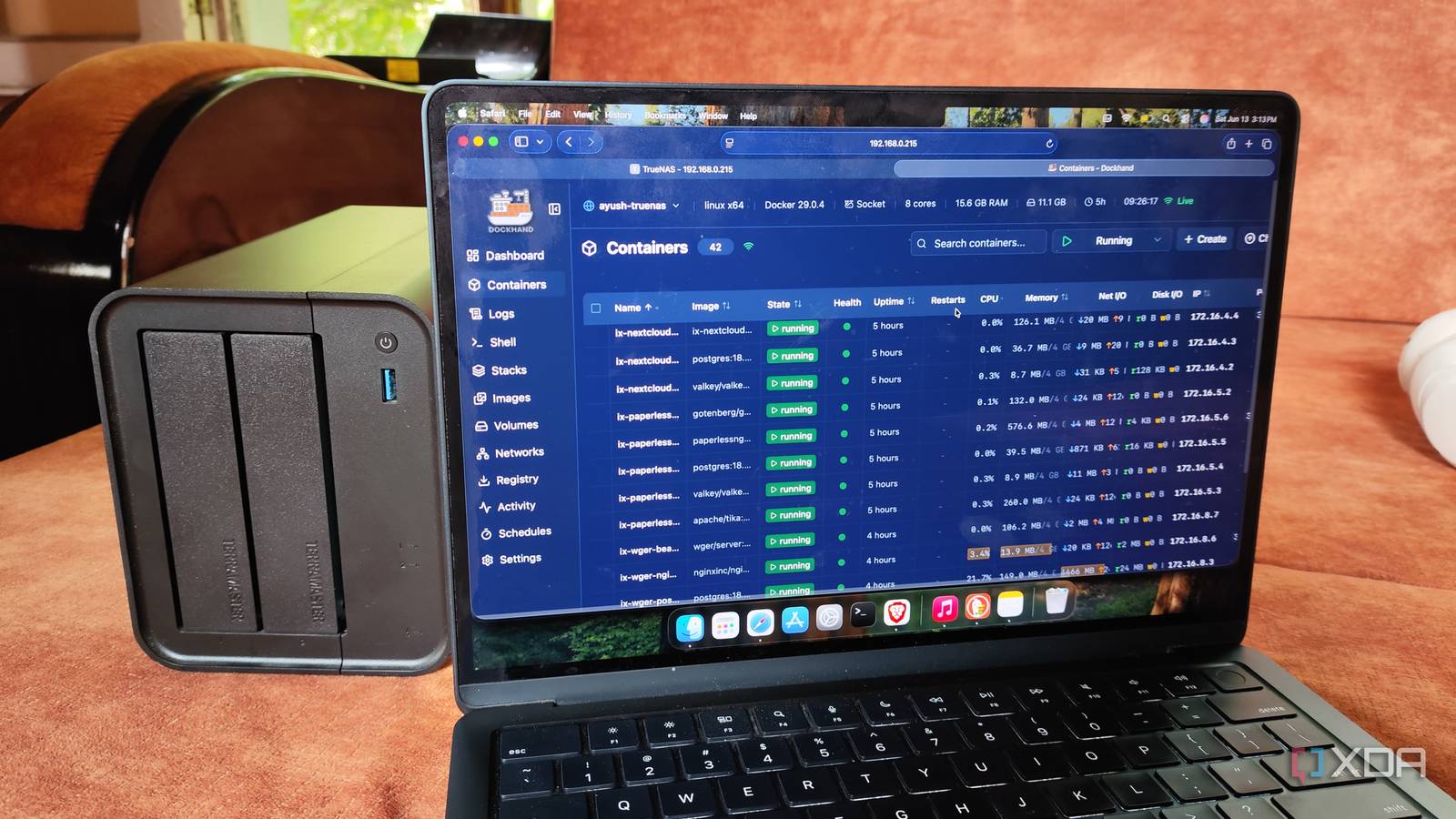
Published Nov 23, 2026, 6:00 AM EST Ayush Pande is a PC hardware and gaming writer. When he's not working on a new article, you can find him with his head stuck inside a PC or tinkering with a server operating system. Besides computing, his interests include spending hours in long RPGs, yelling at his friends in co-op games, and practicing guitar. Docker was the first runtime I used when I dove into the self-hosting rabbit hole, and it has remained an essential aspect of my home lab ever since. After all, being able to self-host dozens of FOSS tools within isolated environments alone makes Docker a godsend when you want to break away from cloud-based, subscription-heavy apps. Combine that with its beginner-friendly ecosystem, portable images, and lightweight design, and you can see why I prefer Docker containers to dedicated virtual machines for my productivity services. That said, there are a handful of complications that can plague simple Docker Compose setups. Updating containers, especially services that get updated every so often, is one of them, and this problem tends to snowball when you go all-in on containerized services. Watchtower used to be my counter to this problem, but I had to make do with other workarounds when it was discontinued months ago. And although there are forked versions of this tool now, I managed to find something even better to automate my container updates. Manually updating Docker containers can be tedious Especially when you’ve got dozens of services scattered across different nodes If you’re wondering why I’m so particular about updating my containerized services, well, there are plenty of perks to ensuring they’re running on the latest images. Developers adding new features to their container images is a good reason, but my primary reason for updating my FOSS stack lies in bug fixes and security patches. With software vulnerabilities popping up like never before thanks to AI, I’d rather stick to newer versions of container images than risk exposing my home lab to a newly-discovered exploit. The problem? Well, updating containers can be a bit of a hassle. On standalone services deployed via the docker run command, I’d have to pull the up-to-date image, remove the old container, and deploy a new one using the fresh image. This can be quite tedious when you’ve got a bunch of services, let alone something like my setup, where I’ve got dozens of them running on separate machines. Plus, I’d have to ensure the new docker run command has the same parameters as the outdated environment, otherwise, I’d have to reconfigure the storage mounts, directories, and networks for my self-hosted stack. Heck, even with Docker Compose-based containers, I’d have to manually run the docker compose up -d command multiple times, on top of switching directories to cover all the compose.yml files my containerized arsenal relies on. So, I had to find some way to automate the whole process, and as it turns out, the web UI I use to control my container stacks had this feature baked into it … Dockhand can trigger container updates for my FOSS suite Automating the entire process is fairly simple, too I’ve been using Dockhand ever since Portainer revealed their plans to go down the Kubernetes route, and despite its simple-looking web UI, it hides enough features to make it my primary tool for managing my Docker containers. Well, automatic updates turned out to be one such feature, and enabling it is as easy as using the Edit button next to a container, heading to the bottom of the page, and toggling the auto-update box. For simple containers and disposable services that I don’t rely on a lot for my everyday tasks, I’ve left the auto-update schedule at daily frequency. But for my productivity services, I prefer leaving this option at weekly instead, as I’d rather not deal with the bugs in the bleeding-edge variants of my images rendering my FOSS tools offline. In fact, I’ve had problems when my now-defunct Watchtower pipeline would try to update my services and end up breaking them due to faulty images. So, I’ve ditched the auto-update facility altogether for services that can bring my entire setup offline if they were to go down. Instead, I’ve configured Dockhand to check for updates and notify me before it replaces my containers with potentially broken images. Doing so was as simple as toggling the environment-wide Scheduled update check option within the Settings tab of my Docker nodes. Since Dockhand pulls new images practically every day, I’ve also tweaked the image pruning schedule for my nodes. For mission-critical systems housing my networking stack, monitoring tools, and authentication apps, I’ve set the image pruning schedule on a monthly basis, so I can always revert to older, safer versions if things go wrong. But for non-essential services, I’ve configured the image pruning automation to remove any unused images to save extra disk space on my nodes. Automating my container updates isn’t the only hidden feature on Dockhand I’ve been using Dockhand for a few months now, and I’ve found quite a few neat features in this container management tool. Besides the auto-update provisions, Dockhand can run vulnerability analysis scans on new images, and I’ve connected it to Trivy and Grype to add an extra layer of security to my setup. I’ve also added Gotify-based notifications to my Dockhand hub, so I can receive alerts if my mission-critical apps were to go offline randomly. Dockhand
My self-hosted Docker apps update themselves, and automating everything was a piece of cake
Full Article
Original Source
Read the full article at Xda-developers →KhanList aggregates and links to publicly available news content. We do not host full articles from third-party sources. Always verify important information with original sources.