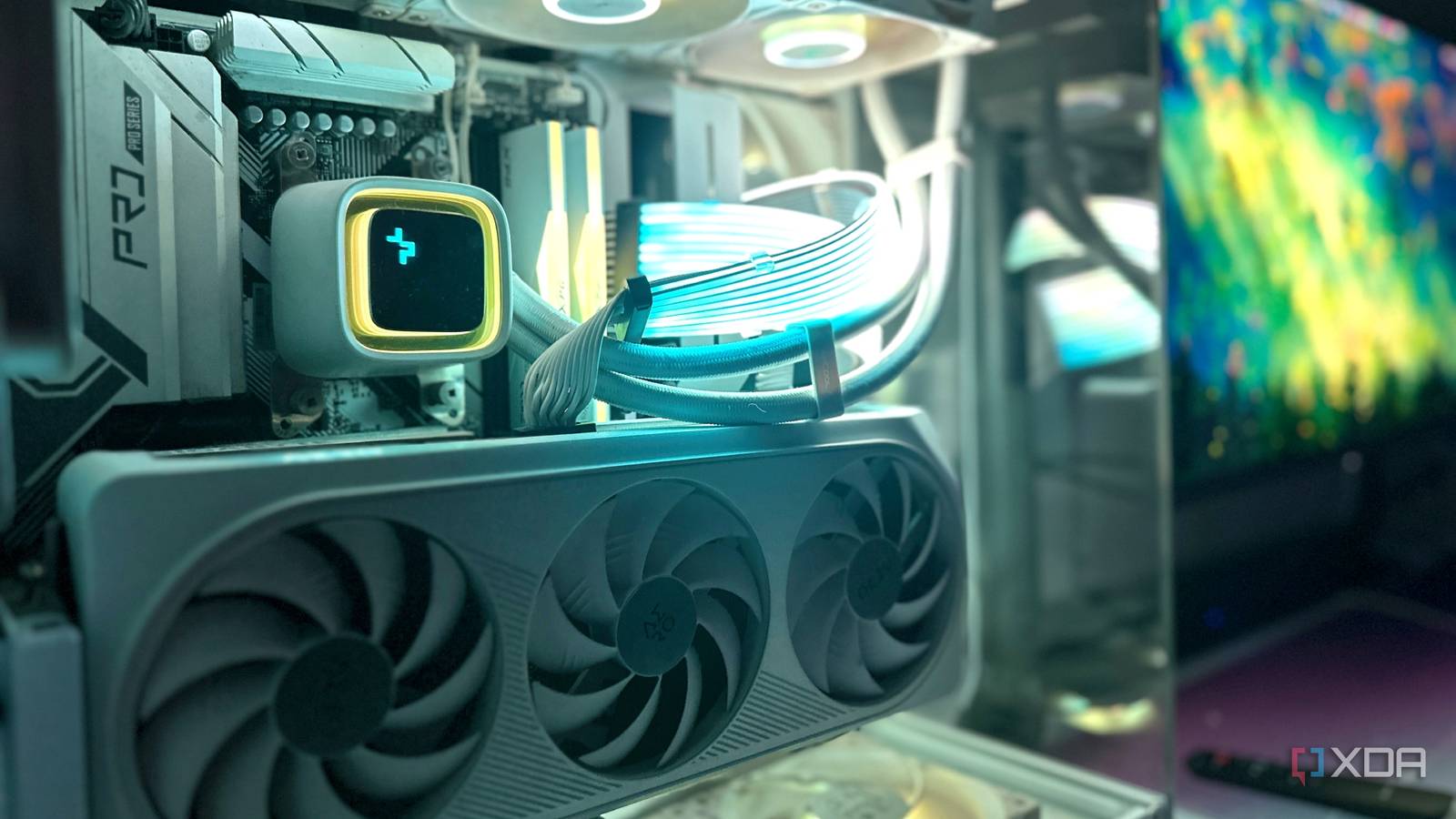
Published Aug 15, 2026, 4:00 PM EDT Beginning his professional journey in the tech industry in 2018, Yash spent over three years as a Software Engineer. After that, he shifted his focus to empowering readers through informative and engaging content on his tech blog – DiGiTAL BiRYANi. He has also published tech articles for MakeTechEasier. He loves to explore new tech gadgets and platforms. When he is not writing, you’ll find him exploring food. He is known as Digital Chef Yash among his readers because of his love for Technology and Food. I have an RTX 5070 on my main machine, so naturally, I assumed it would be my go-to hardware for running local LLMs. But that hasn't really been the case. After spending more time experimenting with local AI, I found myself running many of the models I use on a laptop with integrated Radeon graphics instead. That wasn't something I planned when I started testing local LLMs. I simply wanted to see how far I could push modest hardware. What surprised me was how usable the experience became for my everyday AI tasks. I still rely on the RTX GPU when I need serious performance, but I don't automatically use it for every model anymore. Not every LLM needs a heavy GPU A lot of my AI work barely needs a GPU After using local LLMs for a while, I realized that my everyday workload isn't nearly as demanding as I initially thought. A lot of what I do involves fairly short prompts and straightforward tasks. I'll ask an LLM to rewrite a few sentences, explain something I'm stuck on, summarize a handful of notes, or help me brainstorm an idea. None of these tasks keeps the GPU busy for long. I noticed that even when I was using my RTX 5070, the actual workload often felt pretty light. That made me wonder whether I was simply using more hardware than necessary. I also started paying attention to what happens when I run these tasks elsewhere. There isn't always a huge difference in the overall experience when the workload is small. The response might take a little longer, but I'm usually not waiting around for minutes. That's probably the biggest thing I learned from this setup: an LLM workload doesn't automatically become demanding just because it's running locally. Some of the things I use AI for are surprisingly lightweight. Integrated graphics are sufficient most of the time My modest laptop does more than I expected My Ryzen 7 5825U laptop has made me rethink what I consider “enough” hardware for local AI. It has 16GB of RAM and only integrated Radeon graphics, which sounds underpowered next to an RTX 5070. Yet for how I use smaller local LLMs, it's been much more capable than I expected. I run my models through LM Studio, and the laptop experience has been better than I expected. I can keep my regular apps open, load a local model, and use it for everyday tasks without the system becoming unusable. It isn't fast, but it doesn't feel painfully slow either. LLMs definitely run better on RTX The performance gap becomes hard to ignore That said, there is no question that my RTX 5070 gives me a much better experience when I push my local AI setup harder. The difference becomes obvious as soon as I move beyond the lighter workloads. Larger models respond much faster on the RTX system, and I don't have to wait as long between prompts. I especially notice this when I'm working with longer inputs or asking for more detailed responses. The laptop can handle some of these tasks, but the waiting time starts to become noticeable. The RTX 5070 also makes experimenting with heavier models much more comfortable. I can load a model that would be impractical on my integrated graphics system and actually interact with it without constantly thinking about how long the next response will take. This is where having a dedicated GPU makes a real difference for me. It isn't just about getting an answer; it's about how quickly I can work with the model. When I'm testing something demanding, the faster responses make the whole experience feel smoother. So while integrated graphics work well for me in many situations, the RTX 5070 is clearly the better tool when performance becomes the priority. I focus on model and workflow more than GPU Optimize for workflow, not horsepower After testing both systems, I've stopped trying to make one setup do everything. I now look at my local AI setup as a combination of hardware, model, and software that needs to work well together. The model is my starting point. Once I know what I want to run, I can decide where it makes the most sense to run it. That keeps me from constantly changing settings or moving things around just to get better performance. I also prefer keeping my workflow simple. If everything is configured properly, I can open LM Studio, use what I need, and get back to whatever I was doing. That has made a bigger difference to me than chasing benchmark numbers. I still appreciate having a powerful RTX GPU, but I don't feel like I have to use it simply because it's available. I don't always need the GPU I own Having an RTX 5070 has shown me what powerful hardware can do with local AI. But using integrated graphics has shown me something just as useful: I don't need that level of hardware for everything. For me, local AI is now about finding the setup that fits naturally into my workflow. Sometimes it's my laptop, and sometimes it's my RTX machine. The biggest surprise wasn't that integrated graphics could run LLMs. It was realizing how rarely I actually need the most powerful hardware I have.
My RTX 5070 sits idle while integrated graphics handle my everyday AI work
Full Article
Original Source
Read the full article at Xda-developers →KhanList aggregates and links to publicly available news content. We do not host full articles from third-party sources. Always verify important information with original sources.