
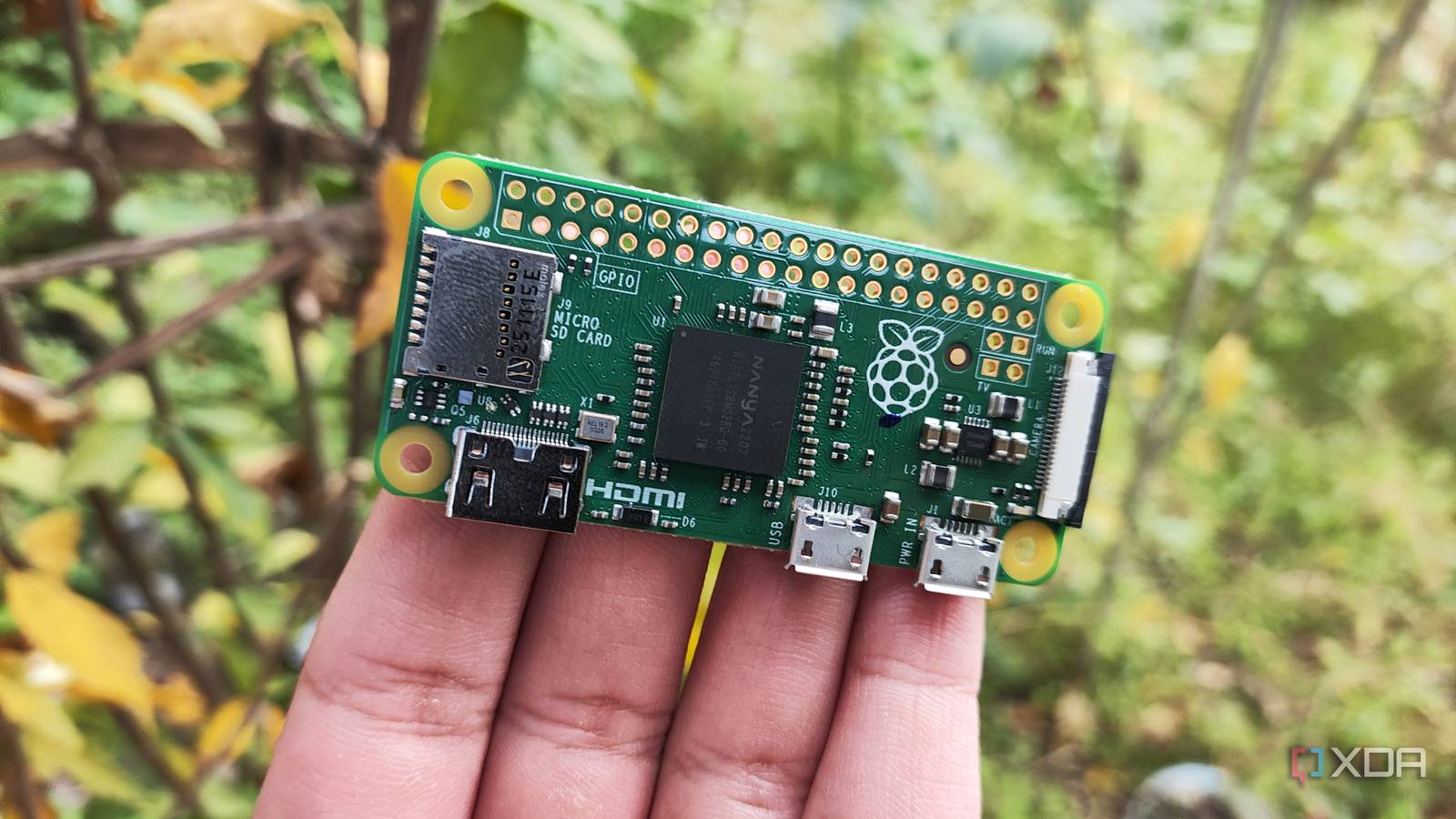
Published Oct 6, 2026, 3:30 PM EDT Abhishek is an author at XDA who covers computing. He has loved computers since he got the Lenovo G570 in 2012. Abhishek holds a master's degree in computer applications and began his writing career in 2018. He loves writing how-to articles, listicles, and informational posts on popular operating systems and web services. He closely follows the Windows Insider program and tests new Insider builds to discover upcoming experimental features and upgrades. His past work includes long-term collaborations with reputed publications like Tom's Hardware, and Windows Latest. When not writing anything, he is busy watching new episodes of One Piece or searching for something binge-worthy. I recently built a small network setup using a Raspberry Pi Zero 2 W. It handles all the inbound DNS queries with a combination of Unbound and Pi-Hole. There are additional Docker containers for monitoring and a dashboard. I've also deployed Tailscale outside these Docker containers for remote access and use Tailscale Serve whenever necessary. The overall setup works nicely, and I've rarely noticed a major outage. But when that happens, my first idea is to SSH into the Raspberry Pi to check what's wrong. Such incidents urged me to think of a script that runs in the background, scanning the system for any inactive services. The purpose of the script would be to keep an eye like a watchdog and self-heal all the tools without my intervention. Let's explore how the script works and why you should use one on your SBC. DNS availability matters But tools are unpredictable When you think of something network-related, like the tools I have on my Raspberry Pi Zero 2 W, the biggest concern is uptime. Ideally, the server should never face any downtime, but that's not always the case. A glitched service, process, or Docker instance can render the server unusable. If I'm on my PC or have the dashboard open in a browser window, I can check which containers are currently down. But that's not a good idea when every search query from my PC goes to the Raspberry Pi Zero 2 W server. I'm waiting for an incident to occur and then work on fixing it. Some services like Tailscale don't even show up on the dashboard because they're deployed outside of Docker. If it fails, I can no longer access the system when I'm not at home. So, the server needs a mechanism that's able to find such problems and try to fix them. A script is the simplest way to achieve a self-healing server, at least for the most common issues. It’s lean, configurable, and can run at boot, making automations much easier. Systemd is a great way to schedule and launch scripts, and I use it for my Raspberry Pi and Ubuntu server as well. Creating the script Factoring in the smallest details Most users build some kind of tracking and alert system that sends notifications when the Docker or server is down. It tells you about the issue but doesn't do anything to restore it to a working state. The other major problem is the system resources available on the SBC I picked for this project. A Raspberry Pi Zero 2 W can run my whole setup without any problem. However, it cannot run tools like Uptime Kuma, Grafana, and a few others. A script is wise because it loads at startup and runs in the background at small intervals. I tested with both Gemini and ChatGPT to come up with a script for this goal and used the one from the latter. It uses a lot in between checks and doesn't restart the server at the first error encountered. The script first checks whether Docker is active or not and then moves on with container status inspection. It restarts everything that's not running. Then it checks whether Pi-Hole is active with a DNS query before attempting a restart. Unbound gets a similar check, and then the Tailscale service is analyzed. Even if everything works, the internet could be down, and there's a check for that too. The script initiates a system reboot only when multiple checks fail and saves a log file. There's a timer to force the script to run after a short duration. The main reason for that is not to have it continuously running in memory because it's a luxury for the SBC. Docker has internal checks The script goes beyond it Docker already supports restart policies, and you can check them in the configuration file. But merely restarting the container won't check for other problems that exist on the server. I use the restart policy for all my containers, but the script acts as an additional layer of protection. It manages the complete Docker system along with Tailscale and external network connection checks. The script checks whether Pi-Hole actually works and tests the Unbound DNS resolver. If anything seems out of place, it gets logged, and then the script tries to fix it. Similarly, if a Tailscale process exists, that doesn't mean the service is actually active. It restarts the service to make it functional again. Docker doesn't implement any checks outside the containers. There's even a code chunk to check if the SBC can connect to an external network. The script tries to ping an external network and logs the result. It doesn’t act like a novice and hastily issues the system reboot command. Reboots happen only when multiple checks fail and leave no other resort but to start afresh. While it's a very elaborate script, it certainly doesn’t make the Raspberry Pi server failure-proof. The best way to describe it is that it eliminates the need to do basic troubleshooting. It already does the boring work for you and presents all the results in a log file for further inspection. You already have a baseline for reference and further testing, or can do more advanced actions like recreating containers. Leave SSH for important tasks SSH is the first thing you learn when you start working on an SBC. There’s no screen to look at, and you have to rely on the terminal access and your knowledge to make it work. However, SSHing to the SBC for trivial tasks like a service restart or conducting basic network or status checks is a waste of time. A bash script can combine all these tasks, run them at the scheduled time, and fix small problems on its own. You might have a different set of Docker containers and directly installed tools, so you’ll have to tweak the script. Raspberry Pi Zero 2 W The Raspberry Pi Zero 2 W is a small SBC with Wi-Fi and Bluetooth connectivity.
My Raspberry Pi now fixes itself when services die, and I haven't SSHed in weeks
Full Article
Original Source
Read the full article at Xda-developers →KhanList aggregates and links to publicly available news content. We do not host full articles from third-party sources. Always verify important information with original sources.