
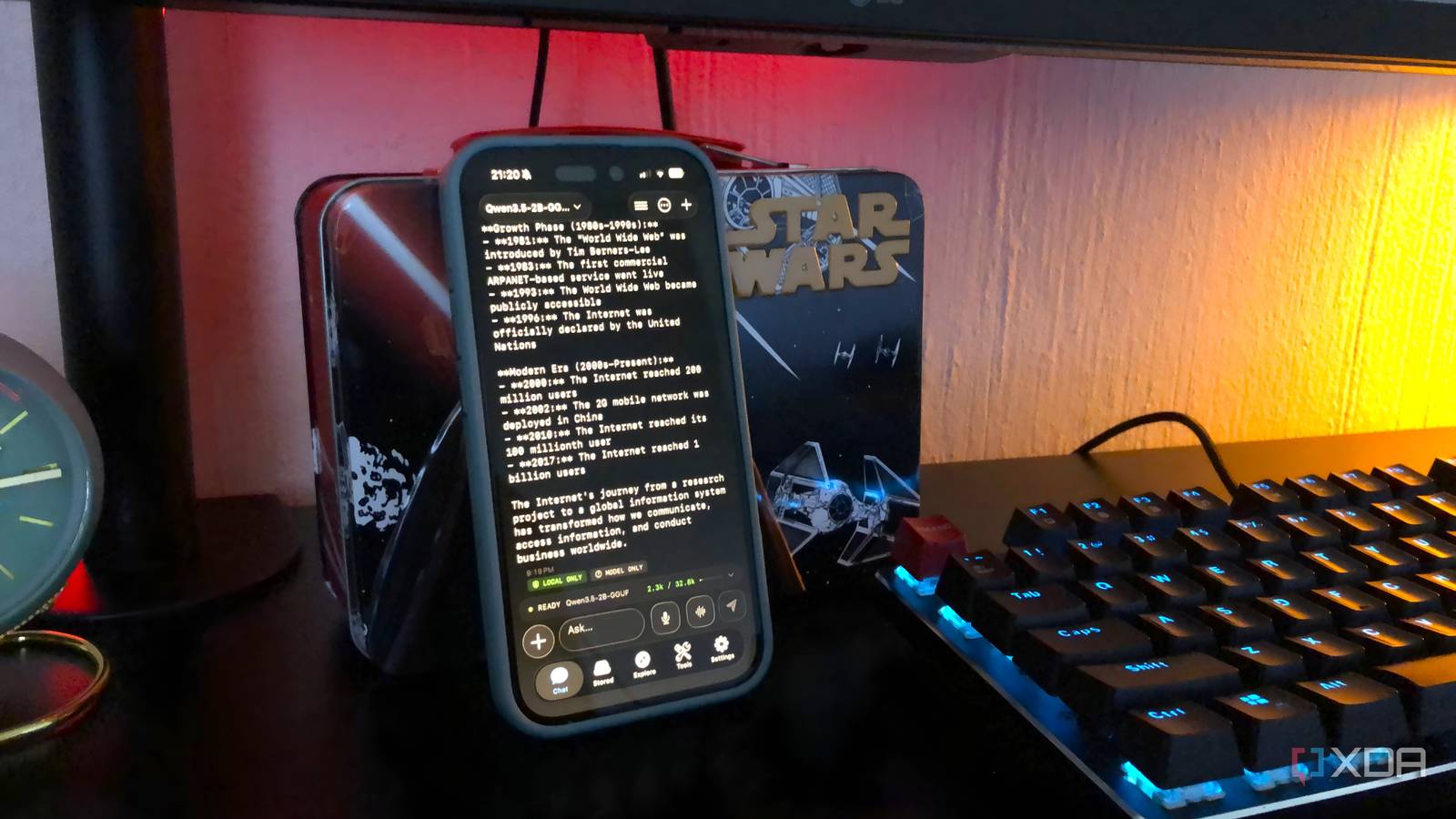
Published Aug 24, 2026, 4:00 PM EDT Nolen began their writing career in 2019, with three years dedicated to editing the Creative section at MakeUseOf. Their expertise lies at the crossroads of technology and creativity, covering areas like photography, video editing, and graphic design. Outside of work, you'll often find Nolen diving into a good book, writing their own stories, or playing video games. Using a chatbot that doesn't let you upload documents is almost unheard of these days - the document workflow is integral to an AI workflow now. And they've gotten really good at working with documents. However, the docs that would actually benefit the most from the summary-and-query treatment are also the ones you probably shouldn't be uploading to a cloud bot. A bank statement, legal doc, or medical test is exactly the kind of thing those of us who aren't legal or medical experts need help understanding. Running a local LLM on your phone has been a viable option for a minute now, and it solves the privacy side. But mobile local AI apps are surprisingly limited when it comes to document handling. You can copy-paste in a version of your document and have a chat, but few of them natively support file attachment…except for this one. Want to stay in the loop with the latest in AI? The XDA AI Insider newsletter drops weekly with deep dives, tool recommendations, and hands-on coverage you won't find anywhere else on the site. Subscribe by modifying your newsletter preferences! Every mobile local LLM app I tried had the same missing feature Running the model is the easy part, while workspace features are hard to come across I've been running local LLMs on my phone since I realized it was an option, and my go-to has been PocketPal. To me, it's like the mobile version of LM Studio - perhaps not the best for a benchmarking test, but extremely user-friendly and practical. It's also cross-platform, open-source, integrates with Hugging Face, and runs everything fully on-device. The problem with PocketPal is that, like every other mobile local LLM app I've tried, it doesn't accept documents. So you can chat and tweak params, but once you want to hand it a PDF you're out of luck. Google's AI Edge Gallery is in the same boat, and it's one of my favorite mobile local LLMs because it's so comprehensive. It has a big list of agents that give you features like maps and reminders for tasks. But it can't accept a document. Mobile RAG is hard because it needs three things running at the same time - the language model, an embedding model to turn your text into vectors, and a vector database to search them, which is a lot to fit into a phone's memory budget. This is why a lot of mobile runners don't even try. My criteria eventually narrowed down to: accepts documents from the Files app and has a real RAG system built in. Not something that requires me to paste the text next to my prompt as a workaround. Everything else was negotiable. The app I finally landed on is called Noema. It's iOS-only at the time of writing, so if you're on Android, LocalRAG is the closest equivalent and the same principles here apply to that workflow too. The whole retrieval pipeline runs on your phone, embeddings and all An app that supports document upload changes everything Noema is free, open source, and runs models in five formats - GGUF, MLX, Liquid AI's SLM, ExecuTorch, and CoreML - and it supports Apple's Foundation Model on Apple Intelligence devices too. That format range alone puts it ahead of most mobile runners, but I didn't switch for that, I just liked the fact that it supports documents. The first time you attach one, Noema downloads an embedding model - it currently uses Qwen3 Embedding 0.6B in Q8_0 quantization at around 640MB. That's a one-time setup. After that, every document you add gets chunked and embedded on-device with no cloud calls at any point. Supported formats are PDF and EPUB out of the box, plus plain text and markdown when you're pulling from something like an Obsidian vault. Import happens through the standard Files picker. The RAG is decent and not inferior to what I've experienced in cloud bots on mobile or local LLMs on desktop. You just ask a question, Noema embeds the query, searches your indexed documents for semantically similar chunks, and drops the relevant passages into the prompt so the model answers from your material with cited sections. There are two document modes worth knowing about. Automatic Context uses smart retrieval to grab only the relevant chunks, which is what you want for large documents, and Full Document mode feeds the entire dataset into context if it fits. The app tells you upfront which mode it's using and how much context it's using up. Model choice also matters. I've mostly been running Qwen 3.5 2B at Q3 and Q4, which fits comfortably on my phone with room for a decent context window. Noema also has a built-in RAM advisor that estimates whether a model will fit before you even try to load it, which honestly saves you from the download-then-crash cycle that other mobile runners seem to love surprising me with. Settings-wise, I'd check context length, GPU offload, and thread count before you start using it seriously. Off-grid Mode is the one I actually recommend turning on - it blocks all outbound HTTP and HTTPS at the app level, so even if a feature tries to reach out, it can't. My actual document workflow is simple. I export statements directly from my banking app to Files, add them to Noema, and query them locally. Same for insurance PDFs, medical results, anything that comes through in-app or mail exports. I stopped hesitating to open my documents in an AI assistant This changes what "sensitive" even means in a local workflow The obvious win here is that I had to look for an app that supports documents in the first place, and that then stopped me hesitating before feeding it my files. Now I've actually got a place where I can interact with my bank statements, insurance PDFs, healthcare data, and legal documents that are stored locally on my phone. These are the highest-value documents to actually query with an AI, which is exactly what makes them the ones cloud bots shouldn't touch. There are tradeoffs, of course. Speed is the biggest one - Noema's own docs put you at a few tokens per second on 4B to 7B models, and my 2B setup is faster than that but still slower than any cloud model. Model size is capped by your phone's RAM too, so a 2B or 3B quantized model handles retrieval and summarization well, but it's not going to reason like a frontier cloud model. But I'd rather have a smaller local model I can actually feed my full personal documents to than a much bigger cloud one I have to keep filtering what I share with. I think that's the tradeoff worth making.
My phone runs an AI assistant entirely offline, and I stopped uploading my documents to cloud chatbots
Full Article
Original Source
Read the full article at Xda-developers →KhanList aggregates and links to publicly available news content. We do not host full articles from third-party sources. Always verify important information with original sources.