
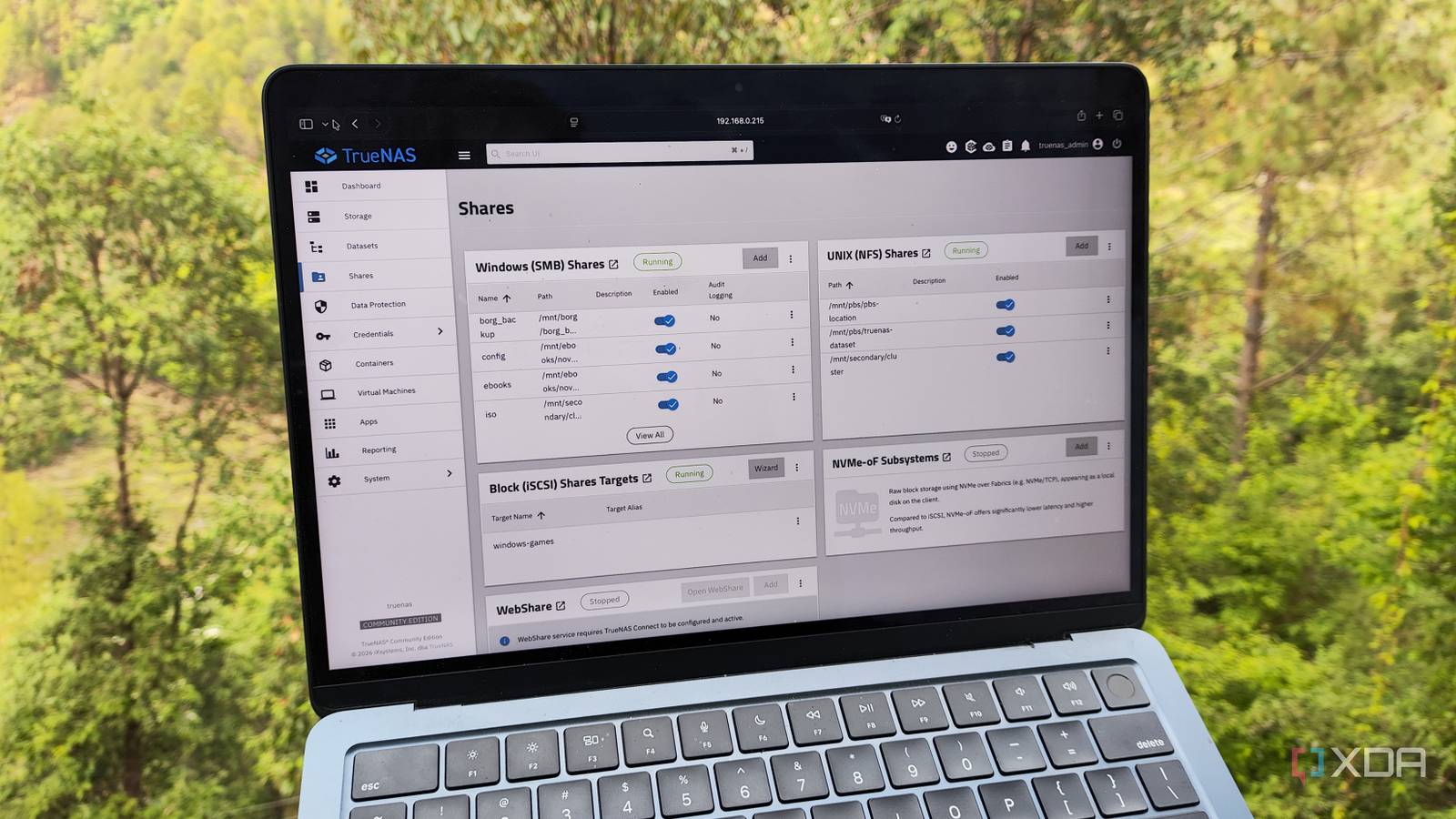
Published Aug 21, 2026, 2:30 PM EDT Ayush Pande is a PC hardware and gaming writer. When he's not working on a new article, you can find him with his head stuck inside a PC or tinkering with a server operating system. Besides computing, his interests include spending hours in long RPGs, yelling at his friends in co-op games, and practicing guitar. I’ve been interested in NAS-centric tools ever since I built my first storage server using an old PC. Network shares are a good example, and after learning of their individual merits, I’ve started using SMB, NFS, and iSCSI folders for my home lab tasks. Redundant Array of Independent (or Inexpensive, depending on who you ask) Disks intrigued me a lot as a beginner, as the prospect of using multiple hard drives in my storage server sounded really cool to my fledgling self. That said, although I’ve got some RAID pools scattered across my Network-Attached Storage server, it’s nowhere near as important as I thought it was. If anything, spending years with TrueNAS taught me that I should focus on ZFS snapshots (and their replication functionality) first and foremost. Despite its perks, RAID isn’t meant to replace backups Believing otherwise can (or rather, will) cause irrecoverable data loss when things go south One of the biggest misconceptions I’ve seen propagate in the NAS communities is that RAID setups are akin to backups. Leaving aside RAID 0 (which most people shouldn’t even consider using anyway), RAID 1 and higher levels can ensure your NAS remains operational in case a storage drive kicks the bucket. As such, RAID’s main purpose is maintaining high-availability and preventing downtime, not protecting the data itself. For example, let’s look at a RAID 1 configuration comprising two drives, where ZFS is responsible for mirroring the contents of drive numero uno onto the second one. If you end up deleting a file accidentally, this operation gets synced on the mirrored dataset as well. The same applies to data loss caused by malware or ransomware. If both hard drives end up failing around the same time, your data will become irrecoverable. In fact, this problem persists at higher RAID levels as well, and even a RAID 5 array can become useless if two drives end up failing together (which is actually more plausible here considering the intensive write tasks that occur during the dataset rebuilding operation). Likewise, fires, theft, or other unforeseen accidents can render even the most hardcore RAID setups useless at protecting your files. My NAS snapshots take priority over RAID But even then, a local-only snapshot configuration is prone to risks Switching gears to a utility that actually prevents data loss, snapshots are something I’ve enabled on my primary TrueNAS server. For the uninitiated, ZFS snapshots are point-in-time copies of a dataset that, once created, only record data block changes in subsequent snapshot operations. Since new snapshots don’t record the entire dataset again, they’re extremely storage efficient and are often wrapped up within a few minutes. Creating them is fairly simple on TrueNAS, and I’ve even configured periodic snapshots for my datasets. For my SMB datasets containing frequently-modified project files, I’ve configured periodic snapshot operations to run twice a week. Meanwhile, TrueNAS takes new snapshots once every month or so for typical data that I don’t edit very often. That said, if I were to rely on locally-stored snapshots, I’d still end up risking my precious data. Even if snapshots could restore accidentally deleted files, if anything untoward happened to the NAS itself, they’d be rendered ineffective. As such, I use the snapshot replication functionality to add an extra layer of safety to essential NAS files. I’ve even configured a 3-2-1 snapshot replication pipeline to protect my data I also had to tweak my snapshot lifetime settings to stop my NAS rigs from running out of storage Keen-eyed readers may have noticed that I keep referring to my local TrueNAS rig as my primary storage server. Well, that’s because I’ve got another NAS running the same distribution miles away from my home lab, and it’s the one responsible for pulling the snapshots from my local storage rig for safekeeping. You see, TrueNAS has this neat functionality called snapshot replication, which allows me to send my snapshots to other machines. That way, even if the original dataset and snapshots were to become unusable, I could still recover my essential files from my offsite NAS. Just to save some money, I went with a 2-bay NAS for this secondary server, though it still has enough memory to run TrueNAS. But if I wanted to save even more money, I could just toss any ol’ NAS-centric distro on a cheaper mini-PC and use rsync to synchronize essential datasets between my local and offsite storage servers. I also had to configure snapshot lifetime on both NAS rigs; otherwise, I’d have snapshots hogging up too much space on them. For my bi-weekly snapshots, I tend to keep them around for roughly a month. Meanwhile, my monthly snapshots remain on my NAS rigs for six months, so I’d still have some way to revert to stable copies of my datasets if my recent snapshots get compromised by corruption, logical bugs, or ransomware. TrueNAS SCALE
My NAS' ZFS pools taught me snapshots matter far more than the RAID level I obsessed over
Full Article
Original Source
Read the full article at Xda-developers →KhanList aggregates and links to publicly available news content. We do not host full articles from third-party sources. Always verify important information with original sources.