
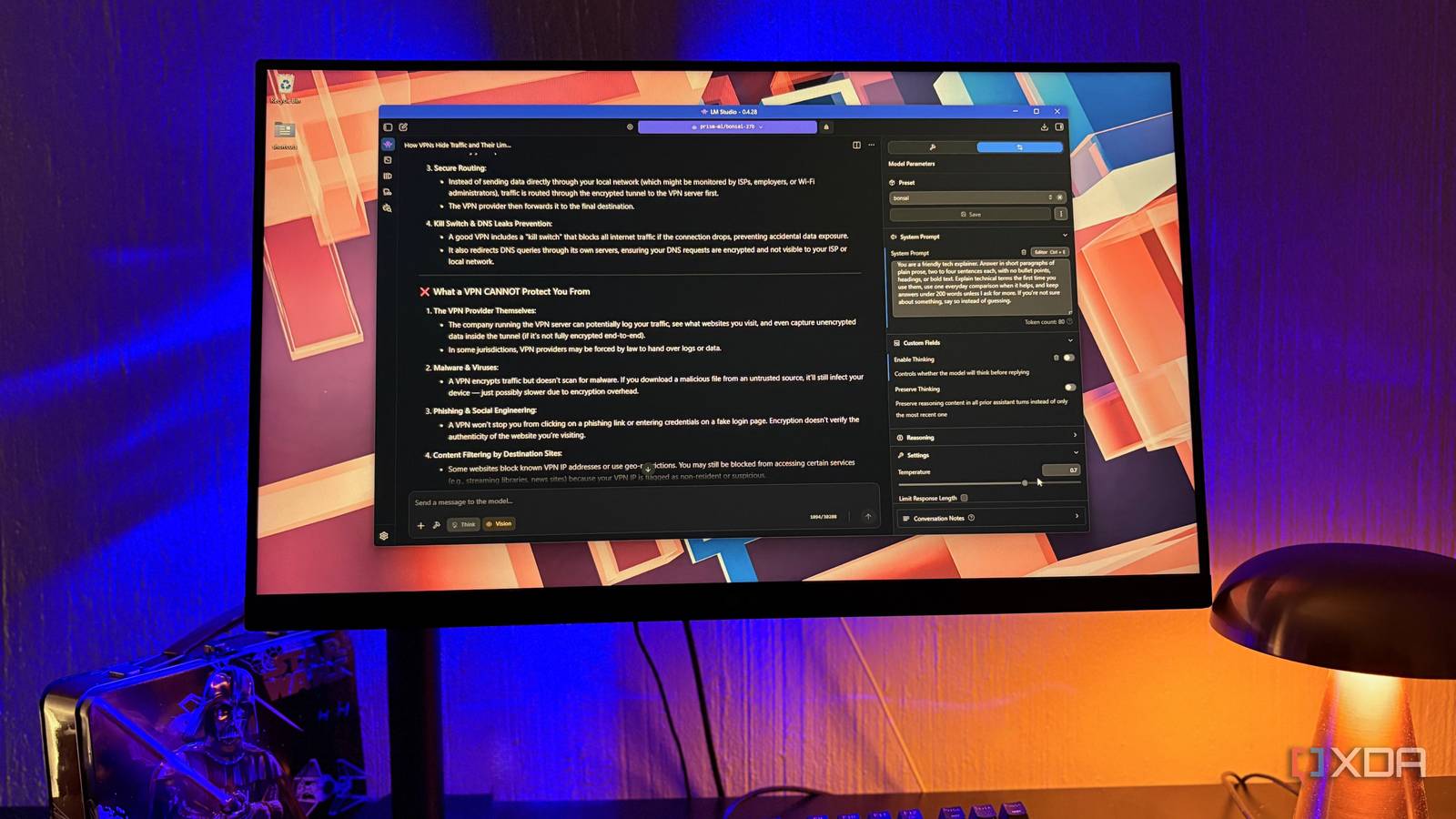
Published Nov 23, 2026, 5:30 PM EST Nolen began their writing career in 2019, with three years dedicated to editing the Creative section at MakeUseOf. Their expertise lies at the crossroads of technology and creativity, covering areas like photography, video editing, and graphic design. Outside of work, you'll often find Nolen diving into a good book, writing their own stories, or playing video games. Every couple of weeks there's a new Claude model, and the distance between it and what I can fit on my 8GB card gets a little wider. A 9B model isn't going to reason like Opus, and even though the local model is capable, running it next to a Claude model highlights the gaps pretty quickly. Raw intelligence isn't actually why most people open an AI app twenty times a day, though. Much of what makes Claude feel useful lives in the app around the model, and a local model sitting in a bare wrapper doesn't get any of those extras. Part of why local models can feel worse is probably because of this, but many of those missing pieces can actually be added to a local setup. And once I did, it didn't really matter that my local LLM isn't as smart as Claude. A hotkey that brings my local model to whatever I'm doing The quickest AI to reach is the one you use the most Claude's desktop app has a feature called Quick Entry, which pulls up a small chat box over whichever app you're in with a keyboard shortcut. This is nothing new, many apps have a function like this, but it's not something you'll find in a local LLM or the majority of wrappers, including LM Studio. What you need is a global hotkey, which is a shortcut an app registers with Windows so it works no matter what's open. This part has nothing to do with the model, since the app and Windows handle it, and the app has to stay running in the background to listen for the keys. One of my favorite workspace apps to run my local LLM in is called Cherry Studio, and it has something called Quick Assistants which is the equivalent of Claude's Quick Entry. It's off by default, but once you turn it on then hitting Ctrl + E opens a little popup on top of whatever you're busy with, and I have mine pointed at an assistant that runs my local model. I also switched on the option to read my clipboard when it opens, which means whatever I've copied is already in a box with buttons to summarize, translate, or explain it. Web search so my local model can look things up A small model doesn't need to know everything if it knows where to look Every model basically stops learning on the day its training ended, so my local LLMs were never going to hold as much information as Claude models to begin with. Giving it web is pretty much the answer. When the model works out that it needs something current, it asks the app to run a search, and whatever comes back gets added to the chat for it to answer from. That only works with models that support tool calls, which the Qwen-based ones I use do. There are different ways to get web search depending on how you run your model. My go-to is the Brave Search MCP in LM Studio, which requires an API key and editing LM Studio's mcp.json file, which is quite fiddly. Jan is the much simpler option because it ships with web search built in and lets you use it from the chat toolbar; it is on by default. And then Noema, which is my main mobile local LLM runner, also comes with its own search switch. When Claude or ChatGPT searches for you, the whole conversation is on their servers, including anything you pasted in. Here, only the search query leaves my PC. That query still lands somewhere you don't control, for example, Brave keeps API query logs for up to 90 days for billing and troubleshooting, so it's not 100% private. But it is effective for armoring your model with more knowledge. Giving it memory So I can stop reintroducing myself or the project every time Local runners don't necessarily carry personal memory between chats, and LM Studio doesn't have a built-in personal memory feature in my setup. My workaround was giving it access to a folder and asking it to save notes there, then pulling those files into the next chat. The way around this is an outside tool that has nothing to do with the model. AnythingLLM is a great option because it has actual memory. It goes through your recent chats every few hours looking for facts about you and your work. Whatever it finds gets saved as short notes that show up in future chats. You can write your own as well, and keep each one tied to a single workspace or let it apply everywhere. Open WebUI and LibreChat also have memory features. Picking one workspace app and sticking with it Local LLM runners aren't built like Claude; you need a real workspace to replicate Claude This is more of a tip than a feature, but if you want your local LLM to actually work like cloud chatbots, you need to pull it into an environment that has similar features. A runner like llama.cpp or LM Studio is built just to run models and expose controls you wouldn't find in cloud bots, but they don't really let you do anything beyond chat. We all have that one feature that we can't do without, and for me that's Projects in Claude. Projects has a very specific user flow that's hard to replicate exactly, but you can get a version of it. This, once again, comes down to Cherry Studio for me. Its version of Project is called Assistants. Each assistant is a saved system prompt with its own model settings, and every chat you start inside it uses that same prompt and those settings. It's not Claude Projects exactly, but it's close enough. If you have that one feature from a cloud AI app that you keep coming back to, look for an AI tool that has something similar. And I also recommend sticking with it rather than going on an endless hunt for the perfect replica, that way you can keep coming back to your work in the state you've left it instead of spreading your work across a million tools. It's not about the model I've been making do with running small models, and quite frankly, outdated ones at this point, because my card can't really handle more than that. And if this taught me anything, it's that the model and its benchmarks aren't all that important, it's more about the way you set it up and the third-party tools you use it with. Qwen 3.5 9B and Bonsai 27B are great, but they'd be useless to me if they can't use web or work in workspace tools.
My local model isn’t as smart as Claude, but once I added these 4 features, I stopped caring
Full Article
Original Source
Read the full article at Xda-developers →KhanList aggregates and links to publicly available news content. We do not host full articles from third-party sources. Always verify important information with original sources.