
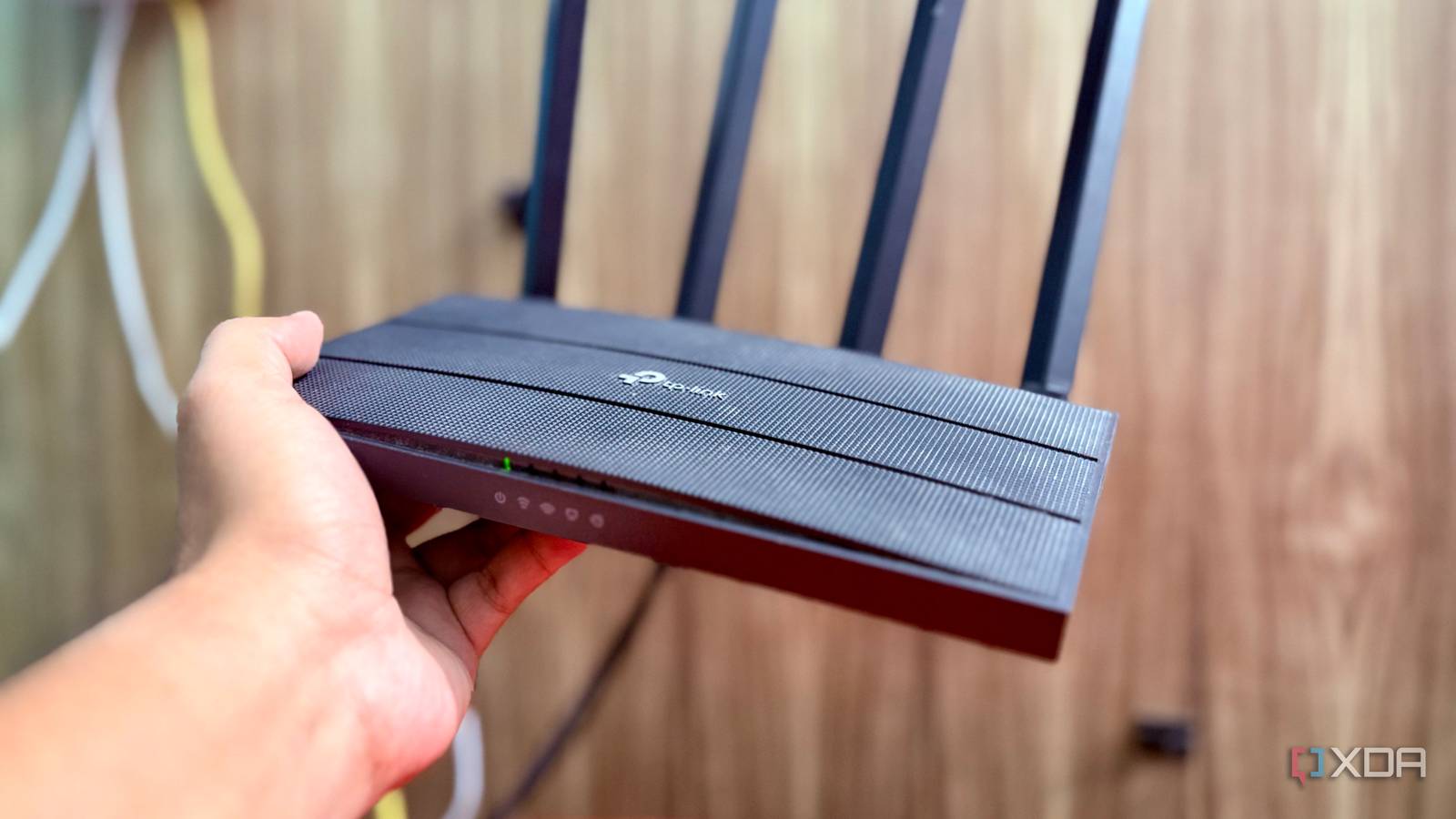
Published Aug 28, 2026, 10:00 AM EDT Shekhar Vaidya is a veteran technology journalist and computer science engineer. He is the founder of TechLatest, where he has spent years providing technical analysis on hardware and Windows ecosystems. Now a Computing Writer at XDA, Shekhar leverages his deep background in NAS, storage solutions, and PC internals to help readers master their tech. My home network had been a mess from the start. Two ISPs, and both behind CGNAT. The ISP-provided ONT router is stricter than a bank’s firewall. And on top of that, my TP-Link was a complement to all because it had its own layer of restrictions. Since my ISPs were very restrictive, I used to blame them for everything wrong. But over time, when I dug deeper, I noticed not everything was my ISP’s fault. Many of the issues could be solved by the router’s end, but the stock TP-Link firmware was no help. So, I decided to flash OpenWrt on my Archer C6. My router was adding its own limitations on top of the ISP's The NAT layer nobody told me about My fiber line provides a GPON ONT. These ONT-cum-router combos are a cheap way for small ISPs to save some money. In my case, it is not just a passive fiber terminal but a full-fledged routing device with its own NAT. By default, the ONT is set to route mode with NAT enabled, and it has only one DHCP client: my TP-Link ER605. Let's back up a little and walk you through my actual home network setup. At first, I had only the ISP ONT. Later, I added the TP-Link Archer C6 to the setup, working in router mode. As my homelab grew, I added another ISP to improve uptime, and I also added the ER605 dual-WAN gateway to take over gateway duties. Since I demoted the C6 to just an access point, I flashed OpenWrt for experimentation. So, coming back to the ONT configuration. It was set up to do double duty: routing and NATing traffic. Even though my DHCP server had since shifted to the ER605, I was not supposed to touch any configuration on the ONT, like the bridge mode. I did try bridging the ONT and moving PPPoE to the ER605 once; it didn't work. It was restricted by the ISP. And since ONT’s PPPoE WAN was already sitting behind CGNAT, the whole flow was a mess. ISP's CGNAT -> ONT's own NAT (Route mode) -> ER605's NAT Now, the main issue is that back then, with just the C6 under the ONT, TP-Link’s stock firmware only gave me two options — router and access point (AP) mode. Router mode gave me all the options, but I didn’t need them all, and access point mode stripped out DHCP, firewall, and routing. So, with the stock firmware, it was either all or nothing. Fast-forward to today, the ONT is still doing the same thing. OpenWrt solved that immediately. By default, all the router capabilities were still there if I wanted them, even in AP mode. It just sat there, unused, until I needed it. Without OpenWrt, keeping the C6 in router mode meant a triple NAT chain. But NAT wasn’t the only wall I hit. I assumed my ISP blocked VPNs. It never even offered the option. There was nothing to block There’s a common assumption that if a VPN on your router doesn’t work, it's the ISP’s fault. I was under the same assumption. CGNAT, the ONT's own routing/NAT, and the fact that the ONT’s admin page didn't even offer a VPN option made that theory believable. TP-Link does have the functionality on the C6. I could set up a VPN on that, but it was again limited to router mode. And on top of that, it was a full VPN server implementation, not a general-purpose VPN client capability I needed. I wanted a VPN client/endpoint for the network. In the end, the ONT didn’t provide VPN capability, and the C6 wasn’t usable even if I wanted to work around it. So, with the ISP ONT and stock C6 out of the picture, I had no way to even test whether my ISP was blocking the VPN. With OpenWrt, the equation flipped. Since it was a package-based system, I was not restricted to the router’s pre-defined VPN rules. With opkg I could add any appropriate VPN software I wanted. I did the same. I installed WireGuard and its dependencies. You know what I found out? The ISP was never the blocker; the software on the ISP ONT and stock TP-Link was. OpenWrt's advantage wasn't that it had one VPN feature TP-Link forgot; it was that I could finally add whatever I actually needed. The real fix wasn't a feature. It was that features could be added at all. The router stopped being fixed Those were the two issues I had before OpenWrt, and flashing it solved both. But the important thing I discovered after OpenWrt is that it let my old Archer C6 do more than anything TP-Link could have offered. I already mentioned opkg. It’s not just a way to install a few features; it’s an ocean of opportunities the open-source community has contributed. You don’t need an enterprise-grade $1000 router to enjoy features like these. TP-Link’s stock firmware is fine. I am not saying it is bad software, but it is designed to serve a mass audience. banIP is one of those features that push open-source firmware way ahead of stock OEM firmware. Before moving to a custom DNS server like AdGuard Home, I depended on banIP for my home network. I won't go deep into banIP, but just for context, it blocks known ad/malware domains or addresses at the network level. If you are not aware, small ISPs sometimes inject telemetry or ad traffic into your network. I'm not saying every ISP does that, but it's possible. banIP isn’t a fully fledged ad blocker, but it does a good job if you add a reputable feed to it. And installing it on the C6 means every device connected to it will already be filtered out before traffic ever reaches them. A few other notable examples are SQM and nlbwmon, which I used before I fully committed to the ER605 for all gateway duties. These prove the extensibility I mentioned earlier. SQM is for traffic shaping and bufferbloat control, and nlbwmon works as a watchman for per-device bandwidth accounting/visibility. Since my current setup is C6 as AP, both of these are not fully applicable to my case, but they’re still useful add-ons if you care about your network. Summing up, OpenWrt didn’t do any magic with the hardware; it didn’t make the C6’s CPU, radios, or memory more powerful than it already was. It extended the software boundary that the OEM put by default. OpenWrt's biggest advantage isn't any single feature. It's that the feature set isn't fixed. Same connection, same CGNAT, different router entirely My ISPs are still behind CGNAT. The ISP-provided ONT still does its own NAT. The ER605 is handling the gateway duties. The C6 is still there as an AP. And it didn’t increase my internet speed, obviously. What changed after OpenWrt is that I am no longer gated by the OEM and restricted by the ISP. I am not haunted by triple NAT if I want full router capabilities. A VPN endpoint that never existed is now usable in just a few clicks. And opkg changed the math of what my router could do. The final takeaway from this whole experience is that replacing the firmware told me more about what was actually limiting me than replacing the router or blaming the ISP. OpenWrt OpenWrt, from open wireless router, is an open-source project primarily used to route network traffic for embedded operating systems based on Linux.
My ISP's limitations vanished the moment I flashed my router with open-source firmware
Full Article
Original Source
Read the full article at Xda-developers →KhanList aggregates and links to publicly available news content. We do not host full articles from third-party sources. Always verify important information with original sources.