
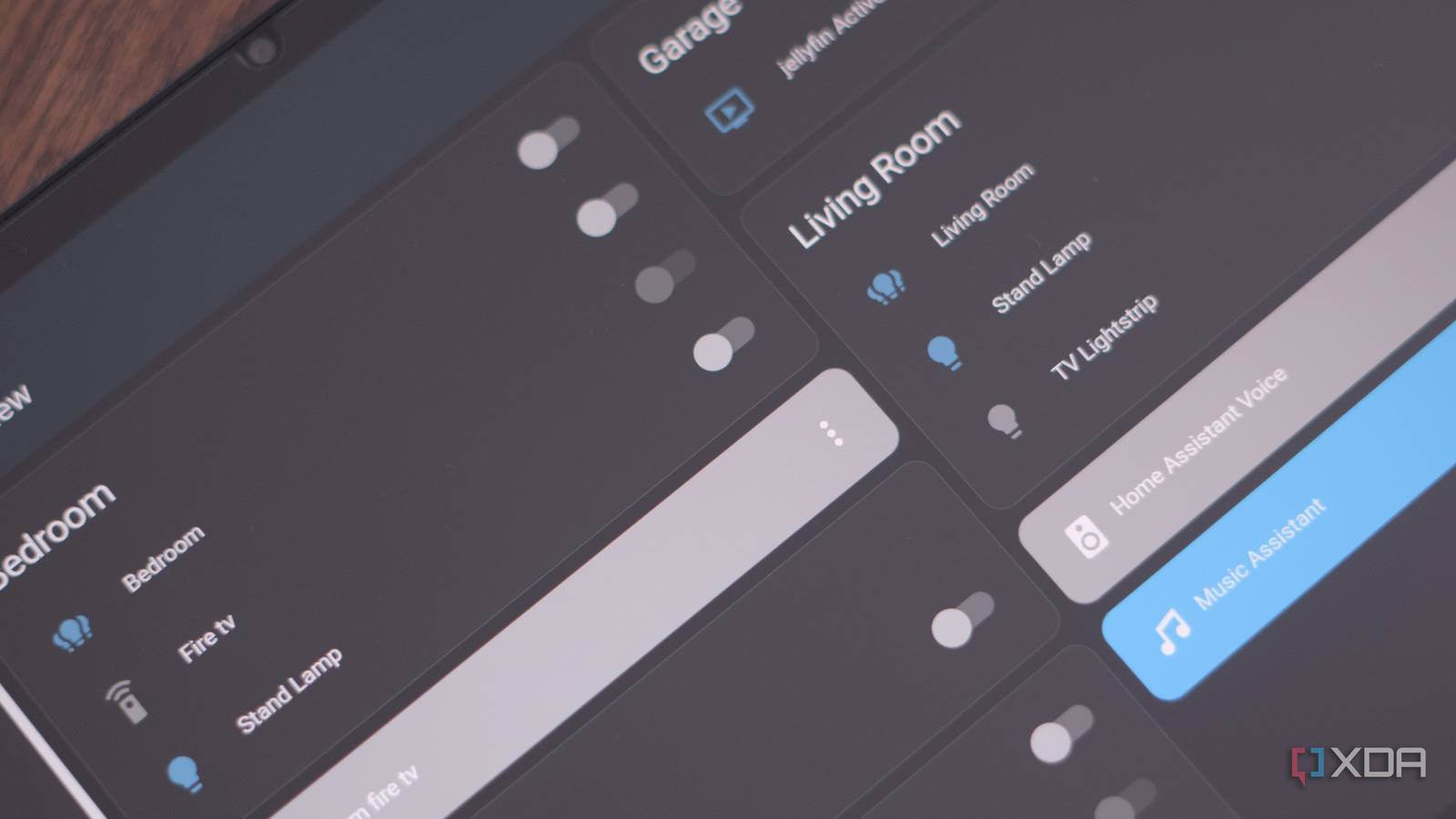
Published Sep 15, 2026, 8:00 AM EDT Richard is the PC Hardware Lead at XDA and has been covering the technology industry for almost two decades. He's been building PCs since young, and when not creating content, you can often find him inside a chassis somewhere. Home Assistant is quite the compelling smart home platform. It can bring together all of your smart devices, be it Philips Hue bulbs, Sonoff Zigbee smart plugs, and Sonof speakers. With Home Assistant fully configured, it's easier than one may initially believe to create the ultimate interactive home. That said, there's one area where things can get a little messy, and that's controlling everything. The official apps are brilliant on the smartphone, but having an old Android tablet can make all the difference, especially if you use it for security. Where an Android tablet makes most sense If you already own one and it's collecting dust Android tablets aren't viewed as quite as compelling as their Apple iPad counterparts for general usage and computing, but they're still worth picking up if you prefer Google's own ecosystem over Apple. I needed something to get me through some downtime with OldSchool RuneScape, which runs amazingly well on Android and doesn't take much battery power at all with the right screen settings. That said, I've since upgraded to a newer model and have an old Doogee T40 Pro simply collecting dust. This thing is moderately capable with an octa-core Mediatek Helio G99 processor, 8GB of RAM, and 512GB of storage. Those are some impressive figures for the low price I paid a few years ago. It still runs great, though it is horrifically outdated and isn't supported by the latest Android OS release. That makes the T40 Pro a prime choice for running Home Assistant from, thanks to its impressive internals, large 12-inch screen, and ability for any Android tablet to be converted to a smart home interface. For the Home Assistant remote control, I need something that can be quickly picked up and the app opened to reveal what's happening within the household, be it power generation and usage, security with door and window sensors, or to alter a scene in the living room for when it's time for everyone to come together and enjoy a movie with some popcorn. where a tablet can transform the game is through not requiring a phone all the time, so we can have this thing mounted, and it would be easy to use or grab for convenience. Getting it Home Assistant-ready is easy There's not a lot to it at all The Home Assistant app is brilliant for a touch-screen setup such as this. The default dashboards alone are more than enough for most people with a few smart devices. But if you want things to be taken up a notch, it's time to create a dedicated remote tablet dashboard, featuring large controls and entity boxes that make it easy to glance at data. I have a view configured that shows everything going on with our electricity combined with Alarmo, which is connected through to our Ring alarm system. It's not perfect, but it does mean Alarmo reads our Ring entity statuses and updates its own accordingly. That way we're not really interacting with Ring at all outside of alarming and disarming the system. The next step is to take the system apart and get rid of it, replacing all sensors with DIY-friendly Zigbee equivalents with a master console that piggybacks onto the existing Zigbee network, offering a keypad-like experience that can be hard-wired into an existing light switch box. The Android tablet still retains its usage and functionality and can still play an important role, acting as our portable gateway into the home network. It can be used anywhere within the home, and thanks to our expansive Wi-Fi coverage, it's possible to lounge in the garden with it nearby to monitor or control things. The phone is easy, and so is a desktop PC or laptop while in use, but if you're simply lounging around and don't always carry your smartphone around with you (like me), it can prove useful to have a dedicated smart home device available. Home Assistant OS Windows, macOS, Linux iOS compatible Yes Android compatible Yes That tablet doesn't lose its original functionality either. Simply closing the Home Assistant app retains the usual and familiar Android experience. If something isn't available within Home Assistant, the tablet can utilize other apps to get the job done. We often find ourselves using the Amazon Fire TV app to control our streaming boxes. It's yet another thing our smartphones don't have to do. I prefer to use my phone as little as possible, so I have longer-lasting battery life and less wear when not required. Recycle old hardware as smart home controllers Amazon Kindles are another fine choice for interacting with Home Assistant. Anything that draws very little power with an e-paper display will work very well, especially if it's touch-enabled. Still, used Android devices such as this are also a great option. The T40 remains as one of my recent best purchases during Amazon Prime Day, and I've got a lot out of it. But the battery is still good, and we're rocking full support for what we require from a dedicated smart home controller.
My dusty Android tablet became the smart home control panel I didn't know I needed
Full Article
Original Source
Read the full article at Xda-developers →KhanList aggregates and links to publicly available news content. We do not host full articles from third-party sources. Always verify important information with original sources.