
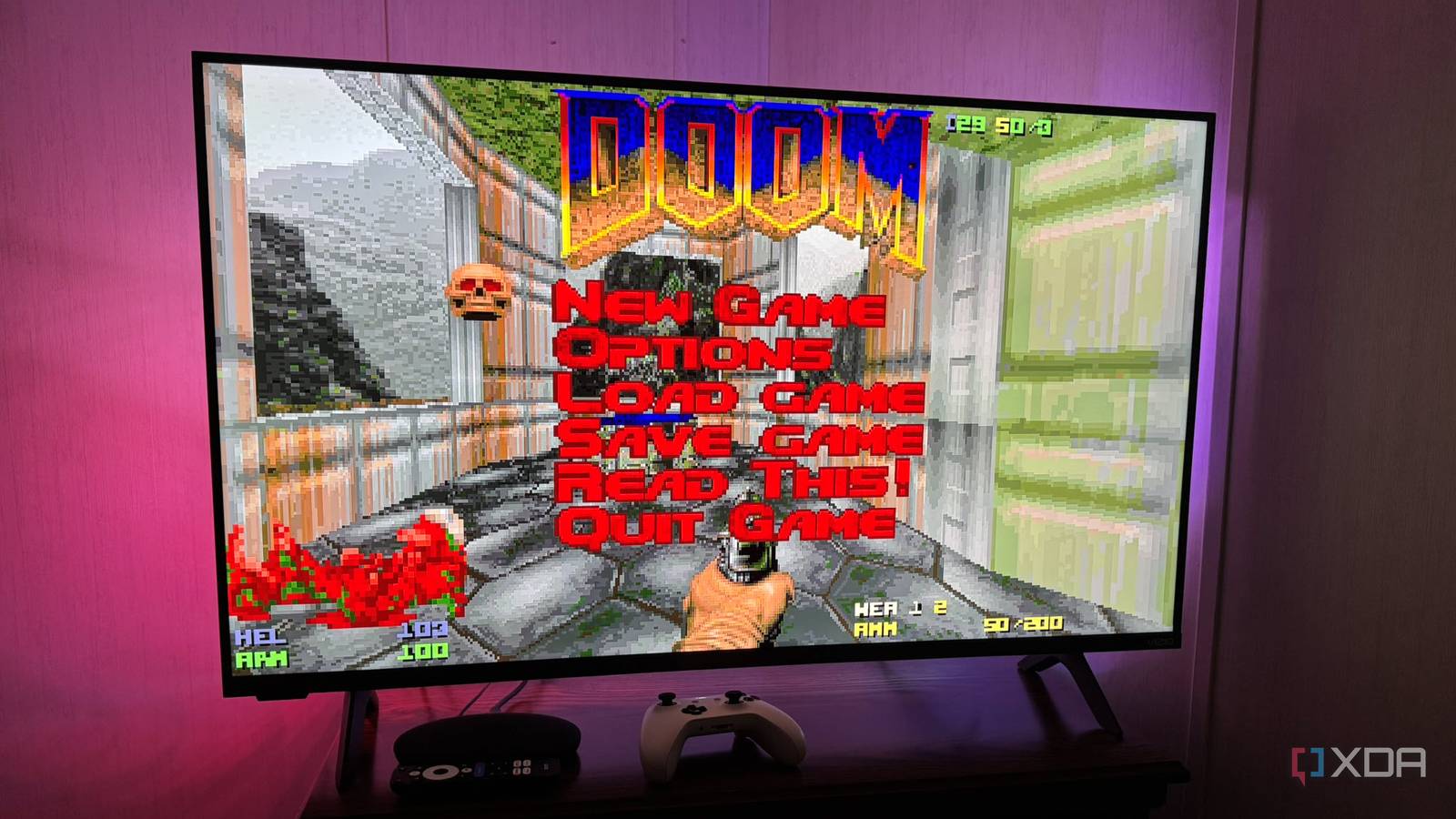
Published Nov 1, 2026, 3:01 PM EST Based in rural Minnesota, Brian Burgess worked in IT for 10 years before finding his passion for writing about consumer technology. Brian earned his degree in computer and network technology in 2000. He held various IT positions, including help desk support, router installations for IBM, database administration, and other associate network administration roles. He's been a personal technology journalist for 18 years and has written thousands of articles about Microsoft products and services, Android, iOS, streaming, and more. He has written for notable tech sites including XDA, InformationWeek, How-To Geek, Byte, groovyPost, and others. When he is away from the keyboard, you will hear him playing guitar, working outdoors, and watching Star Trek. I've always liked playing retro games on my Android/Google TV devices. In fact, repurposing an old Chromecast with Google TV as a retro gaming device is still a viable option for simpler games. So, I decided to see what a box with more storage and processing power could do, and once I paired a controller with it, the streamer became a decent retro console. I decided to use my budget Onn 4K streamer, and I paired it with an old Xbox One controller I pulled from my tech graveyard. I didn't want to spend money on a new game controller if I didn't have to, and for the most part, it works well. The more I've used it, the more my cheap box feels like a console. Pairing the controller I finally got it to connect consistently When I first took the controller out of storage, I figured pairing it would be easy. I went to the Remotes & Accessories section, put the controller in pairing mode, and figured the Google TV box would find it. However, that wasn't the case at first. I restarted the box, and when I tried it again, it found the controller, but wouldn't connect. I put a new set of batteries in the controller, restarted the box again, and this time the pairing worked. I could navigate the RetroArch menu and even launch a game, but the controller dropped out again. I had to back out with the box's remote. I thought the controller was defective and might need a wired 8BitDo or a new Bluetooth pad. Finally, I power-cycled everything, following Google and Microsoft's troubleshooting advice. I powered off the Onn 4K box, unplugged it, turned off the Xbox controller, and removed the batteries. I even removed the batteries from the streamer's remote. Once everything was back in place and connected, I paired the remote without issue, then the controller, and it has worked ever since. Beyond streaming My cheap Google TV box is a retro console Once I connected a familiar controller, my cheap Onn became more than a box for streaming movies and shows. It's kind of odd to be using a Microsoft gaming controller with a Google TV streaming box, but it works well. However, not all games respond kindly to the Xbox controller. The good news is that RetroArch lets me remap buttons from its quick menu system and save the layout. RetroArch is my go-to retro gaming platform because it offers a versatile emulation interface and framework. It's fairly straightforward to use: I can choose a core system like Nintendo or Sega, then load a compatible game. Plus, it is free, open-source, and cross-platform. It runs on Android, Linux, Windows, and Apple devices. It has a controller-focused user interface and complements my budget Android TV box and big-screen setup. That's why it lets me use the box as a retro gaming console so well. Of course, that doesn't mean every game with a console core runs well in the emulator, but that holds true on any platform, not just another streaming box. I can run most early retro console games, SNES and Sega Genesis-era games, and old-school FPS like Doom and Quake well with the controller and minor button management. Games, customization, and Google TV navigation Complete game system control Sure, I can use a paired controller to play games on the makeshift retro gaming console, but I can do a lot more. I can use it to navigate through different consoles, games, settings, and appearance customizations, and tweak them with my Xbox controller. It's more convenient than using a keyboard and mouse, and after a while it feels like a dedicated retro console. Another great thing about using the Xbox controller is that I can navigate the Google TV interface with it. I find it helpful when I want to start an emulator like RetroArch or navigate the home screen after I finish a game. I don't have to switch back to the Android box's remote all the time. I can use the paired controller. If a game freezes or doesn't work, and the controller can't close it, I can always use the box's remote to get to the home screen and restart the emulator. Using a cheap Google TV streamer as a retro console works with a paired controller Since I paired my old Xbox One S controller with my cheap Android TV streaming box, it's become a new experience. I can play the retro games I want while still streaming and using other apps from the comfort of my couch. There is no strange remote-and-controller switching, unless you need it. I can manage settings inside the emulator, load and play games, and navigate the traditional Google TV experience from a centralized controller. Even though it is Android, it feels like an Xbox One experience for gaming and controlling entertainment apps. RetroArch OS Windows, macOS, Linux, Android, iOS, Others
My cheap Google TV streamer turned out to be a decent retro console once I paired a controller with it
Full Article
Original Source
Read the full article at Xda-developers →KhanList aggregates and links to publicly available news content. We do not host full articles from third-party sources. Always verify important information with original sources.