
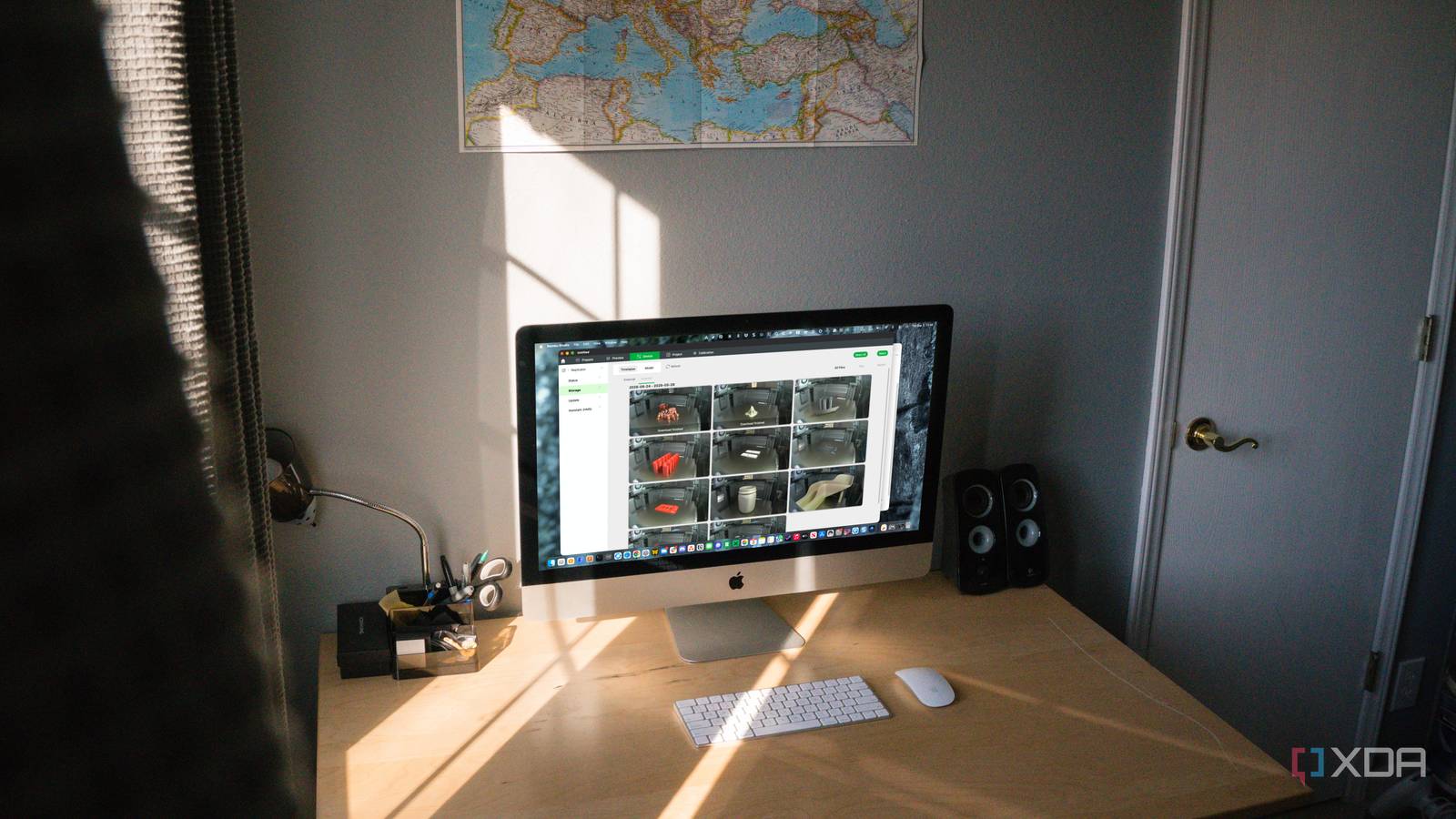
Published Sep 4, 2026, 11:00 AM EDT Jeff's been involved in the IT industry since before the Internet and spent more than 20 years working in technical support, system administration, network administration, and consulting roles. He holds an undergraduate degree in English, a Master's degree in English with a focus on professional writing and editing, and another Master's degree in Computing & Information Systems. After teaching university English and computer science for a few years, Jeff launched his writing career. He's written for Macworld, Tom's Hardware, groovyPost, The Mac Observer, and more before beginning here at XDA. A 3D printer can go from “that looks fine” to “why is there filament everywhere?” faster than I’d like. A corner lifts, a support snaps, or the nozzle starts dragging material around, and the printer keeps going because, as far as it knows, nothing is wrong. Remote monitoring helps, but I care more about how quickly I can get a useful look at the print than about how polished the camera interface is. For that, I’d rather have a feed that stays on my local network than depend entirely on a cloud service between me and the printer. Local video removes unnecessary steps when something starts going wrong A printer failure can get expensive surprisingly quickly The biggest advantage of a local camera feed is pretty mundane: there’s less in the way. The camera is on my network, the device I’m checking it from is on my network, and the video doesn’t need to go through someone else’s servers first. Many cloud feeds are responsive enough most of the time, so this isn’t about pretending they’re all terrible. I don’t see much point in adding another dependency when the printer and I are already under the same roof. If the machine I want to look at is one room away, I shouldn’t need a working connection to a remote server to do it. That matters most when the failure is still small. A slightly lifted edge can become a loose part, and a broken support can leave the printer laying down plastic where there’s nothing underneath it. Worse, material can start collecting around the hotend instead of on the build plate, turning a failed print into a cleanup job I really didn’t need. Seeing that after the fact is useful for figuring out what happened, but it doesn’t save the print. I’m also more likely to check a feed when opening it doesn’t feel like a whole process. Sometimes I’m not looking for an obvious disaster at all. I’m checking whether a suspicious corner is getting worse, whether the nozzle is still laying down a clean perimeter, or whether something that looked questionable five minutes ago has settled down. Those are small decisions, but they’re often the difference between stopping a print now and wasting several more hours on it. Local monitoring keeps working when the internet connection does not Your home network can stay useful without internet access Cloud monitoring has one dependency that’s easy to overlook until it gets in the way: the internet has to work. My printer, camera, computer, and phone can all be on the same network, but a cloud-first system may still stop showing me the printer because something outside my house isn’t cooperating. That has always felt backward to me. If the machine I want to look at is one room away, I shouldn’t need a working connection to a remote server to do it. There are smaller failure points in that same setup. Cloud services have login sessions, authentication systems, app updates, maintenance windows, and server outages. Features can also move around as platforms change, which adds one more thing to troubleshoot when all I wanted was a camera view. None of that makes cloud monitoring bad. It just gives me more places to look when something simple suddenly stops working. Long prints make that harder to shrug off. A printer running for 10, 12, or 14 hours doesn’t care whether a service is having problems or whether an app decided I needed to sign in again. It keeps printing. A local feed gives me one path to the camera that still works as long as the printer, camera, and network are up, and that starts to matter a lot more once a job stretches well past the point where I’m checking it every few minutes. Local feeds give me control over how monitoring works I can choose exactly where my printer video goes Keeping the camera feed local also gives me more control over where the video goes. I can decide which devices can see it, where it’s available, and whether it ever needs to leave my network. A camera pointed at a printer isn’t exactly guarding state secrets, but I still don’t see much reason to send the feed elsewhere unless I’m getting something useful in return. Local access makes staying local the default rather than an exception. It also means I don’t have to treat the camera as a feature that exists only within one manufacturer’s app. I can use the feed as part of whatever local setup makes sense, whether that’s a broader dashboard or something I open directly when I want to check a print. That becomes more useful once the printer stops feeling like an isolated appliance and starts acting like another device on the network. I’d rather decide how those pieces fit together than be stuck with whatever arrangement one app gives me. There’s a practical benefit later, too. If I change cameras, printers, or monitoring software, I don’t necessarily have to rebuild everything around a different vendor’s service. The camera’s job stays the same: show me what the printer is doing. That isn’t exciting, but I’ve spent enough time tinkering with printers that I appreciate the parts of the setup that don’t demand attention. Cloud monitoring still wins when I leave home Remote access remains the strongest reason to use cloud There’s one place where local-only monitoring gets less convenient very quickly: when I’m not local anymore. Once I leave home, a cloud service is appealing because the remote-access problem has already been handled for me. I open an app, sign in, pick the printer, and the feed is there. I don’t have to think about a VPN, remote network access, or any other service I’ll eventually have to remember how to configure months later. That convenience matters when a print is going to outlast the time I’m willing to stay nearby. If I start something and then leave for dinner, run errands, or end up away from home for several hours, being able to check it from my phone is genuinely useful. Some platforms also bundle alerts and printer controls into the same interface, which makes the whole thing even easier. For many people, that’s a much better deal than setting up their own remote-access path. And not everyone wants 3D printing to become a side networking project. There’s nothing wrong with opening the manufacturer’s app and expecting the camera to be there. That simplicity has real value, especially for someone who bought a printer to make things rather than spend an evening configuring access to it. Cloud monitoring handles that part very well. Remote convenience does not require abandoning local monitoring The best setup can support both kinds of access What I don’t buy is the idea that remote convenience should require giving up direct local access. The two methods solve different problems, and there’s no reason a printer can’t support both. Local access makes sense when I’m home and on the same network. Cloud access makes sense when I’m elsewhere and need an easy way back in. A local camera feed doesn’t have to replace remote monitoring. The most useful setup is one that lets you view the printer directly while you’re on your home network, then adds cloud or other remote access when you actually leave home. Around the house, I’d still choose the local feed first. It gives me the shortest path to the camera and keeps outside services out of a check that doesn’t need them. When I leave, I can use whatever remote-access method makes sense, including the manufacturer’s cloud service if that’s the easiest option. I don’t need one approach to replace the other. Cloud monitoring makes more sense to me when it’s treated as the extra layer. Notifications, remote access, and easy phone viewing are useful when I’m away. I don’t want those conveniences deciding whether I can see a printer that’s sitting down the hall. If the internet goes down for an hour, the camera beside the printer shouldn’t go with it. Catching print failures is ultimately about shortening response time The useful part of a camera isn’t watching a printer move for entertainment. If that were the goal, I could stand next to it. The camera matters because it lets me notice a lifted corner, a failed support, a detached part, or a growing mess before the printer spends another few hours feeding material into it. The faster and more reliably I can get that view, the more useful the camera becomes. Cloud monitoring still has an important place when I’m away from home, and I’m not interested in giving that up. But on my own network, I don’t need the internet or somebody else’s infrastructure to see whether a print is still healthy. A local feed is easier to access, keeps working through a wider range of failures, and gives me more control over how it fits into the rest of my setup. When the printer starts doing something it shouldn’t, that’s the kind of simplicity I want. Bambu Lab X2D Build Volume 256 x 256 x 256 mm Printing Speed 1000 mm/s Materials Used PLA, PETG, ABS, ASA, TPU, Support for PLA, Support for PLA/PETG, Support for ABS, Support for PA/PET, PET, PA, PC, PVA; Carbon/Glass Fiber Reinforced PLA, PETG, ABS, ASA, PA6, PAHT, PPA, PET Brand Bambu Lab Extruder Quantity 2 Extruder Direct Drive (Primary), Bowden (Auxiliary) While the cloud features included in Bambu's ecosystem are nice, local camera monitoring remains important to me.
My 3D printer's best feature is the local camera that stops me from wasting hours on failed prints
Full Article
Original Source
Read the full article at Xda-developers →KhanList aggregates and links to publicly available news content. We do not host full articles from third-party sources. Always verify important information with original sources.