
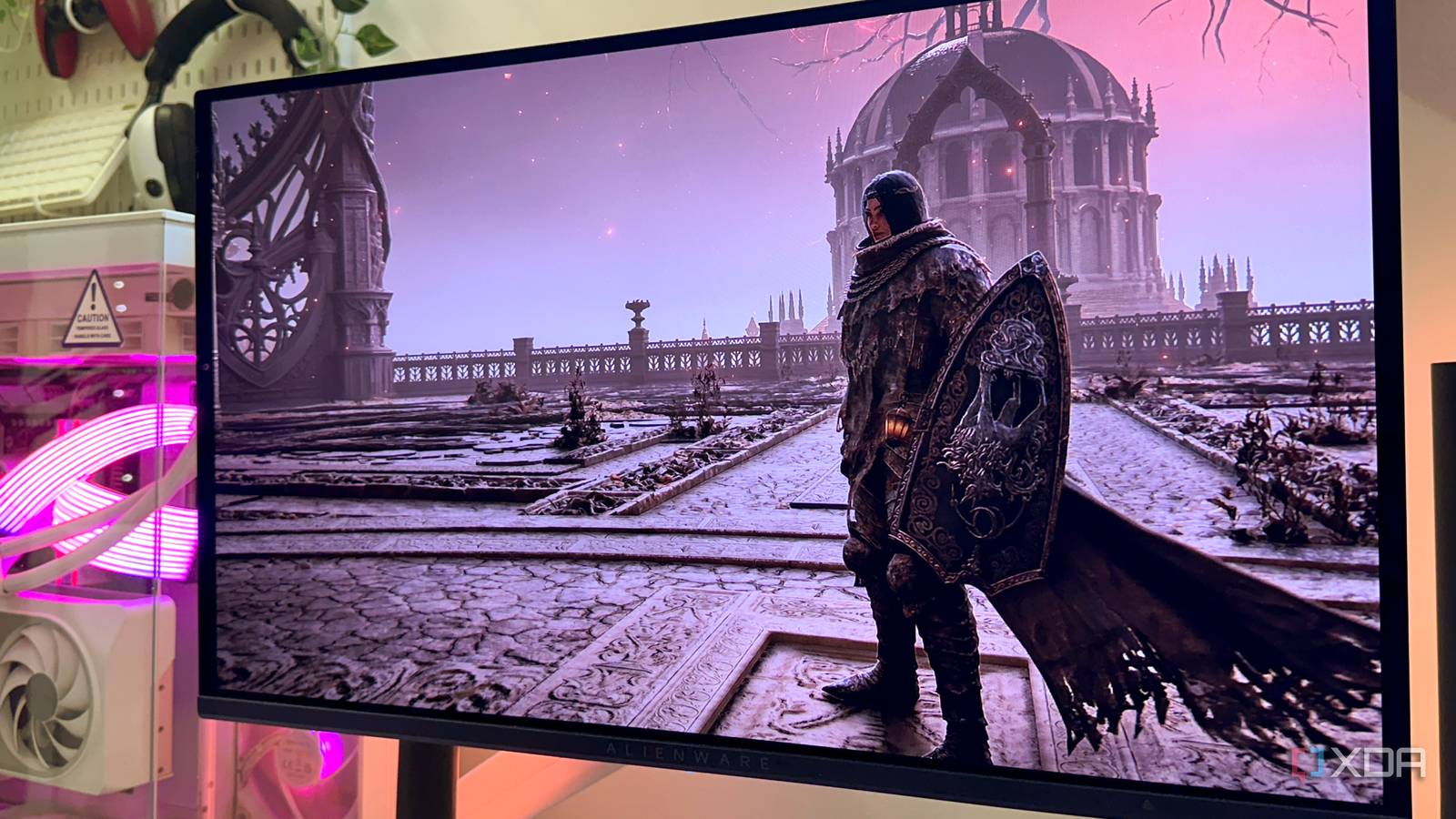
Published Nov 7, 2026, 7:00 AM EST Gaming has been Samarveer’s greatest passion, and the Literature graduate in him takes immense joy in dissecting games for their themes, messages, and impact. Samarveer holds a deep appreciation of gaming, and considers the platform to be the most immersive and impactful across all media. He can be found engaging with gaming communities online, always ready to debate the finer points of ray tracing or itching to write an 8-page collegiate thesis on any game that impacts him emotionally. Ever since Nvidia finally released DLSS 5 for NBA 2K27, the neural rendering files have made their way to the open sea that is the internet. From there, the open-source and modding community has been hard at work injecting DLSS 5 into every possible game they could, and so have I. I've effectively been giving all my old games free remasters with DLSS 5, and even the latest AAA titles feel incredibly more interesting with a neural rendering layer on. The problem, however, is that all of this neural magic comes with a brutal catch — performance. The moment I turn DLSS 5 on, my RTX 4070 Ti starts paying the price, and every additional neural rendering pass makes that cost even harder to justify. Thankfully, OptiScaler has a deceptively simple feature, and it completely changes what I can get away with a 12GB GPU. OptiScaler is how I got DLSS 5 running on my RTX 4070 Ti Spoofing Blackwell is only the beginning Even when there are plenty of games in my Steam library that support 2x frame generation and regular DLSS 4.5 upscaling, I almost always use OptiScaler alongside most of them. That's simply because OptiScaler offers so many more features that regular titles simply do not. For starters, OptiScaler reports my RTX 4070 Ti as an RTX 50-series GPU to the game, which then unlocks multi-frame generation for me to use. Similarly, it also allows me to use DLSS 5 and neural rendering in my titles, even if, on paper, that feature is reserved exclusively for 50-series cards. With a quick injection of OptiScaler and the right DLSS files, all that remains is to boot up a game, and see exactly how much neural rendering I can get away with before my GPU reaches its VRAM limit. That's where things get iffy for me, since even a couple of neural rendering passes threaten to crash my game. After all, neural rendering is pretty VRAM heavy, and when you're running a game at High-to-Ultra graphics presets, along with ray tracing, at 1440p or 4K, you're already running close to the 12GB VRAM limit. With all these graphics features fighting one another for VRAM, I usually find myself stuck in the low 40 FPS territory as soon as I turn on neural rendering, and that's before I can even double down on the AI rendering. OptiScaler can move DLSS 5's place in the pipeline That's how I regain half the framerate I lose The biggest problem with stacking DLSS 5 neural rendering isn't really the first pass. It's what happens when I ask the GPU to do it again. That makes sense, too, since every neural rendering pass has to work on a full 1440p or 4K image. Thankfully, OptiScaler offers a nifty feature that allows you to move DLSS 5's neural pass in the pipeline. Since every NR (neural rendering) pass has to work on an already-upscaled image, OptiScaler lets you use the "NR before SR" option, which flips that order, and makes neural rendering operate on the lower internal resolution image before SR (Super Resolution) upscales it to the target resolution. Elden Ring (Frame-unlocked) Maximum + RT | RTX 4070 Ti + Ryzen 5 7600X + 32GB DDR5 RAM Configuration Average FPS VRAM Usage DLSS 4.5 Balanced 147 FPS 9.0 GB DLSS 5 NR ×1 — After SR 71 FPS 10.1 GB DLSS 5 NR ×1 — Before SR 98 FPS 9.8 GB DLSS 5 NR ×2 — After SR 52 FPS 10.7 GB DLSS 5 NR ×2 — Before SR 72 FPS 10.5 GB DLSS 5 NR ×3 — After SR 42 FPS 11.8 GB DLSS 5 NR ×3 — Before SR 61 FPS 11.5 GB Truth be told, it sounds insultingly simple, but the performance difference is anything but. When I use neural rendering before Super Resolution's upscaling, my RTX 4070 Ti has far fewer pixels to chew through during the most expensive part of the pipeline. In my testing of Elden Ring, the first pass recovered roughly half of the performance I lost with conventional neural rendering. If you've ever heard someone on the internet say that "DLSS 5 begins with the second pass," they're not exactly wrong. In all the gorgeous and transformative videos you see on the internet, those games are almost always running two or even three passes of neural rendering. On my 12GB VRAM card, though, I can only stack a second neural-rendering layer through this OptiScaler feature. Otherwise, I'd be risking crashing my games or turning my RTX 4070 Ti into a space heater. Of course, the VRAM cost still rises while stacking another NR layer, but the overhead becomes manageable enough to experiment with. Naturally, I was worried about the visual difference, but it still remains enormous, to say the very least. Vanilla rendering still looks noticeably flatter compared to the DLSS 5 version, even with NR moved ahead of Super Resolution. I'm simply doing the expensive work at a much friendlier resolution, which is exactly what makes this trick so useful. Even RTX 50 series users don't have these tricks natively Nvidia's newest GPUs still don't get these tricks There's something particularly funny about all of this. I'm doing this on an RTX 4070 Ti, a GPU Nvidia would very much prefer I consider obsolete in the age of Blackwell. And yet, OptiScaler is giving me access to DLSS 5 features that even RTX 50-series owners don't get officially. I can change where neural rendering sits in the rendering pipeline instead of being locked into Nvidia's prescribed implementation. Even the ability to stack multiple neural-rendering passes is not something that RTX 50-series users can enable in games like NBA 2K27 if they don't use OptiScaler. Nvidia's implementation gives you the neural-rendering effect, but it doesn't expose the same kind of control over how aggressively I can pile those passes onto an image. I still know where my 4070 Ti stands, and I'm aware it isn't faster than a Blackwell GPU. This experiment, though, does expose just how software-defined DLSS 5 is. With the right DLLs, architecture spoofing, and a tool willing to poke around where Nvidia doesn't, a 12GB Ada Lovelace card can do some remarkably stupid things with technology supposedly reserved for newer hardware. One open-source tool handed my GPU more power It's deeply entertaining to squeeze more power out of my GPU, especially since Nvidia has already moved it into the rearview mirror. At this point, the VRAM is the only limitation of this last-gen GPU, since software seems to have removed every other limitation. If that sounds like an overstatement, then, at the very least, software has exposed just how much room there is between what a GPU physically supports and what the manufacturer has decided it should support. That's why experiments like this are so compelling to me. DLSS 5 may have been designed around newer hardware, but the open-source community keeps finding ways to make those boundaries considerably less rigid. OptiScaler
My 12GB RTX 4070 Ti runs multiple DLSS 5 layers thanks to one OptiScaler setting
Full Article
Original Source
Read the full article at Xda-developers →KhanList aggregates and links to publicly available news content. We do not host full articles from third-party sources. Always verify important information with original sources.