
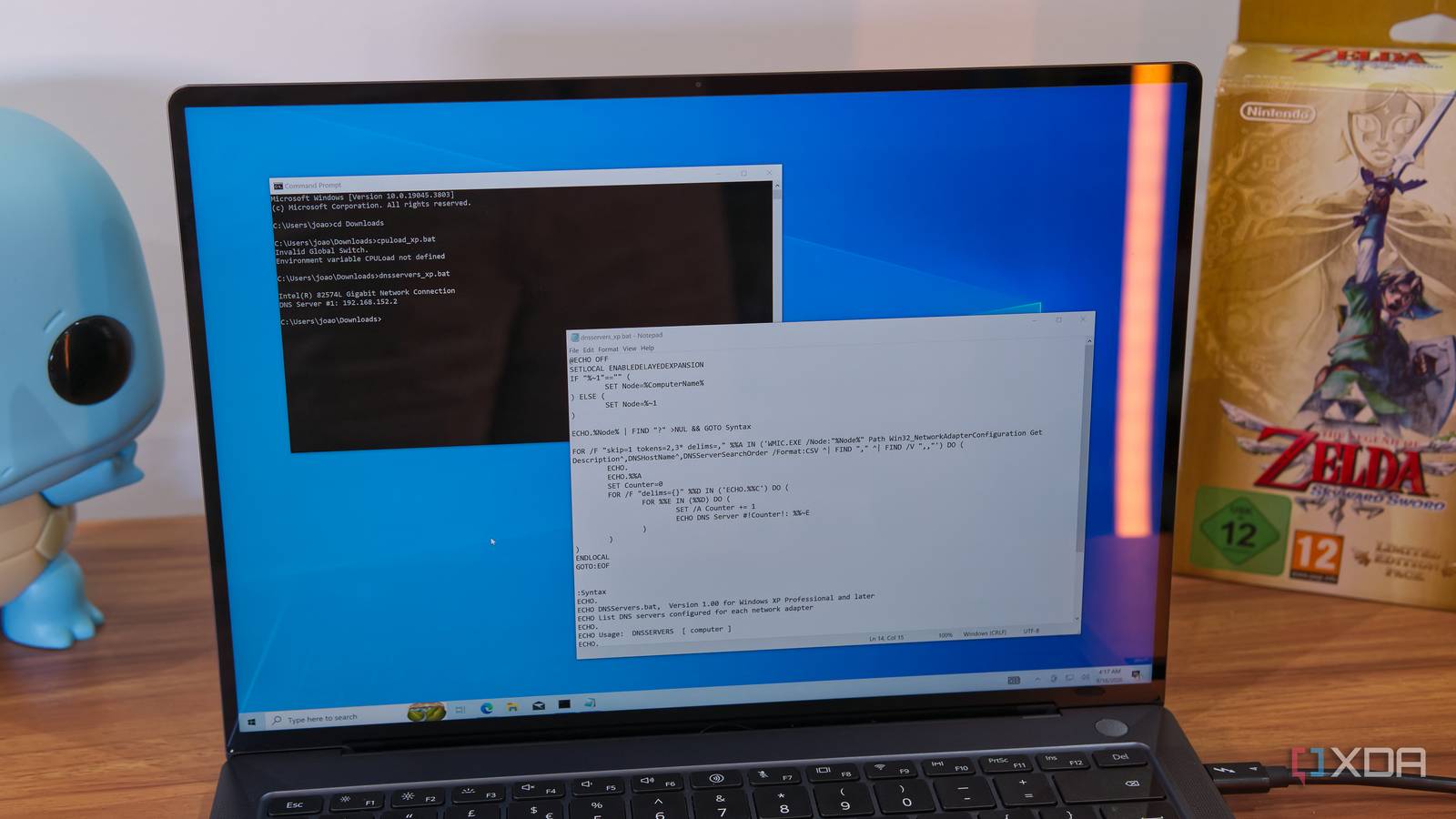
Published Sep 18, 2026, 8:00 PM EDT João has been covering the tech world for over 7 years, with a heavy focus on laptops and the Windows ecosystem. I also love all things tech and videogames, especially Nintendo, which he's always happy to talk about. Prior to joining XDA in 2021, he worked at Neowin: https://www.neowin.net/news/poster/jo%C3%A3o-carrasqueira/ Starting last month, Microsoft began removing a tool called WMIC from Windows 11, and it seems to be the final blow. Short for Windows Management Instrumentation Command-line, this tool allowed users to change or get all kinds of information about their system. It wasn't for everyone, but quite a few scripts used it. The end of WMIC isn't unexpected, but that doesn't mean it won't be missed. But it's also not as bad as that might sound. What is WMIC? It's essentially just one interface Windows Management Instrumentation (WMI) is Microsoft's implementation of Web-based enterprise management (WBEM), and it provides a set of extensions to the Windows Driver Model that allow users — typically IT administrators and developers — to manage Windows-based PCs, whether it's locally or remotely. It can be manipulated using scripting languages like PowerShell and VBScript, and it allows for all kinds of administrative tasks to be performed more easily. WMIC is basically just one way administrators and developers can interface with WMI. It allows users to run all kinds of WMI-related commands, and as such, many scripts and tools have been developed that specifically rely on WMIC to carry out their functions. WMIC has been around since Windows XP, so over the past couple of decades, a lot of scripts have been built around these capabilities. You can find some relatively simplistic examples on this page featuring various WMI scripts, many of which required WMIC, but if you're in an enterprise environment, there's a chance you've come across many more complex scripts that provide important management features. If you rely on these, you'll probably notice many of them are going to stop or have already stopped working with the latest versions of Windows 11. We knew this was coming This is just the final step A 2024 Microsoft timeline for phasing out WMICCredit: Microsoft The removal of WMIC from Windows 11 may come as a shock if you don't keep up with the news, but the truth is this tool has been deprecated for some time now. Microsoft announced that the tool would be deprecated back in 2016 for Windows Server 2012, and then in 2021 for Windows 10 version 21H1 (though some Microsoft documentation says it was actually version 21H2). That meant it was no longer being developed or getting any new features, but it was still supported. For a while, the tool was still bundled with Windows 10 and 11, and it was still even enabled by default on these machines. That changed in 2024 with Windows 11 version 24H2, which for the first time shipped with this feature disabled, but still available as a Windows Feature on Demand (FoD). Last year, Microsoft started removing the tool from systems that had it installed when upgrading to Windows 11 version 25H2, but it was still available as a FoD. Now, we have the final nail in the coffin. As of August 2026, the feature has been removed from Windows 11 versions 24H2 and 25H2, and the FoD option is also gone. You simply can't get it back. There's a good reason it's being terminated It's time to move on Here's the thing about this removal, though: it does kind of make sense. Not only has it been known about for a long time, it's also not like you're running out of options. Windows Management Instrumentation as a whole is still fully supported in Windows 11, and WMIC has been superseded by PowerShell for accessing WMI, which is still largely based on a command-line interface. WMIC commands have equivalents in PowerShell, and while they're slightly different, it shouldn't take too long to adjust from one to the other. And you can just as easily create PowerShell scripts as you can run typical batch scripts with the command line, so technically there isn't much of a loss. It's just that you'll have to put some work in to convert scripts made for WMIC to use one of the other methods for interfacing with WMI. WMI has been available in PowerShell for a long while now, so it makes sense for the transition to happen eventually. And on top of that, WMIC's capabilities can become a security problem in the wrong hands. It's certainly a useful and legitimate feature, but it's often been exploited by attackers. There's a list of potential security threats based on WMIC on this site, include the ability to potentially execute code on a remote machine. Of course, that's not to say removing WMIC will just fix all these problems — after all, WMI itself still exists with all its capabilities — but it's probably best that Microsoft's efforts can be focused on a more modern tool that can be supported more effectively. A painful move, but a necessary one If you're someone who's relied on WMIC for scripting over the years, this is undoubtedly going to be a frustrating transition, but it's also easy to see why it's happening. Microsoft has been moving to remove WMIC for nearly a decade, there are replacement solutions available, and it should increase the overall security of Windows systems. It may be painful, but this should result in a better experience in the end.
Microsoft deleted a Windows command that decades of scripts still depend on, and it's gone for good
Full Article
Original Source
Read the full article at Xda-developers →KhanList aggregates and links to publicly available news content. We do not host full articles from third-party sources. Always verify important information with original sources.