
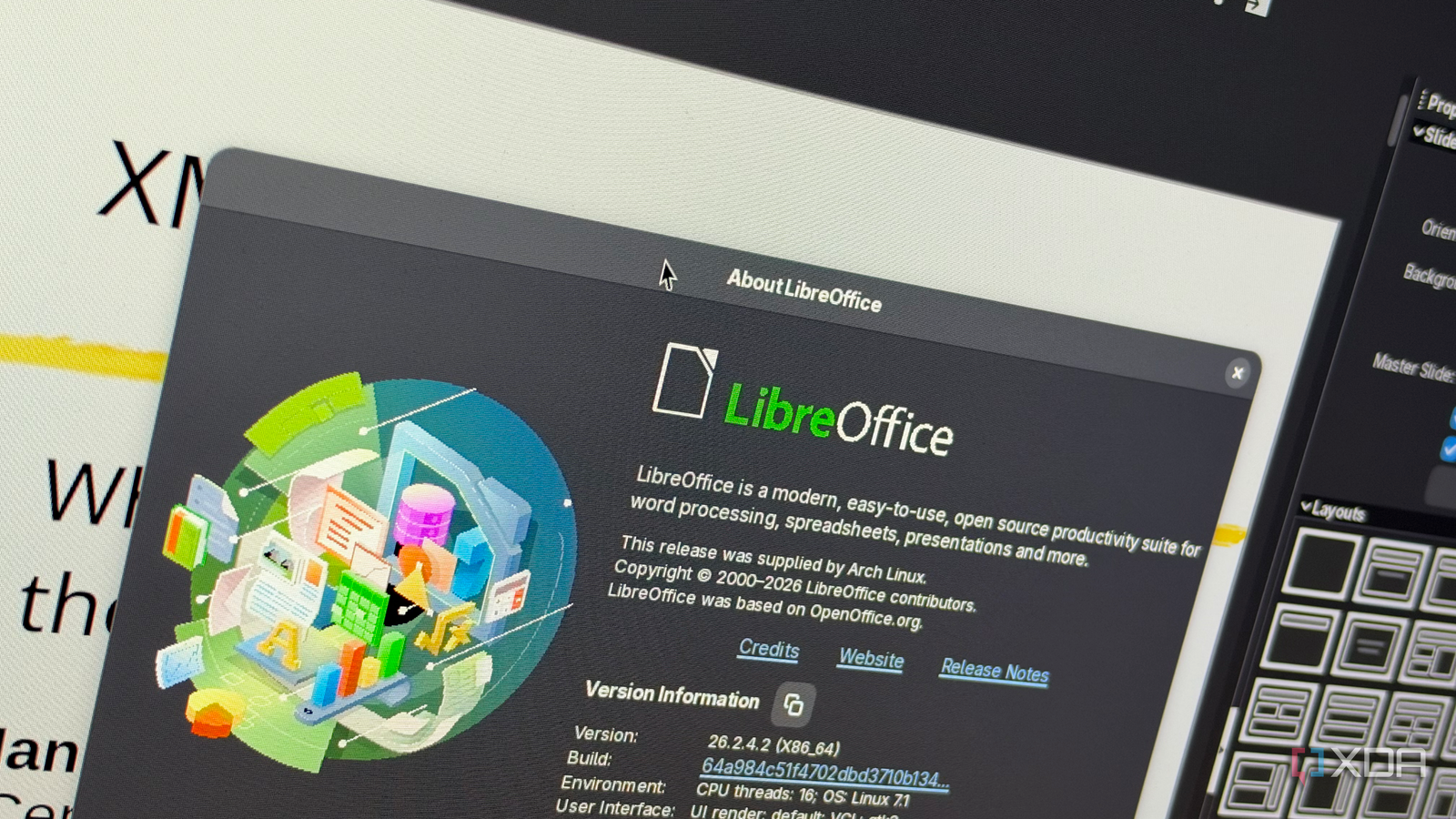
Published Oct 17, 2026, 10:30 AM EDT His love of PCs and their components was born out of trying to squeeze every ounce of performance out of the family computer. Tinkering with his own build at age 10 turned into building PCs for friends and family, fostering a passion that would ultimately take shape as a career path. Besides being the first call for tech support for those close to him, Ty is a computer science student, with his focus being cloud computing and networking. He also competed in semi-pro Counter-Strike for 8 years, making him intimately familiar with everything to do with peripherals. Microsoft Office has been a mainstay since it launched, and since that time, its file structure has changed. That's expected, but it has changed to the point where newer versions of the software cannot open files created by older versions. For example, Microsoft’s support documentation says PowerPoint 2007 and every version since are unable to open a file saved in the PowerPoint 95 format. LibreOffice, the default Office alternative on Linux, opens it on the first try with no configuration necessary. Across Word, Excel, and PowerPoint, Microsoft has spent nearly two decades walling off the early versions of its own formats, and a free, open-source suite has quietly become the more dependable way to read them. Microsoft Office treats its old versions like a threat You can't get around it on newer versions Microsoft have completely cut off older versions of their Office software from being compatible with newer ones, and PowerPoint is probably the best example to illustrate this. There's no compatibility setting or prompt to click through, the file will just completely fail to open with no recourse, and Microsoft's official recommended workaround isn't helpful. They recommend that users open the presentation in PowerPoint 2003 or earlier, save it as a standard .ppt file, and then bring that copy into a modern version. If you have a copy of Office 2003 kicking around, that's perfect, but most of us don't. Word and Excel are slightly less picky, but only slightly so. Older formats like Word 6.0 and Word 95 fall under a Trust Center feature called File Block, and by default they open in Protected View with editing disabled. You can read the document, but you can’t touch it without digging into File Block settings and loosening them yourself. On managed machines like in an office or a school, administrators can set File Block to refuse these files outright. LibreOffice never stopped being able to read them Compatibility has always been a strength LibreOffice took the opposite approach. Its filters for Microsoft’s old binary formats have been carried forward and maintained rather than retired, and Impress still ships an import filter labeled, quite literally, “Microsoft PowerPoint 1-4 and 95’s.” In my testing on Linux, a platform Microsoft Office doesn’t run on natively, every legacy file I threw at LibreOffice opened. I came across some old Word 6.0 and Word 95 documents, and those opened just fine with their text and formatting. Some old Excel 5 and Excel 95 workbooks from the IRS loaded with their data, and so did an Excel 4 worksheet, a format old enough to predate the container structure later Office files use. I then tried an old PowerPoint 95 deck from a University of Toronto lecture ironically titled "XML, HTML and All That," and LibreOffice rendered all 42 slides. Besides Microsoft's formats, LibreOffice leans on a set of import libraries that allow it to open many of the other weird formats that no longer get much use, meaning everything from WordPerfect to ClarisWorks is covered. If a document came off a ’90s desktop, there’s a good chance LibreOffice can read it. LibreOffice also comes with an extraordinarily useful feature for those with old files in bulk. Running soffice --headless --convert-to docx *.doc in a terminal converts a whole folder of old Word files to modern .docx in one pass, without opening a window, and the same approach works for pptx and xlsx. The output opens normally in current Microsoft Office, making LibreOffice worth an install even if you don't plan to use it on a day-to-day basis. Microsoft has good reason to block old files from opening It's not laziness I wouldn't necessarily blame someone for pinning this lack of backward compatibility on Microsoft's laziness or attempt to get users to upgrade to a newer version, but it's actually a bit more complicated than that. There are real potential security issues with old Office files, and File Block is a good way to make sure users aren't affected. The code used to open and save these older formats contains vulnerabilities attackers can exploit. The parsers handle intricate binary structures and were written long before modern secure-coding practices, and every one of them is attack surface sitting on every PC with Office installed. Most of those users will never open a Word 95 document in their lives, so removing or restricting that code costs almost nothing while shrinking what an attacker has to work with. If someone needs to open and read the occasional Word 95 document, Protected View still lets them do that, but blanket blocking the files on newer versions of Office is a good way to mitigate any issues. In fact, LibreOffice itself knows the threat isn't theoretical. In 2026, the project disclosed and fixed CVE-2026-8356, a stack buffer overflow in its import filter for legacy binary PowerPoint files. A crafted .ppt could crash the program and potentially run code as the user who opened it. Import fidelity isn’t perfect either, and complex layouts, fonts, and embedded objects can shift on the way in. LibreOffice is incredibly useful if you need to open old Office files If you have a box of floppy disks or a backup drive that's decades old, there's probably a good chance that some of what's on it was written in Microsoft Office. Getting it to open in the modern-day version of Office isn't a guarantee, and even if you do manage to, it's probably restricted to Protected View. LibreOffice cuts the shackles on your old Office files, for better or for worse.
LibreOffice opens files from the '90s that Microsoft Office now refuses to touch
Full Article
Original Source
Read the full article at Xda-developers →KhanList aggregates and links to publicly available news content. We do not host full articles from third-party sources. Always verify important information with original sources.