
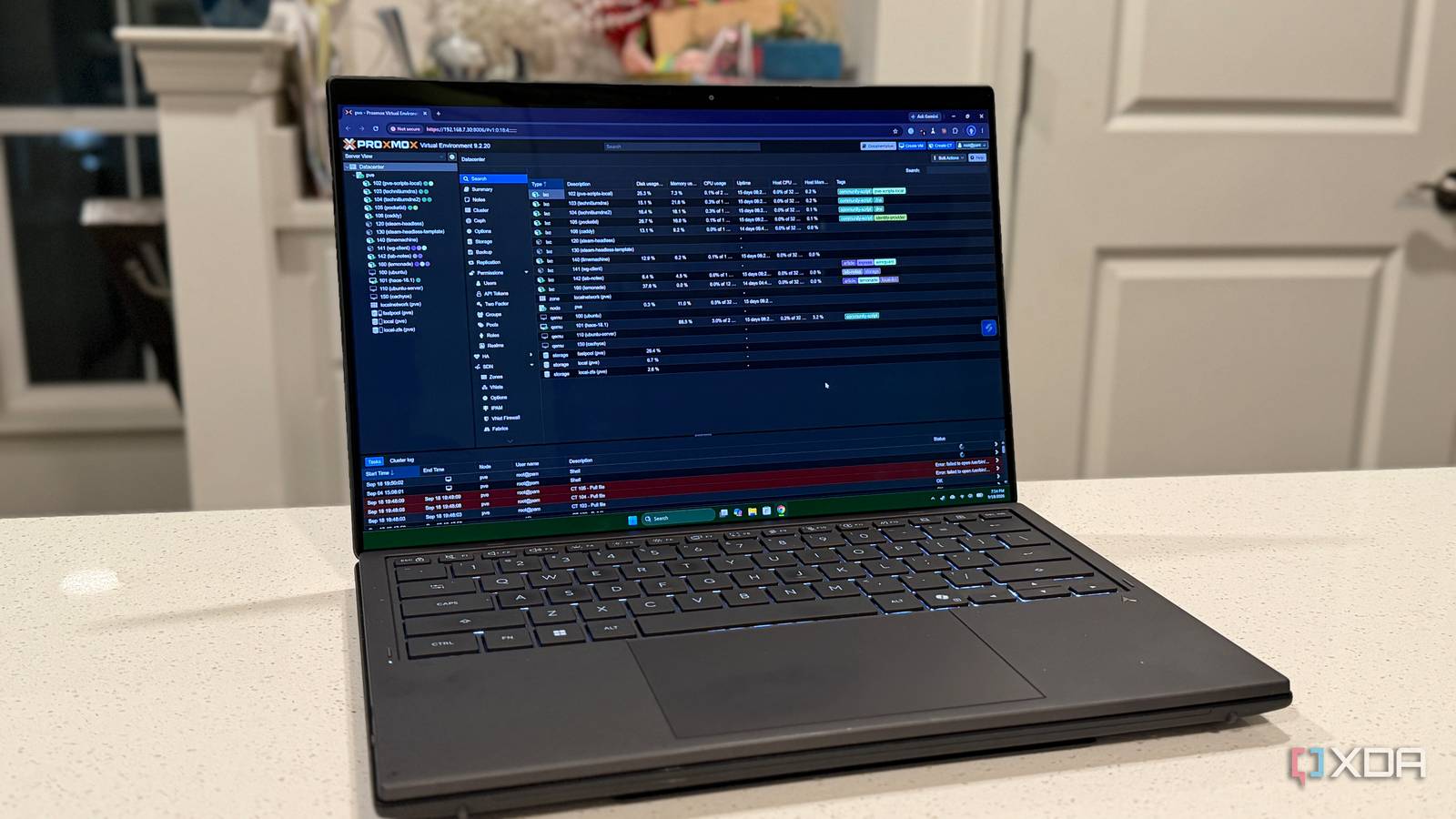
I've clicked through more "Your connection is not private" warnings than I'd like to admit, and nearly all of them came from my own homelab. The web UI for my Proxmox setup throws one, my Synology NAS throws one, and I'd trained myself to ignore both. Then Let's Encrypt announced that its certificates are getting shorter. From February 10, 2027, every new Let's Encrypt certificate lasts 64 days instead of 90, and that drops to 45 days in 2028. Ever since Caddy replaced my reverse proxy setup, my proxy has handled its own renewals, but the two boxes I log into most never had trusted certificates at all. So I fixed all three, and I made each one prove it could survive a 64-day certificate before trusting it. It mostly went smoothly. Mostly. What Let's Encrypt is changing, and what actually breaks Shorter certificates are fine, hard-coded renewal dates are not The Let's Encrypt announcement is crystal clear. Certificates issued on or after February 10, 2027, get a 64-day lifetime, the last 90-day certificate expires around May 11, 2027, and the authorization reuse period drops from 30 days to 10. The staging environment, which hands out untrusted test certificates, started issuing 64-day certificates on October 14, 2026, so you can test against the new lifetime right now. Renewal timing however, is a problem, because of how many programs and systems handle it. Let's Encrypt says clients that support ACME Renewal Information (ARI), which lets the certificate authority tell your client when to renew, should be fine. Anything hard-coded to renew on a fixed day count should switch to renewing at roughly two-thirds of the lifetime, and it even suggests grepping your cron jobs and scripts for 60, 80, or 83. Why 'renew every 60 days' stops working On a 64-day certificate, a 60-day renewal schedule leaves four days of slack, which is nothing if a DNS provider has a bad week. At 45 days, that same schedule renews after the certificate has already expired. The two-thirds rule lands around day 43 for a 64-day certificate and day 30 for a 45-day one. So I checked how each client in my lab decides when to renew. Caddy works from a fraction of the lifetime, Proxmox renews a fixed 30 days before expiry, and acme.sh, the client I picked for my NAS, now follows ARI, which can pull a renewal earlier but never later. All three should be fine on paper, so I made each one prove it. Caddy was already ready, and staging proved it My reverse proxy needed no changes at all My Caddy container runs version 2.11.4 and provides a wildcard certificate for my internal lab domain, validated through Cloudflare's DNS API. Caddy has supported ARI since version 2.8, and otherwise renews after two-thirds of a certificate's lifetime. My live wildcard was about 50 days into a 90-day certificate and hadn't been renewed yet, which is exactly what that rule predicts. Still, I wanted a real 64-day certificate on screen. And to be fair, I wanted everything set up the same so I don't have multiple things to fix when they invariably go wrong. So I pointed a throwaway test site at Let's Encrypt's staging environment and let Caddy do its thing. The 64-day test certificate took two tries My first attempt used a name under the same lab subdomain, and Caddy just kept serving the existing wildcard. There was no request to Let's Encrypt in the logs, no error, nothing. I moved the test site to a name the wildcard doesn't cover, and the second try came back with a staging certificate issued October 25 and expiring December 28, exactly 64 days. Time to give Proxmox and DSM their own certificates Proxying them through Caddy wasn't enough I could have pushed both UIs through Caddy and called it done, but I bookmark the direct addresses, and those would still throw warnings. Instead, each box got its own certificate, its own custom domain name, and an A record on my high-availability Technitium DNS server pointing straight at it. Everything uses the DNS-01 challenge through Cloudflare, so nothing needs a port open to the internet. I also made a separate Cloudflare API token for these two. If one ever leaks, I can revoke it without breaking Caddy. Proxmox's built-in ACME client does nearly all of it Proxmox VE has ACME support built in, and its certificate management docs say its DNS plugins come from acme.sh, so Cloudflare is supported out of the box. I registered a staging account and a production account, added the Cloudflare plugin with a 30-second validation delay, and ordered a staging certificate. It came back issued October 25 and expiring December 28, another 64-day certificate. Then I switched to production and got a trusted 90-day certificate expiring January 23. The daily pve-daily-update service renews it once it's within 30 days of expiry, so the late-December renewal still gets 90 days, and the one after that, in late February, will be my first 64-day production certificate. I don't have to touch it. I'd love to say that went flawlessly, but I pasted the example email from my own notes into the account registration. Let's Encrypt rejected it with "contact email has forbidden domain", which is fair. That's what I get for not reading instructions. The Synology box needed acme.sh and one manual click DSM has its own Let's Encrypt option, but it doesn't support the DNS challenge, at least as of DSM 7.3.2 according to this acme.sh guide for Synology. The workaround in a Synology Community thread routes your domain through a Synology DDNS hostname, and I'd rather not tie my certificates to a Synology account service. And no, I'm not opening port 80 or 443 to the internet, thank you very much. So I did what every Synology guide I found does, and installed acme.sh on the NAS itself with its Synology deploy hook, which, per the acme.sh Synology guide, can create a temporary admin account for each deploy and remove it afterward. No DSM password sits in a config file anywhere. DSM refused to run the installer from /tmp with a flat "Permission denied", but feeding the script to sh worked. The staging certificate came back at 64 days, and the log showed ARI doing exactly what Let's Encrypt promised. ARI suggestedWindow: 2026-12-06T06:08:46Z to 2026-12-07T12:50:48ZIt is later than the renewal time you asked for, keeping: 2026-11-23T06:08:52Z Let's Encrypt suggested renewing around day 42, right on the two-thirds mark. I'd also pinned --days 30, which the acme.sh options page lists as its default, and acme.sh kept whichever date came first. Then the deployment hook reported "Success", but because I'd given the certificate its own name, it didn't replace DSM's default, so I set it once by hand. After that, a daily DSM Task Scheduler job handles renewals. The gotchas that made it look broken when it wasn't Most of my problems had nothing to do with the certificates Every certificate above worked once it was configured correctly. What ate my time was everything around them. My new Proxmox hostname resolved perfectly when I asked Technitium directly, but my desktop got an answer from Cloudflare's public name servers instead. The PC's main network adapters were pointed at my eero router, and the eero wasn't sending lab lookups to Technitium. I pointed the adapter at Technitium and the hostname resolved instantly. It also explained the seven lab entries hiding in my Windows hosts file, which I'd been leaning on since September. The padlock I celebrated was the wrong certificate To begin with, DSM showed up with a valid SSL certificate, but it wasn't quite the end of things. The certificate viewer said it was Caddy's wildcard, because I was still using the old proxied address. Checking the NAS directly with OpenSSL showed it was still serving Synology's self-signed certificate. Check the certificate, not the padlock. Chrome remembered I'd clicked through the warning With the right certificate finally in place, Chrome still said "Your connection to this site is not secure" while also saying "Certificate is valid". DevTools' security panel explained it: "You have recently allowed content loaded with certificate errors (such as scripts or iframes) to run on this site." I'd clicked through the old warning earlier that night, and Chrome held onto that for the session. A full restart cleared it. Automatic renewals only help if something tells you they failed Automation that fails silently is how a certificate expires when you're not looking. So I wrote a small script that runs every morning on the Caddy container, checks all three certificates, and posts to a Home Assistant webhook if any of them drops under 14 days, is still a staging certificate, or fails verification. Every client here renews with 21 to 35 days left on a 64-day certificate, so anything under 14 days means at least a week of failed retries. The first run came back with 39, 89, and 89 days, and a forced test landed a notification in Home Assistant.
Let's Encrypt is cutting certificate lifetimes to 64 days, so I automated my renewals
Full Article
Original Source
Read the full article at Xda-developers →KhanList aggregates and links to publicly available news content. We do not host full articles from third-party sources. Always verify important information with original sources.