
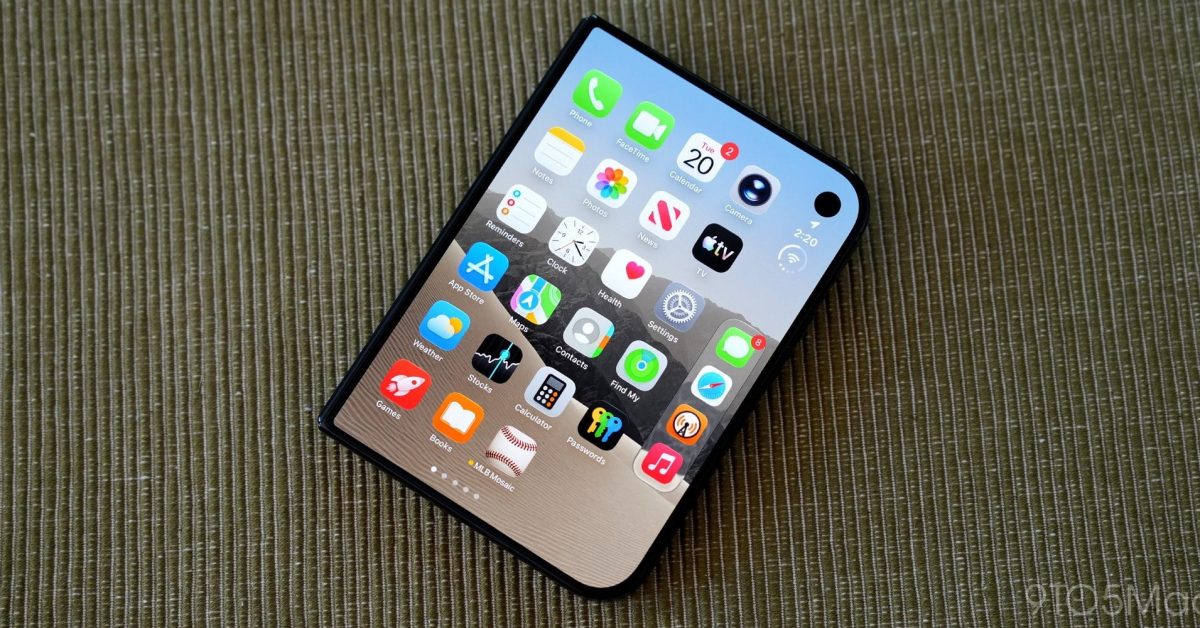
iPhone Duo has a lot of software features that are widely praised, but one area commonly seen as an issue is Safari web browsing. Here are two tips for improving the Safari experience on your iPhone Duo. #1: Adjust text size and default website zoom If you want to make the most of your iPhone Duo screen size when browsing, and your eyesight isn’t a problem, Dylan McDonald recently posted a couple tips he’s found helpful. iPhone Duo has always been a game changer for me and productivity, something about it is just so dang goodPro tip, set your text size to 90% for a little extra space, and set default website zoom to 85% to enable wide layouts on most sites! https://t.co/xqziFwrYH5— Dylan (@DylanMcD8) October 29, 2026 He adds in a follow-up that setting your default website zoom to 85%, in his opinion, makes the size of sites look more natural. And of course, the chief benefit is enabling a wide/desktop-class layout in many cases on the folding display. You can change these settings via the following: System Text Size: Settings ⇾ Appearance ⇾ Text Size ⇾ move slider to left Default Website Zoom: Settings ⇾ Apps ⇾ Safari ⇾ Page Zoom ⇾ 85% I don’t have my iPhone Duo yet, but getting a wider layout for websites has definitely been on my wishlist for the Duo, so I look forward to trying these settings out. #2: ‘Wider’ extension for Safari The outer display Safari layout has been an especially big issue for some iPhone Duo users. That’s because the right-aligned controls take up a lot of space, making websites feel cramped. Apple has even publicly acknowledged it’s investigating ways to improve the outer display Safari experience. Indie developer Jordi Bruin created his own solution: a Safari extension called ‘Wider.’ Wider launched as a free download, but it’s now a $2.99 one-time purchase. As the replies to Bruin’s announcement post show, the extension is still a work-in-progress due to some unique edge cases with certain sites. But if you’re okay with that, and don’t mind the privacy permissions needed to enable Wider, it could be a solid interim solution until Apple offers a first-party fix. How do you feel about the Safari experience on iPhone Duo? Do you have your own tips and tricks? Let us know in the comments. Best iPhone accessories AirPods Pro 3 (now only $199, down from $249) MagSafe Car Mount for iPhone 10-year AirTag battery case 100W USB-C fast charging power adapter HomeKit Garage Door Opener FTC: We use income earning auto affiliate links. More.
iPhone Duo: Here are two tips for improving Safari web browsing
Full Article
Original Source
Read the full article at 9to5mac →KhanList aggregates and links to publicly available news content. We do not host full articles from third-party sources. Always verify important information with original sources.