
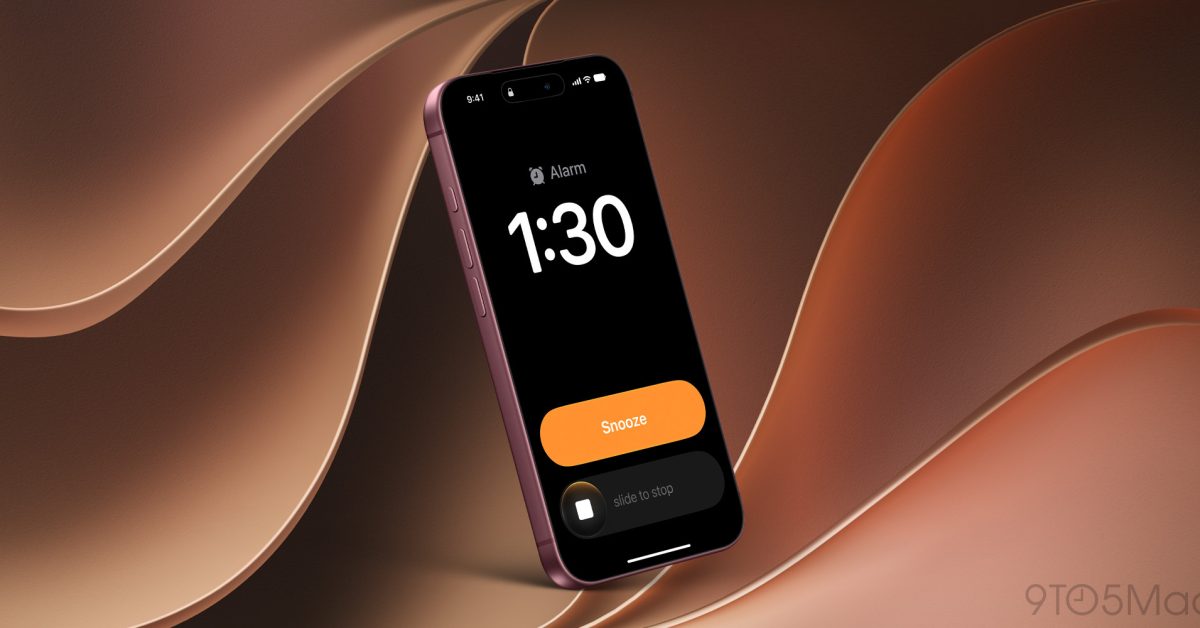
Alarms are one of the most important iPhone features, and iOS 27 offers a key feature that should help your alarm actually wake you: a new volume setting for alarms that’s independent of other volume settings. Alarms in iOS 27 now have their own volume setting, independent from other system volumes Have you ever accidentally slept through an alarm? We’ve all done it. And most often for me, it’s because my alarm volume was unintentionally set to a very low level. I suspect that’s a pretty common reason for missed alarms. And in iOS 27, Apple finally has the fix—but it requires manually setting up. Inside Settings ⇾ Sounds & Haptics, you can now set a volume for alarms that’s independent from the systemwide ringtone setting. iOS 27 has two new sections in this Settings screen: Alarms and Timers, and Alerts and System Sounds. Both include ‘Match Ringtone Volume’ toggles that are on by default. This means your volume for alarms, timers, alerts, and other system sounds are all determined by the ringtone volume. But if you disable the Alarms and Timers toggle, you’ll get a new volume slider that applies only to those system functions, and won’t be impacted by your ringtone volume. As seen above, this means you can crank the Alarms and Timers volume up to the maximum level without making every other system sound, including notifications and phone calls, be similarly deafening. So the next time you sleep through your alarm, it won’t be because the alarm was too quiet. In case you missed it, iOS 26 introduced a welcome feature that lets you set custom snooze durations for alarms, and also an option to have alarms trigger on your iPhone even if you’re wearing an Apple Watch. Do you plan to set a custom volume setting for alarms in iOS 27? Let us know in the comments. Best iPhone accessories AirPods Pro 3 (now only $149, down from $249) MagSafe Car Mount for iPhone 100W USB-C fast charging power adapter HomeKit Garage Door Opener 10-year AirTag battery case FTC: We use income earning auto affiliate links. More.
iOS 27 gave your iPhone an alarm feature that’s long been missing
Full Article
Original Source
Read the full article at 9to5mac →KhanList aggregates and links to publicly available news content. We do not host full articles from third-party sources. Always verify important information with original sources.