
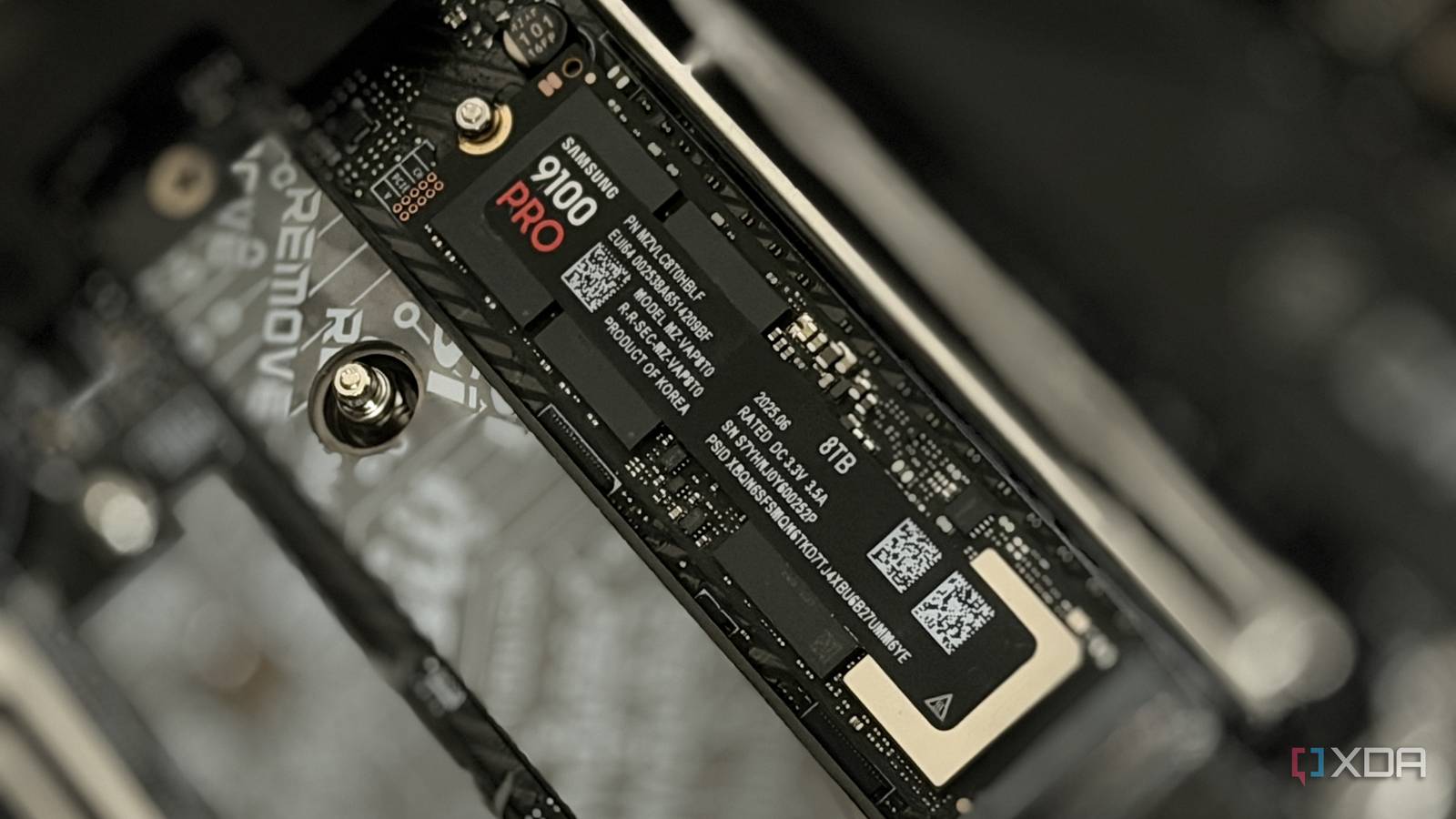
Published Nov 11, 2026, 10:00 AM EST Hamlin has been in the tech field for over nine years. Since 2017, his work has appeared on MakeUseOf, Android Police, OSXDaily, Beebom, and more. He served as the Senior Editor at Valnet's MakeUseOf for over two years before joining XDA. He uses a high-end gaming rig for desktop use and a MacBook for traveling, but dislikes some of the quirks of macOS. You're more likely to catch him at the gym or on a flight than anywhere else. For the longest time, the only thing I really cared about while installing an NVMe SSD was whether the M.2 slot supported the drive's PCIe generation. I'd assume many of you still do the same. After all, if Windows detects the drive and CrystalDiskMark shows you're getting the sequential speeds you paid for, what else is there to worry about? Well, as it turns out, the M.2 slot you choose can affect other components in your build even if your SSD is running at its advertised speeds. When I upgraded to the 9800X3D earlier this year, I bought a 2TB Crucial T710 Gen5 SSD and installed it in my primary M.2 slot like I normally do. But I also reused my Corsair MP600 from my AM4 build, and while I was going through my motherboard's spec sheet to see which remaining M.2 slots supported PCIe 4.0, a footnote caught my attention. Even though my MSI X870E Carbon Wi-Fi has four M.2 slots, using the second slot would drop my RTX 4090 to PCIe 4.0 x8, cutting its available bandwidth in half. Don't expect every M.2 slot to have its own PCIe lanes Say hello to lane sharing and the headache that comes with it The M.2 slots on your motherboard can get their PCIe lanes either directly from the CPU or through the chipset. But at the end of the day, both your CPU and chipset have a limited number of PCIe lanes to work with. So, your motherboard manufacturer has to decide how to allocate them between different components. And sometimes, that means having certain M.2 slots share PCIe lanes with other expansion slots, including the one your GPU is installed in. Take my X870E motherboard, for example. The first M.2 slot has four dedicated PCIe 5.0 lanes coming from the CPU, while the third and fourth slots each have four PCIe 4.0 lanes connecting them to the chipset. The second slot, however, is the problem here because it shares lanes with the primary and secondary PCIe expansion slots. So, if I install an SSD in that slot, the 16 PCIe lanes otherwise available to my GPU would be split into an x8/x4/x4 configuration through PCIe bifurcation. That leaves eight lanes for my RTX 4090, four lanes for my MP600 SSD, and the remaining four for the secondary PCIe expansion slot. Manufacturers don't make this obvious You'll have to dig through the spec sheet to find out Motherboard makers love to advertise PCIe 5.0 support, but they're not too keen on giving you the clarity you need when it comes to lane sharing. You need to carefully go through the spec sheet, particularly the footnotes, to find out which M.2 slots share lanes with other components. And just because you bought a higher-end X870E motherboard doesn't mean you're safe either. In fact, MSI's B850 Tomahawk Max and B850 Edge TI motherboards can actually accommodate two PCIe 5.0 SSDs without affecting the GPU's bandwidth. In most cases, you can safely install an SSD in the primary M.2 slot without worrying about your GPU's bandwidth, but even that's not a guarantee. Several Intel Z790 boards, like the ROG Maximus Z790 Formula and ASRock Z790 Taichi, share PCIe lanes with the GPU even on the first M.2 slot. And remember, you can't get around these limitations by installing a Gen3 or Gen4 SSD in a Gen5 M.2 slot because the board still allocates four PCIe lanes to that slot. So, if you already have a motherboard, check its specs or manual before you spend money on an NVMe drive. But does it even matter to your GPU? For the most part, no, but there are exceptions Losing half your GPU's PCIe bandwidth might seem like a big deal, but in reality, you're barely losing gaming performance. I still remember Steve from Gamers Nexus testing the RTX 5090's PCIe scaling, only for the performance difference between PCIe 3.0 and 5.0 to be a mere 1-4% across the games he tested. For context, PCIe bandwidth doubles with every generation, which means a PCIe 5.0 GPU running at x8 still has the same bandwidth as PCIe 4.0 x16. And judging by those benchmarks, that's still more than enough bandwidth for a flagship GPU. Now, my RTX 4090 running at PCIe 4.0 x8 is technically worse since it has only half the bandwidth of PCIe 5.0 x8. However, its 24GB of VRAM allows it to hold most of the game data without constantly fetching it from system RAM over PCIe. That's why halving your GPU's available bandwidth can actually be problematic for GPUs with limited VRAM. When the GPU runs out of VRAM and relies on system memory, having less available PCIe bandwidth can seriously hurt frame rates and 1% lows. And even if the performance hit is negligible, I don't see why anyone should make that compromise when they can just install that SSD in a different slot. You're better off avoiding lane sharing if you can If I were to buy a motherboard today, I'd go out of my way to get one that lets me install a second Gen5 NVMe without sacrificing any PCIe lanes from my GPU. Had I known this earlier, I would've gotten the B850 Tomahawk Max, which gives me that flexibility. The good news is that my MP600 is PCIe 4.0, so I just installed it in the third slot and called it a day. If I had a Gen5 SSD instead, I'd either have to settle for Gen4 speeds or run my RTX 4090 at PCIe 4.0 x8, neither of which I'd be okay with. I don't think anyone should have to worry about something as basic as choosing the right M.2 slot after spending hundreds on a motherboard, anyway.
Installing an SSD in the wrong M.2 slot can cut your GPU's PCIe bandwidth in half
Full Article
Original Source
Read the full article at Xda-developers →KhanList aggregates and links to publicly available news content. We do not host full articles from third-party sources. Always verify important information with original sources.