
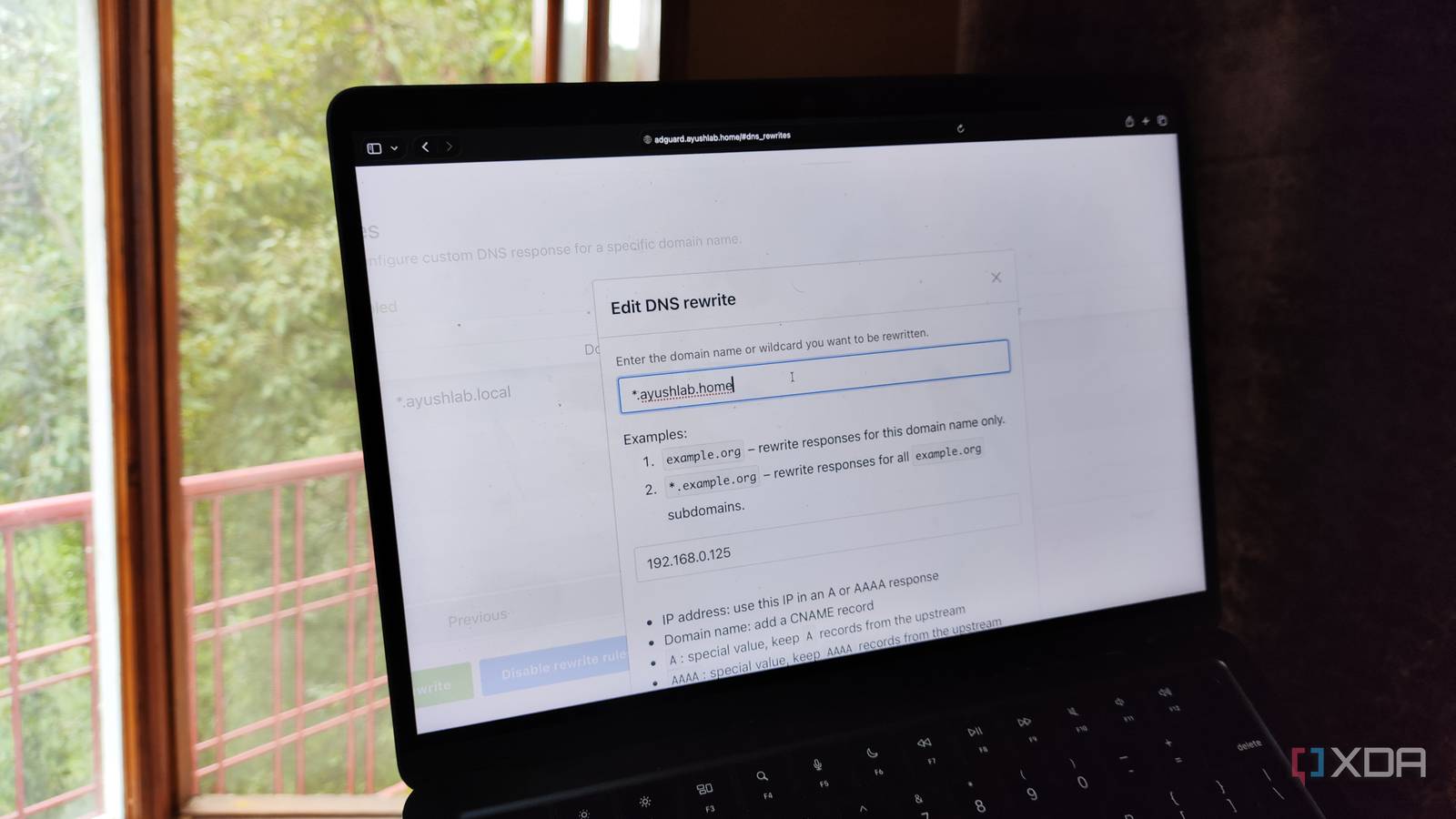
Published Oct 3, 2026, 6:00 AM EDT Ayush Pande is a PC hardware and gaming writer. When he's not working on a new article, you can find him with his head stuck inside a PC or tinkering with a server operating system. Besides computing, his interests include spending hours in long RPGs, yelling at his friends in co-op games, and practicing guitar. As someone who loves experimenting with home servers, I’m no stranger to botched projects bringing down my virtualization nodes. However, a lot of my home labbing, data archival, and productivity needs are met by self-hosted services deployed as Docker containers, and losing them would be a huge problem for my everyday tasks. If you’re wondering, here’s a list of applications that I’d deploy first and foremost if my home server ascends to tech heaven. Pi-hole After all, it serves as the DNS server for all my systems When I first deployed Pi-hole on my local server, I did so for its ad-blocking capabilities. And once I got the taste of its DNS sinkhole provisions, I made sure all my devices route their DNS requests through it. But it wasn’t until I began managing a home lab that I realized all the other cool features Pi-hole hides under the hood. For one, it logs the DNS requests made by my local devices, making it great for keeping tabs on smart devices that may attempt to contact sketchy servers. On the security front, Pi-hole’s blocklists are also pretty effective at restricting access to malware-riddled websites. But the real star of the show is its ability to create local DNS records, which I use in tandem with Nginx Proxy Manager (and I’ll get to this in a bit) to assign custom domain names to my FOSS app stack. But if my Pi-hole instance breaks down, I’d be in a world of hurt. Even if we leave aside the fact that I also wouldn’t be able to use my local domain names, most of my devices would lose access to the Internet if my central Pi-hole container is no longer operational, which is why I’d attempt to recover it before any other self-hosted service. Nginx Proxy Manager The other essential part of my network stack Call me a noob if you must, but I prefer the neat web-based interface of Nginx Proxy Manager for my local proxy hosts over its CLI counterpart. Since my broke self still hasn’t bought a dedicated domain yet, Pi-hole serves as the local DNS resolver and translates custom domain names to my Nginx Proxy Manager’s IP address. NPM, in turn, is responsible for forwarding the traffic to the IP address and port number of the right FOSS service. Since I haven’t memorized the port numbers of the services running on my Docker server (nor do I plan to, either), I’d rather bring NPM back online before I redeploy any other application. Dockhand I need this neat web UI for my Docker experiments Portainer used to be my primary interface for controlling Docker environments, but over time, I started to grow tired of its convoluted UI and paywalled features. After cycling through different alternatives, I ended up moving to Dockhand, which packs nearly every tool I used on Portainer in a neat web interface. However, it also has several unique features that make it one of the most important containers in my arsenal. Besides the usual network, image, and container management options, Dockhand is also compatible with Compose and environment files and can deploy services across multiple nodes. Its notification channels are great for dishing out quick alerts when things go south with my container stack, and this powerful Docker control hub can even automate the container update process. Couple all that with the fact that I’d be using Dockhand to redeploy most of my FOSS tools, and you can see why I’d want to restore ASAP if my home server goes down. Nextcloud With all its apps, of course Truth be told, I wasn’t too keen on Nextcloud when I first encountered it. After all, it seemed like a self-hosted file-sharing platform, which I didn’t care about much when I could rely on PairDrop for small files and NAS-powered network shares when I had to transfer more than 10GB of files. So, it wasn’t until I saw the sheer number of FOSS application templates and integrations in its App Store that I realized the real utility of this platform. These days, I rely on the Nextcloud Office + Collabora Office combo to work on spreadsheets, presentation slides, and text documents (including this very article), and that alone makes it an essential Docker container for my everyday tasks. But I’ve also started using its Calendar, Tasks, and Deck, especially since I only recently realized that I could use my CalDAV events to control my Home Assistant devices. But these aren’t the only tools I’d redeploy when things go wrong Aside from the Docker containers I’ve mentioned so far, I’d also be scurrying around trying to bring up other virtual machines and services. Technically, I’ve configured Home Assistant as a VM instead of a Docker environment, but I consider it just as essential as my network stack. Then, I’d move on to restoring my data archival services, which include Jellyfin, Immich, Paperless-ngx, and RomM. As for their media, I’ve stored everything on my NAS and configured SMB shares to let each app access my archives. If you’re wondering, then yes, I’ve also got provisions for my NAS if it kicks the bucket. You see, I’ve configured a 3-2-1 backup pipeline that stores my essential media files and container snapshots on a second NAS that’s thousands of miles away from my tinkering cave. That way, I’ll always be able to restore my self-hosted arsenal, even if an experiment (or just bad luck) breaks every node in my home lab. Docker
If my Docker server died tonight, these are the 4 containers I'd rebuild before anything else
Full Article
Original Source
Read the full article at Xda-developers →KhanList aggregates and links to publicly available news content. We do not host full articles from third-party sources. Always verify important information with original sources.