
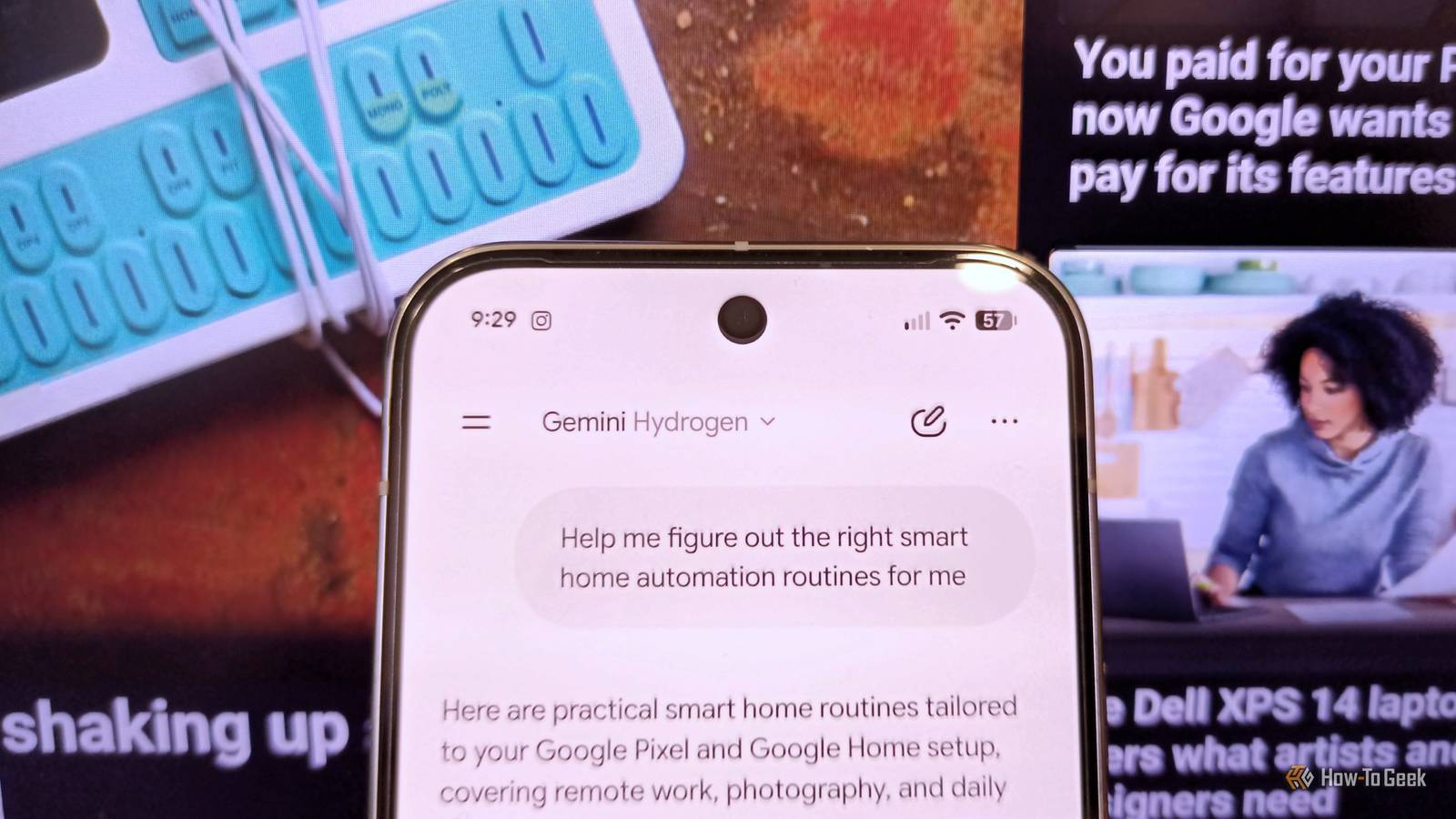
Published Nov 14, 2026, 8:00 PM EST Namerah Saud Fatmi has been writing about smartphones, accessories, e-readers, and apps for nearly a decade. She occasionally branches out into sects like gaming, software, hardware, smart home, and wearables. Before How-To Geek, she was a senior editor at Android Central, and has had bylines at other respectable publications such as Windows Central, iMore, XDA Developers, Neowin, and Good e-Reader. When she isn't writing or testing yet another weird and wonderful new gadget, she spends her free time snuggling with her grumpy feline life partner. Her hobbies include casual gaming, traveling, attempting to pet anything classified as an animal, unnecessarily complicated craft projects, and hunting for the next great bowl of noodles. Figuring out the right smart home automation routines has been a challenge for me, as I can't nail the perfect ones on my own. To identify the correct routines I need, I decided to enlist the help of AI. Google already has access to all my data, from my Google Home devices to my user history. I also use a Pixel 10 Pro with the Google AI Plus plan, so it only made sense to use Gemini for the job. Privacy isn't a concern for me because Google already knows everything about me, so I figured I might as well make the most of it. Knowledge is power, so I fact-checked everything Gemini would use to help me Information audit comes first I'm no expert on platforms like Home Assistant, so I use a Matter-compatible hub from SwitchBot to centralize all smart things in my home. It works with Google Assistant and Alexa, plus it has an IR blaster so I can smarten up the dumb tech in my house too. These "dumb" devices are saved to my Google Home along with the smart ones, neatly labeled and sorted by room. I fed all the relevant information into Gemini in natural language, and it spat out suggestions based on my personal Google profile and past activity. To start off, I opened the Gemini app on my Pixel 10 Pro and entered the following prompt to prime the chat: "Help me figure out the right smart home automation routines for me." Immediately, Gemini divulged a list of various ideas, and it was almost eerie how well the AI knows me. Gemini referred to my Google Pixel and Google Home setup, then mentioned key aspects of my day-to-day life, such as remote work and photography. It even suggested cat-friendly routines and ended the answer by asking me how I would like to tailor my smart home routines further. Next, I decided to confirm with Gemini that it was giving results tailored to my personal data. This was just to see how well Gemini knows me, and frankly, I was flabbergasted. Gemini referred to key details about my life that it had specifically mentioned, splitting it into two groups: Your Tech & Work Setup and Your Household. It knew what my job was, the nature of my work, and what activities I do regularly. It even knew my cat's full legal name. It's Bruce Wayne, if you're wondering, and yes, he is a black cat (obviously). This clearly demonstrates that Gemini's recommendations are tailored to my individual needs. Getting up close and personal Filling in the gaps where necessary Having confirmed these details, I moved on to confirm whether Gemini knew what smart home devices I own. I wanted to verify that this was accurate, then tell Gemini I didn't want to buy new devices, because it was starting to suggest that I do. Lo and behold, Gemini pulled up the complete list of my smart home devices based on my location. These were grouped according to rooms (bedroom, living room, etc.) and item categories (lights, thermostat & air conditioning, sensors & hubs, trackers, etc.). I then proceeded to ask whether Gemini was aware of my daily schedule and at what time I usually work. It started processing my prompt, and I could see it referring to Personal Intelligence, Google Calendar, Slack, etc., as it processed my request. The answers painted a very accurate view of how I spend most days, making me feel positive that the AI would be able to curate ideal smart home automation routines for me. Some details were outdated or incomplete, so I filled in the gaps necessary for developing the perfect routines, such as my work hours and weekends. I also outlined my goals, such as my desire to implement a stricter bedtime. This completed my information audit of Gemini. Precise recommendations and step-by-step instructions followed Gemini walked me through every leg of the journey Finally, after all my hard work, I reiterated my need for the perfect smart home automations and routines to Gemini. It delivered far better plans than the first prompt. Every segment of the recommended routines was designed to help me balance my work and personal life better, and to help me sleep at my targeted time. The suggestions referred to my home's layout and which smart home items are in which rooms. Gemini even created weekday and weekend routines for me. There were some predictable models, such as a home office mode that turns up the brightness of my desk space, and some unexpected ones, like meeting modes for specific days of the week when I have recurring meetings. There were clear instructions on which actions or events to set as triggers for what result, and what commands to give Google to initiate a routine. After I asked Gemini to just implement it for me, it gave me a step-by-step tutorial on how to add every automation to my Google Home app and how to make that into a recurring routine. This method isn't for everyone, but beginners such as myself will appreciate it If you have privacy concerns and aren't comfortable with Gemini having access to you at this level, you don't have to do this. I wanted the simplest way to achieve this with existing resources available to me and in conversational language. I found it helpful, as I'm not proficient with more advanced open-source apps and local AI models, and I didn't like the idea of having to examine my habits and daily routines one by one and then setting up suitable routines and automations manually. Someone out there who isn't as tech-fluent will find this helpful, and hopefully, my experience will pave the way for them to have personalized smart home routines as well.
I used AI to develop the perfect smart home automation routines for my house
Full Article
Original Source
Read the full article at Howtogeek →KhanList aggregates and links to publicly available news content. We do not host full articles from third-party sources. Always verify important information with original sources.