
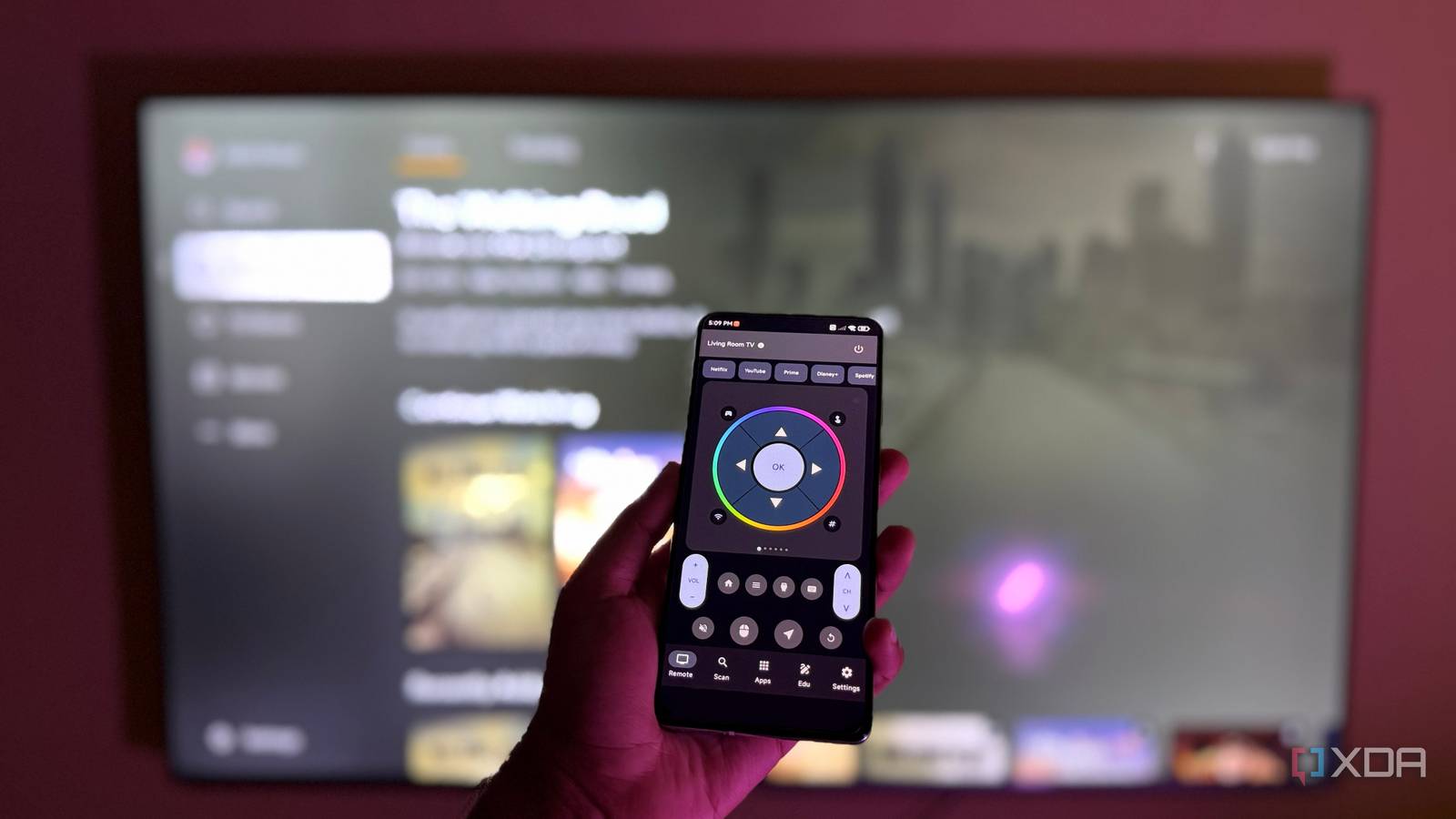
Published Sep 23, 2026, 11:30 AM EDT Abid covers consumer hardware, gaming, and platform updates with an emphasis on accuracy, clarity, and reader-first context. He holds a BSc in Computer Science and Engineering, and his work can be found in multiple publications, including Notebookcheck. Outside of work, he enjoys exploring new gaming hardware, testing system performance, and keeping up with developments across the broader tech landscape. I didn't set out to replace the remotes for my TV setup, but I was tired of digging through the couch cushions every time I couldn't find them. My old Android phone already pulls its weight as a backup media server when needed, and since it stays mostly in the living room, I thought of doubling it up as a universal TV remote. With a couple of apps and about twenty minutes of experimenting, I turned my old Android phone into the best universal TV remote I've ever owned. It also made my coffee table free from remotes. Google TV makes Android phones surprisingly good remotes The official remote app is all you need for Google TV devices While other apps are available, the Google TV app makes it easy to use an Android phone as a TV remote. It works on both Android TV and Google TV devices, and it doesn't require any additional hardware elements like an IR blaster. Setting it up is also straightforward. You just connect the phone and TV to the same Wi-Fi network; once that's done, the app can search for and pair with compatible TVs nearby. Google TV app As for the app itself, Google TV offers basic controls, including volume, navigation, and playback. It can also bring up the keyboard when required, which is particularly useful as it's much easier to type on the virtual keyboard than with the remote. Another benefit of the Google TV app is that it's compatible with iOS, and it works just as well on an iPhone as on an Android phone. However, this remote app will only work if your TV supports Google's remote functionality. Third-party apps expand compatibility beyond Google TV An old Android phone can still be used to control smart TVs running different OS Google's official app works well, but it can't control every smart TV, which is where third-party apps come in. Many of these apps support LG TVs running webOS, Samsung smart TVs running Tizen OS, and TCL models running Roku OS or Fire OS. Some work with TVs that are from non-mainstream companies. Among the ones I tried, Universal TV Remote for All TV from BoostVision is full of ads, and while Any TV Remote Control from Klebo doesn't bombard you with ads, it puts some important features behind a subscription package. For instance, the on-screen isn't available on the free version. iRemote from TechSmart Group is a decent pick, but it relies heavily on ads if you don't buy the subscription, and it lacks a keyboard. UniMote from SkippyLab is the best of the ones I have tested so far. It doesn't have full-screen ads, supports swipe navigation, brings keyboard support without any subscription, and lets you quickly launch apps. UniMote remote TV app At the core, most of these apps work in the same way as Google's solution. That is, as long as the phone and the TV are on the same network, these apps can control the TV over Wi-Fi. My old Android phone became the ultimate universal TV remote with its IR blaster An IR blaster lets your phone control almost any TV To turn my old Android phone into a truly universal TV remote, I used its built-in IR blaster. It turns the phone into a traditional infrared remote, and the smartphone and TV don't need to stay on the same Wi-Fi network. A fair number of apps support this setup as well, but my old Android phone already came with its own pre-installed IR remote app. It has a big limitation, though. The app has no keyboard implementation that can take advantage of the infrared sensor, and I couldn't find a third-party app that does either. On the bright side, the IR remote app has all the essential controls and can send commands for volume, channel, and input changes. One phone can replace a pile of remotes An old Android phone can live a second life by being a universal TV remote The remote situation in my TV setup became much simpler after I turned my old Android phone into a universal remote. However, this might not apply to everyone, since not all Android phones have a built-in IR blaster. Third-party apps that rely on Wi-Fi make things easy, but many require subscriptions or include aggressive ads. Even with these limitations, the Android phone can serve as a proper backup TV remote when needed.
I turned my old Android phone into the ultimate universal TV remote
Full Article
Original Source
Read the full article at Xda-developers →KhanList aggregates and links to publicly available news content. We do not host full articles from third-party sources. Always verify important information with original sources.