
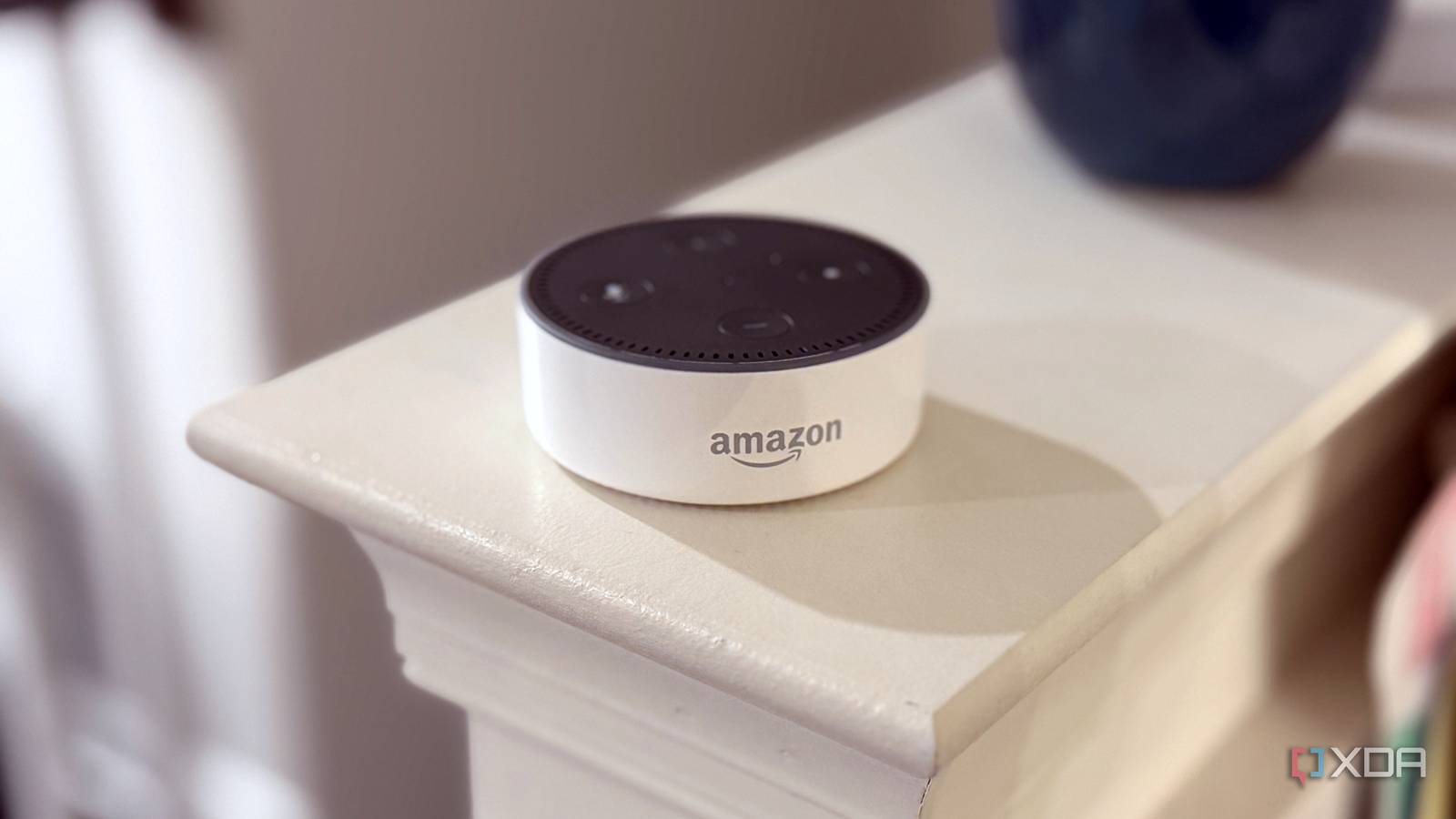
An old Amazon Echo Dot 2nd gen is a surprisingly good listener. That little puck hears "Alexa" from across a room and over music, which is why old Echos are arguably the best Home Assistant voice hardware you can buy, as long as you never use Alexa again. Alexa was always the problem, not the hardware. Plenty of people have replaced Alexa with a fully local voice assistant on new hardware, but I wanted to keep the Echo. A project called echo-dot-assist keeps the part that's genuinely good, and swaps out everything that talks to Amazon. Claude wrote its code in conversation with the project's author. I've already let Claude Code show me what my Home Assistant could actually do, so I'm cautiously in the first camp. It works, but I made two mistakes getting there, and the setup made one of its own. What echo-dot-assist keeps, and what it throws out Amazon's ears stay, Amazon's brain goes The clever bit is what the project doesn't replace. Your Echo keeps Amazon's microphone processing and Amazon's own wake word engine, the same on-device detector a stock Echo runs. Only the Alexa client goes, replaced by a small daemon called hassmic that Home Assistant discovers as an ESPHome device. No YAML and no add-on, according to the project. Then a firewall on the Echo itself keeps Amazon's programs on your local network. Some of Amazon's own services keep running for the audio side, but only hassmic may reach beyond your network, so it can fetch replies and music from wherever Home Assistant points it. Requests go to Home Assistant's Assist instead, and you get timers, announcements, a Bluetooth proxy, and its own settings page. Claude wrote it, and the README says so up front The disclosure is right at the top, and it's blunt. The project's README opens with a warning: "Vibecoded, unaudited, your risk." The author says Claude wrote the code, notes, and docs in conversation with them, and tested it on one Echo of each model. That isn't me building anything with Claude, to be clear. It's someone else's AI-assisted project, and I'm the guy running it on hardware I don't mind losing. Sure, unaudited code that unlocks a bootloader is a big ask, but the honesty about it is refreshing, and the docs are upfront about what can go wrong. You'll have to decide whether you trust the code enough to run it. After using it, the only thing that worries me is that any mistyped commands can brick your Echo Dot. That's no different from when I manually type the adb commands, and at least they're reproducible by using the script. Only a handful of Echos can do this Here's the catch, and it's a big one. Only certain models can be unlocked, and the model number on the bottom matters more than how the Echo looks. My first attempt stalled because I only owned an Echo Dot (3rd gen) and an Echo Dot (4th gen). The project lists the 4th gen as having no known exploit. The 3rd gen only works if it's the 2018 model, which means opening the case and connecting to test pads on the board, and its page warns that the unlock has left some recently updated units unusable. The Echo Dot 2nd gen (RS03QR) is the easy one. It has a micro-USB port, so you don't need to open it or solder. Once I got my hands on one, the rest of the project took an hour. The unlock is done by hand, and that's on purpose R0rt1z2's exploit does the hard part, and he wants you to run it yourself None of this would work without R0rt1z2, who built the exploits that unlock these MediaTek-based Echos and ported TWRP to them. Their XDA Forums thread for the Echo Dot 2 covers every file and step, and the echo-dot-assist setup sends you there instead of repeating them. That's deliberate, because R0rt1z2 asked that his unlocks be run only by hand, never from an installer or script. So the setup waits while you do the scary part yourself. I used an Ubuntu-based box because the project says the unlock needs direct USB access, so no VM or WSL. Hold the Echo's action button while plugging it in, wait for a green ring, type YES, then leave it completely alone. When the ring turns white, TWRP is running, and the unlock is done. The setup takes over once TWRP is up From there, the setup script does almost everything. It wipes the Echo, flashes one specific Fire OS version into both of its system slots, pulls a signed build from GitHub so nothing compiles locally, locks down the network, joins your Wi-Fi, and installs the satellite. It shows a tidy 10-step checklist the whole way. There's a dry-run mode, too, which prints every command without running any of them. It's also how I tripped myself up. It wasn't all smooth sailing A dry run looks a lot like the real thing The dry run walks all the way to a cheerful "is running" message at the end, so I assumed the firmware step was done. It wasn't, because a dry run runs nothing. I went ahead and installed boot-root, the root package from the XDA thread, and got this: (!) Error: boot cmdline has no veritykeyid It ran before the setup flashed its firmware, and it stopped at the first step for the first slot. I ran the setup for real, let it flash both slots, and boot-root went through cleanly on the second try, patching both slots with no errors. The setup gave up on a perfectly healthy Echo After the install, the final check failed in red: "Checking it stays up." The check looks for the satellite twice, 10 seconds apart, and the second look came up empty. That looked like a crash loop, but the Echo's log showed hassmic reporting in about 131 seconds after boot, followed by "self test: passed." So I skipped the check, and it has worked fine since. The firewall is the bit that actually matters The log also shows the privacy promise in action. At boot, the Echo writes firewall rules that let its traffic reach private, link-local, multicast, and broadcast addresses, and drop everything else. The exceptions are DNS lookups and hassmic itself, which the project lets out so it can fetch replies and music. Boot-root also disables Amazon's update service, and the satellite's own online updates are off by default. One fun detail: the Echo's log shows my network handed it Google's 8.8.8.8 as a second DNS server. The firewall deliberately allows DNS to whatever servers the network hands out, so Amazon's programs can still look up Amazon's addresses; they just can't connect to them. The project also notes the lock doesn't cover the few seconds between the Echo joining Wi-Fi at boot and the firewall going up, so the project suggests blocking the Echo at your router too, if "never" has to mean never. I haven't, so I'm calling it firewalled rather than airtight. Living with an Echo that answers to Home Assistant It worked on the first command Home Assistant discovered the Echo as a new ESPHome device on its own, and the first thing I said to it turned on my homelab plug. To be clear about where the speech goes: my Home Assistant setup uses Home Assistant Cloud for speech-to-text and text-to-speech, so audio of the request does leave my network, just not to Amazon. If you want it fully local, Home Assistant supports local speech engines too. The settings page is where it gets fun. You can boost the speaker gain, turn the Echo into a Bluetooth speaker for your phone, use it as a Bluetooth proxy for Home Assistant, and even Drop In between Echos on your own network. Your browser signs every change, and you can log in with a press of the Echo's action button. I'm sticking with Amazon's wake word engine You can swap Amazon's engine for microWakeWord, the open engine ESPHome's satellites use, or let Home Assistant listen with openWakeWord. The project labels microWakeWord as experimental, and the Home Assistant option streams the Echo's microphone to your server constantly. Neither felt worth it when the stock engine is already this good at hearing me. I didn't time it with a stopwatch, but replies feel as quick as they did on a stock Dot. There's also a "Download from Amazon" option for extra wake words like "Computer." It needs an Amazon sign-in, and the Echo shows up in your Alexa app until you sign it out. I skipped it, because the whole point was getting Amazon out of the loop. If you have the right Echo, this is a no-brainer Amazon sold a lot of very capable microphones very cheaply, and this project keeps the best part of them while cutting the cord. My Echo Dot 2 now hears me like it always did, but it answers to my smart home instead of Amazon's. It's not for everyone, though. The tool is unaudited by its own admission, and only a few models qualify, so flip your Echo over before you get excited. If yours doesn't make the cut, LocalDot is a replacement board for the 3rd-gen Echo Dot that's crowdfunding now, with shipping expected in 2027, and it covers the 2019 refresh too. Or you can always use the Home Assistant Voice Preview Edition if you'd rather not unlock anything at all. Self-hosting your voice assistant doesn't have to start with a bootloader exploit. echo-dot-assist
I turned my Amazon Echo Dot into a Home Assistant voice satellite using a tool built with Claude
Full Article
Original Source
Read the full article at Xda-developers →KhanList aggregates and links to publicly available news content. We do not host full articles from third-party sources. Always verify important information with original sources.