
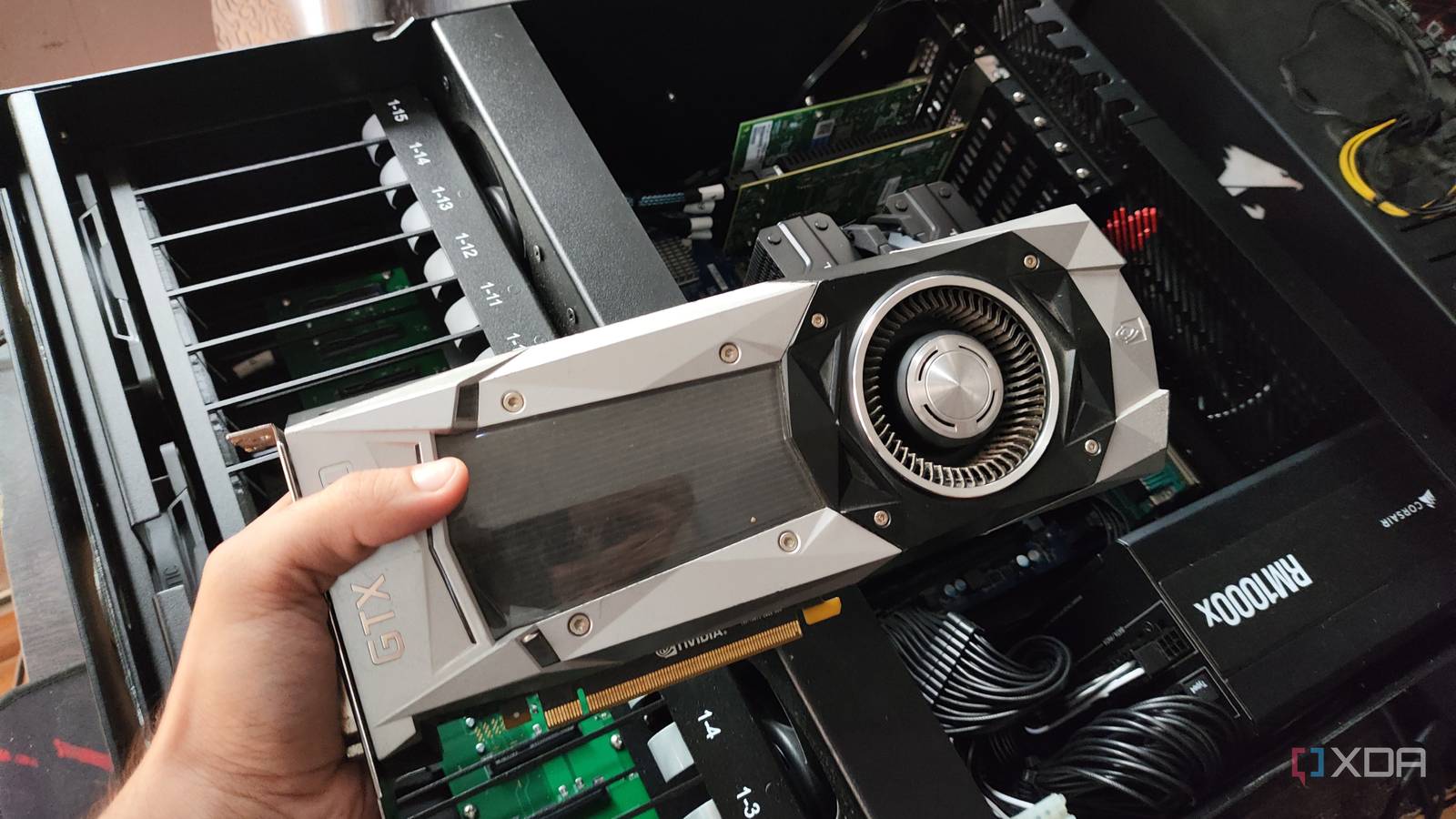
Published Sep 28, 2026, 10:00 AM EDT Ayush Pande is a PC hardware and gaming writer. When he's not working on a new article, you can find him with his head stuck inside a PC or tinkering with a server operating system. Besides computing, his interests include spending hours in long RPGs, yelling at his friends in co-op games, and practicing guitar. As someone who has spent a long time building PCs, I’ve got a fair share of outdated hardware stacked in my garage. But it wasn’t until I went down the home lab rabbit hole that I realized most of my dinosaur PC components could be put to good use. And I’m not just talking about turning old CPU + mobo combos into Proxmox workstations, either. My old GTX 1080, for example, might not be good enough to run triple-A games at high resolutions with all the DLSS 5 and ray-tracing settings dialed to an eleven. But toss in some LLMs, and this beast from the last decade can pull its own weight. In fact, my old Pascal-era companion now serves as the backbone of several Home Assistant pipelines. Gemma 4 E4B serves as my primary conversation assistant And it runs off my GPU-powered llama.cpp container Custom assistants are one of the many fun aspects of Home Assistant, as they let me query my smart gizmos, control them, and even develop automation chains involving trigger-action rules. Home Assistant ships with integrations for several cloud LLM providers, but since I got into HASS just so I could ditch online-only platforms, I decided against using models from ChatGPT, Anthropic, and other firms. Instead, I began turning my attention towards local LLMs. That’s where my GTX 1080 comes into the equation, which I’ve hooked up to an outdated first-gen Ryzen build running Proxmox. Specifically, I’ve connected it to a llama.cpp LXC, which took a lot more effort than I’d anticipated. But once I’d gotten all the compatibility issues sorted out in PVE 9.2, I realized that the GPU can drive Gemma-4-E4B at a whopping 45+ tokens/second (at times, even reaching past the 50 t/s mark). Pair that with the lightweight LLM’s superior knowledge base rivaling that of an 8B model, and this seemingly outdated setup is more than enough to drive simple productivity tasks, including my queries on Home Assistant. Speaking of Home Assistant, I currently use the Home Agent integrations from the Home Assistant Community Store, since the Ollama integration built into the platform doesn’t support llama.cpp as an LLM provider. I also run nomic-embed-text-1.5 on the same LXC, which serves as the embedding model for Home Agent. Of course, my Gemma-4-E4B model is still prone to returning errors if I give it complex instructions involving multiple devices. But it’s definitely more accurate than other sub-9B models I’ve tested with HASS, all while delivering quick responses thanks to its 5.1B effective parameter size. The latter perk is particularly important, because I use it with my Text-to-Speech and Speech-to-Text models… But it also powers half my voice assistant pipeline Up until early 2026, adding custom voice assistants to HASS used to be a bit of a hassle. Sure, you could opt for the official Voice Preview Edition, but on DIY setups such as mine, I’d have to look into voice satellite setups involving ESP32 modules or Raspberry Pi units. Luckily for me, Home Assistant added the voice satellite functionality to its Android-based Companion App a few months ago, which finally let my old tablet process wake words and use them to trigger my STT and TTS models. As you’d expect, my Gemma-4-E4B serves as the conversation model for this setup, and even with the STT (Whisper) and TTS (Piper) models running directly on the HASS VM, my voice assistant delivers quick responses to all my queries. But it’s just as effective at handling object detection tasks via Frigate I currently use it to summarize my secutiry footage Before I moved my tiny security camera setup to my Raspberry Pi (and its AI Kit), I used this GPU to drive my object detection workloads on Frigate. Back then, I had Frigate LXC running on my Proxmox node, and thanks to GPU passthrough, the NVR server was able to use my Pascal-era companion for its AI-aided detection tasks. If you’re wondering where Home Assistant fits into the equation, it uses the Frigate integration from HACS to receive alerts every time my NVR setup registers unintended objects on the screen. But since I use my GTX 1080 to power my AI models, I’ve created an automation pipeline, which uses my Gemma-4-E4B’s vision capabilities to generate a detailed summary of the footage and send it to my tablet-turned dashboard. There’s still plenty of life left in my old graphics card I’ve contemplated retiring my GTX 1080 several times, but I often find quirky projects where I can leverage its firepower. Before I jumped down the smart home/surveillance rabbit hole, I’d often use it for my GPU passthrough experiments, which include the Windows 11-powered VM that I used to stream games to my old smartphone. Home Assistant OS Windows, macOS, Linux iOS compatible Yes Android compatible Yes
I turned an old GPU into Home Assistant's brain, and now my LLMs talk to my smart devices
Full Article
Original Source
Read the full article at Xda-developers →KhanList aggregates and links to publicly available news content. We do not host full articles from third-party sources. Always verify important information with original sources.