
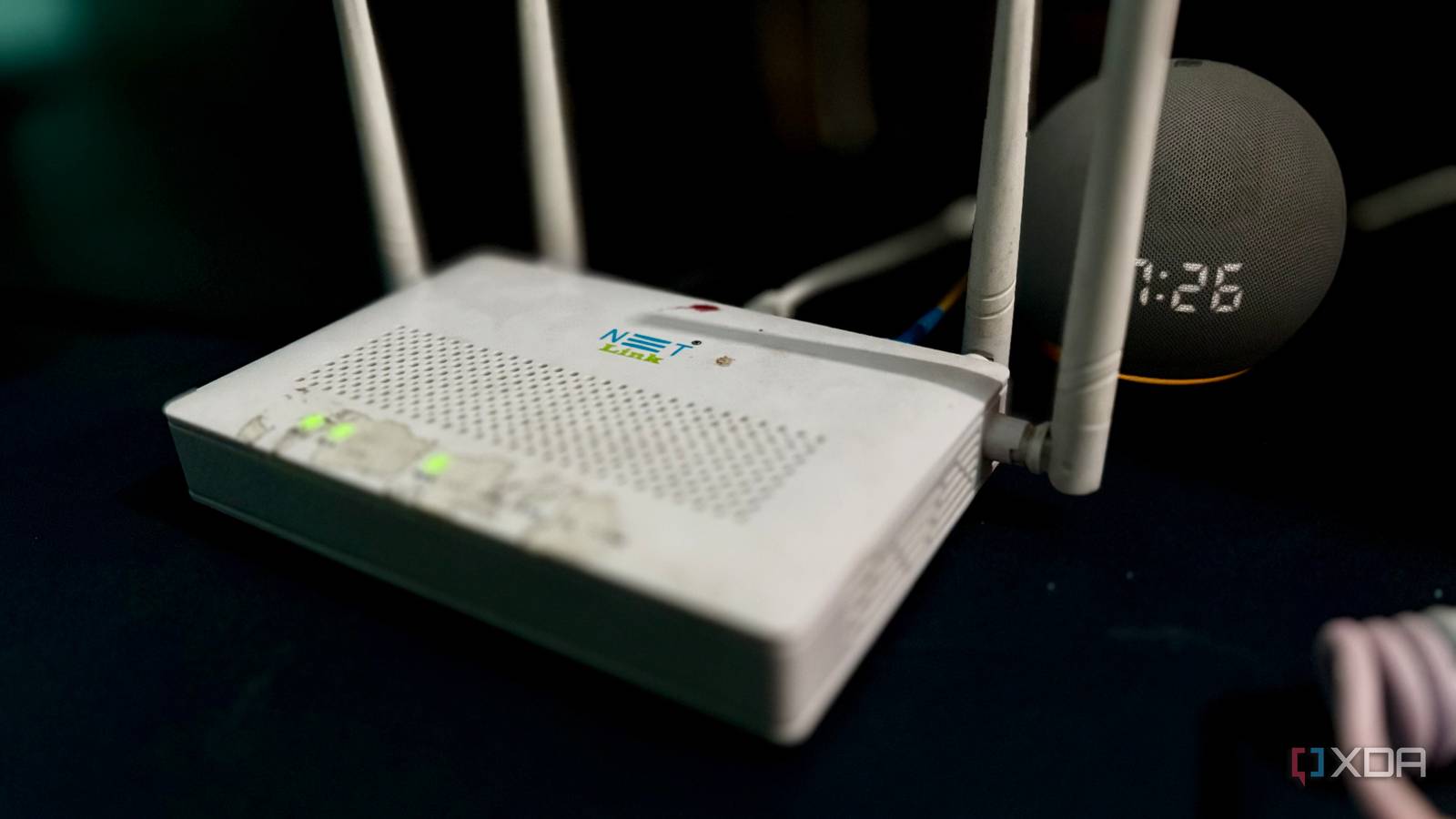
Published Oct 13, 2026, 5:00 PM EDT Shekhar Vaidya is a veteran technology journalist and computer science engineer. He is the founder of TechLatest, where he has spent years providing technical analysis on hardware and Windows ecosystems. Now a Computing Writer at XDA, Shekhar leverages his deep background in NAS, storage solutions, and PC internals to help readers master their tech. After getting a public IP address from my ISP, I revisited the whole network setup I built around CGNAT. The other issue was double-NAT, but I never really cared about it because CGNAT was the main wall for my homelab. Before the public IP, the ISP’s ONT (the fiber box) routed the traffic and passed it to my dual-WAN TP-Link ER605 gateway. With the public IP in hand, I wanted to remove the extra NAT layer and move the PPPoE session to the ER605, but the box on my wall had other plans. Double NAT never bothered me until I had a public IP Then one offer made it my problem I had been behind CGNAT since day one of my first ISP, but I didn’t know it. I only found out when I needed port forwarding for my homelab. Since I live in the countryside, there are few ISPs, so I kept using the same internet connection. After some time with my homelab, I needed a secondary ISP to keep my homelab’s external access even when the first ISP was down. And along with the second ISP, I got a dual-WAN TP-Link ER605 gateway to manage both connections and use features like failover and load balancing. The first connection is a fiber line and comes with an ISP-managed ONT cum router, which means it works as the optical network terminal and the wireless router. The second ISP is a 5G fixed wireless access point, so it was also behind CGNAT. Since both the ISPs were behind CGNAT, the traditional way of punching a hole in the router wasn’t an option for me. So I skipped NAT and double-NAT and went with CGNAT workarounds like Cloudflare Tunnel, Tailscale, Pangolin, and NetBird. But last month, when my primary ISP ran an anniversary discount offer on a public IP, I took it. Once I got the IP, it changed the equation and made me rethink the whole setup. With the public IP sitting on the ONT, my gateway was still behind a private IP address. I thought, "I can finally use the router properly now, so let's move the PPPoE session to the ER605.” I tried every clean fix I could find The ER605 kept calling out, and nobody answered After going through a few guides, it seemed so easy. According to those tutorials, I just had to grab the PPPoE credentials, switch the ONT from Route mode to bridge mode, and set up the ER605 in PPPoE mode instead of the current Dynamic mode. Sounds simple, right? Well, it sounded simple to me at least. I started by grabbing the PPPoE credentials. Instead of putting the working ONT in bridge mode, I wanted to set up the ER605 first and then switch the ONT. I mirrored the configuration from the ONT to the ER605 and saved it. But it never connected or got a WAN IP. I tried to disconnect and then connect many times — nothing. I power-cycled both the ONT and the ER605 — nothing. Then I thought, maybe it didn’t work because I left the ONT in the Route mode. So, I switched ONT from Route to Bridge mode and did the same steps: connect, disconnect, and power cycle again. Same result — nothing. After a couple of hours on tech forums and cloud LLMs, a few suggested the ISP may have limited the PPPoE connection to the ONT’s MAC address only. So I cloned the ONT’s MAC address onto the ER605’s WAN1 and repeated the same steps in both route and bridge modes, but still nothing. While all this was happening, I also checked the ER605 logs, and they kept showing similar errors. Nearly all of the logs were ER605 trying to get a response from the ONT/ISP, but it never responded and only gave PPPoE PADI timeout messages. PADI is the initial discovery message a router broadcasts to find the ISP’s PPPoE server. When nothing worked, I reverted everything to how it was. In the end, I was again in the same situation: double NAT, the PPPoE session on the ONT, and an additional static public IP. I had run out of things to try at my end, on my equipment, so the final option was to reach out to the ISP. The only person who could fix it was my ISP The fix existed, just not for me I thought contacting my ISP would help me solve the problem. But the regular customer service agent on the toll-free number was there to register standard complaints and escalate them. It took several attempts to explain to them what I was facing and where I needed help. In the end, they told me I would hear back from the technical team, but I never did. I asked a few friends for help and got the number of someone who works as a technician at that ISP. I called him, and this time he actually understood what I was trying to do. And he simply said no: on my connection, the PPPoE session can’t be moved, and if I wanted it on my own router, I would need a leased line. That was it. A flat no. And that was the end of my attempt to kill double NAT from my home network. Even though I failed to kill double NAT, I did solve the port-forwarding issue. Not solved per se, a workaround. Since the ER605 didn’t have a PPPoE session, it got a local IP from the ONT. A private IP alone can’t forward a port to reach a service on my server from the internet because the ONT terminates the public IP. So I deployed Nginx Proxy Manager (NPM) on my home Debian server, forwarded ports 80/443 on the ER605 to it, and set the ONT's DMZ to forward everything it receives to the ER605. I already covered this in my previous article. My network, their rules My homelab was living with CGNAT and double-NAT, without any major issues. A public static IP solved the CGNAT issue, but not the double-NAT. I can’t change ISP policies, and leasing a line just for my home network isn’t the right move. So, for now, I will stick with the same setup and switch to a better ISP when one becomes available. With a small ISP, the box on your wall may be in your home, but the configuration isn’t yours.
I tried to kill double NAT on my network, and one box on my wall kept blocking it
Full Article
Original Source
Read the full article at Xda-developers →KhanList aggregates and links to publicly available news content. We do not host full articles from third-party sources. Always verify important information with original sources.