
Published Nov 2, 2026, 6:00 AM EST Beginning his professional journey in the tech industry in 2018, Yash spent over three years as a Software Engineer. After that, he shifted his focus to empowering readers through informative and engaging content on his tech blog – DiGiTAL BiRYANi. He has also published tech articles for MakeTechEasier. He loves to explore new tech gadgets and platforms. When he is not writing, you’ll find him exploring food. He is known as Digital Chef Yash among his readers because of his love for Technology and Food. I've lost count of how many times I've tried to find an app that could replace Obsidian. Some alternatives look better. Others offer a more polished experience, and a few make certain tasks easier. Yet, after spending time with them, I keep finding reasons to return. It's not that Obsidian does everything perfectly, but it offers a level of flexibility that's difficult to match. Over time, I've realized that a few specific features make the difference between an app I enjoy trying and one I actually want to keep using. Here are the ones that keep bringing me back. Markdown notes work like a complete knowledge system Plain text gives me lasting freedom One of the biggest reasons I keep returning to Obsidian is that my notes are stored as plain Markdown files on my computer. I don't have to worry about losing access to years of notes because a service shuts down, changes its pricing, or locks essential features behind a subscription. I can open these files in a simple text editor, move them between devices, or use them with other Markdown-compatible tools. This flexibility matters more to me the longer I use Obsidian. My vault contains research, article drafts, personal notes, and other information I've collected over time. I want to keep all of it accessible without depending entirely on one application. Another thing I appreciate is that Obsidian works offline. I can access my notes, write new content, and organize my files without an internet connection. I don't have to wait for a cloud service to load or worry about connectivity while working. I've tried other note-taking apps, but this level of control over my data is difficult to give up. Plugins let me build my own productivity system The plugin ecosystem changes everything The community plugins are another reason I struggle to leave Obsidian. Whenever I feel something is missing, I check whether a plugin can fill that gap. Instead of switching to another app for a specific feature, I can often add it directly to my existing workspace. Templater helps me create reusable note templates with dynamic content, while QuickAdd makes it easier to capture information and automate repetitive actions. The Tasks plugin lets me manage tasks across my notes, and Excalidraw adds a space for sketches and visual explanations. What I like most is that I can choose only the features I actually need. I don't have to accept a fixed set of tools or change my entire workflow to fit an app. I can start with a simple setup and gradually add more capabilities as my needs change. Of course, too many plugins can make Obsidian harder to maintain. Still, this flexibility lets me shape the app around my workflow rather than the other way around. Dataview and Bases turn my notes into databases I can query thousands of notes I never expected my note-taking app to handle database-like tasks so well. With Dataview, I can turn information scattered across my notes into useful, automatically updated lists and tables. For example, I can track unfinished blog drafts, find articles by topic, or list notes that match specific criteria without maintaining separate spreadsheets. What makes this especially useful is that I don't have to organize everything manually. I add relevant metadata to my notes, and Dataview uses it to display the information I need. Once the initial setup is done, these views update as I add or modify notes. Obsidian's built-in Bases feature takes this idea further without requiring a community plugin. It lets me create database-like views of my notes using their properties. I can sort, filter, group, and switch between different views depending on what I'm working on. I've used dedicated database tools before, but having these capabilities directly inside my notes makes managing information much more convenient. Canvas gives me a completely different way to think My ideas don't need to stay linear I don't always want to organize my thoughts in a linear document. Sometimes, I need to see how different ideas fit together before deciding what to do next. That's where Obsidian Canvas becomes useful. It gives me an infinite workspace where I can arrange notes, images, documents, and text cards visually. I've found this particularly helpful when planning blog articles or working through a topic with several moving parts. Instead of jumping between documents, I can place research notes side by side, group related ideas, and draw connections between them. Moving things around also helps me rethink an outline without rewriting the entire document. What I appreciate is that Canvas isn't limited to creating mind maps. I can use it as a research board, a project planning space, or a visual outline for an upcoming article. I decide how to arrange everything based on the task at hand. Other apps offer whiteboards, but having this visual workspace inside Obsidian makes it easier to keep my thinking process connected to my work. Everything works together, and that's why I keep coming back Every time I try another note-taking app, I find something I like, but I also discover something I'm not ready to give up. For me, Obsidian isn't about having the most features. It's about having the freedom to work the way I want without outgrowing the tool as my needs change. I still see room for improvement, and I understand why other apps might suit some people better. But after trying multiple alternatives, I keep returning to the same conclusion: Obsidian gives me a balance of simplicity, flexibility, and control that's hard to find elsewhere. And for now, I haven't found a good enough reason to leave it behind.
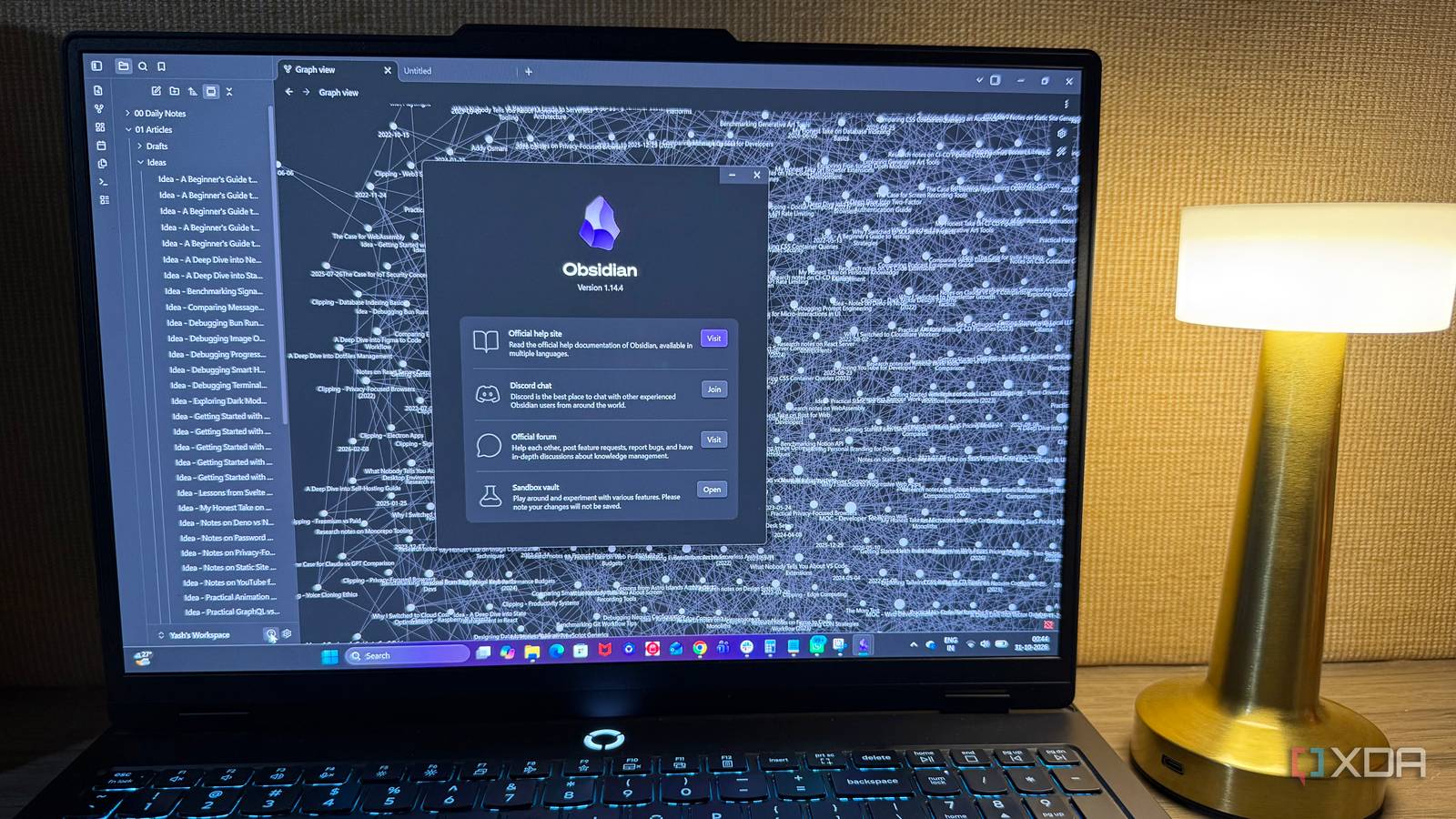
I tried replacing Obsidian multiple times, but these features always bring me back
Full Article
Original Source
Read the full article at Xda-developers →KhanList aggregates and links to publicly available news content. We do not host full articles from third-party sources. Always verify important information with original sources.