
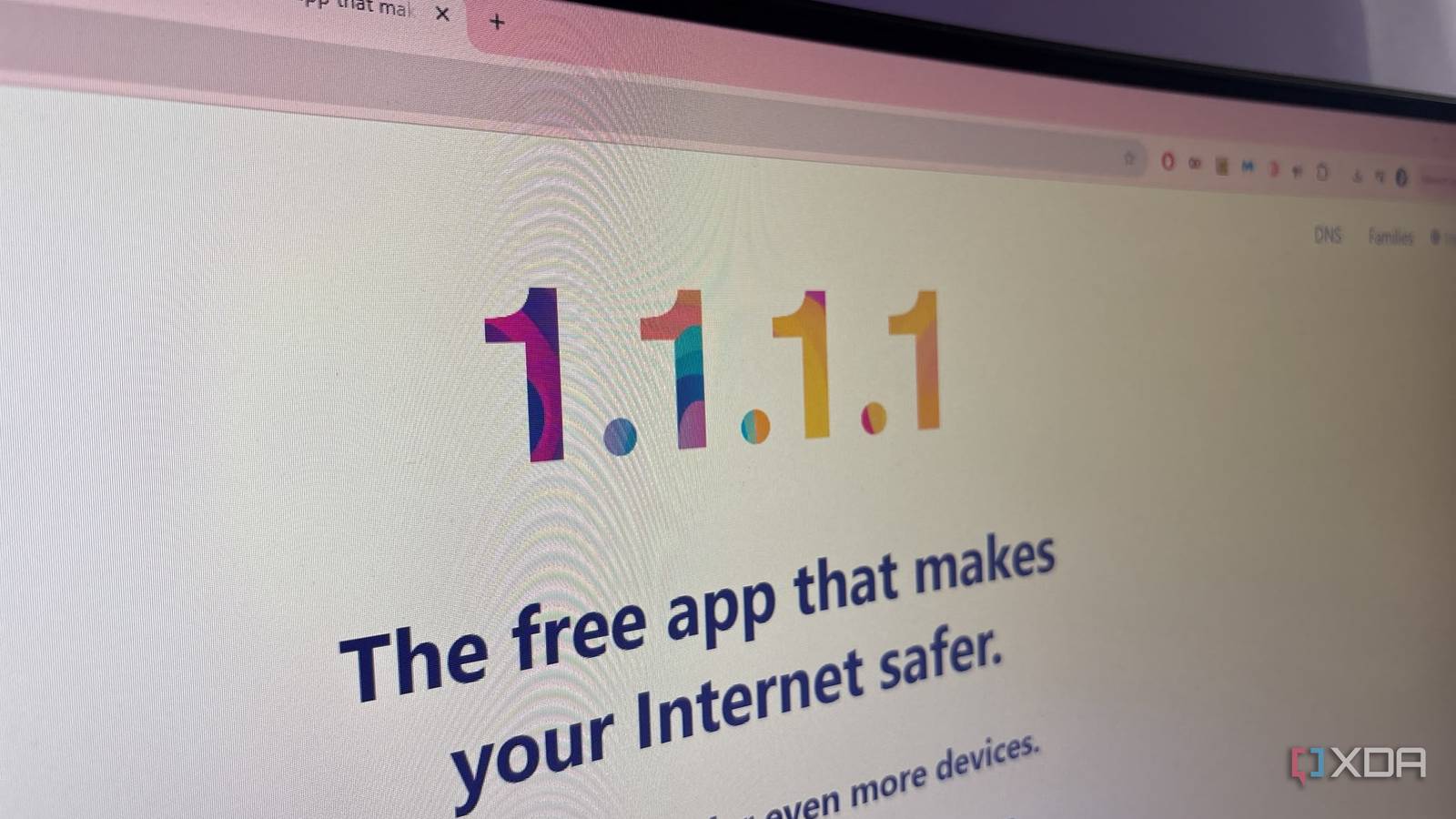
Published Nov 9, 2026, 2:30 PM EST Jasmine is Software and PC Hardware Author at XDA with years of tech reporting experience ranging from AI chatbots right down to gaming hardware, she's covered just about everything. Whether it's breaking news about the latest AMD NPUs or creating video tutorials on social media platforms, Jasmine has contributed to the world of AI and tech in a variety of ways including interviewing the CEO of Razer, AMD's Director of Product Marketing and the VP of Lenovo. Passionate about gaming and PC technology, she has built countless computers, keyboards and other peripherals - knowing them inside and out. Network problems can send you into endless troubleshooting. You might see sudden page-loading stutters, sluggish application responsiveness, and erratic video buffering, and suddenly, you're down a rabbit hole of wireless troubleshooting (moving mesh nodes, tweaking channel widths, and swapping Ethernet backhaul cables). However, in many cases, the wireless layer operates at peak efficiency, but devices are stuck waiting on slow DNS lookups before a connection even begins. No matter how many times you adjust radio frequencies and mesh node placements, you can still miss the mark if the root cause of perceived network lag is an inefficient, high-latency Domain Name System (DNS) resolver your ISP provides by default. You can't always blame your hardware It's easy to blame your router Mercusys mesh wifi system changed my life after I struggled with a WiFi extender for so long. When web browsing feels unresponsive, or apps hang for a fraction of a second before loading, you might instinctively blame Wi-Fi signal attenuation or router packet loss. However, this misdiagnosis frequently triggers unnecessary hardware tweaks, such as re-aiming directional antennas, forcing band steering, buying expensive tri-band mesh systems, or endlessly rebooting satellite nodes. My immediate reaction is to move around my mesh nodes. Hardware can be the problem sometimes, but it's not always the case. Unfortunately, the reality of the situation is that a client device can have an exceptional RSSI (Received Signal Strength Indicator) and a clean multi-gigabit link rate to the nearest mesh node, yet still suffer from multi-second load delays entirely attributable to upstream name resolution. Essentially, even if your device is connected perfectly fine, the hardware might not be the problem, so these adjustments won't fix it. Your DNS resolver might be the cause Default DNS resolvers can cause a whole lot of lag The problem might stem from your internet service provider's default DNS resolvers. This is because every time a user enters a URL or an application queries an endpoint, the device must first translate a human-readable domain name into an IP address via a DNS lookup (before any data connection can actually be established). Many major internet service providers route customer DNS queries through centralized, overloaded, or geographically distant recursive resolvers, which can sometimes add significant latency to your connection. While this isn't always the case, if it is, your ISP resolver could be giving you a hefty penalty. On top of that, delays can compound. Many modern web applications, web pages, and even mobile apps don't fetch assets from a single server. They instead trigger dozens of parallel DNS queries for embedded CDNs, tracking scripts, and API endpoints. As a result, DNS overhead becomes a major browsing bottleneck. You can even experience multi-second stalls from timeouts, which happen when your computer or client sends a domain name query to the server but fails to receive a reply within the allocated time. Using anycast resolvers might fix this issue Local caching is another alternative Before adjusting any DNS settings, first diagnose DNS. There is a range of different DNS benchmark tools that can test and compare the speeds, reliability, and response times of different DNS servers to help you find the fastest provider based on your specific internet connection. DNS Speed Tester by OpenSpeedTest is a free utility that you can download on the Microsoft Store. You can bypass your ISP defaults using anycast or local caching. By switching to a fast anycast resolver, you're replacing the default ISP DNS addresses in the router's WAN settings with optimized, privacy-focused anycast resolvers. There are many options, but some of the most popular include Cloudflare's 1.1.1.1 and Quad9's 9.9.9.9. These anycast resolvers drastically cut down initial query response times. You can also implement local DNS caching as an alternative. Running a local caching resolver (such as dnsmasq on a custom router stack or a dedicated container running Pi-hole or AdGuard Home) stores frequently requested IP addresses directly on the local network, meaning you don't have to wait as long even if you are using your ISP DNS. By using this self-hosted stack, it can improve performance on multiple devices instead of having to rely on local caching for each device individually. This means that you can resolve the issue across your entire home instead of just on your PC or laptop. DNS caching can eliminate repeat-lookup overhead, as local caching ensures repeat domain requests resolve in single-digit milliseconds entirely on-premises (bypassing upstream network congestion and giving your mesh Wi-Fi the snappy responsiveness it was built to deliver). Some browsers already do offer DNS caching, which temporarily stores domain name-to-IP-address mappings directly inside your web browser, and while it does take priority and is usually checked first before anything else on your device, including your local DNS cache, it's usually very short-lived. Browser DNS caching depends heavily on the lookup mechanism, the TTL, and the implementation. Even with all of this set up, it's worth keeping in mind that some devices and applications can actually bypass your resolver configs. This is because they have hard-coded DNS servers, encrypted DNS, like DNS over HTTPS or DNS over TLS, or a direct IP connection. Active VPN clients also direct all traffic, including DNS, through their own remote servers. Don't invest in expensive hardware if you don't have the settings to back it up Tweak your DNS settings and your lag might vanish Raw Wi-Fi throughput and pristine signal coverage mean little if a sluggish DNS lookup pipeline stalls your network requests at the starting gate. Stop wasting weeks shuffling mesh nodes and tweaking radio channels when network latency persists. Audit your DNS path, switch to a low-latency public resolver or a local caching server, and let your wireless hardware perform at its true potential.
I tried fixing my mesh Wi-Fi for weeks, but the real problem was DNS the whole time
Full Article
Original Source
Read the full article at Xda-developers →KhanList aggregates and links to publicly available news content. We do not host full articles from third-party sources. Always verify important information with original sources.