
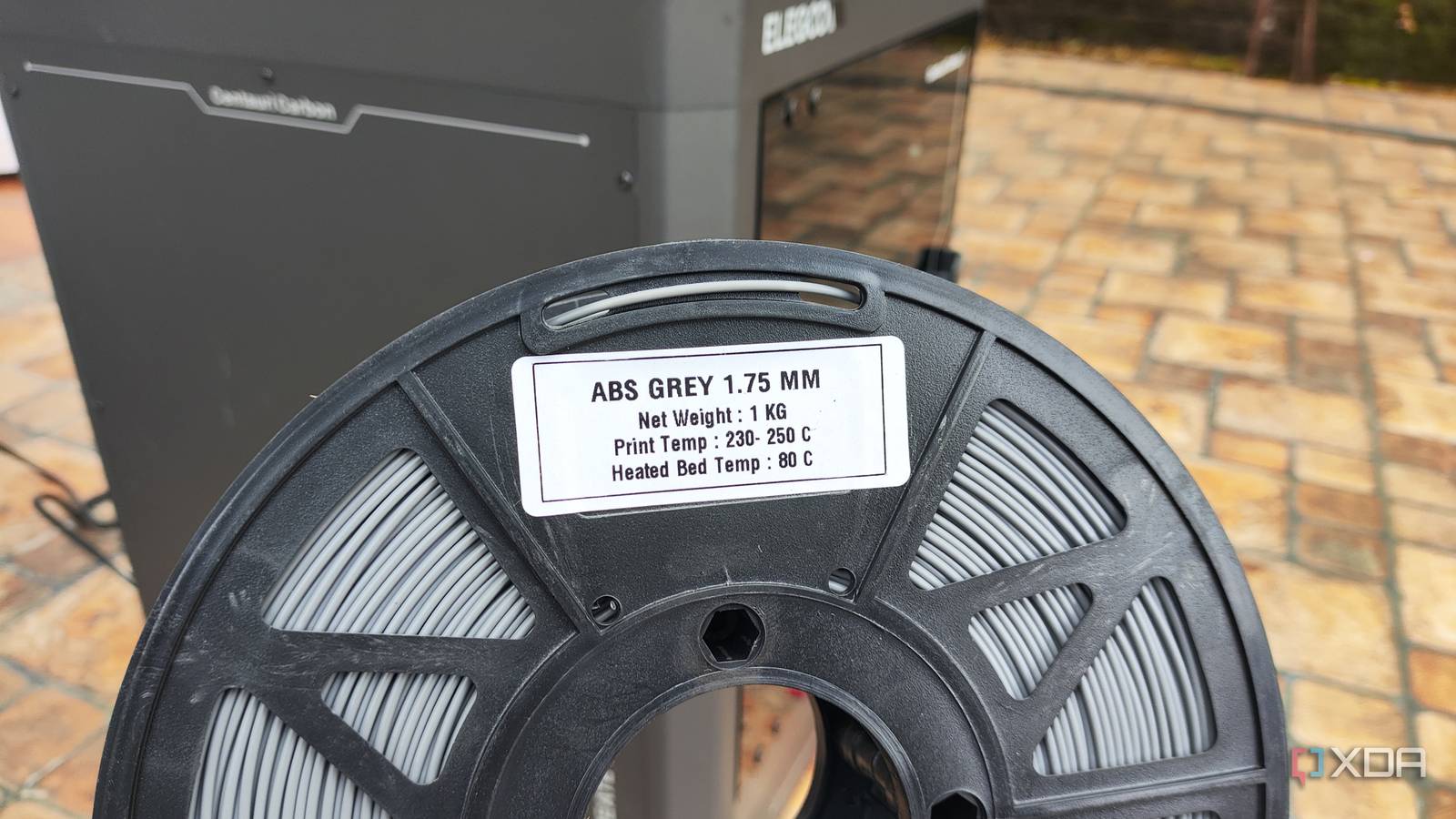
Published Oct 30, 2026, 11:00 AM EDT Ayush Pande is a PC hardware and gaming writer. When he's not working on a new article, you can find him with his head stuck inside a PC or tinkering with a server operating system. Besides computing, his interests include spending hours in long RPGs, yelling at his friends in co-op games, and practicing guitar. Although I used PLA exclusively during my first couple of months as a 3D printing fledgling, I eventually started experimenting with different filaments after I got interested in functional prints. Among them, PETG has been my loyal companion when printing the majority of my practical models, while TPU has served me well for niche, comfort-oriented items. On the other hand, I’d only used ABS sparingly, partly since I was under the impression that it’s a royal pain to work with, and also because I’d heard horror stories from folks who tried using it with budget-friendly 3D printers. Well, there’s an iota of truth to them, but having spent the last few months tinkering with all sorts of ABS prints, I have to admit that it’s surprisingly easy to work with once you get familiar with its quirks. Despite PETG’s utility in functional models, ABS is better for certain prints Especially models that get exposed to high temps Considering that PETG not only meshes well with open-air printers but also has better immunity to UV light, higher tensile strength, and remains easier to use, it’s been my filament of choice for functional models. That said, I’ve worked on some rare projects where PETG models would prove to be less than ideal, and even downright useless. For example, I often design PETG accessories for my PC parts, and support brackets for my drives are among them. I’ve even printed some PETG GPU holders, and although I have no issues with them during idle tasks, things are a bit different when I fire up my games or spend a night editing videos. That’s because consumer-tier PETG has a heat resistance of 70–80°C, and since some of my toasty graphics cards can hit these numbers under load, it wouldn’t be a good idea to rely on this filament for these high-temp projects. The same goes for dashboard toys, simple heater accessories, and even DIY open-air bench components. Sure, PETG remains more resistant against high temps than regular ol’ PLA, but I’d rather not return to my car or home lab and encounter it in a somewhat deformed state. That’s pretty much what pushed me to ABS, which trades the printing ease for higher heat tolerance. Rather than worrying about my PETG GPU supports becoming misshapen after a few weeks, I can just print these models using ABS and slide them under my gaming, video editing, and LLM-hosting powerhouses. Likewise, I’ve printed a few ITX and mATX test benches out of ABS for random mobos I’ve picked up from flea markets, and they’ve been holding up just fine. The same holds true for my dashboard toys, and I also appreciate that its post-processing stage involves simple acetone smoothing as opposed to the sheer nightmare that’s sanding. Even budget-friendly 3D printers can handle ABS, provided they have an enclosure Just make sure the cooling fan doesn’t run at full blast Switching gears to the actual printing procedure, ABS isn’t really as hard as many folks make it out to be. In fact, I’ve been using a first-gen Elegoo Centauri Carbon for my ABS misadventures, and my first couple of models were nowhere near as bad as the stringing-riddled mess that were my first PETG prints. Of course, I wouldn’t recommend attempting it on an open-air printer. But as long as your 3D printing companion has a dedicated enclosure and can handle nozzle temps up to 250°C and heated bed temperatures in the 90°C range, you shouldn’t encounter that many issues when turning STL files into ABS models. As for the quality of my prints, I’ve had minor warping on some models, but it became more manageable after I started adding wide brims to increase the surface area in the slicer. Likewise, I often keep the chamber fan at 0%, and the only time I’d ever crank it up to 5-10% is when I need to print extreme overhangs. As for the slicer settings, all I had to do was select the generic ABS profile and tweak the nozzle and heated bed temps to match the ones recommended by the filament manufacturer. I’ve also given up my habit of immediately pulling the model out once it’s done printing, and I’d instead leave it on the build plate for an hour or two to ensure it’s cooled evenly. And once I’m done using a spool, I’d leave it within my filament dryer to avoid its hygroscopic tendencies from ruining future prints. That said, its toxic fumes are a real problem when printing ABS If there’s one thing I’m not very fond of when it comes to ABS, it’s the fumes and pungent odor this filament generates while melting. Unlike good ol’ PLA, the by-products of my ABS experiments are toxic in nature, which makes it hard to recommend for folks without proper ventilation in their 3D printing workspace. Since I live in the countryside without any houses in the vicinity, I simply place my 3D printer outside, though I have to ensure that it remains in the shade, because ABS prints despise direct sunlight as much as I do.
I tried ABS on my budget 3D printer and realized the difficulty is mostly myth
Full Article
Original Source
Read the full article at Xda-developers →KhanList aggregates and links to publicly available news content. We do not host full articles from third-party sources. Always verify important information with original sources.