
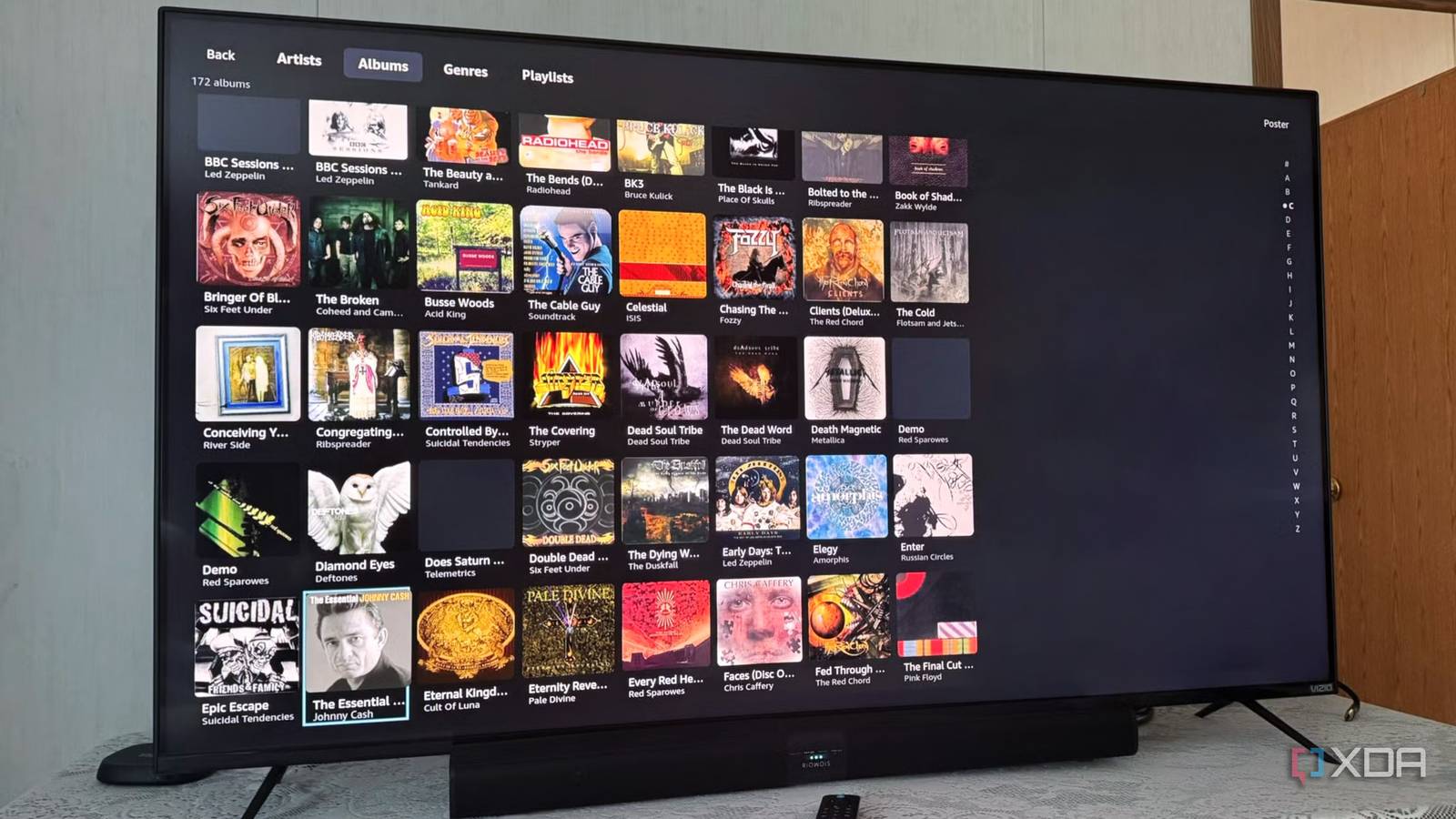
Published Aug 21, 2026, 11:30 AM EDT Based in rural Minnesota, Brian Burgess worked in IT for 10 years before finding his passion for writing about consumer technology. Brian earned his degree in computer and network technology in 2000. He held various IT positions, including help desk support, router installations for IBM, database administration, and other associate network administration roles. He's been a personal technology journalist for 18 years and has written thousands of articles about Microsoft products and services, Android, iOS, streaming, and more. He has written for notable tech sites including XDA, InformationWeek, How-To Geek, Byte, groovyPost, and others. When he is away from the keyboard, you will hear him playing guitar, working outdoors, and watching Star Trek. I've been using Jellyfin as my self-hosted media solution for some time now. I thought getting a cheap Fire TV Stick would be fine for using it on the TV in the guest bedroom. However, I found the official and best alternative Jellyfin clients missing. They also can't be sideloaded on new sticks running Vega OS. New Fire TV sticks running Vega OS broke sideloading Android APKs. Luckily, after some time and research, I found an app created by an independent developer called Astra specifically for Jellyfin users with Vega-powered sticks. Apps are missing for Fire TV sticks Amazon's locked down its new OS Amazon no longer wants to offer an Android-powered OS on its streaming sticks. The company now has Vega, a proprietary, locked-down Linux-based operating system. Amazon controls which apps are available through new piracy and security guidelines. It doesn't want piracy or potentially harmful apps to be installed by enabling developer options. For self-hosted media apps, that means many, like Jellyfin, need to be rewritten from the ground up. There's a limited Plex client available, but it is a large company full of developers that can quickly write for the platform. Plex has also had a long-standing relationship with Amazon. Still, even the Plex app has limited direct-play for 4K files. It also lacks music and photo library support, playback speed control, and other features common on the Fire OS app. The "other" streaming server, Emby, also has a limited client for the new Fire TV Stick, which users have found to be buggy. Open-source projects like Jellyfin rely on volunteers, and it takes longer to create a functional app that works, offers expected functionality, and also adheres to the stricter rules of the new app store for Vega. Sideloading vanished on Vega OS It's a locked-down version of Linux The Android-based Fire OS (still available on some new sticks) allows sideloading many Android APKs. So I thought I would just do that — install the Android Jellyfin client on the new Fire TV Stick HD I picked up for the guest room. However, sideloading is no longer possible. I can't sideload alternate launchers to clean up the messy home screen or install any alternative Android apps. Vega OS actually isn't Android; it's Amazon's proprietary Linux-based streaming operating system. Amazon says that for enhanced security, privacy, DRM, and other concerns, it is restricting apps to only be installed from the app store. The company will also put Vega on Fire TV sticks moving forward. So, users should keep their existing Fire OS stick for now. If you plan to use Jellyfin or Kodi, don't buy a new Fire TV Stick. Astra was a pleasant app discovery A Jellyfin workaround for Vega OS I could have wasted time reconfiguring libraries on my Plex server to include content I want available on the stick in the guest room. However, I discovered an app called Astra that is specifically for Jellyfin on Vega OS. The developer behind the project built it to fill the gap so his friends and family could watch content on the streaming stick. Astra lets me view most videos from my Jellyfin server. However, the client does have some limitations compared to others, like the official client. It is also a bare-bones app and not a fully featured client like third-party offerings such as Wholphin, Fladder, or Moonfin. Astra can play (most media) from a Jellyfin server and allows basic playback functionality with modest customization and other settings sprinkled in. It essentially does one thing, which is enough for Vega-powered Fire TV sticks at this point. It provides basic media playback from my Jellyfin server. It doesn't include anything fancy like Moonfin's theming options, broad direct-play support, or subtitles like more established Jellyfin clients. It's essentially a media player for Jellyfin on your TV. It also lets you connect to an Emby server, which I don't currently have running, but I imagine the experience is similar and offers no-frills media playback. Astra is more of a workaround for Jellyfin on Vega OS right now, and it's not going to win any "Jellyfin client of the year" awards. It is basic, and the experience feels like it. I can see my media library and play it, but that's about as far as it goes with Astra. Sometimes some art is missing, and folders that I know are populated don't show files. Still, considering there is no Jellyfin support for the new Fire TV Stick other than Astra, I will take it. It's cool that an independent developer took their own time to build Astra to fill the gap on Vega. I will certainly use it when I have to use the new Fire TV to view Jellyfin content (or as much as it allows me). This app saved Jellyfin for me on Vega OS I thought I would stick the new Fire TV Stick in a drawer or go through a lengthy return process just to reclaim 20 bucks, only to discover it doesn't have Jellyfin. Luckily, a lone developer put some time into building an app for Jellyfin that lets guests watch (most of) what I have available to stream on my server. However, Amazon's new Fire TV sticks aren't helpful to self-hosted media enthusiasts. Hopefully, we'll see better Jellyfin, Kodi, and other server clients in the near future. Astra
I thought Jellyfin was dead on the new Fire TV Stick, but this app saved it
Full Article
Original Source
Read the full article at Xda-developers →KhanList aggregates and links to publicly available news content. We do not host full articles from third-party sources. Always verify important information with original sources.