
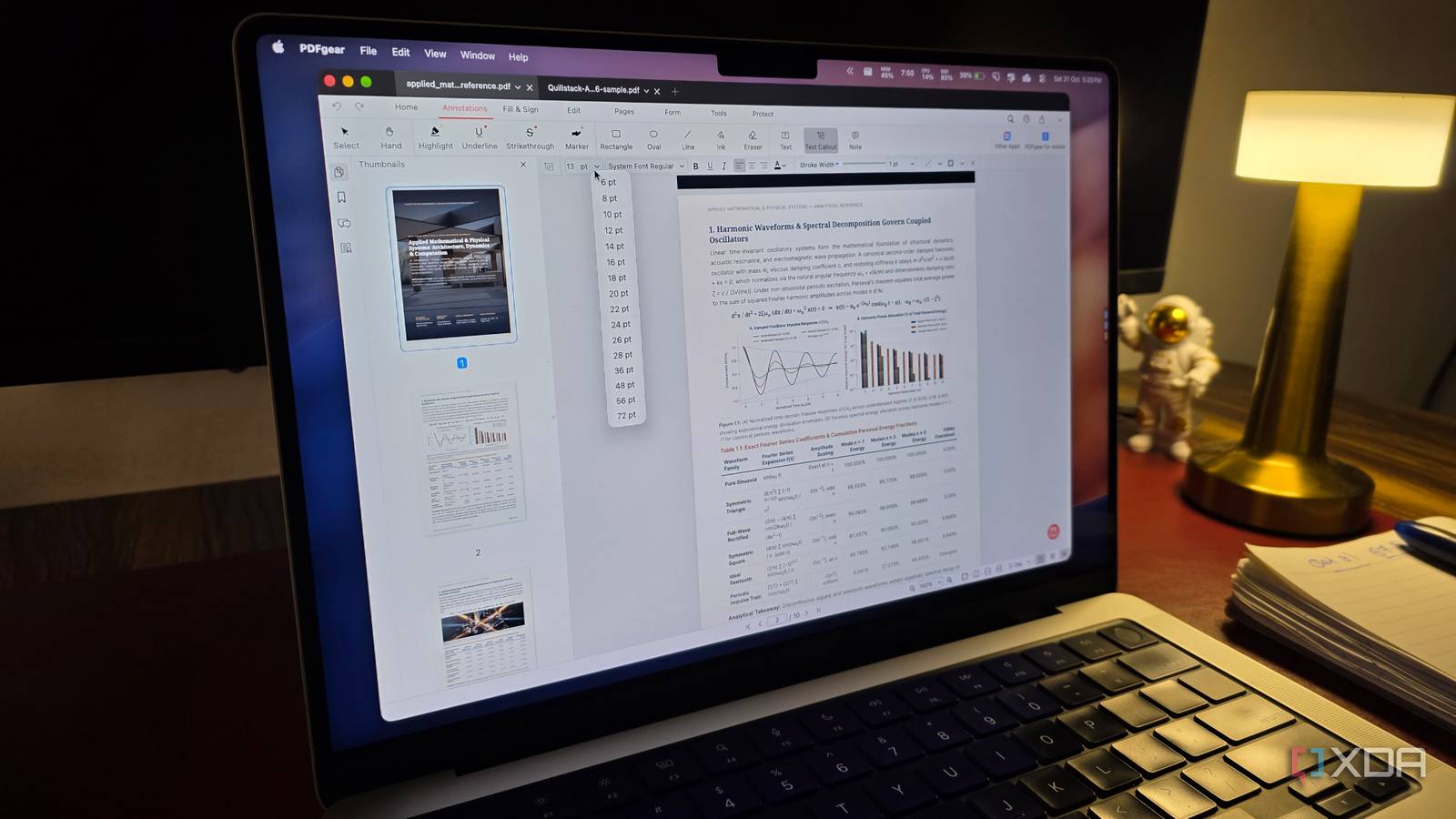
Published Oct 31, 2026, 6:00 PM EDT Parth, a seasoned tech writer, wields the keyboard (or pen) with finesse to unravel the intricacies of both Windows and Mac operating systems. He has covered evergreen content on mobile devices and computers for multiple publications over the last six years. You can find his work on AndroidPolice, GuidingTech and TechWiser. Whether it’s demystifying system updates, deciphering error codes, or exploring hidden features, Parth’s prose guides readers through the binary maze. When not immersed in tech jargon, you’ll find him sipping chai, pondering the next software review, and occasionally indulging in a friendly debate about mechanical keyboards. PDF files are supposed to make document sharing easier, but the moment I need to edit existing text, fix a scanned document, or convert a complicated PDF into Word, things get frustrating. Usually, I find myself returning to Adobe Acrobat because most free alternatives either lack essential features or mess up the original formatting. This time, I decided to put several free PDF tools through their paces using the exact tasks that usually send me back to Acrobat. While most left me disappointed in one way or another, PDFgear stood out as the only alternative that came close to meeting my expectations. I wanted more than basic editing Putting free PDF editors under pressure Most free PDF tools are perfectly capable of handling basic tasks. I can merge a couple of PDFs, delete unwanted pages, highlight text, or add a signature without much trouble. However, these aren’t the tasks that usually force me to open Adobe Acrobat. The real frustration begins when I move to demanding jobs. That’s exactly what I wanted to focus on with this experiment. Instead of judging these tools by their lengthy feature lists, I decided to put PDFgear, PDF24, Sejda, Stirling PDF, LibreOffice Draw, and many others through complex tests. My goal was to see how well they handled actual document editing, OCR, file conversions, and page management. I also paid attention to usability and restrictions. After all, a free PDF editor isn’t useful if it takes a dozen steps to complete a simple task or suddenly asks me to upgrade halfway through my workflow. PDFgear ticked all the right boxes It’s free and cross-platform PDFgear immediately caught my attention for several reasons. First, it’s a proper desktop application that works offline, meaning I don’t have to upload sensitive documents to a random website just to make a few changes. Whether I am editing existing text, merging documents, converting files, or rearranging pages, I can handle most tasks locally. Only cloud-powered features, such as its AI assistant, require an internet connection. Another major advantage is cross-platform availability. PDFgear offers dedicated native apps for Windows, macOS, Android, and iOS. I frequently switch between my Windows PC and MacBook, so having a familiar PDF editor across these devices is a huge plus. Also, unlike many supposedly free PDF editors, PDFgear doesn’t currently hide essential features behind premium subscriptions, impose annoying watermarks, or interrupt my workflow with upgrade prompts. I get text editing, OCR, conversions, annotations, signatures, and page management without spending anything. It’s rare to find a free application that checks so many boxes without major compromises. Everyday PDF management shouldn’t require Acrobat The smaller tools made a difference For my test, I uploaded a complex 10-page annual report from one of the companies I follow for investment purposes. This wasn’t your typical text-heavy PDF. It contained detailed financial tables, colorful charts, images, multiple-column layouts, hyperlinks, and even interactive form fields. In other words, it was exactly the kind of document that makes me reach for Adobe Acrobat. I started with some basic tasks, including rearranging pages, deleting unnecessary sections, merging documents, and extracting specific pages. PDFgear flew through everything I threw at it. I then moved on to editing existing text, adding annotations, inserting images, filling out forms, and compressing the document. The entire experience was straightforward, and I didn’t have to spend time digging through complicated menus. Other free alternatives struggled in one way or another. Some lacked proper text-editing capabilities, while others made simple operations unnecessarily complicated or introduced restrictions. PDFGear, on the other hand, handled my workflow without breaking a sweat. PDFgear wasn’t perfect, but came closest One free editor earned its place PDFgear isn’t perfect by all means. My biggest complaint is its user interface. While everything is functional, the overall design could use a modern makeover. The toolbar feels a little dated, and some icons are unnecessarily small, especially when I am working on a large, high-resolution monitor. I would love to see bigger icons, better spacing, more polished menus, and improved visual hierarchy. I also wouldn’t mind seeing more powerful batch-processing options and advanced document automation tools. However, none of these shortcomings were deal-breakers for me. PDFgear still managed to offer the most complete package among the free alternatives I considered. Free PDF editors aren’t created equal PDFgear turned out to be a pleasant surprise. It managed to strike the best balance between functionality, simplicity, and reliability. It didn’t get everything right, but it handled enough of my everyday PDF challenges to make me consider my dependence on Adobe Acrobat. I don’t need to deal with annoying paywalls or constantly switch between different tools to get things done. Acrobat still has its place for advanced workflows, but I no longer see it as my default choice. If you are tired of paying for occasional PDF edits, PDFgear is worth trying before spending another penny. PDFgear PDFGear is a cross-platform free PDF editor that rivals Adobe Acrobat.
I tested free PDF tools on the files that usually send me back to Adobe Acrobat; only one did a decent job
Full Article
Original Source
Read the full article at Xda-developers →KhanList aggregates and links to publicly available news content. We do not host full articles from third-party sources. Always verify important information with original sources.