
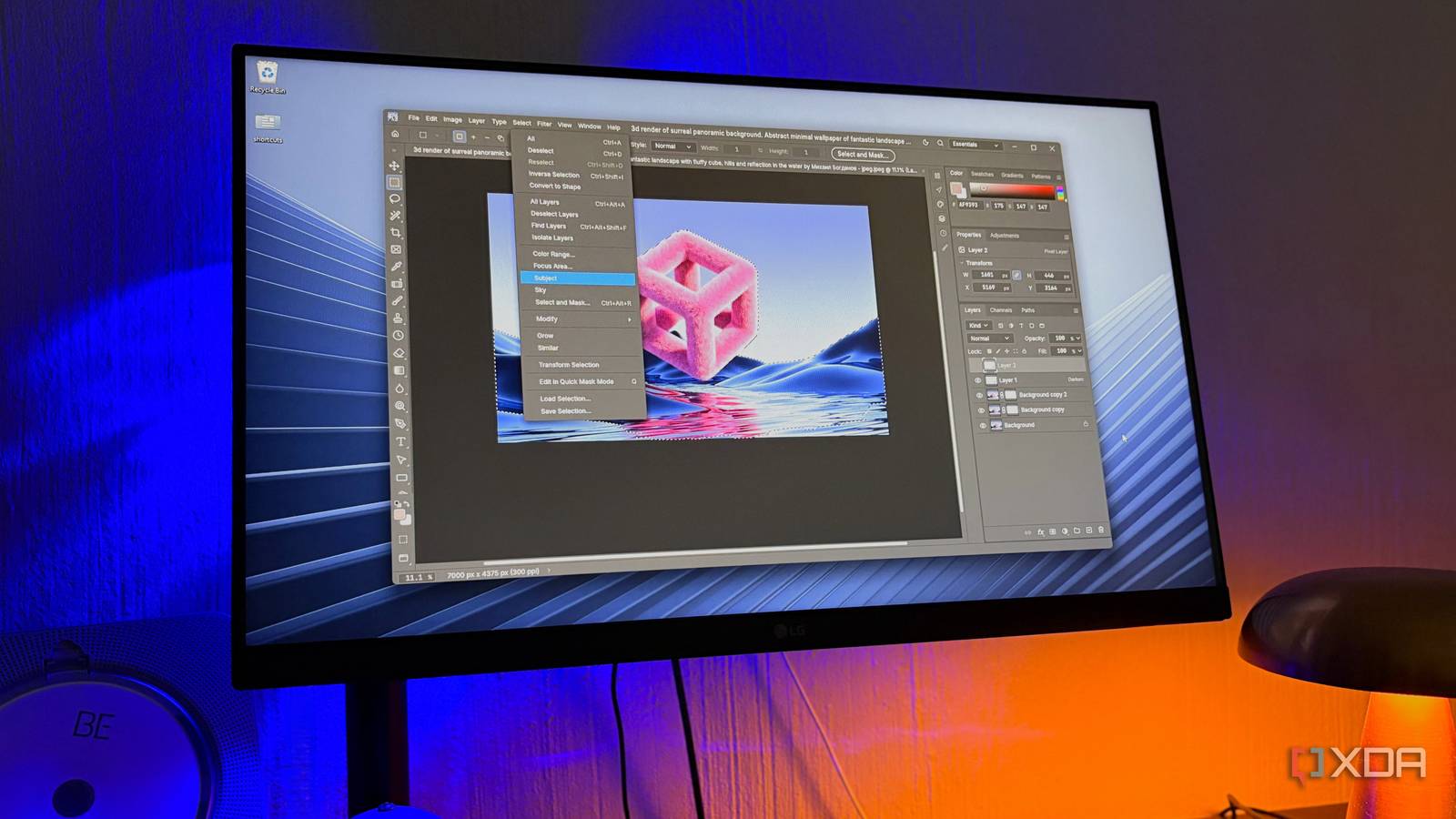
Published Nov 15, 2026, 7:00 PM EST Nolen began their writing career in 2019, with three years dedicated to editing the Creative section at MakeUseOf. Their expertise lies at the crossroads of technology and creativity, covering areas like photography, video editing, and graphic design. Outside of work, you'll often find Nolen diving into a good book, writing their own stories, or playing video games. Adobe's design trio of Photoshop, Illustrator, and InDesign has been the default for as long as most people have been creating anything on a computer. But we all already know that it comes with a pretty expensive price tag. Since last year, when the free unified Affinity app dropped, that was pretty much the answer to getting free Adobe-level editing, especially across the design trio. "Free" here comes with a Canva account attached because its maker, Serif, was acquired by Canva back in 2024. Plus Affinity remains closed-source, and its AI features remain behind the Canva paywall. Since late September, a project called ArtCraft has been putting out open-source AI rebuilds of Adobe's apps, and three of them line up against this exact trio. Their interfaces mirror Adobe's familiar layouts quite directly, which largely explains why they have gained so much traction in the open-source creative space. A familiar window doesn't count for much if the tools and file support can't hold up next to apps people already rely on, though, whether that's Adobe's or Affinity's. How PhotoCraft compares to Photoshop and Affinity's Pixel studio The most familiar of the three by a long shot PhotoCraft is ArtCraft's Photoshop rebuild, and it's the one where the copying goes furthest. The menus, tool flyouts, and shortcut letters are all in Photoshop's places, so you'll have to relearn next to nothing to jump in. Affinity's Pixel studio can do most of the same jobs, but it has always asked Photoshop users to learn its own way of working, like personas splitting things into separate modes, for example. PSD support is a pretty big deal if you've got years' worth of projects sitting around. PhotoCraft opens and saves real PSD and PSB files, including 16- and 32-bit, CMYK and Lab documents. The team tested re-saved files against the psd-tools test set, and 307 of 309 rendered the same as the originals, though they aren't byte-for-byte copies of the source, so I'd still keep backups before overwriting anything that's important to you. It even opens GIMP's XCF files; it's read-only, but does help if you're coming over from GIMP rather than Photoshop or Affinity. I will say, Affinity is ahead on maturity, and also AI if you want to get the Canva subscription. It has generative fill and expand through Canva AI Studio on a Canva premium plan, while PhotoCraft doesn't have anything generative yet (but it provides an MCP agent interface and automation hooks for future AI integrations). Its smart selections run locally without a machine learning model. The README does admit that it isn't ready to replace Photoshop entirely, at least not for professional work - I always appreciate roadmap honesty. How VectorCraft compares to Illustrator and Affinity's Vector studio Affinity users have more reason to try this one than they'd think VectorCraft is the Illustrator rebuild, with the Pen tool, Pathfinder, and the Appearance panel exactly where Illustrator users are used to finding them. It has a major speed advantage. The team says it renders 20,000 shapes in about 27 milliseconds while the interface holds 120fps, and my frame counter stayed above 115fps even when I zoomed in absurdly far. File support is where it gets interesting for Affinity users specifically. VectorCraft opens Affinity's own files, including the .af format from the new free app and older .afdesign and .afpub files, so the stuff you made in Affinity can actually pop right over. However, it can't save back to those formats, so once the file is in VectorCraft it stays in VectorCraft's format (or whatever else you export it as). Illustrator's files are a little tricky though. It handles .ai files saved with PDF compatibility, but the team still lists reliable .ai exchange as missing, so this could be a major missing link if you're working with people who use Adobe. They put VectorCraft at around 65% ready for pro work, so I'd say this tool is pretty much ready for stuff like banners, flyers, experimentation, or quick graphics, but not for client work. How DesignCraft compares to InDesign and Affinity's Layout studio This is the youngest app in the trio DesignCraft is the InDesign rebuild and the youngest of the three - it's still in pre-alpha and only 47% ready for work. Adobe's InDesign and Affinity's Layout studio have never been tools I reach for the most, if I'm being completely honest, so DesignCraft probably won't be a regular reach for me either. But it's a nice-to-have for my toolkit. The basics are all there, like parent pages and text that flows between linked frames and CMYK swatches for print. Its typesetting uses the Knuth-Plass composer, which works out the spacing for a whole paragraph at once instead of line by line - this is an important tool because uneven spacing is what can make a program feel cheap or ineffective. The export list actually suits me well because I export more slides than magazines; it can save editable PowerPoint files alongside PDF/X-4 and EPUB. Affinity's Layout studio is still far ahead, though, with data merge and preflight checks built in. I'm keeping these three installed Paying Adobe for all three apps is hard to justify for hobby work, so that comparison needs almost no explanation. But why opt for this trio, which are still in alpha and not fully ready for pro work, when Affinity already gives us a mature design trio for free? Well, this project is open-source, for starters, and it also requires zero account or login, so there's that independence from Canva. Ever since Canva made Affinity free, I think a lot of us have this inkling in the back of our minds that they're going to start paywalling some features - they say that's not the plan at all, but if that ever happens, well, this trio will have my back. ArtCraft
I tested free, open-source replacements for Adobe and Affinity's design trio, and they're much closer than I expected
Full Article
Original Source
Read the full article at Xda-developers →KhanList aggregates and links to publicly available news content. We do not host full articles from third-party sources. Always verify important information with original sources.