
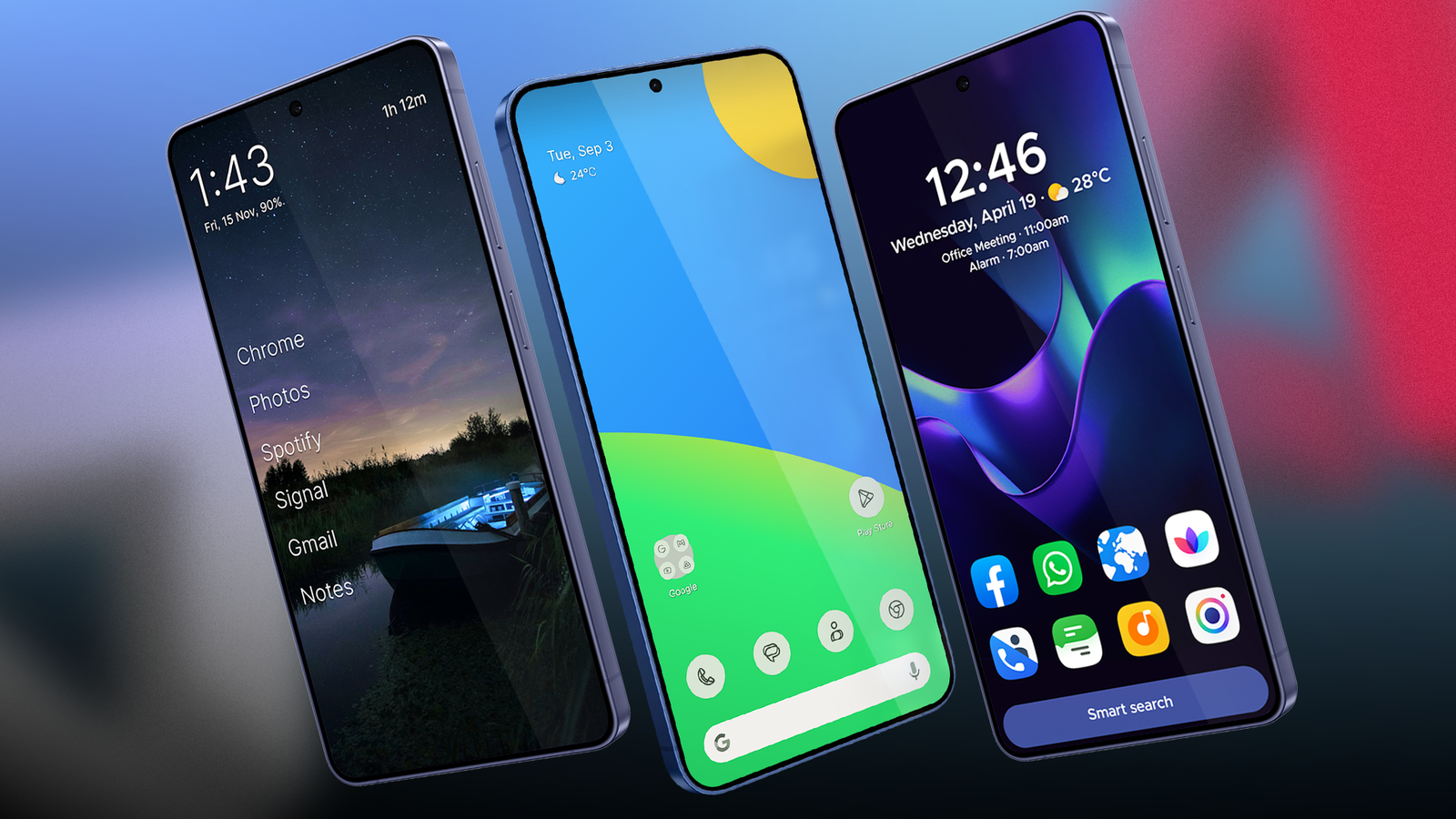
Published Nov 2, 2026, 11:00 AM EST Marvin is a Features Author for Android Police. His media career began as an editorial assistant at a now-defunct print publication. He has since transitioned to digital media as an editor, attended technology events in over 10 countries, and earned his master's degree in journalism. He enjoys film photography, outdoor running, and alternative coffee brewing during his leisure time. I've always picked an Android phone over an iPhone for one reason: customization. I love changing the default launcher and customizing it to my heart's content. I've gone through too many third-party launchers to count. It all began with Nova Launcher back in the day, but I've since tried several better launchers. I recently tested four launchers to become my next primary launcher. These were: Lawnchair, Smart Launcher, Olauncher, and Hyperion Launcher. One beat out the rest because of its unmatched speed. Each launcher had its own pros and cons There is no perfect Android launcher Lawnchair is a go-to choice for many. It delivers a Pixel-like aesthetic with its clean interface and native Google integration. Unfortunately, it's almost too basic. Compared to the other launchers I tested, Lawnchair doesn't offer enough customization. Smart Launcher has automatic app organization. Flick a switch, and it'll nearly categorize all of your apps into their appropriate tabs. While convenient, Smart Launcher has a steep learning curve. Its app drawer and settings take some time to get used to. Olauncher is the most minimalist of the group. It's feather-light and eschews app icons for a pure-text layout. I wrote about how much I appreciated Olauncher's approach, but I eventually gave it up because of the lack of widget support. Finally, we have Hyperion Launcher. It took me only 10 minutes to appreciate how refined it is out of the box. With barely any setup, this launcher instantly convinced me of its speed and ease of use. It helps that Hyperion Launcher is friendly toward low-end and midrange phones. It doesn't require many resources to reach its max speed. The animations look incredibly smooth no matter which device I have it installed on. Hyperion Launcher prioritizes speed Customization comes second Hyperion Launcher's developers admit they took the best features from other Android launchers and crammed them into this app. It's not bloated, however. Hyperion Launcher's main menu is one of the cleanest I've tested. It initially looked like another Pixel launcher clone, but Hyperion prioritizes quick animations and smooth frame rates to make it look and feel faster. You'll notice right away when you open the app drawer and scroll through the list. You can speed up or even slow down the animations, but I recommend sticking to the default values. You can adjust the animation speed in the main menu. Look for Animation speed and pick between Slow, Normal, or Fast. At first glance, Hyperion Launcher looks similar to Lawnchair. They both take inspiration from the stock Pixel launcher while integrating their own flavors. I prefer Hyperion's approach with its more extensive customization options. You can change the background and accent colors of various sections. You can also easily adjust icon shapes and grid sizes in the main settings. Hyperion Launcher has a convenient way to control folders. Drag and drop one app icon on top of another to create a folder. From there, you can pick a folder cover and swipe up to reveal its content. It's a neat way to keep the desktop clutter-free. To adapt a look from a previous launcher, go to Backup and restore in the main settings and select Import from other launcher. This brings in dock and folder setups from another launcher's saved profile. There aren't many add-ons to consider. You'll find them in Integrations, where you candownload Hyperion Dock to enable Google Feed on the launcher and Sesame Shortcuts for universal search within Android. If you go too far with customization, the reset functions are under Debugging near the bottom of the main menu. There, you can force an app restart, reset configurations, reset the icon cache, or return the desktop to the default layout. There's one minor caveat Hyperion Launcher's worst trait is its paywall. Some of the best features are locked behind a paywall until you fork over $2 for Hyperion Supreme. In my opinion, it's worth the one-time payment. The small fee unlocks full gesture mapping, font configuration, and added privacy measures, such as app hiding and biometric integration. If you have a need for speed, Hyperion Launcher is the fastest you could hope for. What it lacks in app organization and interface customization is easily compensated by its sheer speed. Hyperion Launcher doesn't try to be everything at once, but it does a stellar job of leaving other launchers in its dust.
I tested four Android launcher alternatives and found one that made my phone noticeably faster to use
Full Article
Original Source
Read the full article at Androidpolice →KhanList aggregates and links to publicly available news content. We do not host full articles from third-party sources. Always verify important information with original sources.