
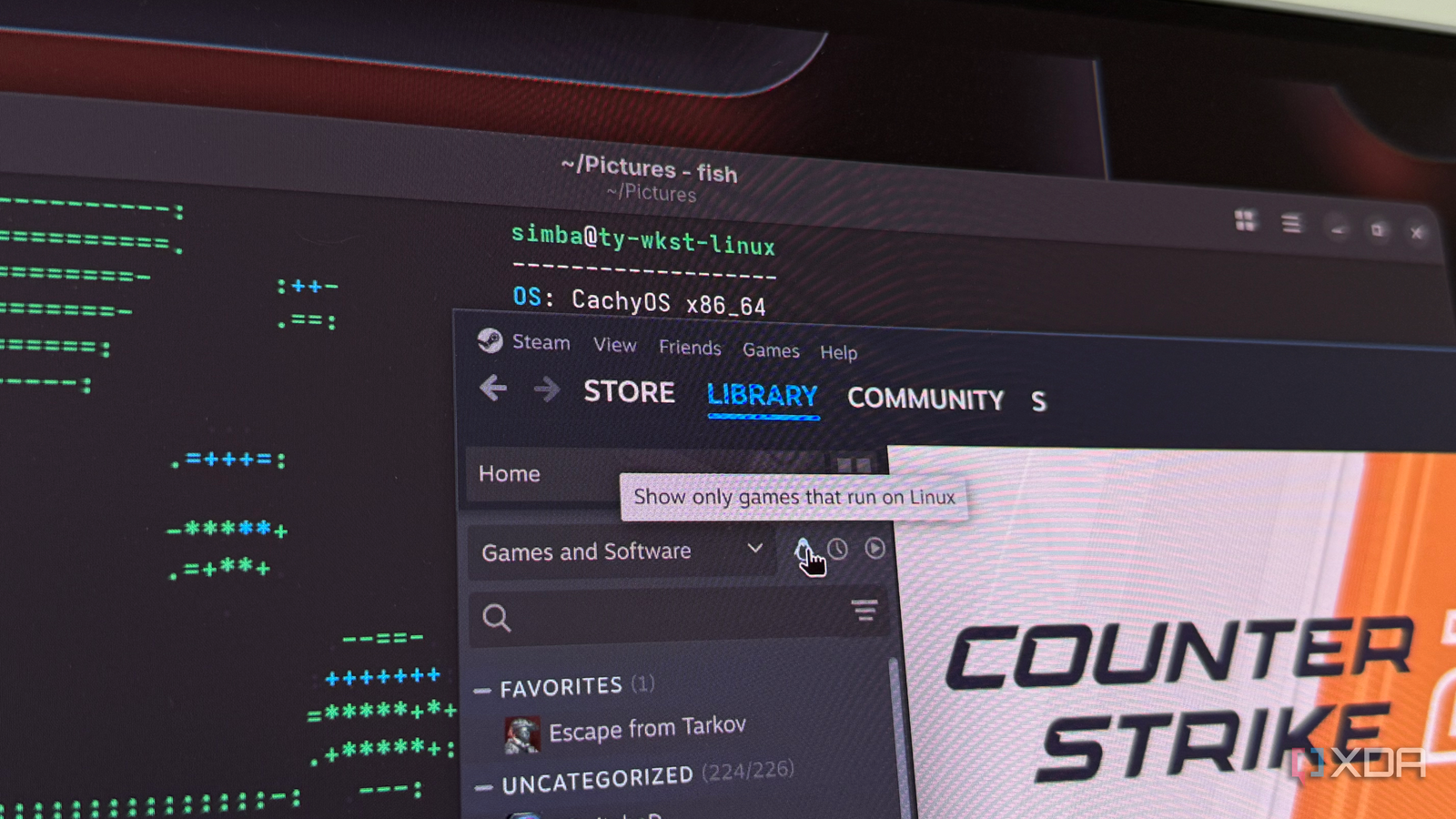
Published Aug 31, 2026, 1:30 PM EDT His love of PCs and their components was born out of trying to squeeze every ounce of performance out of the family computer. Tinkering with his own build at age 10 turned into building PCs for friends and family, fostering a passion that would ultimately take shape as a career path. Besides being the first call for tech support for those close to him, Ty is a computer science student, with his focus being cloud computing and networking. He also competed in semi-pro Counter-Strike for 8 years, making him intimately familiar with everything to do with peripherals. I've been running CachyOS as my daily driver for a while now, and while I do have a separate drive for Windows, I only use it for applications that simply refuse to run on Linux. That list of applications continues to shrink, and as far as games go, it's smaller than it has ever been. To put that theory to the test, I went through every game in my Steam library and tried to run them on my Linux install, and only a handful of them were nonfunctional. Proton stopped being a workaround It's the primary way the majority of these games launch The thing that continues to be mischaracterized about Proton is the fact that it's not a compatibility hack that you only use when a native build isn't available. That might've been accurate a few years ago, but now, Proton is simply how most games run on Linux. Even games that once had maintained native ports probably run better on Proton today, without any additional configuration required. Cyberpunk 2077, The Witcher 3, Hogwarts Legacy, Fallout 4, Rimworld, Valheim, Balatro—the list could go on with regard to first-party titles. I click install, and I click play, and the game boots perfectly. Underneath that perfect experience lies DXVK and VKD3D-Proton, which translate Direct3D calls into Vulkan, while Wine handles the Win32 side of things. Steam also pre-caches shaders so the first launch isn't a stuttery mess, though skipping it in some cases has been fine in my experience. Counter-Strike 2, for instance, runs completely fine after skipping shader compilation. The rather interesting cases are the games that are absolutely ancient. My library has some oddities, usually gifted titles or bought "random" CD-keys on a reseller website that contained a game I'd surely never touch. Games like Chicken Shoot, Earth 2140 HD, Jack Orlando and the like. Proton's translation layers actually worked excellently here, because these old rendering paths have been meticulously maintained by people who care about them, many of whom are probably Linux users. Native ports are dying Rocket League is a great example With regard to native builds, they've fallen out of fashion because of how good Proton is, and the best example of that from my Steam library is Rocket League. It shipped with a native Linux build, but that was discontinued in 2020 when the game went free-to-play. Ironically, the native Linux download is the broken build, and the Windows build running through Proton is the only way to play. Even when Psyonix added Easy Anti-Cheat, they maintained Linux support through Proton. This is actually a good thing for Linux gamers. Just like the core build of a game, the native port requires developer attention constantly, and unfortunately, Linux support is often cut first because the player base is simply too small. Thankfully, now that's a non-issue, thanks to Proton. My library only has a handful of native ports: Metro 2033 Redux, Terraria, Cities: Skylines, and a few others, and most of them work just fine. The games that didn't work weren't surprising Anti-cheat is still the biggest blocker Linux gaming still has some big holes: the last couple of Battlefield games are completely blocked by EA's Javelin anti-cheat, the same goes for EA FC 26, and Apex Legends was blocked deliberately in 2024 when EA disabled the Easy Anti-Cheat support for Linux. Furthermore, PUBG and Rainbow Six Siege both use BattlEye without the Linux option enabled, so they're both nonfunctional. In the same BattlEye realm, my favorite game, Escape From Tarkov, arrived on Steam but shares the same incompatibility as the other BattlEye titles. When you add them up, there are roughly eleven games that don't work due to being a live-service competitive shooter with an anti-cheat. That doesn't mean all games of that type don't work, though. Halo Infinite, DayZ, Hell Let Loose, Insurgency: Sandstorm and BattleBit all work flawlessly. I still keep a Windows drive Not just for the anti-cheat I still keep a separate NVMe in my system just as a Windows boot drive, and the reason isn't just playing games with incompatible anti-cheat, though that is a large part of it. Performance is often inconsistent across these titles that run primarily through Proton. That's not to say games in general do not run well on Linux—they do, but it's difficult to tune them to be as smooth as Windows in some cases. I've had the most issues with Counter-Strike 2, despite the fact that it's one of the more optimized games on Linux. I've struggled to get the same buttery smooth frame-pacing and frametimes that I do on Windows, and I'm not arguing that it's not possible to do so, but instead of continuing to troubleshoot display quirks for hours, I'd rather just boot up Windows for a few games in the evening. Linux compatibility is amazing We're a long way from Linux's humble beginnings in gaming. For an OS that once relied heavily on Wine and native ports for functionality almost exclusively, it was difficult to imagine a world where over 90% of my Steam library would work flawlessly on an Arch-based system, but here we are. Despite the anti-cheat warts and all, Linux is currently a really great OS for gaming, and it's beginning to become something you can recommend instead of an option with asterisks.
I tested every game in my Steam library on Linux, and the results shocked me
Full Article
Original Source
Read the full article at Xda-developers →KhanList aggregates and links to publicly available news content. We do not host full articles from third-party sources. Always verify important information with original sources.