
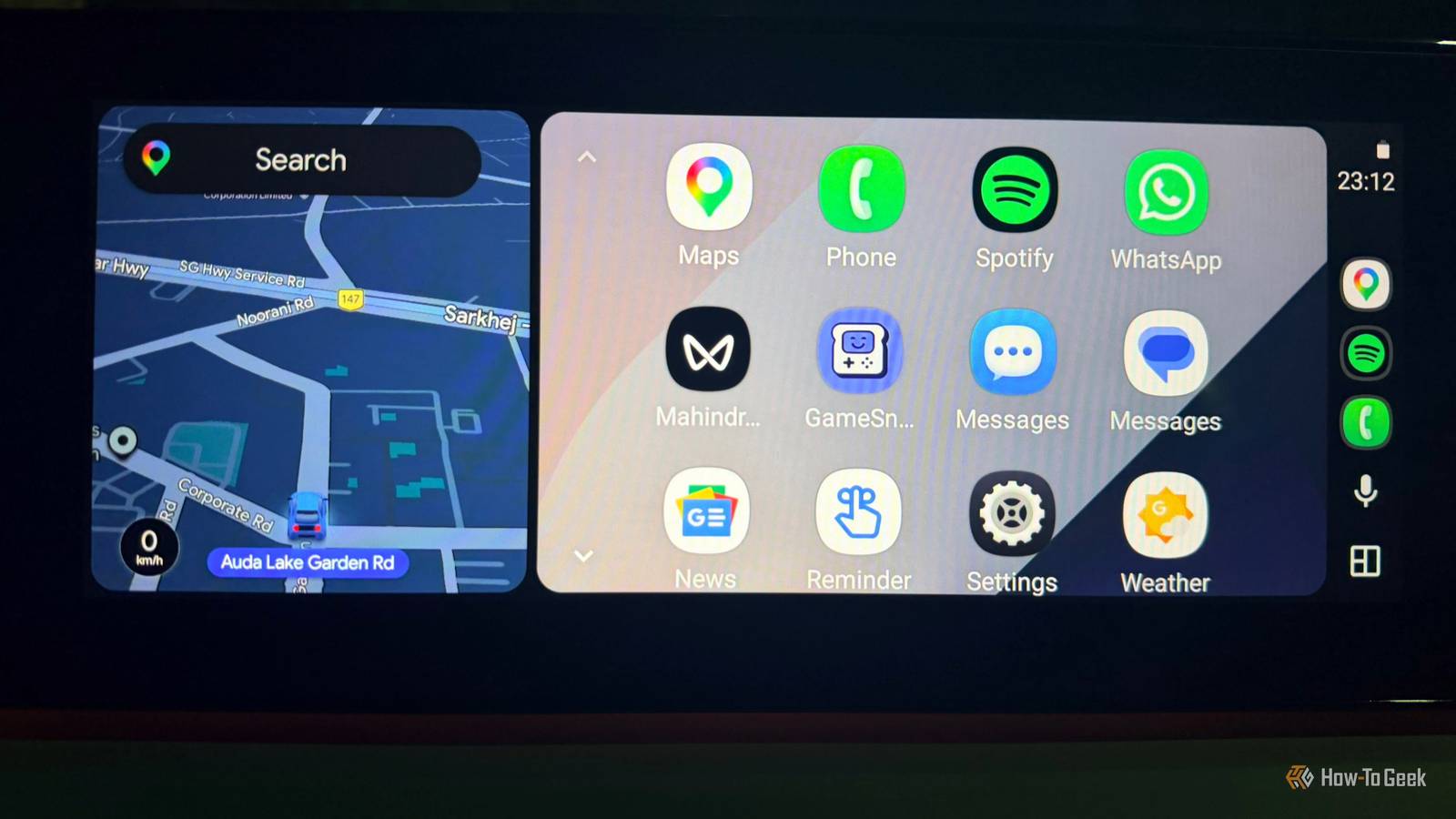
Published Oct 23, 2026, 9:00 AM EDT A Computer Engineer turned tech-savvy. Sanya is part of the How to Geek team, and she covers Android, Samsung, Google, apps, and everyday technology, combining hands-on experience with thorough research. She helps readers understand technology without getting lost in technical jargon. I switched to Android Auto, and after using it every day, I can see why I prefer it over Apple CarPlay. My husband is a die-hard CarPlay fan, but what I can do with Android Auto makes it hard for me to go back. Sorry, Apple, a pretty interface isn’t enough to win me over. Android Auto gives me more freedom to customize things and features I actually use behind the wheel. Some of them make me wonder why CarPlay still falls short in comparison. I love my Samsung phone, and Android Auto is a big reason I enjoy using it in the car. Here's what keeps me firmly on Team Android. Gemini makes Siri look limited I can ask Gemini like a real person Gemini was love at first command for me. I use Android Auto daily, and having an assistant that understands what I mean without making me repeat myself is a big reason I prefer it. I think Siri still has some catching up to do. What I like about Gemini is that I can speak naturally instead of trying to remember the exact words for a command. I don’t want to sound like I’m reading instructions to a robot just to get something done. I usually pick my daughter up from her classes. If traffic slows me down, I can ask Gemini to share my ETA with my husband on WhatsApp. It’s much easier than reaching for my phone to type an update. I also like asking Gemini to find a song by describing a movie scene instead of trying to remember its title. If a tune is stuck in my head, I can describe what I remember and ask it to find the track on YouTube Music. Siri can handle everyday tasks, too. But I find Gemini more natural when I want to make a specific request. My Samsung phone makes Android Auto better I don’t repeat the same steps daily Every morning, I like to listen to a 40-second prayer before switching to my Bollywood playlist. I could do it manually every time I get in the car, but why add another task to my morning? That’s why I use Samsung’s Modes and Routines. I set up a driving routine that kicks in when my phone connects to my car’s Bluetooth. It opens my music app so I can start playing without digging through my phone before I leave. I already use Modes and Routines for different parts of my day, so setting one up for driving makes sense. It saves me a few steps, and I don’t have to remember to do the same things every morning. CarPlay has automation options through Apple’s Shortcuts app, but I find Modes and Routines more convenient. Android Auto gives me more music options Poweramp gives me the audio controls I want I’m picky about my car music, and Spotify doesn’t cover everything I want to listen to. That’s why I like having Poweramp on Android Auto. It lets me play music stored on my phone instead of relying entirely on streaming apps. Poweramp also gives me more control over the sound. I can adjust the bass, treble, and equalizer to get the kind of audio I like. Poweramp isn’t the only option, either. Android Auto has a list of compatible apps for music, podcasts, messaging, navigation, and other tasks. I can pick the apps that fit my routine instead of sticking to Google’s own services. CarPlay has a plethora of third-party apps, but Poweramp gives me a music-player option I can’t get on Apple’s platform. For someone who likes managing a local music library and fine-tuning audio, that’s a bonus. I don’t need every message popping up Android Auto lets me mute specific conversations I don’t have a silent phone. Between my mom’s group, family chats, and work groups, my WhatsApp is buzzing throughout the day. I don’t mind that when I’m home, but I don’t need every message popping up while I’m driving. Some messages can wait, especially when a group chat starts buzzing about weekend plans. Android Auto lets me mute notifications from individual conversations, which is handy when one group gets too noisy. I can stop those message pop-ups without silencing every conversation on my phone. CarPlay also offers notification controls, including Driving Focus, so Apple doesn’t completely lack this. But I like being able to mute specific conversations when I need to. My navigation deserves my attention while I’m driving. The family group can debate dinner plans without needing me to follow along at the next intersection. Android Auto fits the way I drive My driving habits have changed a lot since becoming a mom. I don’t want to spend time fiddling with settings or figuring out how to get something working when I’m already running late. I want things to work the way I expect, without adding another task to my day. CarPlay has its strengths, and I can see why people enjoy it. But for me, Android Auto feels like the better fit, and I’m happy to stick with it.
I switched to Android Auto, and now I see what CarPlay is missing
Full Article
Original Source
Read the full article at Howtogeek →KhanList aggregates and links to publicly available news content. We do not host full articles from third-party sources. Always verify important information with original sources.