
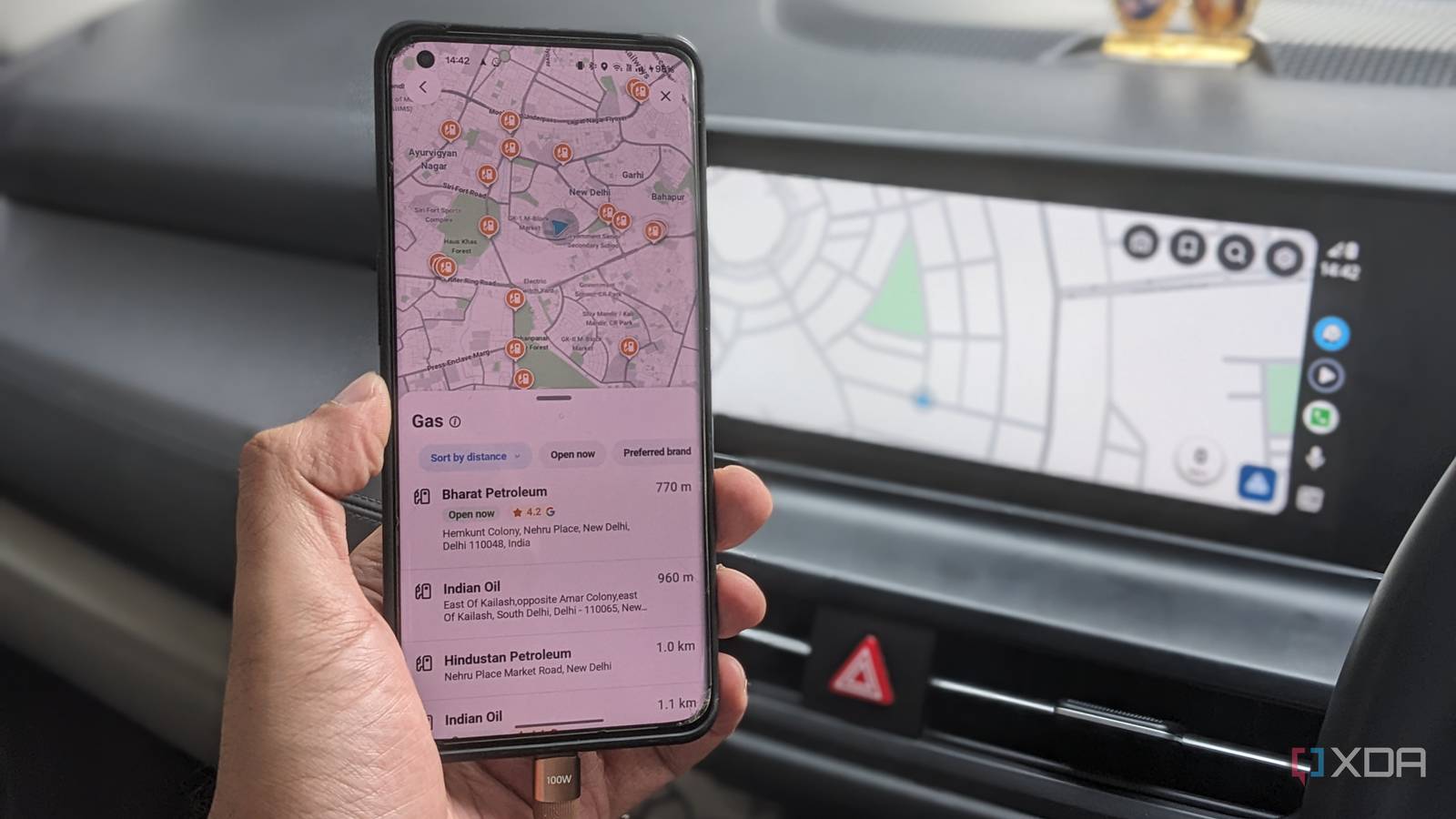
Published Sep 9, 2026, 8:30 AM EDT Dhruv Bhutani has been writing about consumer technology since 2008, offering deep insights into the personal technology landscape through features and opinion pieces. He writes for XDA-Developers, where he focuses on topics like productivity, networking, self-hosting, and more. Over the years, his work has also appeared in leading publications such as Android Police, Android Authority, CNET, PCMag, and more. Outside of his professional work, Dhruv is an avid fan of horror media spanning films and literature, enjoys fitness activities, collects vinyl records, and plays the guitar. Google Maps has been my go-to navigation app for years. As the best in the business, it makes sense. From my phone to Android Auto, it does all the basics well, but when it comes to some of the more advanced features found in alternatives, Google Maps has clearly been slacking off. Especially when it comes to my favorite Waze features — the ability to plan a drive. You see, often enough, I don't just need to know how long it'll take me to get to a place, but also when I should leave to make it in time. That's where Waze comes out on top. Its planned drive feature lets me set a destination and the time I need to arrive. The app then works backward using traffic data to tell me when to leave. And when I connect my phone to Android Auto, the planned trip is ready on the car's screen. That one feature is all it takes to make a dramatic change in my daily driving. Waze tells me when to leave, not just how to get there Planned drives remove daily friction from my drive The biggest reason I stopped using Google Maps is that Waze understands and fits the way I actually drive. Look, if I have to be somewhere at 8pm, I don't really care how long it's going to take me to get there. What matters more to me is exactly how early I need to leave to make it on time. While I might estimate the time I should leave when I've made my plan, traffic conditions change far too much for that estimate to be valid hours later. With Waze, I can enter a destination, specify when I want to arrive, and save the drive. Waze then uses traffic information to work out when I should leave, and it'll remind me as I get close to my departure time. Moreover, the function isn't limited to a fixed starting location. If I'm having a long day of meetings, the Planned Drives feature gauges my current location and calculates my time to leave on the fly. That is particularly useful to me for long days of meetings, but it can also be handy for appointments, dinner events, airport runs, and any situation where you don't want to arrive late. It's been so useful that it has effectively become a part of my workflow. Every morning, if I have a few meetings to head out for, I make it a point to add them to my planned drives. This gives me a borderline-automated system of alerts that tell me when to leave for my next one. Waze tells me what to expect on the road Small conveniences make a big difference In the car, Waze's other advantages come in handy too. The app's entire feature set is geared towards crowdsourced data and I can get much more than just simple turn-by-turn navigation. Waze gives you heads-up information about traffic, crashes, police, hazards, blocked lanes, and more. This means you have granular information about the condition of the road ahead. Moreover, these reports can be seen even before you actively start driving. I find this useful when I'm driving somewhere I know pretty well. The navigation itself isn't all that important to me. But knowing exactly what kind of friction I'm going to run into helps me a lot more. It goes without saying that the core navigation experience remains excellent in Android Auto. From using voice commands to start navigation to accessing saved destinations to seeing the route without handling my phone while driving, it's all there. Over time, I've also started paying attention to Waze's trip suggestions. The app can surface destinations based on planned drives and contextual information. It's not a night-and-day upgrade to the navigation experience, but it does help here and there, which add up over time. Broadly speaking, though, Waze has become my go-to because it has more features. Which, well, it does. But largely because it has features that matter more to me and that remove everyday distractions and friction from the driving experience. That's what it all boils down to, after all. Waze doesn't replace Google Maps, but it's better for commutes It goes without saying that I haven't entirely quit Google Maps. As good as Waze is, it can't entirely replace Google Maps. The mapping database itself is the biggest reason. Google Maps has encyclopedic knowledge of most businesses, their opening times, and reviews. Waze doesn't. But for commutes where I know when I want to be at my destination, Waze is what I reach for because it's more efficient. It tells me when to leave to get to my destination on time. It helps me be more punctual without wasting my time. Coupled with the excellent Android Auto integration, it removes problems that I didn't even know I had. That's why it's become my default when I get in the car. Related LG is reportedly collecting your voice data even when your TV is off, as its executives claim that they "own the glass" It claims that the TVs even store data snippets when it loses internet connectivity.
I stopped using Google Maps on Android Auto after trying Waze's best driving feature
Full Article
Original Source
Read the full article at Xda-developers →KhanList aggregates and links to publicly available news content. We do not host full articles from third-party sources. Always verify important information with original sources.