
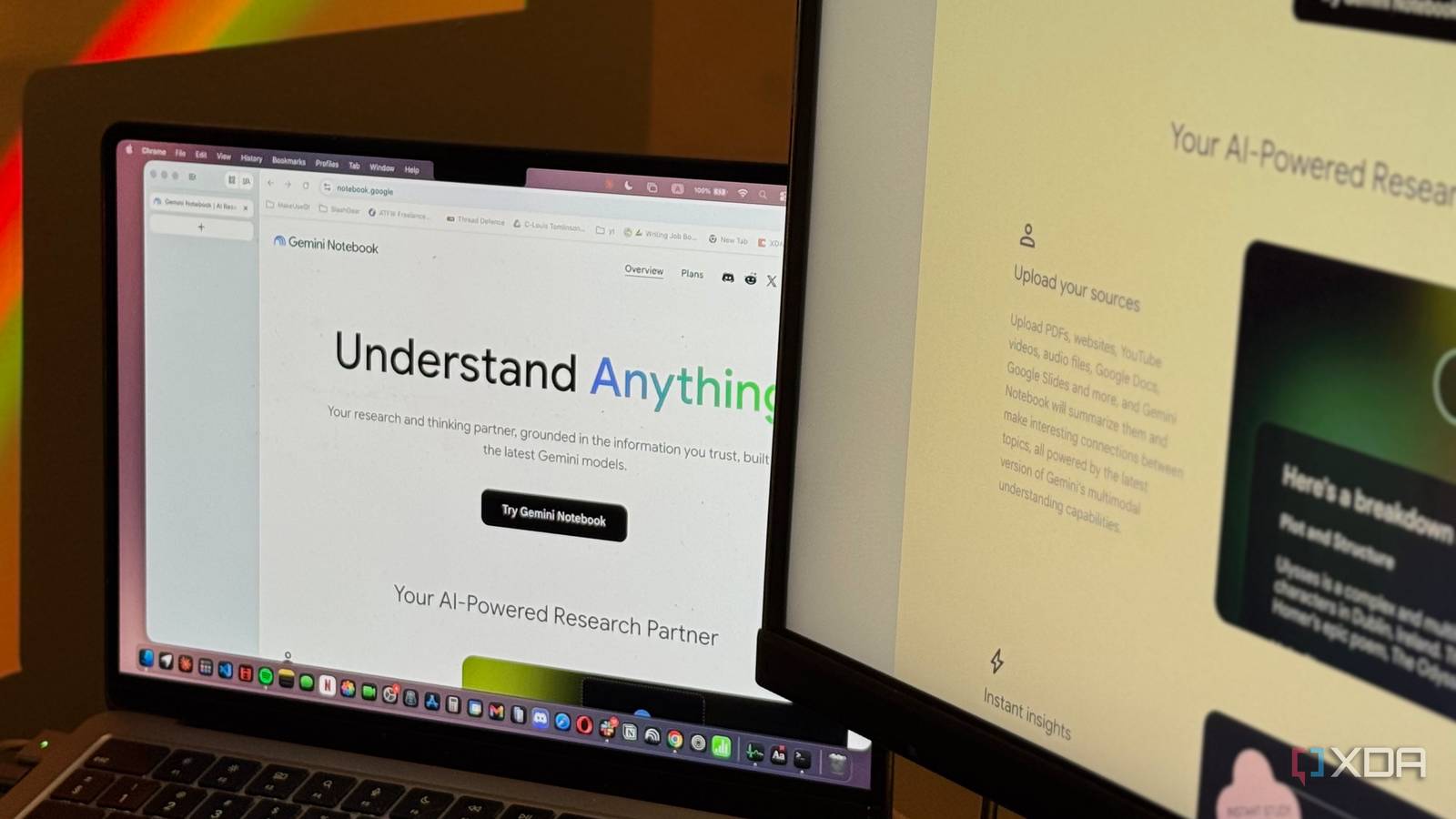
Published Sep 16, 2026, 5:30 PM EDT Mahnoor Faisal is a tech journalist covering AI and productivity tools with bylines at XDA, SlashGear, MakeUseOf, Laptop Mag, and Android Police. She's been writing professionally since she was sixteen, and has since penned hundreds of articles. This includes in-depth coverage of AI tools like NotebookLM to breaking news across the AI space. Her passion for technology started when she received her first iPod Touch (4th generation) on her 8th birthday, and she's been deep in the tech world ever since. Currently pursuing a degree in computer science, Mahnoor brings both a journalist's eye and a technical foundation to her coverage of how AI is reshaping the way we work and learn. There are always tools that you can't stop using and talking about once you go hands-on with them. However, as time passes, the novelty often wears off and they slowly fade into the background as you move on to the next shiny thing. Every once in a while, though, I come across a tool that somehow does the opposite. The more I use it, the more reasons I find to keep it around. Google's NotebookLM, now rebranded to Gemini Notebook, has been one of those tools for me. Despite being an AI tool, it has never felt like "just another AI tool," and all of its features just so happen to slot perfectly into my workflow. However, I've certainly had my gripes with it over the years. Between usage limits, being tied to Google's models, and having little control over what happens under the hood, there have always been parts of the experience I wished I could change. That's exactly what pushed me toward using a local LLM + Open Notebook, and it ended up giving me pretty much everything I originally wanted from NotebookLM, without actually having to use NotebookLM. Open Notebook is an open-source NotebookLM alternative NotebookLM, without the Google leash I've tried plenty of NotebookLM competitors in the last few years, and I never thought the tool that'd end up impressing me would be an open-source project rather than something backed by one of the usual tech giants. Nonetheless, Open Notebook, developed by lfnovo, is described as a "private, multi-model, 100% local, full-featured alternative to NotebookLM." On the tool's GitHub repository, you'll find everything from detailed setup instructions and documentation to an in-depth comparison between Open Notebook and NotebookLM. At its core, the idea is pretty familiar. You create notebooks within the tool, add your own sources, and then use AI to chat with your own material. You can summarize it, pull out key information, and even generate new content from it. Open Notebook also has some of NotebookLM's most unique features, including the ability to generate podcast-style discussions from your sources. NotebookLM's highlight has always been that you can interact with material you upload without worrying quite as much about hallucinations. That's because its responses are grounded exclusively in the sources within your notebook, rather than pulling in information from the wider web while answering your questions. It also backs up its responses with citations that take you directly to the relevant passages in your sources, making it much easier to verify what the AI is telling you. Open Notebook is built around the same idea, and though the tool's developers admit that its citations are fairly basic right now, you still get the same source-grounded approach, along with a bunch of other benefits. Open Notebook doesn’t lock you into Gemini Bring your own brain Even if you don't use AI extensively, you've likely realized that every model has different strengths. People prefer Claude for certain technical tasks, while OpenAI's models have historically been strong all-rounders, and Gemini has carved out its own advantages elsewhere. The same is true for local models. One might be excellent for coding, while another might be your go-to for general everyday usage. That's why being locked into a single model, like you are with NotebookLM, has always felt unnecessary limiting to me. Open Notebook lets you choose which model you want to use, including ones running entirely on your own machine. The tool takes it one step further and even lets you pick which model you'd like to be used for which task. For instance, if you think XYZ model is better at writing and hence would do more justice to the podcast script, you can use that model specifically for podcast generation while assigning a completely different one to handle chat or summarization. You can even choose separate models for things like embedding ans script, so you aren't forced to rely on a single model for every part of your workflow. With NotebookLM, though, you're locked into Gemini models entirely. Not only does this mean you don't get to experiment with different models and gauge which LLM does what best, I've also noticed that the outputs can begin to feel repetitive after a while. The same writing style, phrasing, and overall tone tend to show up again and again, especially when you're using features like podcast generation regularly. Being able to swap in a completely different model gives Open Notebook's outputs a little more variety and makes the whole experience feel much less rigid. Running models locally removes the usual AI limits The limit is basically my laptop No one likes AI usage limits. Well, perhaps except the providers themselves. However, they're an unavoidable part of using most cloud-based AI tools, and NotebookLM is no exception. Once you hit a cap, you're essentially forced to stop and wait, regardless of whether you have an exam in an hour or are halfway through researching something. Similar to many other AI tools, NotebookLM now has compute-based usage limits that factor in things like the complexity of your prompt, the models and features you're using, and the length of your conversation. Your quota refreshes every five hours, at least until you hit the weekly limit. Once you hit the weekly cap, though, you're stuck waiting even longer unless you upgrade to a plan with higher limits. Open Notebook lets you get rid of this dilemma for good. While you can use a cloud-based model via an API key, you can also connect it to a model running locally on your own machine. In that case, there isn't an external provider deciding how many prompts you can send or how much compute you're allowed to use before hitting a cap. This means that the only "cost" you're paying for using Open Notebook with a local model is whatever your own hardware can handle! Open Notebook isn't perfect Running everything locally does have its downsides, though. For starters, setting up Open Notebook for the very first time can be a bit of a pain, especially when you're not experienced with self-hosting and running tools through Docker. It's nowhere near as simple as opening NotebookLM in your browser, signing into your Google account, and immediately uploading your first source. Then, there's the hardware side of things. Running an LLM locally means your own machine has to do all the heavy lifting, and the experience you get will depend heavily on what you're working with. Larger, more capable models need considerably more RAM and processing power, while smaller models may run faster but won't necessarily give you the same quality of responses. However, once you've got it set up and running, I've found that Open Notebook delivers significantly better results than NotebookLM does. It does take longer to produce outputs, which makes sense considering everything runs on your own hardware, but they're almost always considerably better thought out and more detailed. For me, that's been an easy trade-off to make.
I stopped uploading research to NotebookLM, and my local LLM does everything Google's version promised
Full Article
Original Source
Read the full article at Xda-developers →KhanList aggregates and links to publicly available news content. We do not host full articles from third-party sources. Always verify important information with original sources.