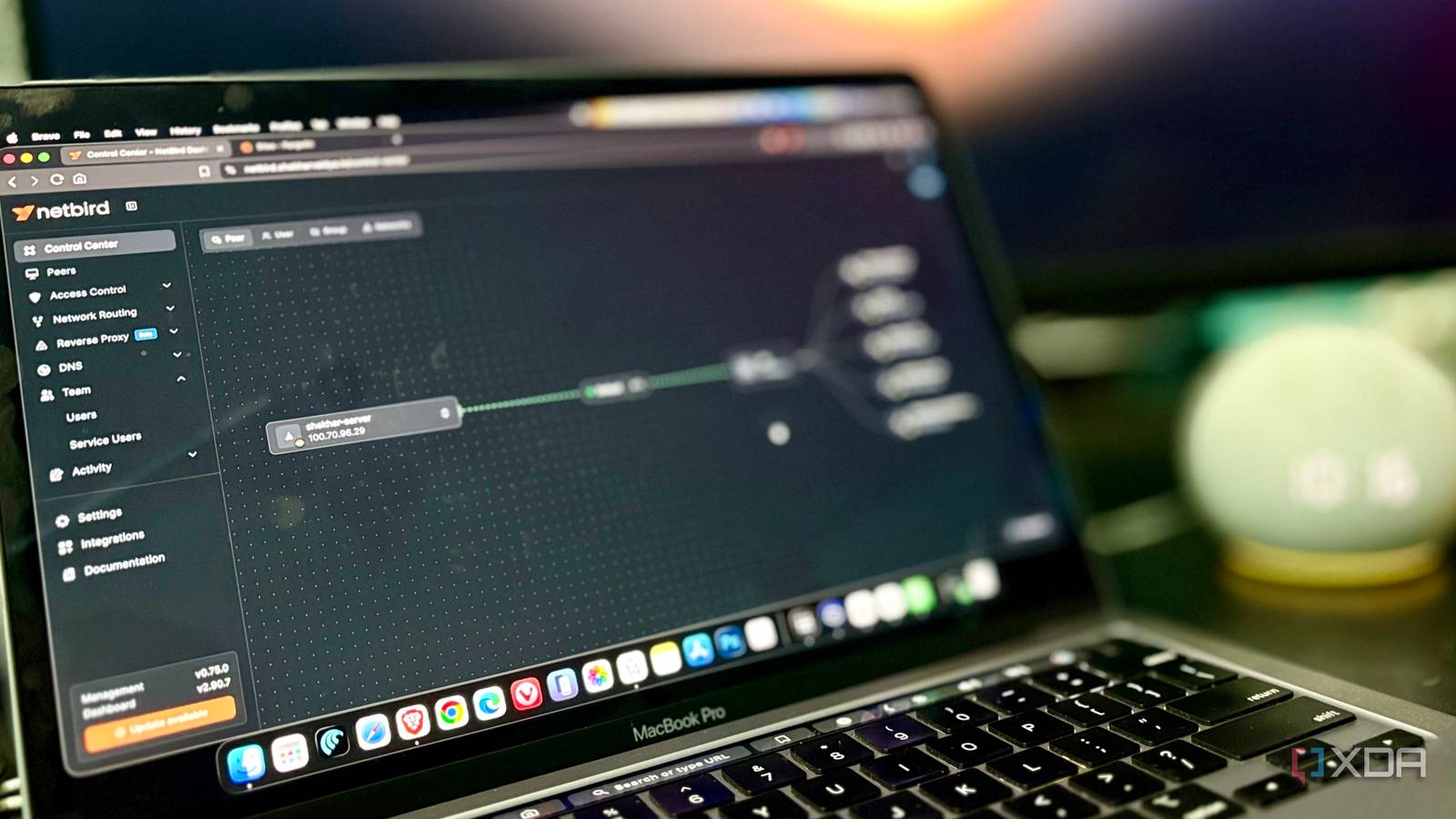
Published Aug 16, 2026, 2:30 PM EDT Shekhar Vaidya is a veteran technology journalist and computer science engineer. He is the founder of TechLatest, where he has spent years providing technical analysis on hardware and Windows ecosystems. Now a Computing Writer at XDA, Shekhar leverages his deep background in NAS, storage solutions, and PC internals to help readers master their tech. Port forwarding is the default move for remote access. People do it because it's simple. I too was in the same situation. I used to open a port for each service I wanted to access remotely. The question never crossed my mind: “What would happen if I opened a port on my router?” One evening, while doing mental math on how many rules had piled up in my ER605 virtual server list, I realized I was exposing everything to the public, even though most of the services were never intended for anyone but me. That was when I started looking for solutions and came across NetBird and Pangolin. The result wasn’t a perfectly secure homelab but a smaller blast radius. My router was doing too much Every forwarded port was another door Homelab is a simple thing until you want external access. In my case, whenever I wanted remote access to any of my self-hosted services, I opened a new port on my router and forwarded it to that service's local address. So, whenever needed, I just used my public static IP to reach that service. The system worked; I opened the port on my router and accessed it from outside using my public IP. But was it safe to leave that port open for anyone to access? No, it was not. Note that I took all the appropriate measures, like a router firewall, authentication, HTTPS, and other protections, wherever required. Those measures protected the services, but they were still reachable from the public internet. Anyone with my public IP can access them without my knowledge. I have been using CrowdSec for a while now, and the logs proved my theory. Other than real people accessing my IP, I saw automated probing/attack traffic reaching the exposed edge. I don’t mean that traffic successfully compromised anything, but exposing a service publicly means accepting unwanted traffic. And I am not saying port forwarding is bad or that my previous setup was careless. But exposing something on the internet that only I meant to use felt uncomfortable. That's when I started categorizing my services into two segments — services I'll use only locally or remotely, and services that need to be public. Then I started looking for solutions and ways to access those services without opening another door on the router. I built a private way in NetBird changed what needed to be exposed While looking around, I came across NetBird and Headscale as the best self-hosted solutions for private external access. I tried Headscale; it worked, but it felt like owning my own control plane while borrowing the client from Tailscale. Headscale also wasn’t a drop-in replacement for Tailscale, so I skipped it. NetBird proved to be a pure, standalone self-hosted mesh VPN for accessing my private services remotely. NetBird Self-hosted WireGuard-based mesh VPN for private access to your own infrastructure, with your own coordination server instead of a hosted one. The concept is simple: my devices join the same private network that NetBird created, and they can reach the services on my home server through the same mesh. The best part was I didn’t have to expose each service individually on my router to access it externally. As long as the server and my devices were on the same mesh, I could access any service from my home server. The model changed from Internet -> Router -> Port Forward -> Service to My Device -> NetBird -> Service. This meant my private services sat behind a secure mesh that only my devices could access. The payoff was replacing public reachability with private connectivity. But that was only half the job done. I couldn’t just hide all my services behind a mesh. Some of the services still needed to be public. Services like Jellyfin, Immich, NextCloud, and Vaultwarden genuinely did need to be accessible from the open internet. That's when I added Pangolin alongside NetBird. Pangolin is a tunneled reverse proxy based on WireGuard. It has three major elements — Newt, Gerbil, and Traefik. Newt connects machines, Gerbil handles WireGuard, and Traefik handles reverse proxying. Once set up, NetBird took care of private access for my devices, and Pangolin handled public access to services that I intentionally exposed to the internet. Pangolin Self-hosted reverse proxy and tunnel gateway for exposing services publicly, without relying on your ISP or a third-party ingress. The attack surface got smaller — not better defended You can't scan a door that was never there Once private services hid behind a secure mesh, I could finally remove the router forwards that opened the doors to my home network. That was different from just adding another security layer on top of them. The router became another piece of hardware in my home setup with one specific job: routing the internet to my devices. NetBird and Pangolin did the heavy lifting. The services were still reachable but only through my NetBird-connected devices. And that unwanted internet traffic no longer had those forwarded ports as an entry point into the LAN. By separating the private services and removing the port forwards from the router, I didn’t lose remote access, but I removed public exposure of services that were never meant for anyone other than me. The previous setup did have protections — firewall, authentication, HTTPS, and CrowdSec. Those are no doubt valuable, but they were defenses against what was already publicly reachable. I am not claiming that NetBird made any of the services inherently safe. With unnecessary ports closed at the router level, the attack surface became smaller. And I couldn't be scanned at a door; I’d removed the door altogether. I still need those protections for exposed services, but the focus is now limited to only a handful. The difference was now more intentional rather than just for the sake of remote access. The security improvement came from reducing what needed exposure. I didn't add security. I removed the need for it. Port forwarding isn’t a bad solution, but I was using it as a default answer to everything. Remote private access and public exposure are two completely different things and shouldn't be handled the same way. In my case now, NetBird handles the former without opening a single port on my router, and Pangolin handles the latter by exposing only those services that genuinely need to be accessible from the internet. The best way to secure an open port is to stop having it at all.
I stopped forwarding ports on my router, and a self-hosted mesh VPN made my home lab safer overnight
Full Article
Original Source
Read the full article at Xda-developers →KhanList aggregates and links to publicly available news content. We do not host full articles from third-party sources. Always verify important information with original sources.